


Acer Laptop Data Recovery — Aspire, Swift, Predator Helios & ConceptD
Last Updated:
Lost data? Stop using the device and act now — early action is the biggest factor in successful recovery.
✔ Free file list before you pay · ✔ Free phone assessment · ✔ ISO-5 Class 100 clean room · ✔ 20+ years experience
Acer laptops range from the popular Aspire budget range through to Swift ultra-thin premium models, Predator Helios high-performance gaming laptops, and the ConceptD workstation line for creative professionals. The Original PC Doctor has recovered data from Acer laptops since 2001 — from old Aspire 5000 series with 2.5″ SATA HDDs to modern Predator Helios 18 models with PCIe 4.0 NVMe RAID configurations. Acer’s diverse storage configurations require specialist knowledge that our engineers bring to every recovery case.
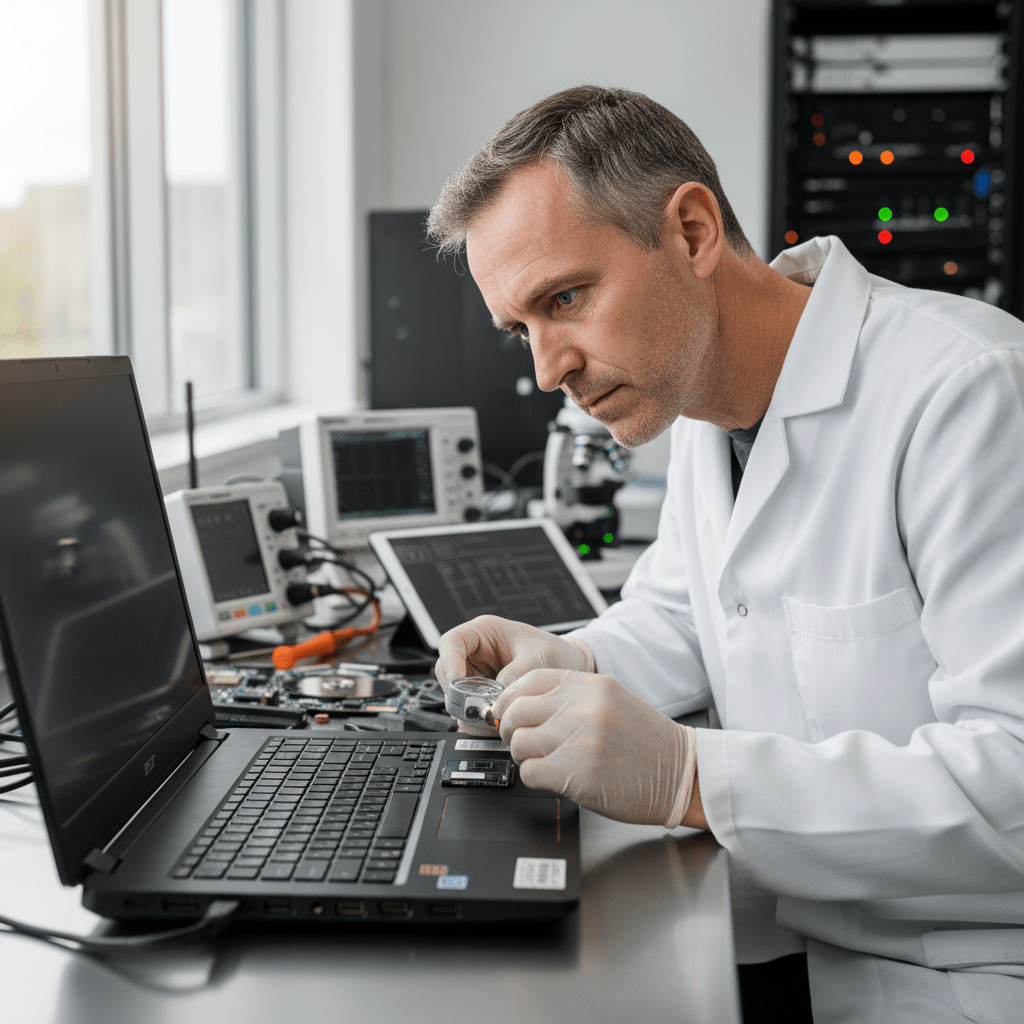
Our cleanroom handles Acer SATA hard drive platter recovery, and our lab manages NVMe SSD failures, eMMC chip-off procedures for Chromebook and entry-level Aspire models, and RAID reconstruction for Predator dual-SSD arrays. We’re also experienced with Acer’s TrueHarmony and PredatorSense firmware environments that can affect storage detection on gaming models.
Acer Laptop Models We Recover From
Aspire 3, 5, 7, E15, F15, V15 — SATA HDD & NVMe SSD; budget to mid-range, 2010–2024 models
Swift 3, 5, X, Edge 14/16 — ultra-thin premium with PCIe NVMe; some models with soldered storage
Predator Helios 16, 18, Helios Neo 16 — dual PCIe 4.0 NVMe RAID; high-end gaming with 2x M.2 slots
Nitro 5, Nitro V 15/16 — gaming mid-range; dual M.2 NVMe slots, Intel RST capable
ConceptD 3/5/7 Ezel, ConceptD 5 Pro — workstation-grade; Quadro graphics, PCIe NVMe
TravelMate B/P/X series — business-grade laptops with OPAL, BitLocker, SATA/NVMe options

Chromebook 11, 15, Spin 311/513/714 — eMMC storage; Google account recovery system
Aspire 5315, 5532, 7736 — 2.5″ SATA HDD; classic laptop recovery with spinning platter drives
Common Acer Laptop Failure Scenarios
- “No bootable device” error: Common on Acer Aspire and Nitro models — indicates the SATA or NVMe drive is not detected at POST; often caused by firmware failure or head crash on HDDs
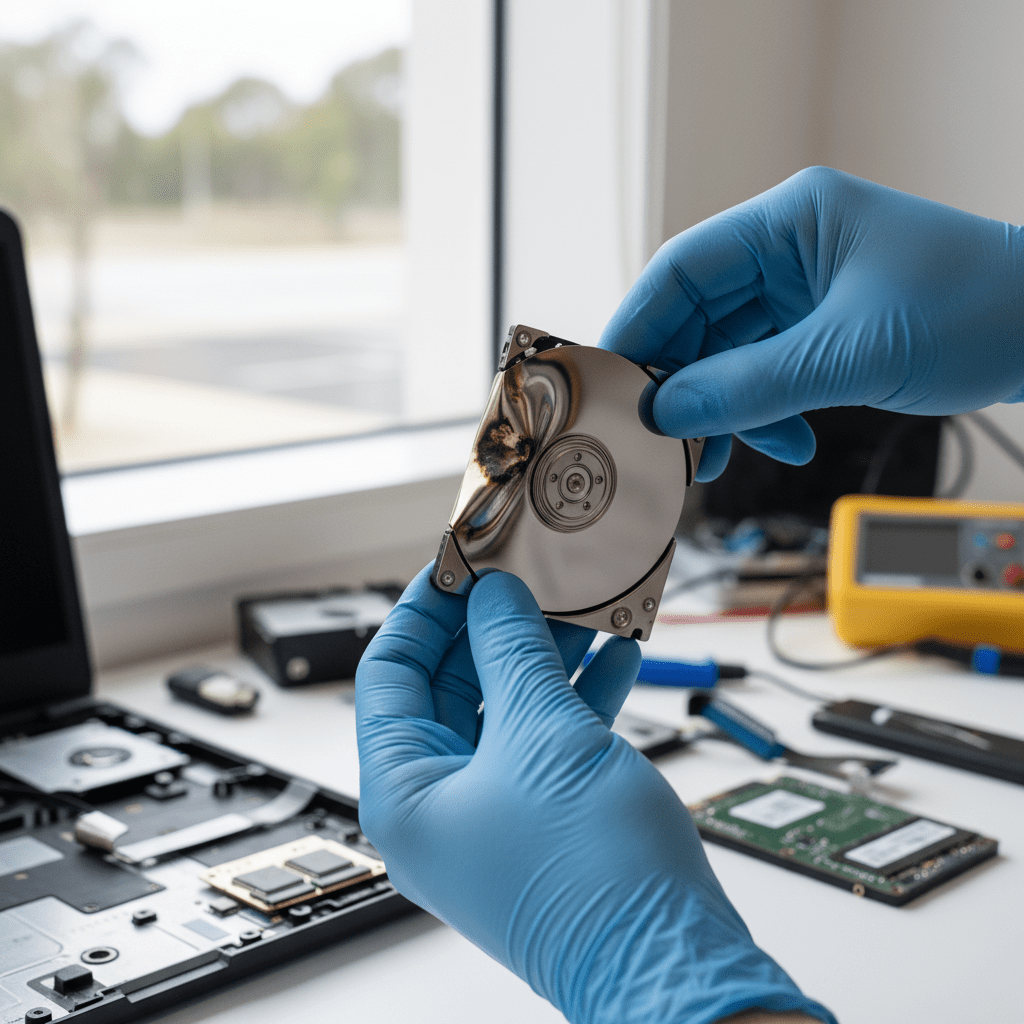
- Aspire HDD clicking/grinding: Acer Aspire 3/5 budget models with 2.5″ SATA HDDs are prone to head stiction — clicking at power-on requires cleanroom platter-level recovery
- Predator RAID 0 failure: Dual-NVMe RAID 0 in Predator Helios/Nitro models — complete data loss on one drive failure; immediate power-off is critical
- Swift soldered NVMe failure: Acer Swift ultra-thin models (Swift 5, Edge 16) sometimes use soldered storage — chip-off recovery required for controller failure
- Acer Chromebook eMMC failure: Chromebook eMMC degradation is common on older models — chip-off NAND recovery possible in many cases
- Acer Care Center triggered factory reset: Acer Care Center’s “Restore” function performs a full OS reset — power off immediately if you see this prompt
- Predator NVMe not detected after PredatorSense update: PredatorSense application updates have occasionally caused BIOS/NVMe compatibility issues — do not attempt BIOS downgrade
- Water damage (Aspire / Swift): Keyboard spillage on Aspire/Swift laptops is common — the NVMe SSD is typically recoverable even when the board is destroyed
Predator Helios & Nitro RAID Recovery
Acer Predator Helios 16/18 and Nitro 5/V gaming laptops support dual M.2 NVMe RAID configurations using Intel RST on Intel platforms or AMD StoreMI on AMD platforms. RAID 0 (striping) offers maximum storage performance but means the loss of either drive causes the entire array to become inaccessible.
Our RAID reconstruction approach for Acer Predator arrays bypasses the Intel RST / StoreMI controller entirely — we image each drive independently using write-blocked forensic tools and then reconstruct the RAID stripe mathematically. In most single-drive-failure cases, full data recovery from a Predator or Nitro RAID 0 is achievable.
Acer-Specific Warnings
Our Acer Recovery Process
Free Resources
Independent, non-commercial references:
Get your data back — free file list, free phone assessment. Talk to a specialist today.
✔ Free file list before you pay · ✔ Free phone assessment · ✔ ISO-5 Class 100 clean room · ✔ 20+ years experience
Frequently Asked Questions — Acer Laptop Data Recovery
My Acer Aspire HDD is clicking — should I try to access it in an external enclosure first?
No — do not connect a clicking HDD to an external enclosure or power it on again. Clicking indicates the read/write head assembly has failed. Every additional spin-up risks the heads scratching the platters, making data permanently unrecoverable. Power off completely and bring the drive directly to us — our cleanroom engineers perform head stack replacement and platter imaging in a controlled environment.
My Acer Predator RAID 0 failed — what’s the recovery success rate?
For RAID 0 arrays where one drive has failed and the system was powered off immediately, our recovery success rate is typically 85–95%. The key factors are: whether the stripe map is intact on the surviving drive, whether any writes occurred to the surviving drive after failure, and whether the failed drive has suffered physical damage or just firmware/logical failure. Call 1300 723 628 immediately — timing is critical.
Is there an assessment fee for Acer laptop data recovery?
A non-refundable assessment fee applies to all data recovery including Acer laptops. This covers the full diagnostic process and written quote with recovery probability assessment. The fee is credited towards your recovery cost if you proceed.
My Acer Chromebook’s storage failed — can you recover Google Drive and local files?
For Acer Chromebook eMMC failures, we can attempt chip-off recovery of the NAND flash to recover locally stored files and downloaded data. Note that Google Drive files sync to Google’s servers and can be accessed directly from your Google account — local files (Downloads, Android app data, Linux files) are what require physical recovery from the eMMC. We’ll advise on what’s locally stored versus cloud-synced during assessment.
Can you recover from an Acer laptop that was dropped and won’t turn on?
Yes, in most cases. Physical damage from drops typically affects the chassis, screen, and in some cases the motherboard — but the SSD or HDD inside is usually protected by its housing. We remove the storage device from the damaged Acer, assess it independently, and recover data directly. Even boards with visible component damage often have intact storage that we can access in our lab.
Free assessment · No-obligation quote · 24/7 emergency line · Australia-wide service




























