
ASUS Desktop Data Recovery — ExpertCenter, ProArt, ROG Strix & TUF Gaming
Last Updated:
Lost data? Stop using the device and act now — early action is the biggest factor in successful recovery.
✔ Free file list before you pay · ✔ Free phone assessment · ✔ ISO-5 Class 100 clean room · ✔ 20+ years experience
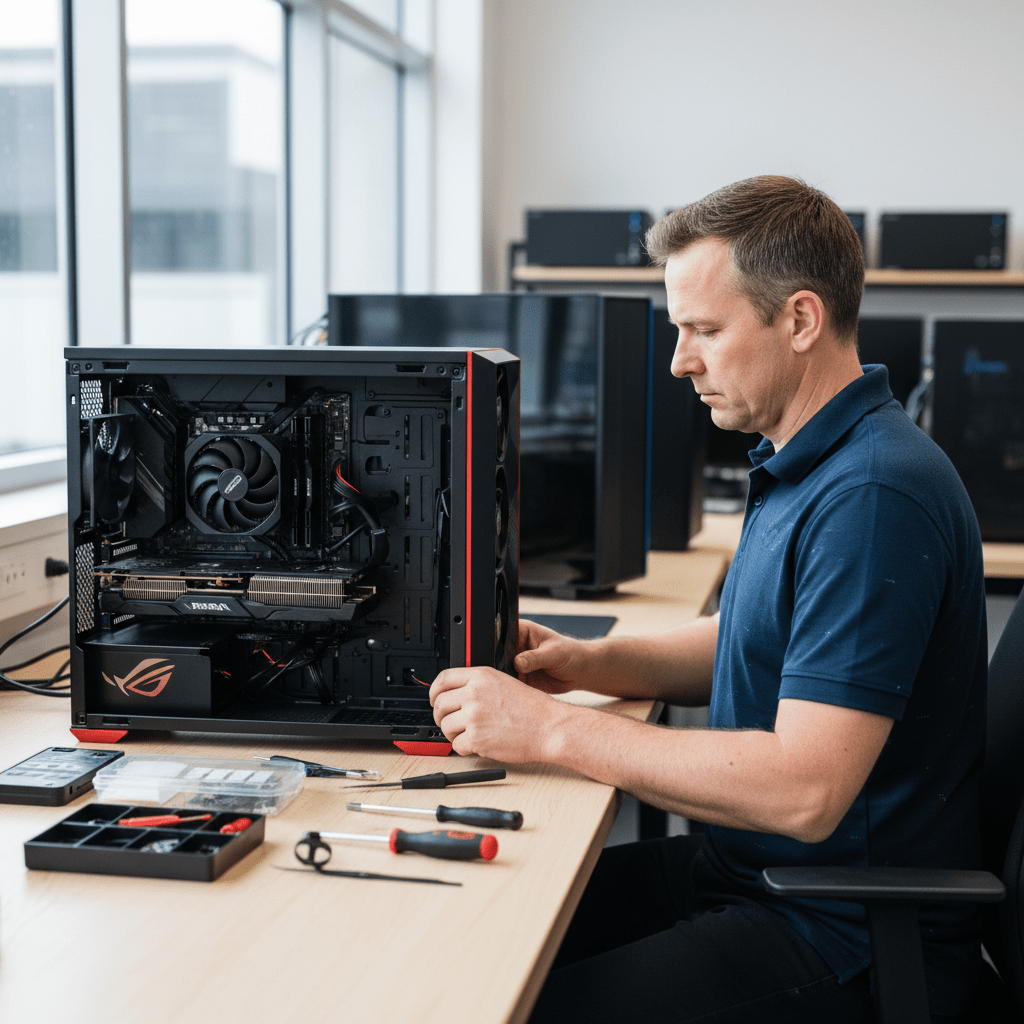
ASUS builds desktops for every segment — the ExpertCenter for business, the ProArt Station for creative professionals, ROG Strix and TUF Gaming for enthusiast gamers, and a range of consumer mini-PCs and All-in-Ones. The Original PC Doctor recovers data from all ASUS desktop lines. ASUS systems are popular in Australian gaming communities, creative studios and SMB environments, and often run high-capacity NVMe storage with complex multi-drive configurations.
Emergency: 1300 723 628 — Free phone assessment, 24/7
ASUS Desktop Models We Recover From
Common ASUS Desktop Data Loss Scenarios
- ROG Strix / TUF boot failure after Windows update — extremely common. Windows update failures on ASUS gaming desktops can corrupt the EFI boot partition while leaving all user data intact.
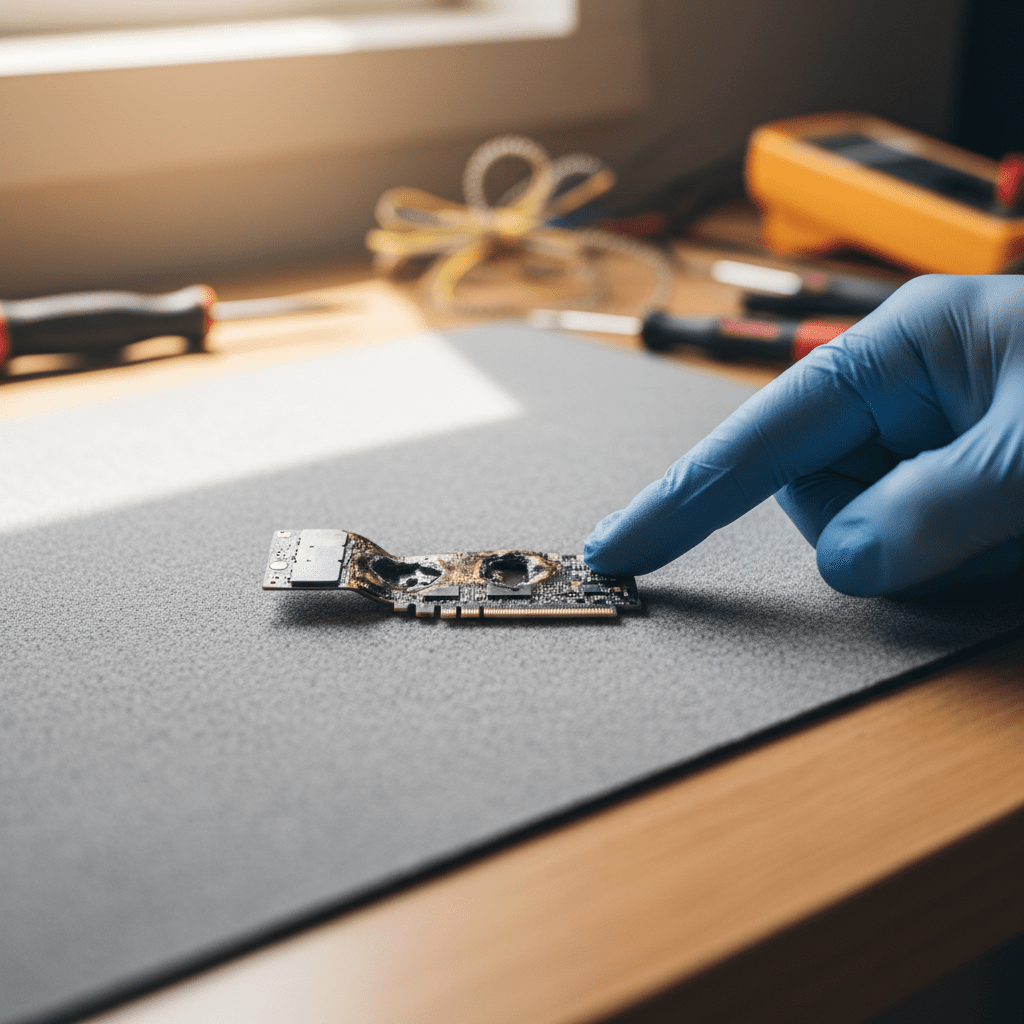
- ASUS NVMe SSD sudden death in gaming desktop — NVMe SSDs in ASUS ROG and TUF desktops with aggressive cooling often run at high temperatures. PCIe Gen 4 NVMe thermal throttling can mask early failure signs until sudden death.
- ProArt Station drive failure during render — large sequential writes during 3D renders, video exports and batch photo processing place heavy NVMe write loads. Sudden drive failure mid-render is a common ProArt scenario.
- ASUS Mini PC NVMe overheating — ultra-compact ASUS Mini PCs (PN series) have almost no airflow to the M.2 slot. NVMe drives in these units commonly run 20–30°C hotter than in standard towers.
- ROG secondary SATA HDD failure from vibration — ROG gaming systems with multiple cooling fans create chassis vibration that accelerates HDD wear on secondary storage. First symptom is often slow game load times.
Our Recovery Process
- Free phone assessment — call 1300 723 628.
- Device intake — Ringwood VIC drop-off, courier, or onsite.
- File list and fixed quote — full file list before you pay.
- Secure delivery — encrypted media or cloud transfer.
Free Resources
Independent, non-commercial references:
Get your data back — free file list, free phone assessment. Talk to a specialist today.
✔ Free file list before you pay · ✔ Free phone assessment · ✔ ISO-5 Class 100 clean room · ✔ 20+ years experience
FAQs — ASUS Desktop Recovery
Can you recover from an ASUS ROG gaming desktop?
Yes. ROG and TUF desktops typically use NVMe primary SSDs. We recover from NVMe controller failure, NAND wear-out, and firmware bugs. Do not reinstall Windows before recovering your data — even a repair install can overwrite recoverable files.
My ASUS ProArt Station crashed during a render — is the project data safe?
Possibly yes. If the NVMe failed during a write operation, the file being written at the time of failure may be incomplete, but other project files already written to the drive are typically intact. Call us immediately — do not attempt to power the system on again.
How much does ASUS desktop data recovery cost?
Logical recovery: $300–$800. NVMe physical recovery: $800–$2,500. Free assessment and fixed quote before work begins.
Can you recover from an ASUS Mini PC with NVMe storage?
Yes. We remove the M.2 NVMe from the Mini PC and recover it in a controlled environment. The Mini PC chassis does not need to be functional.
📞 Call 1300 723 628 for a free desktop PC recovery assessment — or book online now.
← Back to Desktop & PC Data Recovery