
Toshiba Hard Drive Data Recovery — Canvio, X300, N300, MG-Series & All Models
Last Updated:
Lost data? Stop using the device and act now — early action is the biggest factor in successful recovery.
✔ Free file list before you pay · ✔ Free phone assessment · ✔ ISO-5 Class 100 clean room · ✔ 20+ years experience
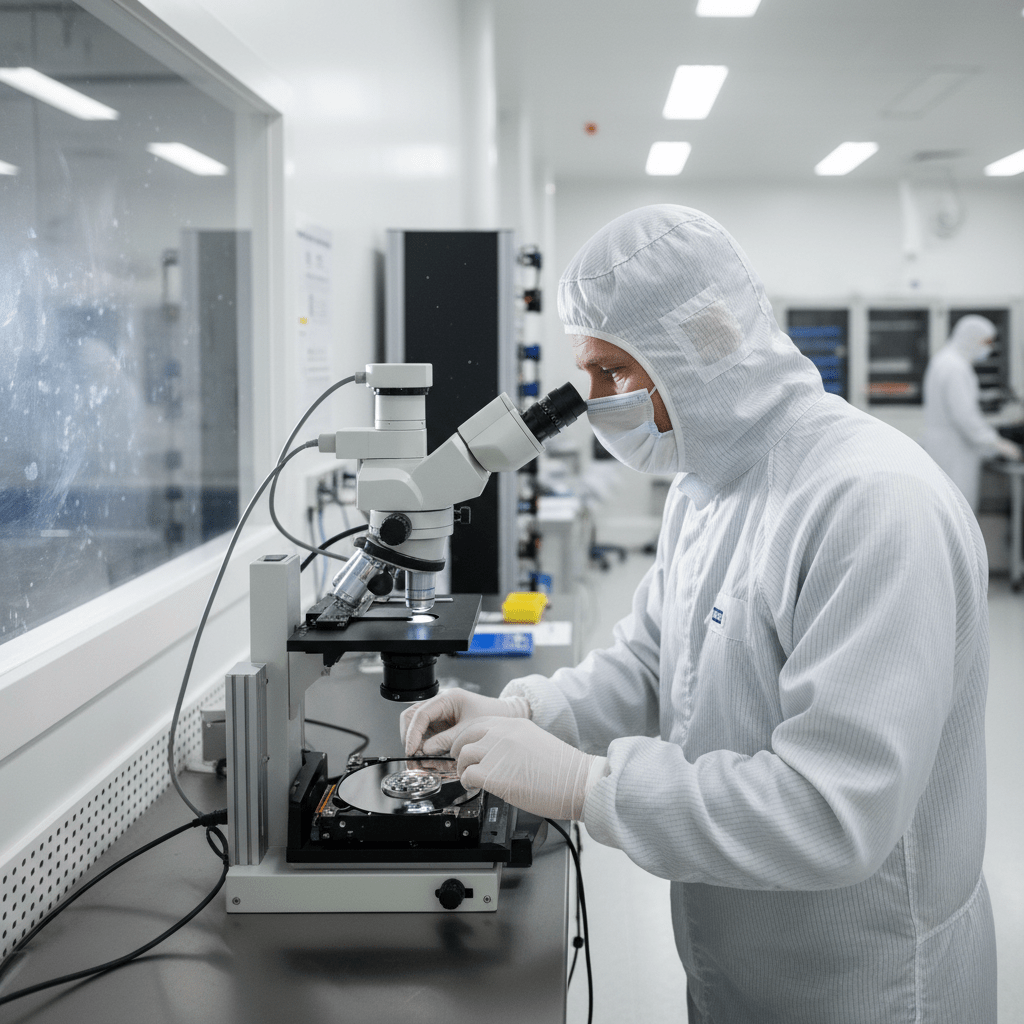
Toshiba hard drives are found in millions of Australian laptops, desktop PCs, and NAS units. The Original PC Doctor recovers data from every Toshiba hard drive family — from the Canvio Basics portable external to the enterprise-grade MG-series, X300 high-performance desktop, and N300 NAS drives. We carry Toshiba donor inventory across all key model families and operate ISO-5 Class 100 cleanroom facilities for physical recoveries.
Emergency: 1300 723 628 — Free phone assessment, 24/7
Toshiba Models We Recover Data From
Common Toshiba Hard Drive Failures
- Toshiba Canvio clicking after drop — the slim Canvio Basics and Advance enclosures offer no internal shock dampening. Head crash is the expected outcome of a drop from desk height.
- Toshiba laptop drive not detected after system crash — firmware corruption or bad sector development on the SA (service area). Common in MQ and L200 series after system crashes mid-write.
- Canvio Desktop motor failure — mains-powered Toshiba externals can develop stiction (platters stuck to heads at rest) in older units. Requires cleanroom platter separation.
- X300 performance degradation / bad sectors — high-capacity CMR drives accumulate bad sectors under heavy random write workloads. Early SMART warnings should trigger immediate backup.
- N300 NAS degraded array — Toshiba N300 drives are rated for RAID use but simultaneous failures still occur in multi-drive arrays that have been running degraded.
- Toshiba PCB burnt after power surge — PCB replacement requires ROM/chip transfer on Toshiba drives. Matching board required from same model family.
Toshiba Laptop Hard Drive Recovery
Toshiba’s laptop drive range (MQ, L200, MK series) is found in tens of millions of laptops worldwide. Common scenarios we recover from:
- Toshiba Satellite laptop won’t boot — drive detected in BIOS but Windows fails to load (bad sectors in system partition)
- Toshiba laptop dropped — drive not detected at all (head crash)
- Toshiba drive making “tick tick tick” on power-up — stiction or head failure
- Toshiba laptop ran Windows Update and now won’t boot — firmware write interrupted by update causing SA corruption
Our Recovery Process
- Free phone assessment — call 1300 723 628 with your Toshiba model and symptoms.
- Drive intake — Ringwood VIC drop-off, Australia-wide free courier pickup, or onsite collection.
- File list and fixed quote — full image, recovery, complete file list before you commit.
- Secure delivery — data returned on new encrypted media or cloud transfer.
Free Resources
Independent, non-commercial references:
Get your data back — free file list, free phone assessment. Talk to a specialist today.
✔ Free file list before you pay · ✔ Free phone assessment · ✔ ISO-5 Class 100 clean room · ✔ 20+ years experience
FAQs — Toshiba Data Recovery
Can you recover from a Toshiba Canvio that was dropped?
Yes. Dropped Canvio drives almost always have a head crash inside the enclosure. Stop using immediately — do not power on again. We remove the internal drive and perform cleanroom head replacement. Success rate is high when the drive hasn’t been repeatedly powered on after the drop.
How much does Toshiba data recovery cost?
Logical Toshiba recovery: $300–$800. Physical recovery (clicking, stiction, PCB): $800–$2,000. N300 NAS/RAID recovery from $500 logical to $3,000+ for multi-disk physical. Free phone assessment and fixed quote.
My Toshiba laptop drive makes a whirring noise then stops — what’s happening?
This is almost certainly stiction — where the read/write heads have parked in contact with the platter surface and can’t detach. Power down immediately. Each power-on attempt risks scoring the platters. Cleanroom separation is required. This is fully recoverable when caught early.
Can you recover from Toshiba enterprise MG-series drives?
Yes. We recover from Toshiba MG-series SATA and SAS enterprise drives including 512e and 4Kn sector variants. SAS enterprise drives require specialist tooling that consumer recovery software cannot handle.
Do you recover Toshiba N300 drives from NAS arrays?
Yes. We recover from all NAS platforms running Toshiba N300 drives — Synology, QNAP, Netgear ReadyNAS, Buffalo and others. RAID 0, 1, 5, 6, 10 and SHR configurations are all supported. Bring all member disks.
📞 Call 1300 723 628 for a free Toshiba recovery assessment — or book online now.
← Back to Hard Drive Data Recovery