

iPhone Data Recovery — iPhone 15, 14, 13, 12, 11, X, XS, SE & All Models
Last Updated:
Lost data? Stop using the device and act now — early action is the biggest factor in successful recovery.
✔ Free file list before you pay · ✔ Free phone assessment · ✔ ISO-5 Class 100 clean room · ✔ 20+ years experience
iPhone data recovery is one of the most technically complex areas of mobile data recovery — and one of our most common requests. Apple’s end-to-end encryption, Secure Enclave, and NAND-soldered-to-logic-board architecture means that standard data recovery approaches don’t apply. The Original PC Doctor has specialised in iPhone data recovery since the original iPhone era, and our engineers have recovered data from every iPhone model from iPhone 4 through to iPhone 16 Pro Max.

The key principle with iPhone data recovery: the data is always encrypted by the Secure Enclave hardware processor tied to the specific logic board. Removing the NAND chips and reading them on another board is not possible — the encryption keys die with the Secure Enclave if the board is replaced. This means iPhone data recovery lives or dies by whether the original logic board can be repaired to a functional state.
iPhone Models We Recover From
iPhone 15, 15 Plus, 15 Pro, 15 Pro Max — A17 Pro / A16 Bionic; USB-C; 48MP camera
iPhone 14, 14 Plus, 14 Pro, 14 Pro Max — A15/A16 Bionic; Dynamic Island (Pro); Emergency SOS
iPhone 13, 13 Mini, 13 Pro, 13 Pro Max — A15 Bionic; 5G; improved cameras
iPhone 12, 12 Mini, 12 Pro, 12 Pro Max — A14 Bionic; 5G; MagSafe; OLED on all models
iPhone 11, 11 Pro, 11 Pro Max, XS, XS Max, XR, X — A13/A12 Bionic; Face ID
iPhone SE (1st gen 2016), SE 2nd gen (2020), SE 3rd gen (2022) — Touch ID; A9/A13/A15 Bionic
iPhone 8, 8 Plus, 7, 7 Plus, 6s, 6s Plus — A11/A10/A9; older models with growing data loss cases
iPhone 6, 6 Plus, 5s, 5, 4s — older A7/A8 chips; lower encryption complexity; NAND chip-off sometimes possible on pre-Secure-Enclave models
Common iPhone Data Loss Scenarios
- iPhone won’t turn on after drop: Physical damage from drops can cause logic board flex or component damage — if the board can be repaired to boot, data is accessible; if not, encrypted NAND is unreadable
- Liquid damage (water, coffee, pool): Liquid-damaged iPhones are our most common recovery type — corrosion on the logic board causes power or boot failures; board repair often restores access to encrypted data
- iPhone disabled / too many wrong passcodes: An iPhone disabled after too many passcode attempts requires the passcode to unlock — without the passcode, data access is not possible if no iCloud backup exists
- Accidental iOS restore / factory reset: iTunes/Finder restore or Settings → Erase All Content wipes the iPhone — recovery from iTunes backup is possible if one exists; without backup, data is gone
- iPhone battery dead and won’t charge: A completely flat iPhone that won’t charge may have a failed charging IC or battery — if the board is intact, replacement allows data access once the phone powers on
- iPhone screen black / no display: iPhone with no display but still powered on can often have data backed up via iTunes connection even without seeing the screen
- iCloud account locked: If iCloud is locked or the Apple ID password is unknown, iCloud backup access requires Apple ID recovery — we can advise on the Apple ID account recovery process

iPhone Secure Enclave & Encryption
Every iPhone from iPhone 5s onwards has a Secure Enclave — a dedicated security processor that manages encryption keys. The Secure Enclave generates a unique hardware key tied to the specific chip — this key never leaves the Secure Enclave and is combined with your passcode to create the data encryption key. This means:
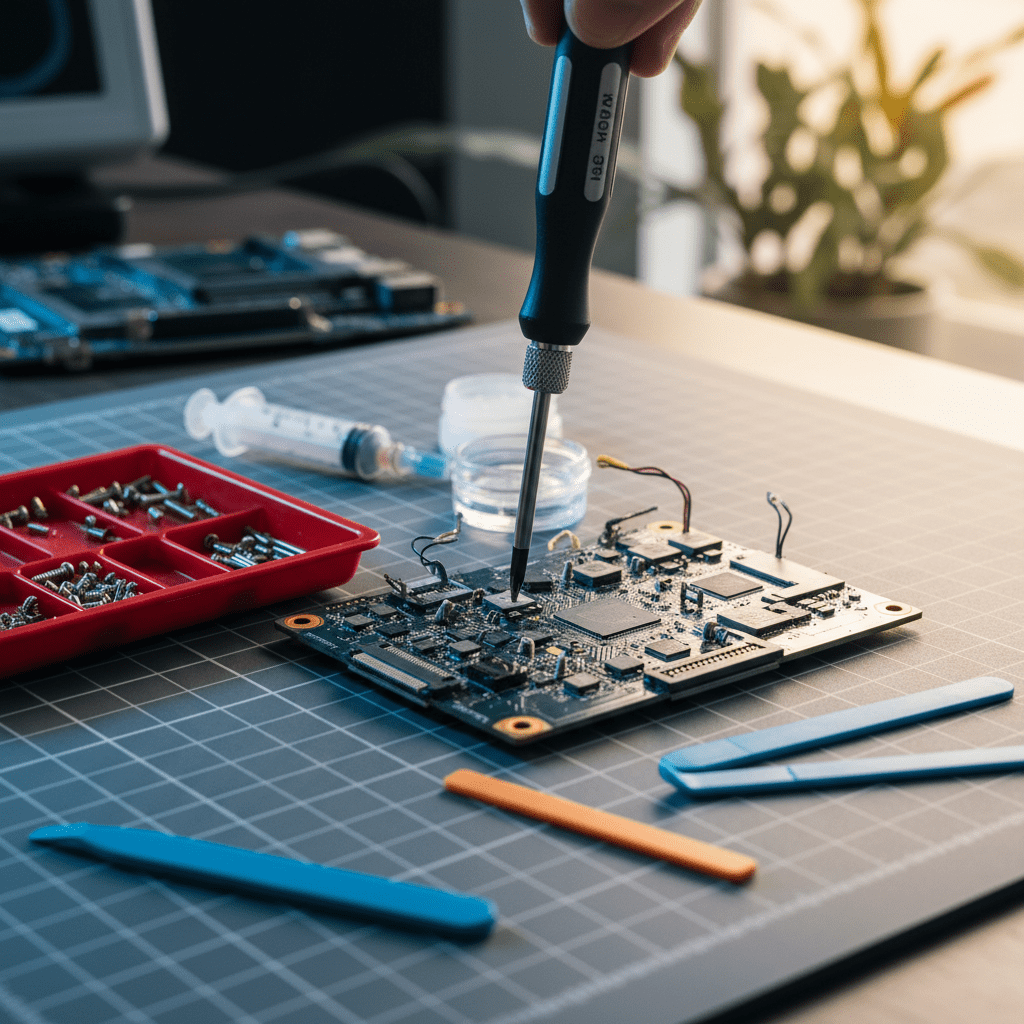
- iPhone NAND chips cannot be read on another board — the encryption key is in the Secure Enclave on the original board
- If the logic board is dead but the NAND is intact, data is still inaccessible — unless the board can be repaired to restore Secure Enclave functionality
- Apple cannot help recover data without the passcode — even Apple’s forensic tools require the passcode or a vulnerability
iCloud Backup vs Local Data Recovery
Many iPhone data loss situations are resolved through iCloud or iTunes backup rather than physical hardware recovery:
- iCloud Backup: If iCloud Backup was enabled, your photos, messages, app data, and settings are backed up to iCloud. We can help you access and restore from iCloud backup even if you’ve forgotten your Apple ID password
- iTunes/Finder Backup: Local backups on your computer — we can help recover from iTunes backups if the backup file is intact
- Physical Recovery (no backup): If no backup exists and the iPhone is physically damaged, our engineers attempt logic board repair to restore boot functionality and then perform a local backup before any further work
Free Resources
Independent, non-commercial references:
Get your data back — free file list, free phone assessment. Talk to a specialist today.
✔ Free file list before you pay · ✔ Free phone assessment · ✔ ISO-5 Class 100 clean room · ✔ 20+ years experience
Frequently Asked Questions — iPhone Data Recovery
My iPhone was dropped and now it won’t turn on — can the data be recovered without a backup?
Possibly, depending on the extent of board damage. If the logic board damage is limited to power management or display components (common in drops), our engineers can often repair the board enough to boot the iPhone and create a backup. If the Secure Enclave itself is damaged, recovery is not possible. We assess iPhone board damage in our lab — contact us on 1300 723 628 for an honest assessment of your specific case.
My iPhone fell in the pool / ocean — is it too late for data recovery?
Not necessarily. Saltwater and pool chemical corrosion is more damaging than fresh water, but recovery is still often possible. The key is acting quickly — the longer an iPhone sits in a corroded state, the more board damage occurs. Do NOT try to charge or turn on a wet iPhone. Power it off if possible, do not use rice (which does nothing), and bring it to us immediately. We perform ultrasonic board cleaning and component-level repair to restore functionality.
Is there an assessment fee for iPhone data recovery?
A non-refundable assessment fee applies to all data recovery including iPhone. The assessment covers board damage evaluation, Secure Enclave integrity assessment, and recovery probability determination. For iCloud or iTunes backup recovery (no hardware work needed), the assessment quickly identifies the backup path. The fee is credited towards recovery costs if you proceed.
My iPhone is asking for my passcode and I don’t remember it — can you bypass it?
No — iPhone passcodes cannot be bypassed due to Apple’s Secure Enclave hardware security. This is a fundamental security feature, not a software limitation. If you cannot remember your passcode, the only data recovery options are: restoring from an iCloud backup (which requires your Apple ID), restoring from an iTunes/Finder backup on your computer, or performing an official Apple erase (which deletes local data but allows iCloud restore). We can help with iCloud backup recovery if you have access to your Apple ID.
Can you recover deleted photos from my iPhone without a backup?
Recently deleted photos (within 30 days) go to the “Recently Deleted” album in the iPhone Photos app — check there first. If photos have been permanently deleted from Recently Deleted and no backup exists, recovery from the iPhone’s internal NAND is theoretically possible on older pre-Secure-Enclave models (iPhone 4 and earlier) but not on modern iPhones due to hardware encryption. For modern iPhones without backup, iCloud Photos may be your best recovery path if it was enabled.
Free assessment · No-obligation quote · 24/7 emergency line · Australia-wide service