


NAS Data Recovery — WD My Cloud, Netgear ReadyNAS, Buffalo, Drobo & Other NAS Brands
Last Updated:
Lost data? Stop using the device and act now — early action is the biggest factor in successful recovery.
✔ Free file list before you pay · ✔ Free phone assessment · ✔ ISO-5 Class 100 clean room · ✔ 20+ years experience
Beyond Synology and QNAP, the NAS market includes a wide range of devices: WD My Cloud Home and My Cloud EX series, Netgear ReadyNAS, Buffalo TeraStation and LinkStation, Drobo, Asustor, TerraMaster, and older Iomega/LenovoEMC units. The Original PC Doctor has recovered data from all of these platforms since 2001. Each brand uses a different combination of Linux RAID, proprietary volume formats, and firmware — our engineers understand the storage architecture of each.

WD My Cloud devices are the most common consumer NAS recovery case after Synology — their single-drive My Cloud Home and My Cloud Mirror (RAID 1) units regularly fail due to controller board failures, drive head crashes, and filesystem corruption. Drobo’s proprietary BeyondRAID technology requires specialist recovery tools that most data recovery services don’t have. Buffalo TeraStation Pro and LiveStation use ext3/ext4 with Linux md RAID, making them more approachable but still requiring careful handling.
NAS Brands We Recover From
My Cloud Home (1-bay), My Cloud Mirror (2-bay RAID 1), My Cloud EX2/EX4 Ultra — consumer/prosumer
ReadyNAS 2/4/6-bay (RN series), ReadyNAS Pro — X-RAID and X-RAID2 proprietary RAID; ext4 volumes
TeraStation 3000/5000/6000, LinkStation 210/520/720 — Linux md RAID; ext3/ext4; business and home
Drobo 5N, 5N2, 5C, B810n — BeyondRAID proprietary technology; requires specialist Drobo recovery tools
AS5202T, AS5304T, AS6702T (ADM OS) — Linux md RAID; similar to QNAP recovery architecture
TerraMaster F4-423, Iomega StorCenter, LenovoEMC px series — ext4/XFS; Linux md RAID
WD My Cloud Recovery
WD My Cloud Home and My Cloud Mirror are the most common consumer NAS recovery cases. Key points:
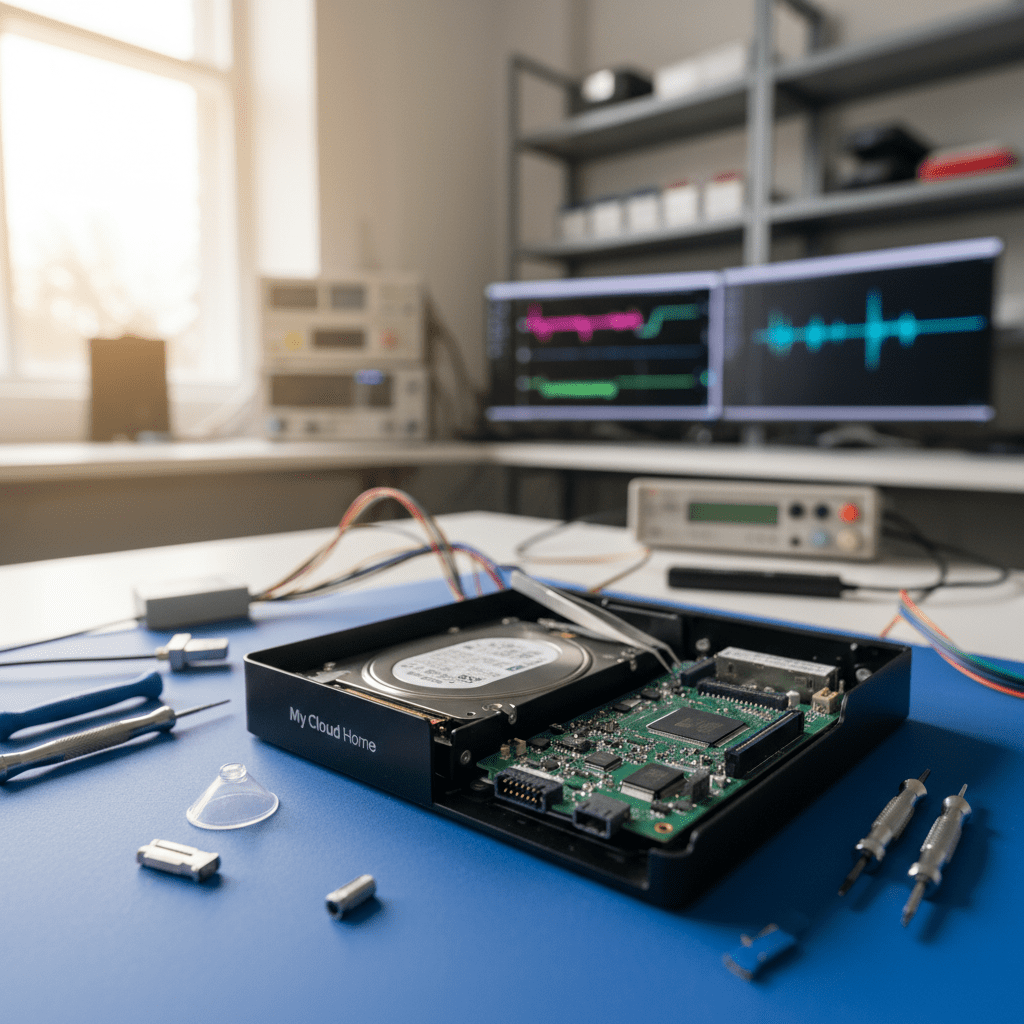
- My Cloud Home (single drive): Uses a single WD Red or WD Red Plus drive in a proprietary enclosure — if the drive fails, it’s standard single-drive recovery. The My Cloud Home controller board does not affect the data on the drive itself
- My Cloud Mirror Gen 1/2: 2-drive RAID 1 (mirroring) — if one drive fails, data is intact on the other; if both fail simultaneously (power surge) or the controller board fails, we recover from the drives directly
- My Cloud EX2/EX4 Ultra: Supports RAID 0, 1, 5, 10 — recovery approach depends on RAID configuration; these units use Linux md RAID on ext4
- WD My Cloud firmware corruption: Automatic WD My Cloud firmware updates have occasionally corrupted the unit — data volumes are usually intact; recovery involves direct drive access
Drobo BeyondRAID Recovery
Drobo’s BeyondRAID is a proprietary RAID-like technology that dynamically allocates storage across mixed-size drives. Unlike standard RAID, BeyondRAID metadata is distributed across all drives in a Drobo-specific format — standard RAID reconstruction tools cannot read BeyondRAID volumes. Our engineers have Drobo-specific recovery tools that understand the BeyondRAID volume format and metadata structures.
Warnings & Tips for All NAS Brands
Free Resources
Independent, non-commercial references:
Get your data back — free file list, free phone assessment. Talk to a specialist today.
✔ Free file list before you pay · ✔ Free phone assessment · ✔ ISO-5 Class 100 clean room · ✔ 20+ years experience
Frequently Asked Questions
My WD My Cloud Mirror (2-bay RAID 1) failed — both drives or just one?
My Cloud Mirror RAID 1 failures usually involve one drive failing first — the second drive contains a complete mirror of all data. We image both drives, determine which is healthy, and recover from the good drive. If both drives have failed (common after power surges), we attempt recovery from whichever drive has the most intact data sectors. The Mirror’s Linux md RAID superblocks help us identify which drive was the last consistent copy.
My Drobo 5N2 shows all drives solid red — is the data recoverable?
Solid red on all drives typically indicates Drobo cannot access the BeyondRAID volume — this is often a controller board failure rather than drive failure. If the drives themselves are healthy (which we verify individually), our Drobo-specific BeyondRAID recovery tools can reconstruct the volume from the drives alone, without the original Drobo controller. This is one of the most important reasons NOT to dispose of a failed Drobo unit — the drives contain recoverable data even when the controller is dead.
Is there an assessment fee for non-Synology/QNAP NAS recovery?
A non-refundable assessment fee applies to all data recovery regardless of NAS brand. For proprietary RAID systems like Drobo BeyondRAID or Netgear X-RAID, the assessment involves specialist volume analysis. The fee is credited towards recovery costs if you proceed.
My Buffalo TeraStation is in degraded mode and beeping — what should I do?
A beeping Buffalo TeraStation in degraded mode means one or more drives have been removed from the RAID array. Do not power off while the array is in degraded mode without careful note of which drives were detected as failed — power cycling can sometimes change which drives are flagged as failed in a degraded md RAID. Call us on 1300 723 628 — we’ll guide you through a safe shutdown procedure before drives are removed for recovery.
My WD My Cloud firmware updated automatically and the NAS won’t boot — is my data safe?
In almost all cases, yes. WD My Cloud firmware is stored on a separate system partition — user data is on the data partition on the same drive. A firmware failure does not corrupt the data partition. Recovery typically involves accessing the data partition directly without the WD My Cloud firmware/OS. We can image the drive from the My Cloud enclosure and recover all files from the data partition.
Free assessment · No-obligation quote · 24/7 emergency line · Australia-wide service




























