


RAID Data Recovery — All RAID Levels, NAS & Server Arrays
Last Updated:
Failed or degraded RAID/NAS? Stop rebuilding and act now — the first move decides whether your data survives.
✔ Free file list before you pay · ✔ Free phone assessment · ✔ ISO-5 Class 100 clean room · ✔ 20+ years experience
A RAID array going offline doesn’t have to mean permanent data loss. Whether you’re running a home NAS, a small business file server, or an enterprise SAN, The Original PC Doctor recovers data from every RAID level and configuration in use across Australia. We handle multi-disk failures, botched rebuilds, controller failures, accidental deletions and proprietary NAS file systems — without writing to your original member disks.
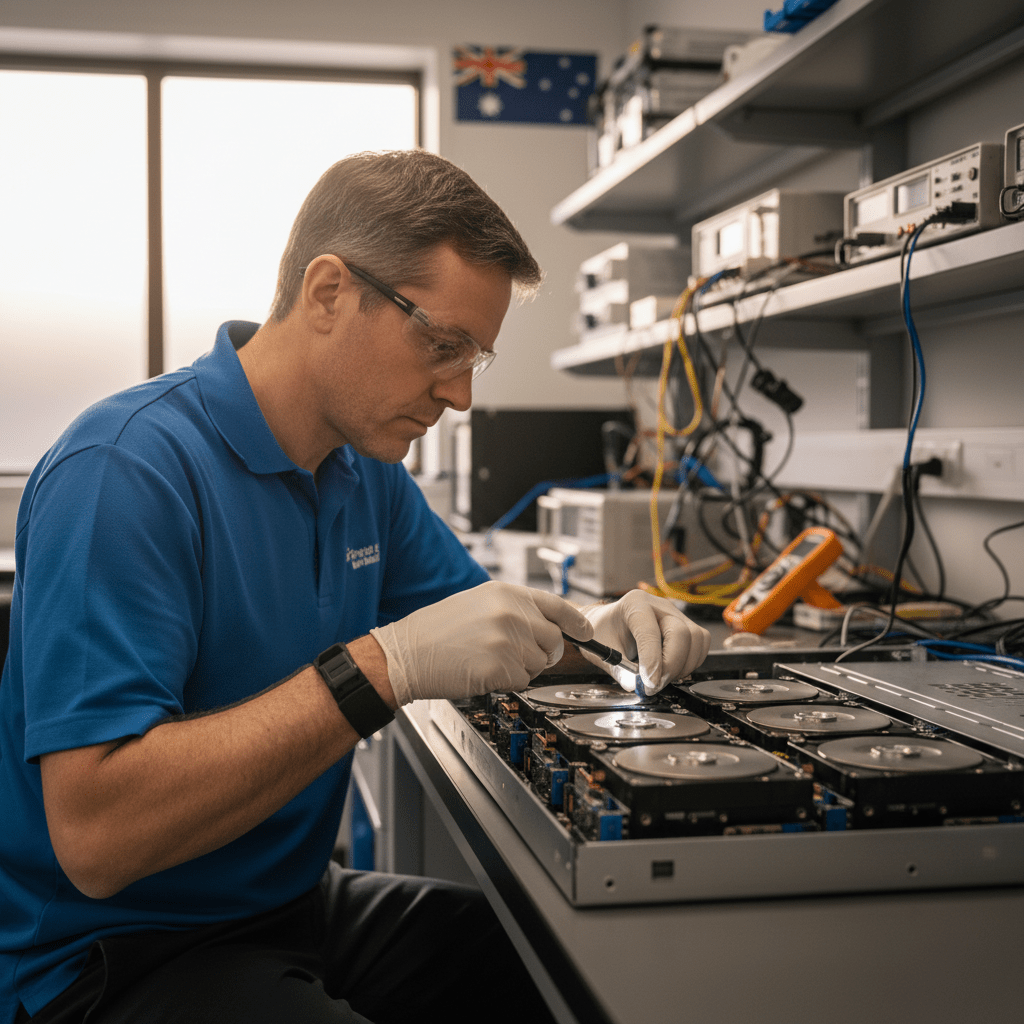
We’ve been the go-to data recovery partner for Australian IT managers and MSPs since 2001, and we partner with Kroll Ontrack — the world’s largest data recovery organisation — for the most complex cases.
RAID failure? Call 1300 723 628 immediately — do NOT initiate a rebuild before calling us.
RAID Levels We Recover
We recover from every RAID level and variant used in desktop, workstation, NAS, SAN and server environments:
We also recover from proprietary and hybrid RAID implementations including Synology Hybrid RAID (SHR / SHR-2), Drobo BeyondRAID, WD DL/EX series, QNAP ZFS-based volumes, and hardware RAID controllers from Dell PERC, HPE Smart Array, LSI MegaRAID, Areca, and Adaptec.
NAS Platforms Supported
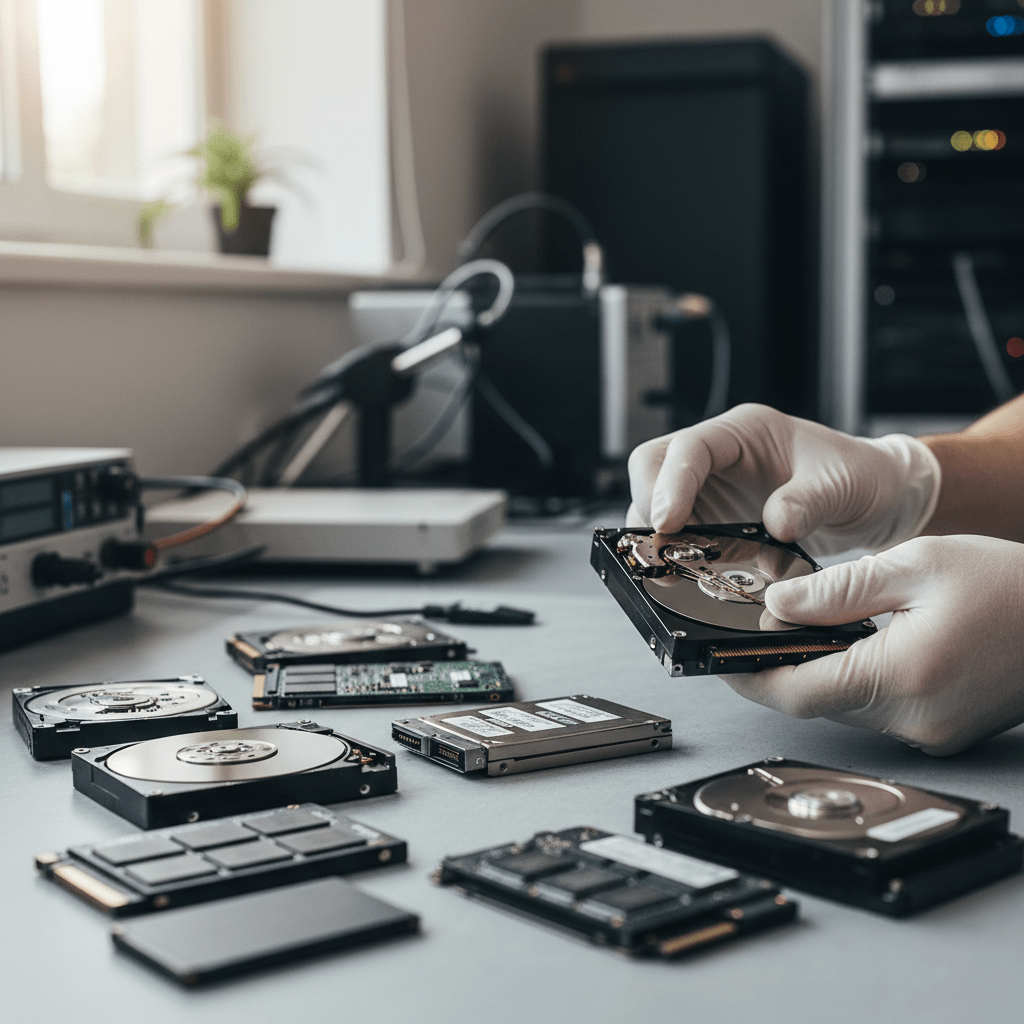
RAID Failure Scenarios We Handle
- Second drive failed during rebuild — the most common and dangerous RAID 5 failure. Array goes fully offline mid-rebuild. We recover by imaging all remaining drives, reconstructing stripe geometry, and extracting data without touching the originals.
- Array ran degraded too long — a failed drive was ignored or not noticed. A second drive eventually failed under increased load. Common with set-and-forget home and SMB NAS setups.
- Accidental rebuild with the wrong drive — the wrong replacement disk was inserted, triggering a rebuild that overwrote parity or mirror data. Recovery is often still possible depending on how far the rebuild progressed.
- RAID controller failure — the controller dies and the array won’t import to a new or replacement controller. This is a firmware and metadata problem, not a disk problem.
- Accidental volume or partition deletion — entire RAID volume removed from the NAS management interface. The data is still on the disks and recoverable in almost all cases.
- NAS firmware update corrupted the array metadata — especially seen in Synology and QNAP units after aggressive DSM/QTS version upgrades.
- Power outage or UPS failure during write — filesystem corruption across the RAID volume. Usually recoverable with file system repair tools or raw carving.
- Ransomware encryption of NAS share contents — the RAID itself is intact but files are encrypted. We image, reconstruct, and hand back the encrypted volume for decryption with your key.
- Multiple simultaneous drive failures from a single power event — surge or lightning strike can kill multiple drives at once, even across a RAID 6 array.
Critical Do’s and Don’ts
Initiate a rebuild or resync before calling us. Insert a new drive and let the NAS auto-rebuild. Run fsck, chkdsk, or any filesystem repair tool on member disks. Use the NAS management interface to “repair” or “reset” the volume. Power-cycle a degraded array repeatedly. Run consumer data recovery software directly on RAID member disks.
Power down the NAS or server immediately. Do not remove any disks — leave them in their original bays. Note the drive slot positions (photograph the array). Call 1300 723 628 for a free assessment. Bring all member disks together — we need every disk in the array to reconstruct safely.
Our Recovery Process for RAID Arrays
- Free phone assessment — describe the symptoms, RAID level, NAS/server model and how many drives were involved. We’ll give you a likely diagnosis and price range immediately.
- Imaging all member disks — every drive is imaged to a forensic clone before any analysis begins. We never work on originals.
- Virtual RAID reconstruction — we use professional RAID reconstruction tools to determine stripe size, rotation, parity direction and disk order. For proprietary formats we reverse-engineer the array metadata.
- File system extraction and file list — once the virtual array is reconstructed, we extract the file system and generate a complete list of recoverable files and folders.
- Fixed quote and approval — you see exactly what’s recoverable before paying anything. We deliver to new encrypted storage, NAS-ready drives, or secure cloud transfer.
Free Resources
Independent, non-commercial references on how RAID protects (and loses) data:
Get your array back online — free file list, free phone assessment. Talk to a RAID specialist today.
✔ Free file list before you pay · ✔ Free phone assessment · ✔ ISO-5 Class 100 clean room · ✔ 20+ years experience
Our Data Recovery Specialties
We recover from every device and failure type — go straight to the specialist service you need:
- Hard drive data recovery
- SSD data recovery
- USB flash drive recovery
- SD & memory card recovery
- RAID & NAS recovery
- Email & Outlook PST recovery
- Ransomware data recovery
- Photo recovery
- External hard drive recovery
- iPhone & smartphone recovery
- Mac & MacBook recovery
- Emergency & same-day recovery
- Business & server recovery
FAQs — RAID Data Recovery
How much does RAID recovery cost?
RAID recovery pricing depends on the number of member disks, RAID level, and failure type. Simple two-disk RAID 1 recoveries from NAS units typically start at $800–$1,200 AUD. Four-disk RAID 5 recoveries with physical drive failures typically range from $1,500–$3,500 AUD. Enterprise SAN arrays and severely damaged configurations sit higher. We provide a free phone assessment and a fixed quote before any work begins — call 1300 723 628.
Can you recover a RAID 5 where two drives failed?
Yes, in many cases. RAID 5 has single-disk fault tolerance — two simultaneous failures exceed the parity protection and the array goes offline. Recovery success depends on how much the second drive had degraded before failing, how long the array ran degraded, and the health of the remaining disks. We image all remaining drives immediately and attempt reconstruction from partial parity data. Call us as soon as possible after a second drive fails.
The NAS shows all drives as healthy but the volume is inaccessible — why?
This is typically filesystem or volume metadata corruption rather than a drive hardware failure. Causes include interrupted writes during a power outage, a failed NAS firmware update, or a software bug in the NAS OS that corrupted the volume metadata. The drives are fine — the RAID superblock or file system is damaged. This is one of the more straightforward RAID recovery scenarios and usually has a high success rate.
Can you recover from Synology Hybrid RAID (SHR)?
Yes. SHR and SHR-2 are Synology-proprietary RAID variants built on Linux mdadm with dynamic disk allocation. We recover from SHR volumes on all DiskStation models, including cases where the DSM installation is corrupted, the NAS hardware has failed, or drives have been inserted in the wrong order after a drive replacement.
Do I need to bring all the drives from the RAID?
Yes — every member disk is required for a complete reconstruction. Even failed or clicking drives from the array should be brought in; we may be able to image enough data from a partially-failed drive to complete the reconstruction. Never bring just the “good” drives and leave the failed ones behind.
My RAID controller died — can I just plug the drives into a new controller?
Sometimes with software RAID (Linux mdadm, Windows Storage Spaces) — but almost never with hardware RAID controllers. Hardware RAID controllers (Dell PERC, HP Smart Array, LSI MegaRAID, Areca) store the array metadata on the controller itself or in a proprietary format on the drives. A new controller of the same model may import the array, but cross-model or cross-brand swaps will almost always cause a rebuild or re-initialisation that destroys data. Call us before attempting any controller swap.
Call 1300 723 628 for free expert advice — or book online now.




























