
QNAP NAS Data Recovery — TS, TVS, TDS Series — All Models & RAID Configurations
Last Updated:
Lost data? Stop using the device and act now — early action is the biggest factor in successful recovery.
✔ Free file list before you pay · ✔ Free phone assessment · ✔ ISO-5 Class 100 clean room · ✔ 20+ years experience
QNAP is the second-largest NAS manufacturer and the most common enterprise NAS brand in our recovery lab. QNAP’s QTS and QuTS hero operating systems support a wider range of RAID configurations than Synology, including proprietary RAID 50, RAID 60, and the ZFS-based QuTS hero volume system. The Original PC Doctor has recovered data from QNAP TS, TVS, TDS, and TES series NAS units across all configurations — from simple 2-bay RAID 1 home units through to 24-bay QNAP enterprise arrays with dual active controllers.

QNAP’s storage architecture includes standard Linux md RAID (under QTS) and OpenZFS (under QuTS hero), each requiring different recovery approaches. QNAP also supports iSCSI LUNs, QNAP VJBOD (virtual JBOD) expansion, and QNAP Snapshots — all of which our engineers understand in the context of data recovery. Our critical rule: we never connect a failed QNAP NAS to the network or attempt any QTS/QuTS operations on a unit with a degraded volume.
QNAP NAS Models We Recover From
TS-233, TS-264, TS-453D, TS-464, TS-253D — home and SOHO; QTS; RAID 0/1/5/6/10
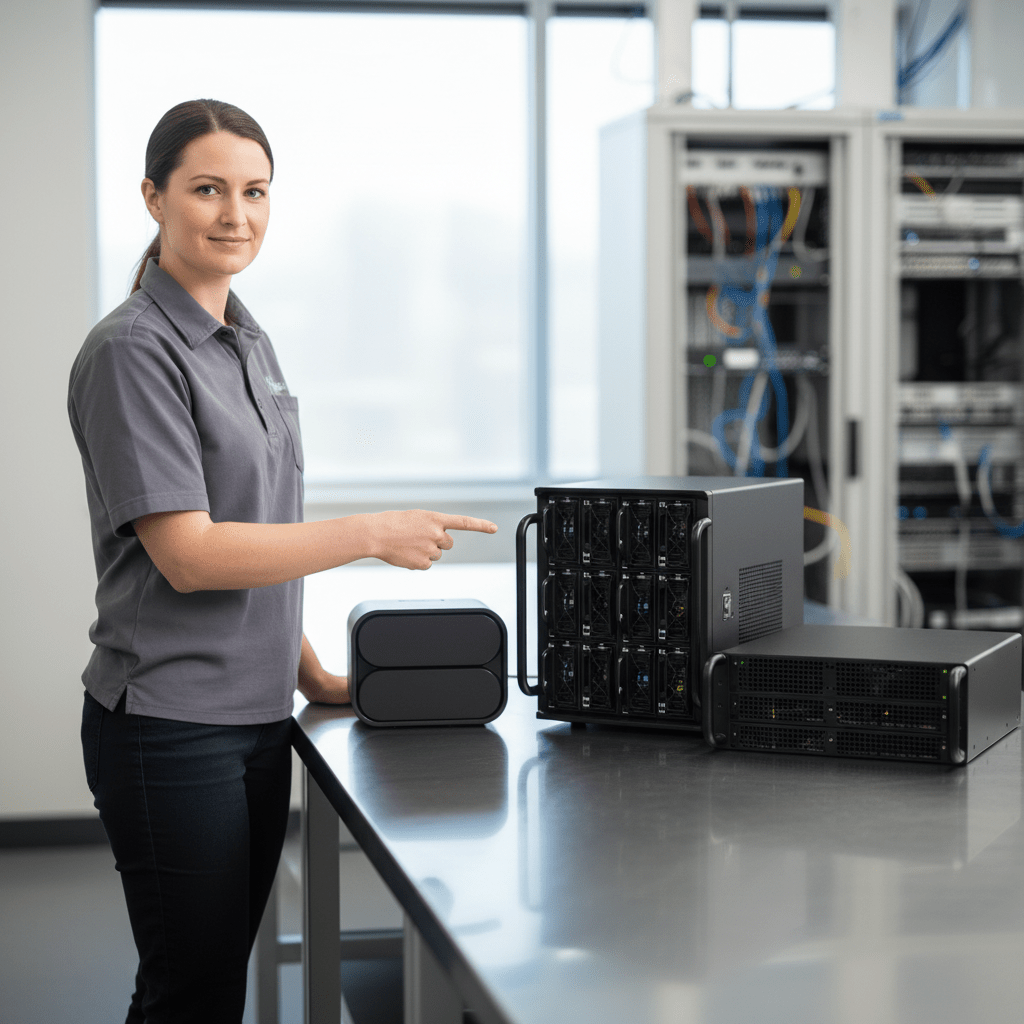
TS-h686, TS-h886, TS-h1290FX — ZFS-based QuTS hero; enterprise-grade data integrity
TVS-472XT, TVS-872XT, TVS-h1288X — high-performance prosumer; Thunderbolt, PCIe expansion
TDS-16489U, TES-3085U — enterprise rack-mount; all-NVMe or SAS + NVMe hybrid
QGD-1600P, QGD-1602P — network switch with integrated NAS; unusual form factor
TS-251, TS-453A, TS-1677X — older QNAP units running QTS 4.x; standard md RAID recovery
Common QNAP NAS Failure Scenarios
- QTS firmware update failure: QNAP firmware updates have occasionally left NAS units unbootable — the data volumes are typically intact even when QTS won’t start
- QNAP ransomware attack (Deadbolt, eCh0raix): QNAP NAS units have been targeted by Deadbolt and eCh0raix ransomware — encrypted files may be partially recoverable from QNAP snapshots or from unencrypted sectors
- RAID 5/6 multiple drive failure: Power surges or batch drive failures can take multiple drives offline simultaneously — RAID 5 cannot tolerate 2 failures; RAID 6 can
- QNAP mainboard failure (capacitor plague): Older QNAP models (TS-419P, TS-509 Pro) are known for capacitor failure on the mainboard — drives are usually intact
- Accidental factory reset: QNAP factory reset via the reset button or QTS interface can reinitialise volumes — data recovery depends on how quickly the NAS is powered off post-reset
- iSCSI LUN corruption: QNAP iSCSI LUNs (used as VM datastores or iSCSI targets) can become corrupted after host system crashes — the LUN block device data is often recoverable
- QuTS hero ZFS pool failure: ZFS pool corruption in QuTS hero is a different failure mode from md RAID — ZFS’s built-in checksumming means silent corruption is less common, but controller failures can still cause pool unavailability
QTS vs QuTS Hero (ZFS) Recovery
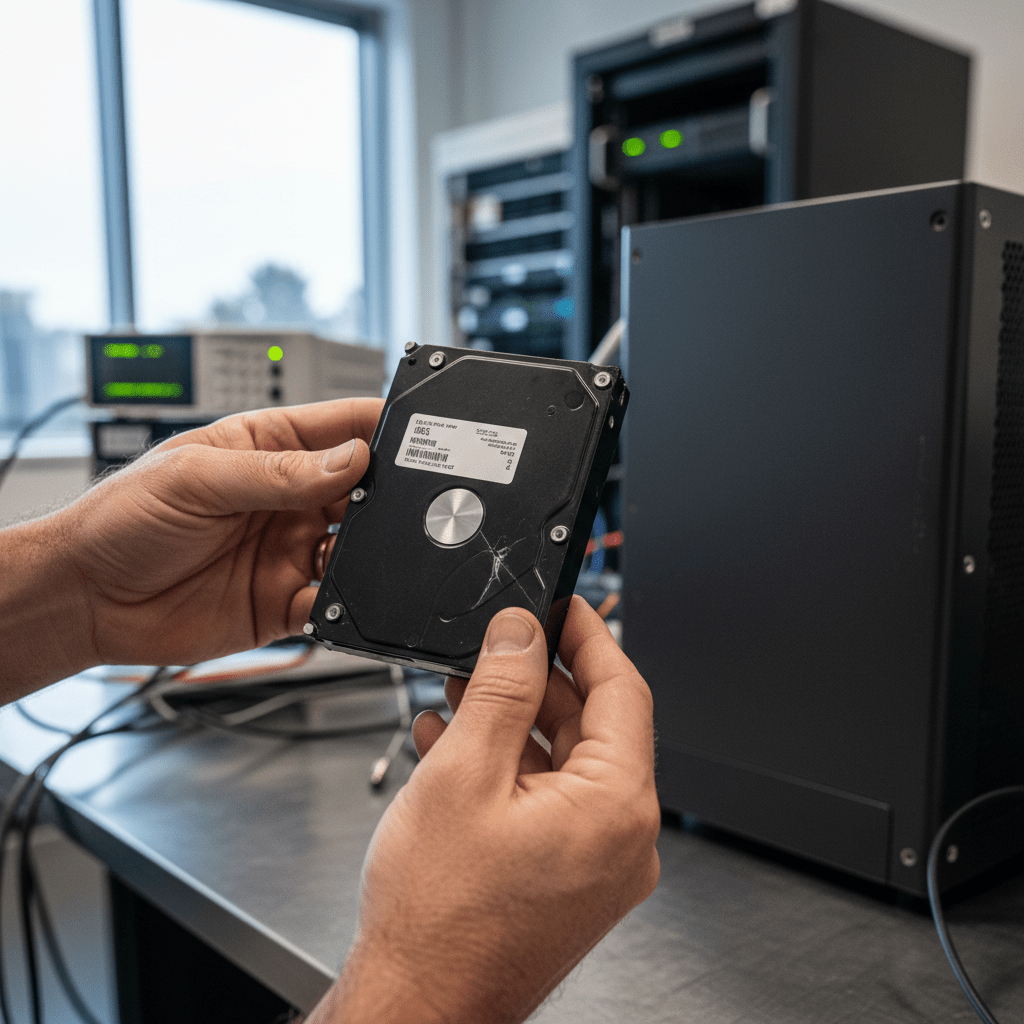
QNAP NAS units run either QTS (Linux md RAID + ext4/Btrfs) or QuTS hero (OpenZFS). Recovery approaches differ significantly:
QTS (md RAID): We reconstruct the Linux md RAID array from drive images using standard md RAID superblock analysis. For RAID 5 and RAID 6, we calculate parity independently to reconstruct missing data. ext4 and Btrfs volumes are then mounted from the reconstructed array images.
QuTS hero (ZFS): ZFS pool reconstruction uses vdev geometry analysis from the drives’ ZFS label blocks. ZFS’s copy-on-write semantics and checksumming mean that even in “failed” pools, older snapshots and consistent data may be accessible. Our engineers have specialist ZFS pool reconstruction tools for QNAP QuTS hero configurations.
Critical QNAP Warnings
Free Resources
Independent, non-commercial references:
Get your data back — free file list, free phone assessment. Talk to a specialist today.
✔ Free file list before you pay · ✔ Free phone assessment · ✔ ISO-5 Class 100 clean room · ✔ 20+ years experience
Frequently Asked Questions — QNAP NAS Recovery
My QNAP NAS was attacked by Deadbolt ransomware — can my files be recovered?
Potentially. Deadbolt ransomware encrypts user files on QNAP NAS shares but the operating system and QNAP metadata structures are often intact. If QNAP Snapshots were enabled before the attack, snapshot data may contain unencrypted versions of your files. If no snapshots are available, we assess the extent of encryption — some attacks are incomplete and portions of data may be unencrypted. Contact us before paying any ransom — we’ll assess recovery prospects at no obligation.
My QNAP runs QuTS hero (ZFS) and the pool shows as unavailable — is recovery possible?
Yes, ZFS pool unavailability is often recoverable even when the pool appears completely failed. ZFS’s resilient metadata structures (uberblocks, labels, MOS) provide multiple recovery pathways. Our engineers use ZFS pool reconstruction tools to assess the vdev geometry and attempt pool import from drive images. ZFS’s copy-on-write means older consistent pool states may be accessible even when recent writes caused pool failure.
Is there an assessment fee for QNAP NAS data recovery?
A non-refundable assessment fee applies to all data recovery including QNAP NAS. Multi-drive RAID arrays require comprehensive imaging and RAID analysis — the assessment covers drive imaging, RAID topology analysis, and written quote. We’ll advise on timeline upfront as multi-drive assessments take longer than single-drive cases.
My QNAP had a firmware update failure and won’t boot — are my files safe?
Almost certainly. QNAP firmware is stored on the system flash memory — the data volumes on your drives are completely separate from the firmware partition. A firmware failure does not touch your data. The fix is typically to reinstall QTS firmware using QNAP’s recovery procedure, but our engineers recommend imaging the drives first as a safety measure before any reinitialisation attempts.
My QNAP RAID 5 has two drive failures — any chance of recovery?
With standard RAID 5, two simultaneous drive failures result in the volume being inaccessible — the parity information is insufficient to reconstruct 2 missing data streams. However, depending on the failure mode of each drive (logical vs physical), our engineers may be able to recover data from the raw sectors of the surviving drives and the partially-failed drives. Full recovery is not guaranteed, but partial recovery of intact files is often possible. Contact us for a case-by-case assessment.
Free assessment · No-obligation quote · 24/7 emergency line · Australia-wide service