
Hitachi & HGST Hard Drive Data Recovery — Deskstar, Travelstar, Ultrastar, Touro & G-Drive
Last Updated:
Lost data? Stop using the device and act now — early action is the biggest factor in successful recovery.
✔ Free file list before you pay · ✔ Free phone assessment · ✔ ISO-5 Class 100 clean room · ✔ 20+ years experience
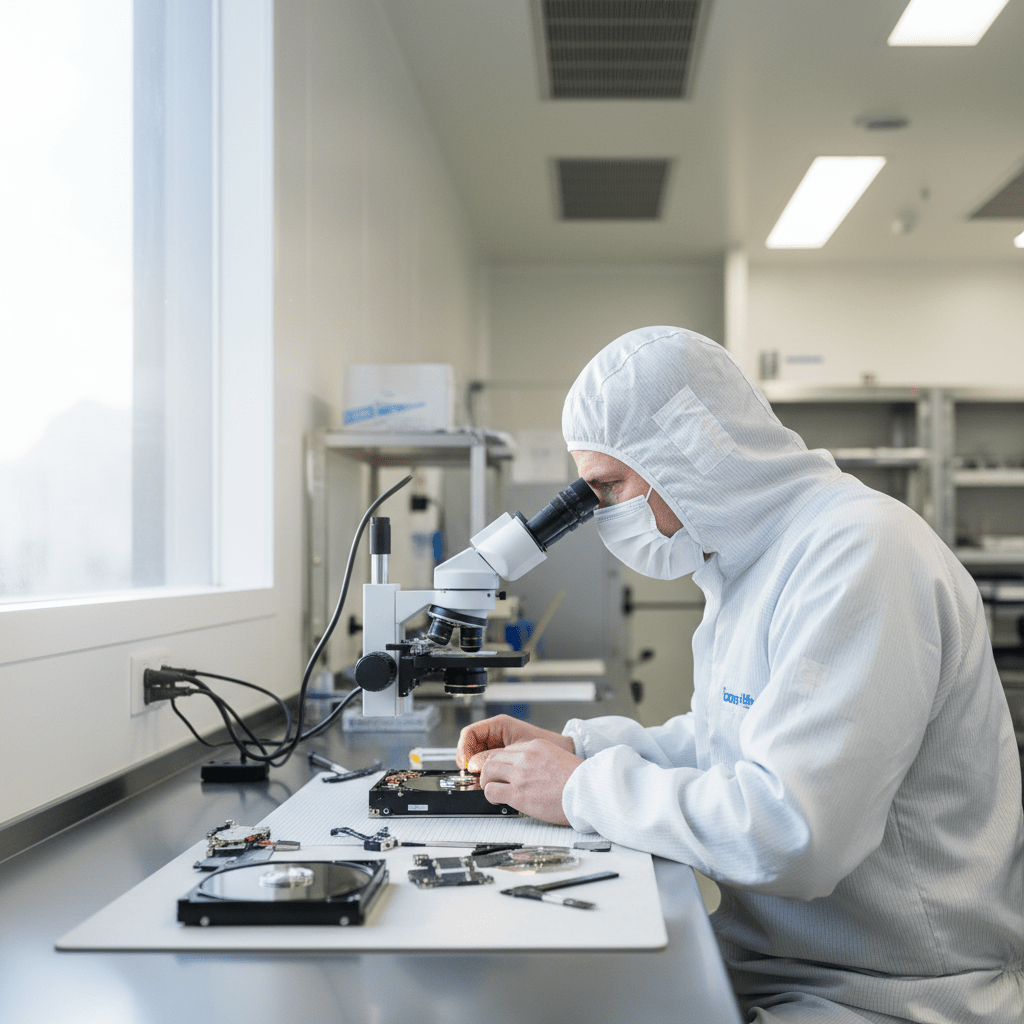
Hitachi and HGST (Hitachi Global Storage Technologies, acquired by Western Digital in 2012) hard drives have a strong reputation for reliability — but they still fail. The Original PC Doctor recovers data from the full Hitachi and HGST range, from the Deskstar desktop series and Travelstar laptop drives to Ultrastar enterprise drives and Touro portable externals. The G-Drive and G-Technology brand (originally HGST, now WD) is also fully covered. We carry Hitachi and HGST donor inventory and operate ISO-5 Class 100 cleanroom facilities.
Emergency: 1300 723 628 — Free phone assessment, 24/7
Hitachi & HGST Models We Recover Data From
Common Hitachi & HGST Hard Drive Failures
- Hitachi Deskstar “death” (old 75GXP) — the Deskstar 75GXP had a notorious high failure rate. If you still have one of these drives, data is still fully recoverable — and our donor inventory covers this model.
- Travelstar head crash after laptop drop — laptop drops are the primary cause of Travelstar failures. The 7mm Z5K models are particularly vulnerable. Cleanroom head stack replacement required.
- HGST Ultrastar firmware lock — enterprise Ultrastar drives can enter a locked state after firmware errors or incorrect SMART self-test sequences. Specialist firmware tools required to unlock.
- G-Drive not mounting on Mac after macOS upgrade — older G-Drives formatted in HFS+ may not mount after major macOS updates (particularly the transition to APFS). Usually a file system issue, not physical failure.
- G-RAID RAID 0 failure — G-RAID Studio and G-RAID with Thunderbolt use RAID 0 by default for maximum performance. A single drive failure means 100% data loss unless both drives are imaged and the RAID is virtually reconstructed.
- Touro portable clicking after drop — standard portable drive head crash. Enclosure removal and cleanroom recovery apply.
- HGST SAS C10K/C15K head failure — high-RPM SAS drives run at elevated temperatures under constant use. Head failure rates increase after 5+ years of continuous operation.
G-Drive & G-Technology Recovery
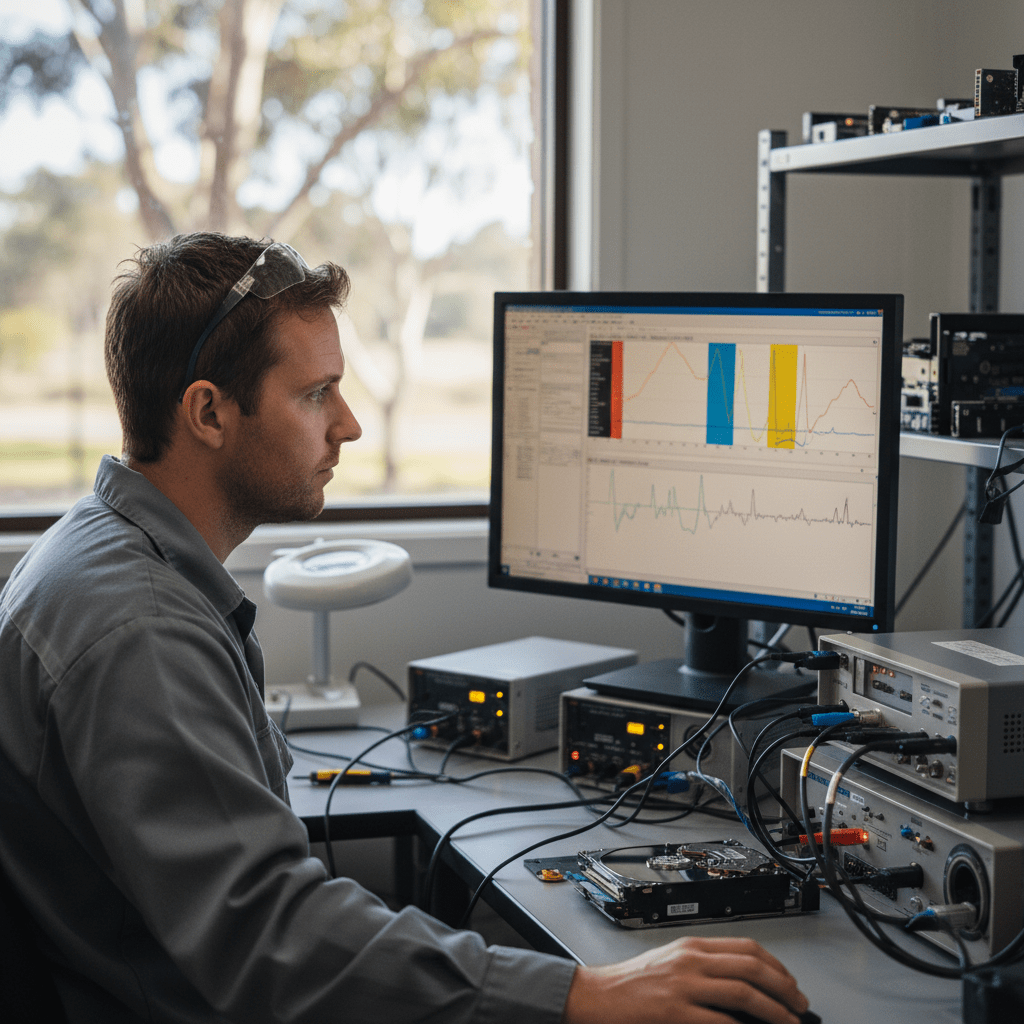
G-Technology (formerly HGST, now under Western Digital) drives are premium Mac-focused externals widely used by creative professionals in Australia. Recovery specifics:
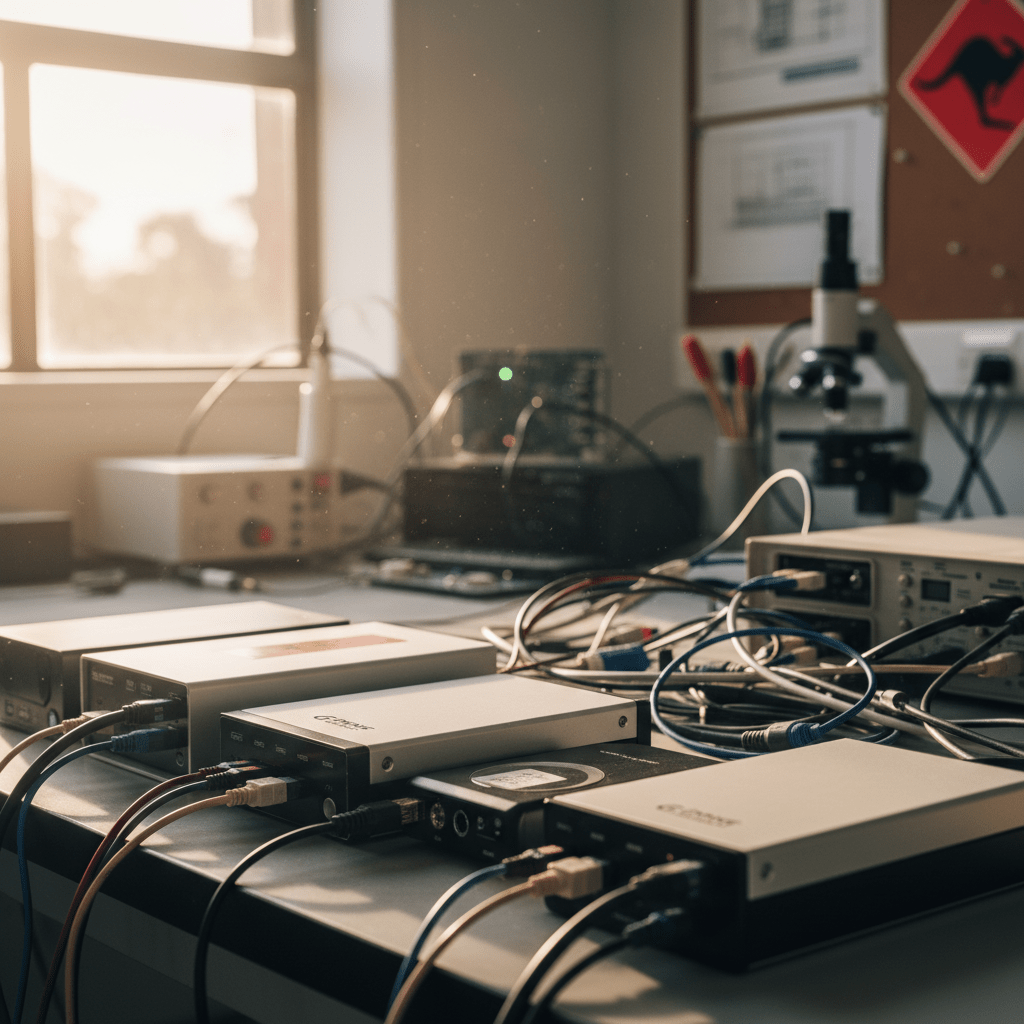
- G-Drive formatted in HFS+/APFS — Mac-native file systems. We recover from both HFS+ (older) and APFS (newer Macs). Both are fully supported.
- G-Drive with FireWire / Thunderbolt interface — legacy FireWire 400/800 and Thunderbolt 1/2 interfaces. We have the adaptor hardware to image these drives directly.
- G-SPEED Shuttle and G-SPEED Studio RAID recovery — multi-drive RAID arrays in Thunderbolt enclosures. Full RAID reconstruction capability.
- G-Drive Enterprise with hardware encryption — newer G-Drive models include AES-256 hardware encryption. Password or recovery key required post-recovery for decryption.
Our Recovery Process
- Free phone assessment — call 1300 723 628.
- Drive intake — Ringwood VIC drop-off, Australia-wide courier, or onsite collection.
- File list and fixed quote — complete file list before you pay.
- Secure delivery — encrypted media, courier or cloud transfer.
Free Resources
Independent, non-commercial references:
Get your data back — free file list, free phone assessment. Talk to a specialist today.
✔ Free file list before you pay · ✔ Free phone assessment · ✔ ISO-5 Class 100 clean room · ✔ 20+ years experience
FAQs — Hitachi & HGST Recovery
Can you recover from an old Hitachi Deskstar?
Yes. Including the notorious Deskstar 75GXP. We carry donor inventory for legacy Hitachi drives going back to the early 2000s. Age does not preclude recovery — the platters on well-stored drives can still yield full data decades later.
My G-RAID drive failed — can the RAID 0 array be recovered?
Yes, provided both drives are intact. G-RAID defaults to RAID 0 (striped). A single drive failure in RAID 0 makes all data inaccessible until both drives are imaged and the stripe is virtually reconstructed. Bring both drives — do not reformat or replace drives before calling us.
How much does Hitachi/HGST data recovery cost?
Logical recovery: $300–$800. Physical recovery (head crash, stiction, PCB): $800–$2,000. G-RAID RAID reconstruction: from $800. Enterprise SAS recovery: from $1,200. Free assessment and fixed quote before starting.
Can you recover from HGST Ultrastar enterprise drives?
Yes. We recover from all HGST Ultrastar SATA and SAS variants including C10K and C15K high-RPM SAS, He-series helium-filled drives, and 512e/4Kn enterprise sector variants. Specialist SAS tooling is required — standard consumer tools cannot address these drives.
My G-Drive stopped mounting after a macOS update — is the data safe?
Probably yes. macOS updates can cause older HFS+ drives to fail to mount if the file system metadata is partially incompatible. This is usually a logical issue. Do not reformat. Call us for a free assessment — this is often resolved without a full recovery.
📞 Call 1300 723 628 for a free Hitachi/HGST recovery assessment — or book online now.
← Back to Hard Drive Data Recovery