

CCTV & DVR Data Recovery — Recover Security Camera Footage from Failed Recorders
Last Updated:
Lost data? Stop using the device and act now — early action is the biggest factor in successful recovery.
✔ Free file list before you pay · ✔ Free phone assessment · ✔ ISO-5 Class 100 clean room · ✔ 20+ years experience
Security camera footage is evidence — and losing it to a DVR hard drive failure, power surge, accidental format or ransomware attack can have serious legal and insurance consequences. The Original PC Doctor recovers CCTV and security footage from failed DVR and NVR recorders, embedded hard drives, SD cards, USB drives and cloud-attached storage systems. We work with police, insurance companies, law firms, shopping centres, businesses and home users across Australia.
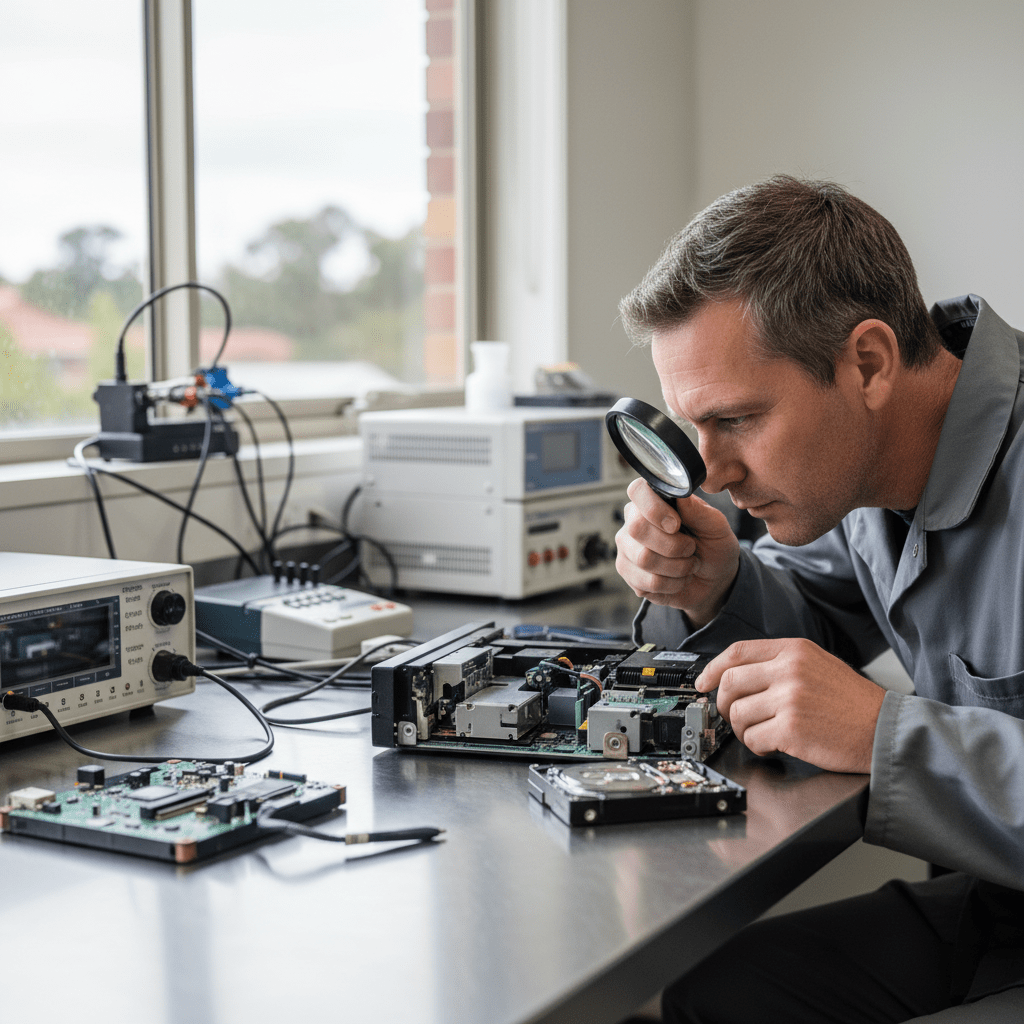
If your DVR hard drive has failed, the recorder is showing “HDD Error” or “No HDD”, or the footage you need was deleted or overwritten, call us immediately. The sooner we receive the storage device, the better the chances of recovering the specific footage you need.
Footage needed urgently? Call 1300 723 628 — 24/7 emergency service available.
DVR & NVR Systems We Recover From
CCTV & DVR Brands We Recover From
Click your brand for model-specific information, footage format details, and brand-specific recovery procedures:
DS-7200/7300/7600 series, DHI-XVR, Swann SWDVR, Bosch DIVAR, Uniden, Uniview, Hanwha, Axis, Ring, Arlo, white-box DVR systems
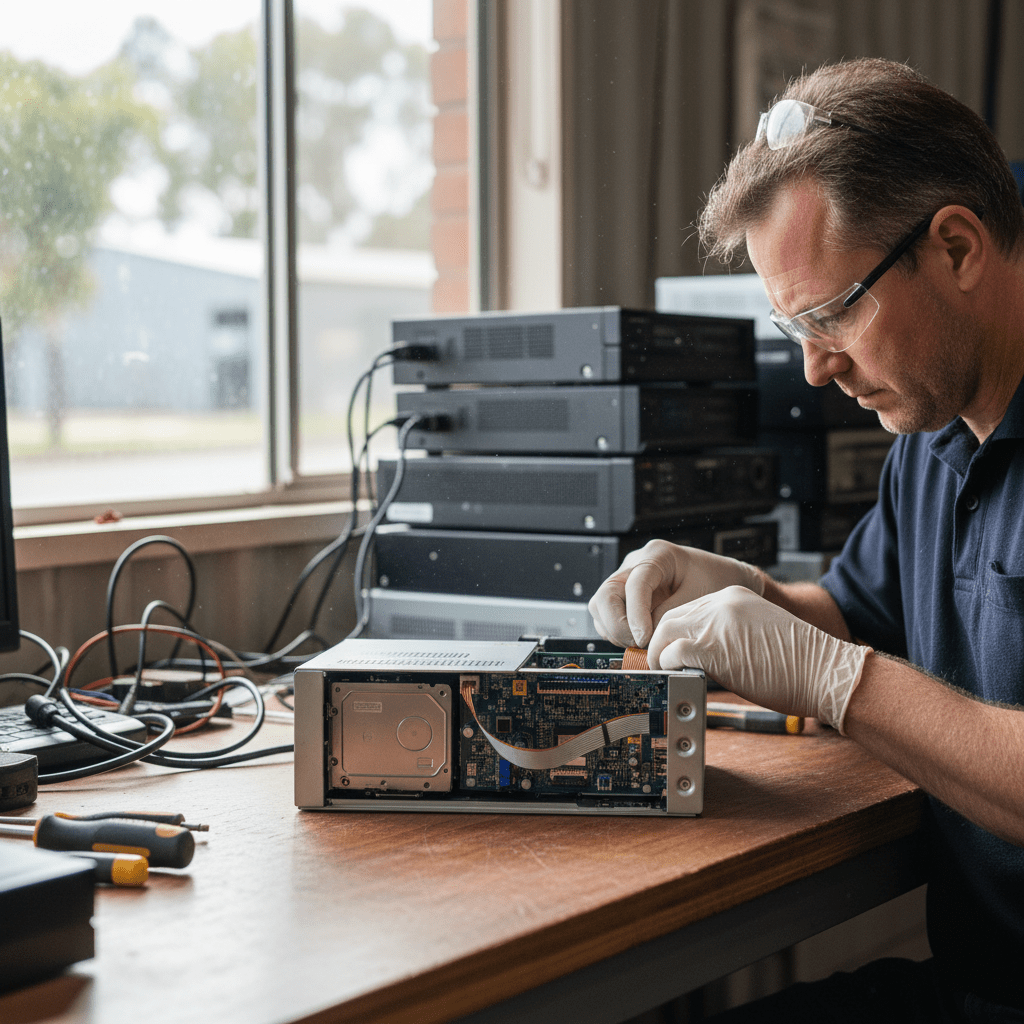
CCTV Failure Scenarios We Handle
- DVR hard drive failure — “HDD Error” or “No HDD” on recorder screen — the internal hard drive has failed. We extract the drive, image it in our lab, and recover footage from the proprietary DVR filesystem.
- Power surge or lightning strike killed the DVR — the DVR electronics may be destroyed but the hard drive is often intact. We extract and image the drive directly, bypassing the failed recorder completely.
- DVR was stolen — footage needed from SD card or remaining storage — some systems record locally to the cameras (SD cards) as well as to the central DVR. We can recover from camera-embedded SD cards even after the recorder is gone.
- Footage was overwritten by the circular recording loop — DVRs record in a circular loop, overwriting oldest footage first. If the footage you need was overwritten, recovery depends on how long ago it occurred and how much the drive has been written to since. We attempt low-level recovery of overwritten sectors.
- Accidental format — someone formatted the DVR hard drive — the CCTV proprietary filesystem is erased but the underlying video data usually survives a quick format. We recover using signature-based carving.
- DVR showing footage was recorded but video won’t play back — often a filesystem corruption or index corruption issue rather than a complete data loss. The video data is intact but the recorder can’t find or play it.
- NVR RAID array failed in multi-camera enterprise system — enterprise NVR systems with RAID storage require the same RAID reconstruction process as any other multi-disk failure.
- Ransomware encrypted the footage on a PC-based recording system — PC-based VMS systems running on Windows Server are increasingly targeted by ransomware. We assess each case individually for recovery from VSS snapshots or disk imaging.
- SD card failed in a standalone IP camera — cameras like Hikvision, Dahua and Axis that record locally to SD cards. The SD card failure is recovered the same way as any SD card failure.
CCTV Video Formats & Extraction
CCTV footage is stored in proprietary formats specific to each DVR/NVR manufacturer, not in standard MP4 or AVI files. Our recovery process extracts the raw video data and converts it to a universally viewable format:
- Hikvision proprietary format — .mp4 container with Hikvision-specific index. We extract and convert to standard H.264/H.265 MP4.
- Dahua proprietary format — .dav files. Extracted and converted to standard MP4.
- Swann/OEM H.264 DVR format — various proprietary container formats. We identify the format and extract accordingly.
- Raw H.264/H.265 video streams — when the proprietary index is destroyed (due to format or corruption), we carve raw H.264/H.265 elementary streams from the disk sectors and re-wrap in MP4 containers.
- MJPEG streams — older and some budget DVR systems record in MJPEG. We extract individual frame sequences and re-wrap into playable video.
Recovered footage is delivered in standard MP4 format playable in VLC, Windows Media Player, and any standard video player. We can also export in formats suitable for court evidence submission on request.
Legal, Insurance & Police Submissions
We understand that CCTV footage is often required as evidence in criminal investigations, insurance claims, workplace incidents and civil litigation. Our chain-of-custody procedures ensure recovered footage is admissible:
- Written chain-of-custody documentation from receipt to delivery
- SHA-256 hash verification of all recovered files to prove integrity
- Forensic imaging reports available on request
- Expert witness statements available for court proceedings
- We work directly with police, legal counsel and insurance investigators
Call 1300 723 628 to discuss your legal requirements before sending in the device.
Our Recovery Process
- Free urgent phone assessment — describe the DVR/NVR brand, the failure mode, and how critical the footage is. We advise on urgency and turnaround options immediately.
- Safe extraction of storage media — we remove the hard drive or SD card from the DVR/NVR without powering on the recorder (which can trigger overwrite of remaining footage).
- Forensic imaging — the storage device is cloned sector-by-sector before any recovery begins. We never work on originals.
- Proprietary filesystem reconstruction — we identify the DVR filesystem format and reconstruct the video index to extract specific date/time ranges and camera channels.
- Video extraction and format conversion — footage is extracted and converted to standard MP4 format, with timestamps and camera channel metadata preserved where possible.
- Secure delivery — delivered on encrypted USB drive, via secure cloud transfer, or in person. Chain-of-custody documentation provided on request.
Free Resources
Independent, non-commercial references:
Get your data back — free file list, free phone assessment. Talk to a specialist today.
✔ Free file list before you pay · ✔ Free phone assessment · ✔ ISO-5 Class 100 clean room · ✔ 20+ years experience
Our Data Recovery Specialties
We recover from every device and failure type — go straight to the specialist service you need:
- Hard drive data recovery
- SSD data recovery
- USB flash drive recovery
- SD & memory card recovery
- RAID & NAS recovery
- Email & Outlook PST recovery
- Ransomware data recovery
- Photo recovery
- External hard drive recovery
- iPhone & smartphone recovery
- Mac & MacBook recovery
- Emergency & same-day recovery
- Business & server recovery
FAQs — CCTV & DVR Data Recovery
How much does CCTV footage recovery cost?
Simple single-drive DVR recovery from a logical failure (format, corruption, deletion) typically starts at $400–$800 AUD. Physical drive failures (clicking, seized, not detected) range from $800–$1,800. Enterprise NVR RAID recoveries are quoted on a case-by-case basis. Call 1300 723 628 for an immediate assessment.
Can you recover footage that has been overwritten by the recording loop?
Partially, in some cases. When new footage overwrites old footage on the circular recording buffer, the overwritten sectors are gone — but in many cases only some of the sectors from the target footage have been overwritten, and we can recover partial clips from the remaining sectors. The success rate depends on how long ago the overwrite occurred and how much recording has happened since. The sooner you contact us, the better the chances.
The DVR was in a flood or fire — can you still get the footage?
Often yes. The hard drive inside a DVR is usually the most resilient component — even when the DVR electronics and casing are destroyed, the drive platters are often intact. Water-damaged DVRs should not be powered on — bring the whole unit to us and we’ll safely extract and image the drive. Fire-damaged drives are assessed in our cleanroom.
Can you recover footage from a specific time window?
Yes. Once we reconstruct the DVR file index, we can target specific date and time ranges, specific camera channels, and specific events. We deliver only the footage you need rather than hundreds of hours of irrelevant recordings. For legal matters, we can provide a complete timeline of all recovered footage segments to demonstrate continuity.
Do you handle evidence recovery for police investigations?
Yes. We work with Queensland Police, Victoria Police, NSW Police and other state law enforcement agencies on CCTV evidence recovery. We provide full chain-of-custody documentation and can prepare forensic reports suitable for court submission. Call us and we’ll discuss your specific requirements.
Call 1300 723 628 for free expert advice — or book online now.