


Android Phone Data Recovery — Samsung Galaxy, Google Pixel, OnePlus, Sony & All Android Devices
Last Updated:
Lost data? Stop using the device and act now — early action is the biggest factor in successful recovery.
✔ Free file list before you pay · ✔ Free phone assessment · ✔ ISO-5 Class 100 clean room · ✔ 20+ years experience
Android data recovery spans the most diverse range of hardware in mobile — from Samsung Galaxy S24 Ultra with 512GB UFS 4.0 storage through to budget Android phones with 32GB eMMC. The Original PC Doctor recovers data from all major Android brands: Samsung Galaxy (S, A, Z, and Note series), Google Pixel (1 through 9), OnePlus, Sony Xperia, Motorola, Oppo, Xiaomi, Vivo, and other Android manufacturers. Since 2001, we’ve built expertise across the full range of Android storage configurations, file system formats (ext4, F2FS), and Samsung Knox encryption environments.
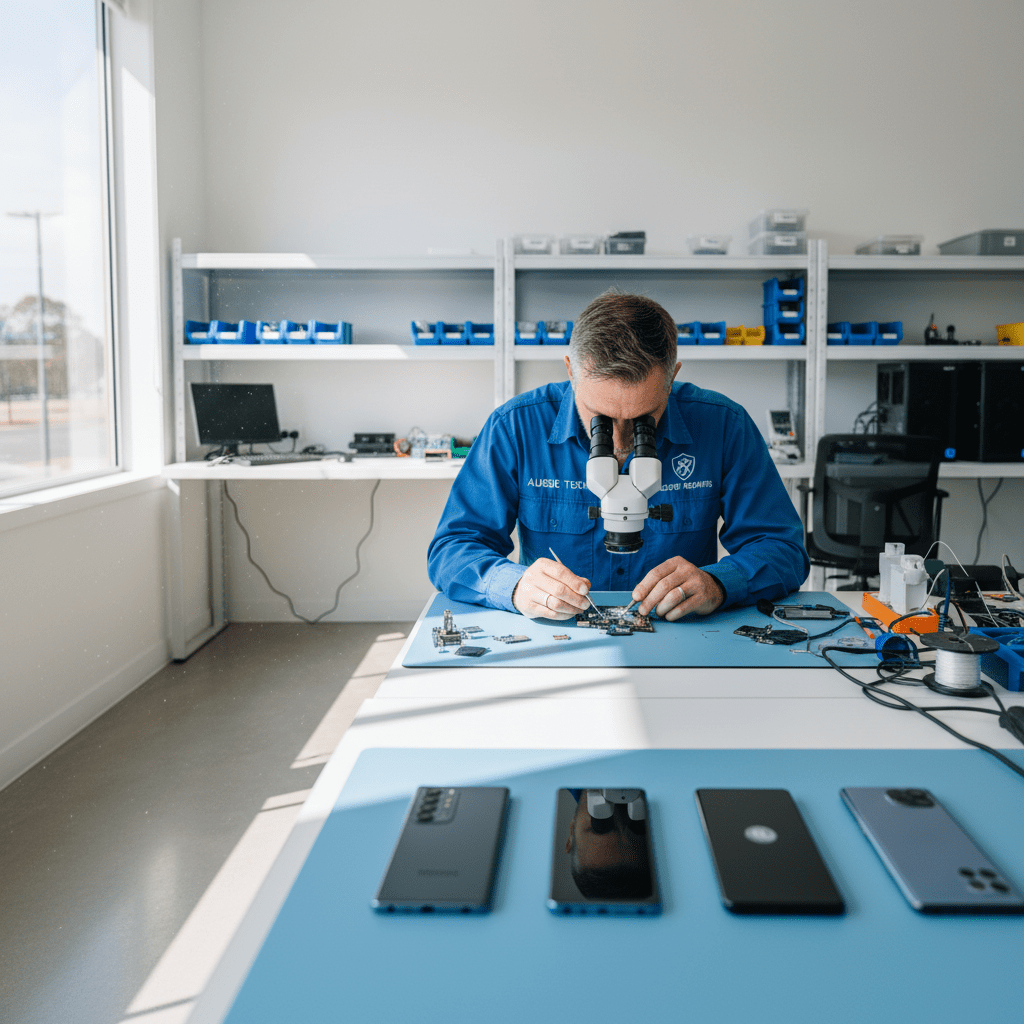
The most important factor in Android data recovery success is whether USB debugging was enabled before the phone failed. On non-broken Android phones, USB debugging allows direct data extraction without needing to bypass screen lock. On physically damaged phones, our engineers perform board-level repair to restore functionality, then extract data before any replacement work.
Android Brands & Models We Recover From
S24/S24+/S24 Ultra, S23 series, S22 series, S21, S20, S10, S9, S8 — flagship range; Knox encryption
A54, A34, A14, Z Fold5/Fold6, Z Flip5/Flip6 — mid-range and foldable; UFS storage; varied encryption
Pixel 9/9 Pro, 8/8 Pro, 7/7 Pro, 6/6 Pro, 5, 4, 3 — Titan M2 security chip (Pixel 6+); Android One-like security
OnePlus 12/11/10 Pro, OPPO Find X7/X6, Realme GT5 — ColorOS/OxygenOS; UFS 3.1/4.0 storage
Xperia 1 VI, 5 VI, 10 VI, PRO-I — Sony-specific storage architecture; often used by media professionals
Motorola Edge 40/50, Nokia G42/XR21, HTC, LG (legacy) — standard Android with eMMC or UFS storage
Common Android Data Loss Scenarios
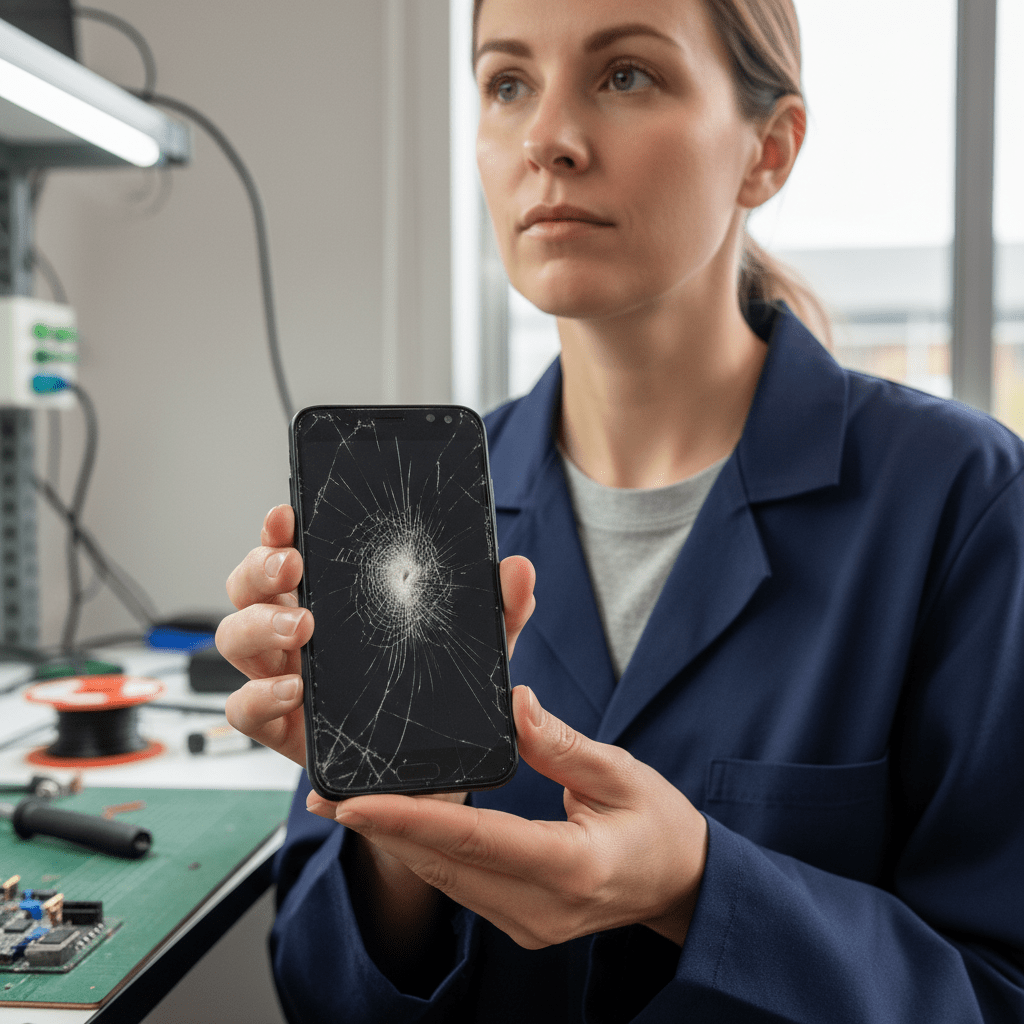
- Phone dropped / cracked screen won’t respond: If the screen is cracked but the phone still powers on, data can often be extracted via USB debugging (if previously enabled) or mirrored to a TV via wireless display before screen replacement
- Android factory reset: Settings → General → Reset → Factory Reset deletes all data — recovery depends on whether Google Backup or Samsung Cloud backup was enabled
- Phone won’t turn on after liquid damage: Similar to iPhone — liquid corrosion on the board causes failure; the UFS or eMMC storage is usually intact and board repair can restore data access
- Forgotten screen PIN/pattern/password: Android phones with a forgotten lock screen require a factory reset to unlock — after which data from the protected storage is gone (not Google Drive/cloud data)
- Ransomware-locked Android: Android ransomware can lock the screen or encrypt files in shared storage — device reset recovery is available for screen-lock ransomware; file-encryption ransomware requires different analysis
- SD card removed accidentally: External SD card data loss is separate from internal storage — SD card recovery is typically straightforward using standard memory card recovery
- Samsung Galaxy bootloop: Samsung Galaxy phones can enter a bootloop after failed system updates — data is often intact but Android system recovery mode operations can wipe data
Samsung Galaxy Recovery Details
Samsung Galaxy is by far the most common Android recovery case. Samsung-specific recovery considerations:
- Samsung Cloud Backup: If Samsung Cloud or Google Backup was enabled, most data (contacts, messages, apps, photos) is backed up — restoration to a new Galaxy is straightforward
- Smart Switch backup: Samsung Smart Switch PC/Mac backup creates a local backup — if one exists pre-failure, full data restoration is possible
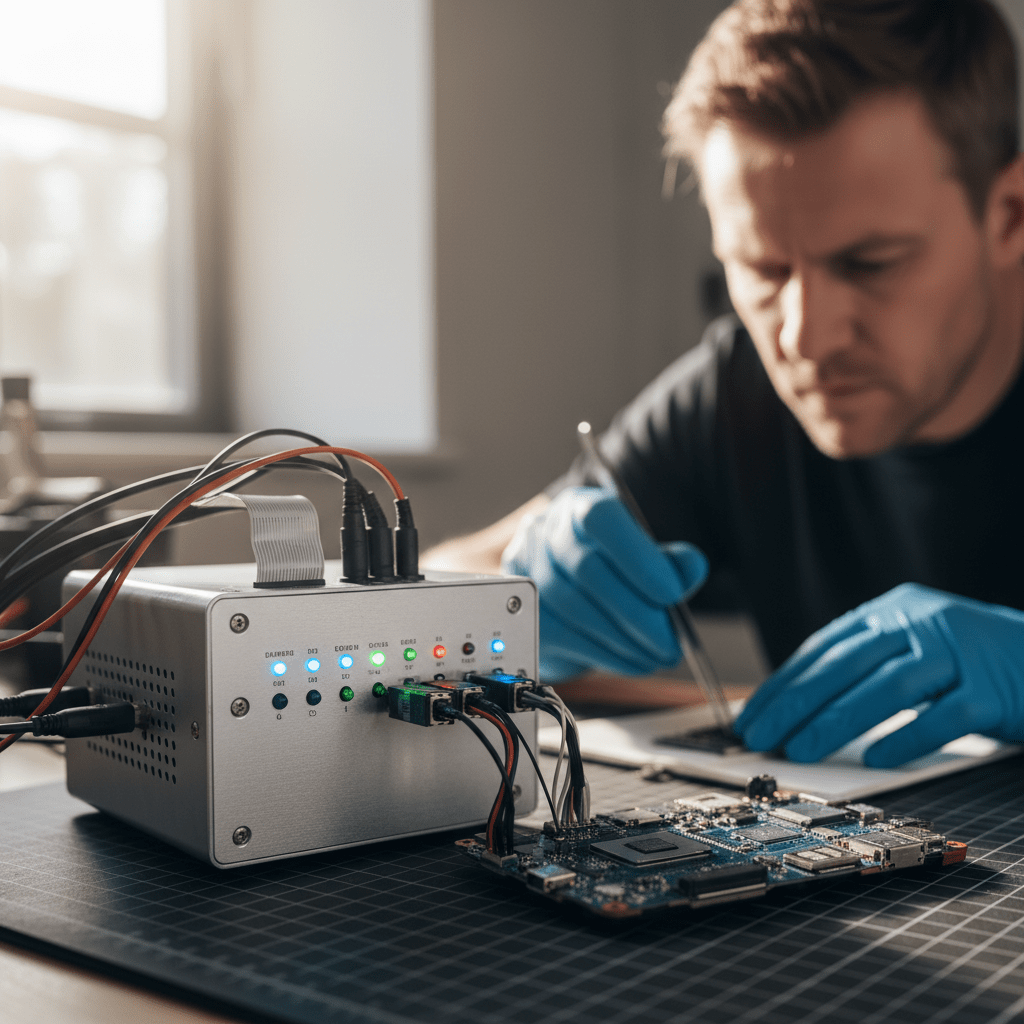
- Samsung Galaxy Z Fold/Flip physical failure: Foldable phones are more prone to hinge and screen failure — internal UFS storage is usually intact even when the display is destroyed
- Samsung OEM unlocking: Some Samsung data extraction requires OEM unlocking in Developer Options — this must have been enabled before the phone failed
Android-Specific Warnings
Free Resources
Independent, non-commercial references:
Get your data back — free file list, free phone assessment. Talk to a specialist today.
✔ Free file list before you pay · ✔ Free phone assessment · ✔ ISO-5 Class 100 clean room · ✔ 20+ years experience
Frequently Asked Questions — Android Data Recovery
My Samsung Galaxy S23 screen is shattered and won’t respond — can the data be recovered?
Yes, in most cases. If your Galaxy S23 is still powered on (you can hear notifications, it vibrates), the internal UFS storage is intact. Our engineers can connect the phone via USB and use Samsung-specific tools to extract data if USB debugging was previously enabled. If the screen is totally unresponsive, board repair to restore display functionality is possible — after which data extraction proceeds normally. Call us on 1300 723 628.
My Android phone got wet and won’t turn on — how do I recover the data?
First, do not attempt to charge or turn on the phone. Bring it to us as soon as possible — the faster we act, the less corrosion spreads on the board. Our engineers perform board cleaning, component assessment, and targeted microsoldering to restore functionality. Android UFS and eMMC chips are typically mounted on the board in a way that protects them from liquid — the storage is usually intact even when the phone is badly water-damaged.
Is there an assessment fee for Android phone data recovery?
A non-refundable assessment fee applies to all data recovery including Android smartphones. The assessment covers board damage evaluation, storage type identification, encryption status (Knox, Titan M2, etc.), and recovery probability assessment. The fee is credited towards recovery costs if you proceed.
Can you recover deleted WhatsApp messages from my Samsung Galaxy?
WhatsApp stores messages in a local database on the phone (in internal storage) and backs up to Google Drive or local storage daily. If WhatsApp was recently deleted or messages were deleted within the WhatsApp app, recovery is possible from the local database backup files if they haven’t been overwritten. Google Drive WhatsApp backups can also be restored when setting up a new phone. Contact us to discuss your specific situation.
My Google Pixel won’t boot after a failed system update — is my data safe?
Usually yes. Android system updates affect the OS partitions — user data is stored in a separate partition that is not modified during normal OTA updates. A failed update typically results in a bootloop where the OS can’t load but user data is intact. However, attempting to fix the bootloop with Android recovery mode options like “Wipe Cache Partition” or “Factory Reset” will erase your data. Call us before attempting any recovery mode operations.
Free assessment · No-obligation quote · 24/7 emergency line · Australia-wide service




























