


Apple Mac Desktop Data Recovery — iMac, Mac mini, Mac Studio & Mac Pro
Last Updated:
Lost data? Stop using the device and act now — early action is the biggest factor in successful recovery.
✔ Free file list before you pay · ✔ Free phone assessment · ✔ ISO-5 Class 100 clean room · ✔ 20+ years experience
Apple Mac desktops are heavily used in Australian creative, education, medical and professional environments. The Original PC Doctor recovers data from every Mac desktop — all iMac generations (Intel and Apple Silicon M1/M2/M3), Mac mini, Mac Studio, and Mac Pro. We handle both the straightforward SATA-era Macs and the technically demanding Apple Silicon models where the SSD is soldered directly to the logic board and requires chip-level extraction. We work with macOS APFS and HFS+, FileVault encryption, Fusion Drive configurations, and T2 security chip encrypted drives.

Emergency: 1300 723 628 — Free phone assessment, 24/7
Apple Mac Desktop Models We Recover From
Apple Silicon Mac Recovery (M1/M2/M3)
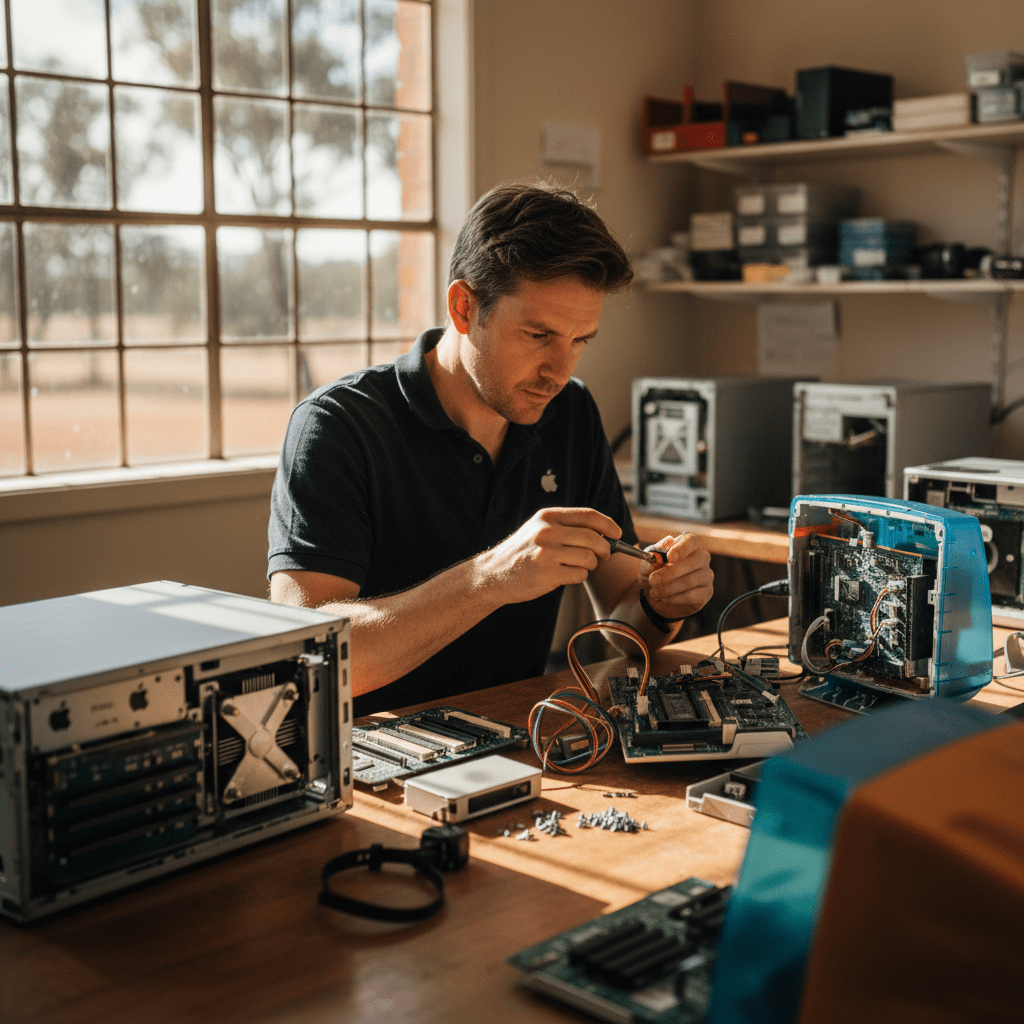
Apple Silicon Macs present the most technically demanding desktop recovery scenario available. Key facts you need to know:
- Storage is soldered to the logic board — unlike Intel Macs where the SSD could be removed, Apple Silicon Macs require NAND chip-off or board-level data extraction. This is not a consumer-DIY procedure.
- Hardware encryption via Secure Enclave — every Apple Silicon Mac encrypts all storage via the M-series Secure Enclave. Without the correct FileVault password or recovery key, decrypted data is not accessible even if the NAND is physically readable.
- macOS Recovery Mode and DFU Mode — if your Apple Silicon Mac is unbootable, do NOT attempt DFU restore before recovering your data. A DFU restore wipes the internal storage.
- iCloud sync is not a backup — iCloud Drive syncs documents but does not back up your Applications, system settings, or large media files by default. Time Machine to an external drive is the only full backup option.
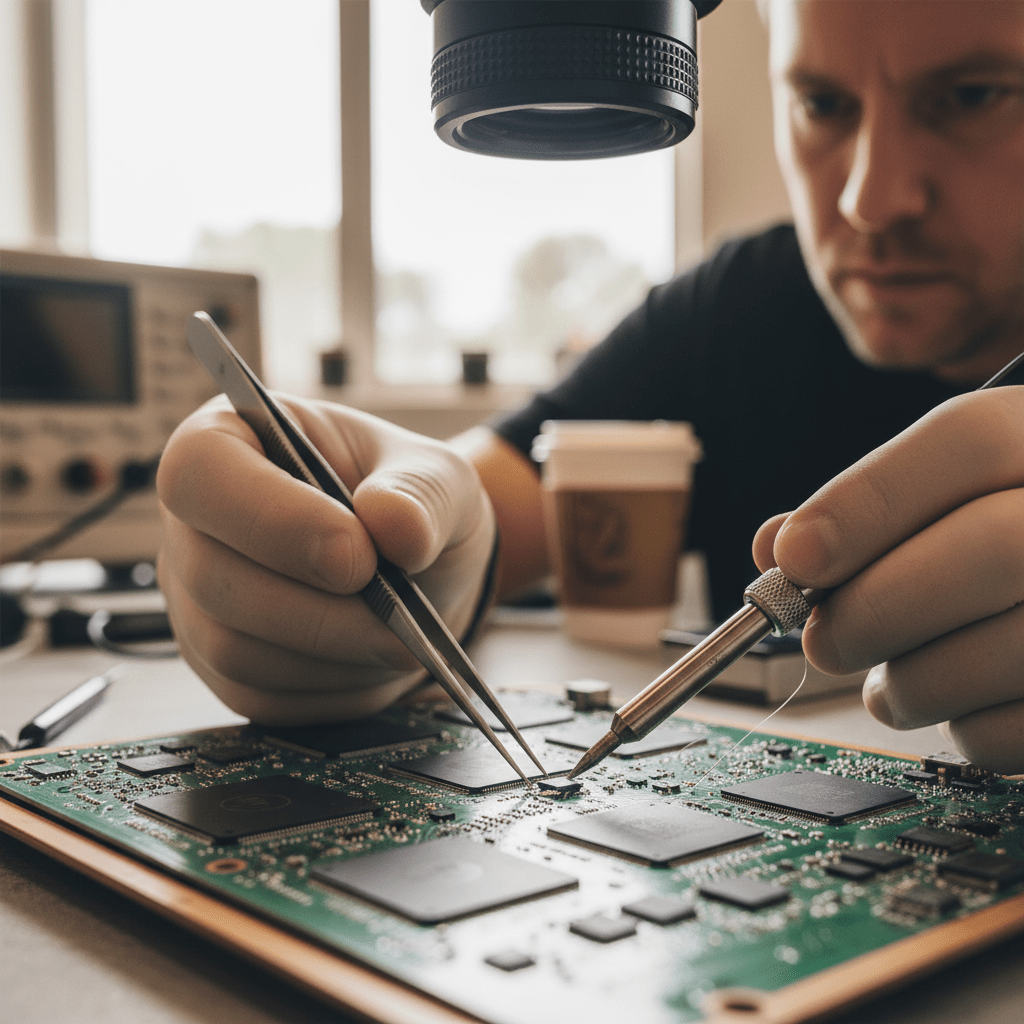
Common Apple Mac Desktop Failure Scenarios
- iMac folder with question mark on boot — classic sign of failed HDD/SSD or corrupted boot record. Intel iMac with SATA drive: highly recoverable. M-series iMac: requires chip-level recovery.
- iMac Fusion Drive failure — Fusion Drive combines an HDD and SSD in a logical volume managed by macOS. If either component fails, the entire logical volume becomes unavailable. Both drives must be imaged together for reconstruction.
- Mac mini T2 encrypted SSD failure — 2018+ Mac mini uses Apple T2 encryption. The SSD is encrypted with keys that reside in the T2 chip. If the logic board fails (common fault: SMC corruption), the data is inaccessible without the original board.
- Mac Studio not powering on — Mac Studio units can fail to power on after power outages or thermal shutdowns. The SSD data is usually intact even when the logic board fails — chip-off or board swap for key extraction.
- Mac Pro (2013) SSD blade failure — the PCIe SSD blade in the 2013 Mac Pro uses a proprietary connector. Consumer tools cannot address this — specialist Apple SSD blade adapters required.
Our Recovery Process
- Free phone assessment — call 1300 723 628. Tell us your Mac model, year, and symptom.
- Device intake — Ringwood VIC drop-off, Australia-wide courier, or onsite collection.
- File list and fixed quote — we assess what’s recoverable and provide a fixed price before you commit.
- Secure delivery — data returned on new encrypted media or secure cloud transfer. Original device returned.
Free Resources
Independent, non-commercial references:
Get your data back — free file list, free phone assessment. Talk to a specialist today.
✔ Free file list before you pay · ✔ Free phone assessment · ✔ ISO-5 Class 100 clean room · ✔ 20+ years experience
FAQs — Apple Mac Desktop Recovery
Can you recover data from an iMac with Apple Silicon (M1/M2/M3)?
Yes, but it requires chip-level extraction as the SSD is soldered to the logic board. You will also need your FileVault password or recovery key — without it the recovered NAND cannot be decrypted. Call us for a case-by-case assessment.
Can you recover a Mac Fusion Drive after one component fails?
Yes. Fusion Drive recovery requires imaging both the HDD and SSD components and virtually reconstructing the CoreStorage/APFS logical volume. Do not attempt macOS reinstall — this destroys the logical volume metadata needed for reconstruction.
How much does Mac desktop data recovery cost?
Intel iMac SATA/PCIe SSD logical recovery: $300–$800. Intel iMac physical recovery: $800–$2,000. Apple Silicon chip-off recovery: $1,500–$3,500. Fusion Drive recovery: $500–$1,500. Free assessment.
My Mac Pro (2019) won’t power on — is the data recoverable?
In most cases yes. Mac Pro logic board failures typically leave the SSD modules intact. The high-capacity proprietary SSD in Mac Pro requires specialist adapters and Apple-specific recovery tools that are not commercially available to consumers.
I don’t have my FileVault recovery key — can you still recover my data?
It depends on your Mac model and failure type. For Intel Macs with T2 chips, the recovery key is essential. For older Intel Macs without T2, some recovery paths don’t require it. For Apple Silicon Macs, the FileVault password or recovery key is always required. Call us for specific advice on your situation.
📞 Call 1300 723 628 for a free desktop PC recovery assessment — or book online now.
← Back to Desktop & PC Data Recovery




























