


ASUS Zen AiO Pro Repair — Australia-Wide
Last Updated:
Is your ASUS Zen AiO Pro not working? We repair the ASUS Zen AiO Pro all-in-one fast — dead power, black screens, overheating, failed SSDs, boot errors and more — with upfront fixed pricing, a no-fix-no-fee promise and Australia-wide service since 2001.
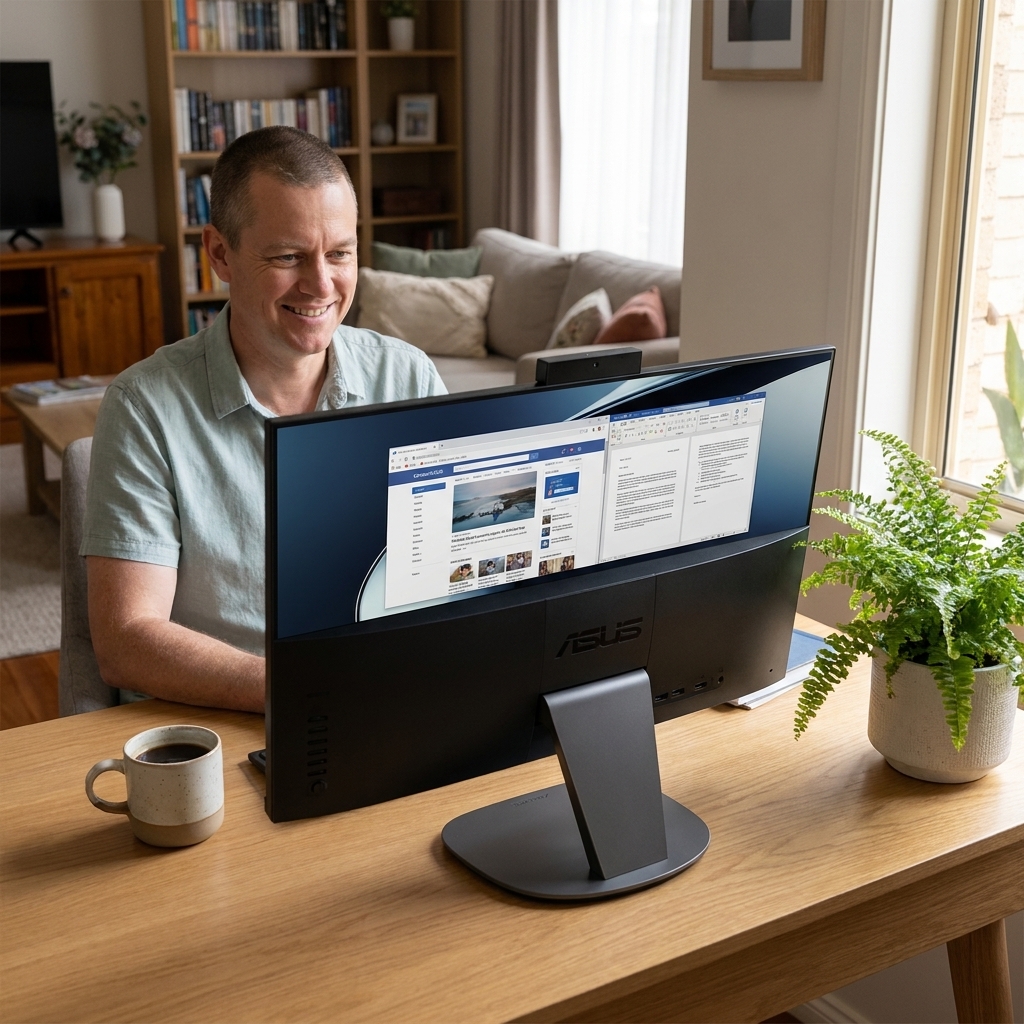
Fast, professional ASUS Zen AiO Pro repair — no fix, no fee.
✔ No fix, no fee · ✔ 90-day warranty · ✔ Onsite, remote & workshop · ✔ Since 2001
Common ASUS Zen AiO Pro Faults We Repair
- Won’t turn on / no power
- Won’t boot / black screen on boot
- Screen, backlight or display faults
- Won’t connect to Wi-Fi or the internet
- Overheating or loud fan
- Hard drive / SSD failure (with data recovery)
- RAM faults / won’t POST
- Won’t wake from sleep
About the ASUS Zen AiO Pro
The ASUS Zen AiO Pro is an all-in-one PC where the computer and screen are integrated, so display, power and storage repairs need care. We service every ASUS Zen AiO Pro — screen and backlight faults, power, storage (with data recovery), memory and Windows issues — and can upgrade the SSD or RAM where possible. Out-of-warranty welcome.
Our Repair Process
1. Free phone or Quick Quote triage. 2. Diagnostic — we pinpoint the exact fault. 3. Upfront fixed quote — no fix, no fee. 4. Repair with quality parts and a 90-day warranty. Onsite, remote or in our workshop, Australia-wide.
Why The Original PC Doctor
- Since 2001 — 24+ years repairing Australian computers
- No fix, no fee diagnostics — you only pay if we solve it
- 90-day warranty on parts and labour
- Onsite, remote & workshop options to suit you
- Genuine / OEM-spec parts
- 1,300+ verified customer reviews
Get your ASUS Zen AiO Pro repaired — talk to a technician now.
✔ No fix, no fee · ✔ 90-day warranty · ✔ Onsite, remote & workshop · ✔ Since 2001
ASUS Zen AiO Pro Repair FAQs
How much does ASUS Zen AiO Pro repair cost?
Every ASUS Zen AiO Pro repair begins with a free, no-obligation Quick Quote. You get an upfront fixed price before any work starts, and our no-fix-no-fee promise means you only pay if we solve it. All repairs carry a 90-day warranty.
Can you recover data from a ASUS Zen AiO Pro?
Yes. We can recover documents, photos and files from your ASUS Zen AiO Pro’s SSD, NVMe or hard drive — even if it won’t boot or power on. Ask us to image the drive before any repair so your data is protected.
Do you repair the ASUS Zen AiO Pro out of warranty?
Absolutely. We’re an independent repairer, so we fix ASUS Zen AiO Pro units that are out of warranty or no longer supported by the manufacturer — usually faster and for less.
Where can you repair my ASUS Zen AiO Pro?
Australia-wide. We offer onsite visits, secure remote support, and workshop repair with nationwide pickup — whichever is fastest for you. Call 1300 723 628 to arrange.
Why won’t my ASUS Zen AiO Pro turn on?
A ASUS Zen AiO Pro that won’t power on is most often a failed power supply or adapter, a power-button or front-panel fault, or a motherboard issue. We diagnose it for free, give you a fixed-price quote, and most no-power faults are repairable — no fix, no fee.
My ASUS Zen AiO Pro screen is black, dim or cracked — can you fix it?
Yes — on an all-in-one the screen is built in, so display, backlight and panel faults need careful repair. We diagnose whether it’s the panel, the backlight, the graphics or a cable, then repair or replace it.
Related: All In One Pc Repair · Asus Desktop Repair · ASUS Zen AiO 24 Repair · ASUS Zen AiO 27 Repair
Free Resources
Independent, non-commercial references:
ASUS Zen AiO Pro Repair faults we repair every week
Power board failure
Symptom: No power, no LED or fan activity on the 27-inch Zen AiO Pro Z240 series
How we fix it: Technician removes the rear cover, tests the 19 V DC-in jack and the internal AC-DC board, then replaces the failed power board with an OEM-spec unit.
Repair or replace? repair
Display backlight fault
Symptom: Black screen but faint image visible under torch light on the IPS panel
How we fix it: Remove the screen bezel and LCD assembly, replace the edge-lit LED strip or inverter board, then re-seat the LVDS cable.
Repair or replace? repair
NVMe SSD failure
Symptom: No boot, BIOS shows no storage device on the M.2 slot
How we fix it: Clone user data to a new 1 TB or 2 TB NVMe drive, install the new SSD and reinstall Windows 10/11.
Repair or replace? repair
Overheating CPU throttling
Symptom: Loud fan, sudden shutdowns after 10-15 minutes of load on the i7-6700HQ model
How we fix it: Disassemble the AIO, clean dust from the copper heat pipes and 120 mm blower, replace dried thermal paste with high-grade compound.
Repair or replace? repair
DDR4 SODIMM fault
Symptom: No POST, one beep code or black screen after RAM upgrade attempt
How we fix it: Remove the rear panel, test each SODIMM slot individually, replace faulty 16 GB or 32 GB DDR4-2133 module.
Repair or replace? repair
Wi-Fi card dropout
Symptom: Intermittent wireless connection or sudden loss of 5 GHz band on the Intel 8265 card
How we fix it: Replace the M.2 2230 wireless card and re-attach the two antenna pigtails behind the display.
Repair or replace? repair
ASUS Zen AiO Pro Repair price guide
| Repair | Indicative price | Typical turnaround |
|---|---|---|
| Power board replacement | $220-$320+ | 2-4 business days |
| Backlight / LED strip repair | $280-$420+ | 3-5 business days |
| NVMe SSD replacement + data clone | $260-$380+ | 1-3 business days |
| Full thermal clean and repaste | $160-$240+ | Same or next day |
| DDR4 SODIMM replacement | from $149 | Same day |
| Wi-Fi card replacement | $140-$210+ | 1-2 business days |
| Full diagnostic and quote | from $149 | 2-5 business days |
Prices are indicative only — every job is confirmed with a free, no-obligation quote after diagnosis. No Fix, No Fee.
ASUS Zen AiO Pro Repair — your questions answered
How much does ASUS Zen AiO Pro repair cost in Australia?
Prices vary by fault. Power board replacement typically ranges $220-$320, backlight repairs $280-$420 and SSD swaps with data recovery $260-$380. Every job receives a fixed quote after free diagnostics and only proceeds if you approve.
Can you fix my ASUS Zen AiO Pro if it won't turn on?
Yes. We test the external power brick, DC-in jack and internal power board. Most no-power faults on the Z240 series are solved by replacing the power board, with a fixed price given before any work begins.
Will my data be safe during an SSD replacement?
We clone the existing NVMe drive to a new SSD before any Windows reinstall. Your photos, documents and programs are transferred intact and the old drive is returned to you unless it is physically damaged beyond recovery.
How long does an ASUS Zen AiO Pro repair take?
Most common jobs such as SSD swaps or thermal repastes are completed in one to three business days. Backlight or power board repairs usually take three to five business days depending on parts availability.
Do you offer onsite repair for the ASUS Zen AiO Pro?
Yes. Our technicians can attend your home or office anywhere in Australia for power, storage or RAM repairs. Larger jobs such as screen or motherboard work are usually completed in our workshop with free pickup and return.




























