


Crucial & Kingston SSD Data Recovery — MX500, P5 Plus, T500, T700, KC3000 & All Models
Last Updated:
Lost data? Stop using the device and act now — early action is the biggest factor in successful recovery.
✔ Free file list before you pay · ✔ Free phone assessment · ✔ ISO-5 Class 100 clean room · ✔ 20+ years experience
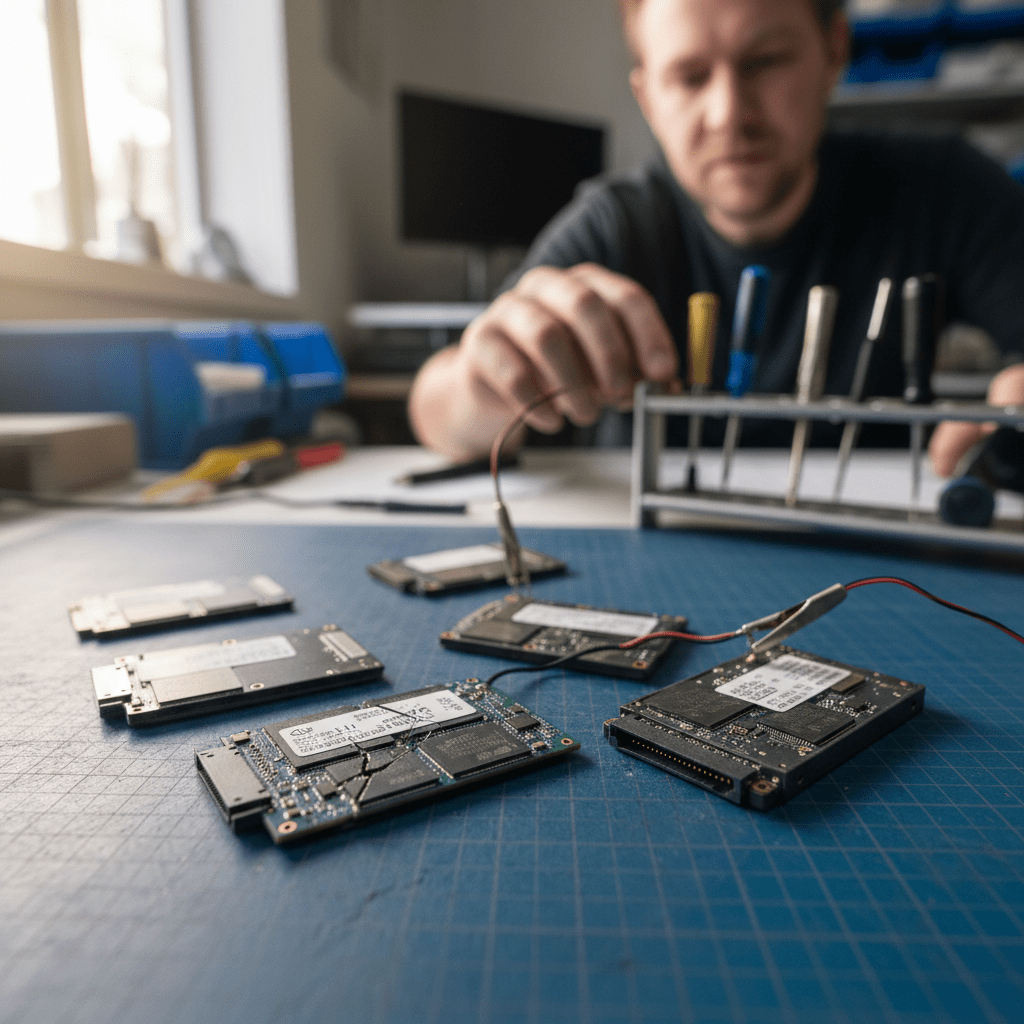
Crucial (a Micron Technology brand) and Kingston are two of the most widely deployed SSD brands in Australian businesses and homes. Crucial’s MX500 is one of the best-selling SATA SSDs of all time; the Crucial T700 PCIe 5.0 is among the fastest consumer drives available; Kingston’s KC3000 and SKC3000 are popular in workstation and enthusiast builds. The Original PC Doctor has recovered data from Crucial and Kingston SSDs across all generations since 2001, including Micron enterprise SSDs in server environments.

Crucial and Kingston SSDs use NAND from Micron (Crucial) and various manufacturers including Micron, SK Hynix, and Samsung (Kingston), depending on the model and production batch. This variation means that Kingston SSD recovery sometimes requires identifying the actual NAND manufacturer from the chip markings rather than relying on the product label — a specialist capability our engineers have developed over thousands of Kingston recovery cases.
Crucial & Kingston SSD Models We Recover From
MX500, MX300, MX200, MX100 — 2.5″ SATA; MX500 is among the most common SSDs in Australia
P5 Plus (PCIe 4.0), P5, P3 Plus, P3, P2, P1 — M.2 NVMe mainstream and budget range
T700 (PCIe 5.0, up to 12.4 GB/s), T500 (PCIe 4.0) — high-performance M.2 NVMe
X10 Pro, X9 Pro, X8, X6 — USB-C portable SSDs; NVMe inside (X10 Pro, X9 Pro), SATA inside (X8, X6)
KC3000, SKC3000S/D — PCIe 4.0 x4; Phison E18 controller; high-end enthusiast NVMe
A400 (budget SATA), A2000 (NVMe) — most common Kingston budget drives; mixed NAND sourcing
NV2, NV3 — budget M.2 NVMe; QLC NAND, limited sustained write performance
SSDNow V300, E1000 enterprise (U.2 NVMe) — older Kingston SATA and enterprise SSD families
Common Crucial & Kingston SSD Failure Modes
- Crucial MX500 sudden death: The MX500 can fail suddenly with no warning — SMART data often shows no pre-failure indicators; the drive just stops responding after a power event
- Crucial T700 overheating (without heatsink): The T700 PCIe 5.0 generates significant heat and requires a heatsink — without one, controller failure is common in sustained workloads
- Kingston A400 NAND variability: The Kingston A400 uses different NAND suppliers in different production batches — recovery requires physical chip identification to determine the correct read parameters
- Crucial P5 Plus firmware corruption: Some Crucial P5 Plus drives experienced firmware-level issues after system crashes — the drive shows as 0 bytes or is not detected
- Kingston KC3000 Phison E18 controller failure: The Phison E18 controller in KC3000 is susceptible to failure from power loss events — recovery requires Phison-specific controller bypass tools
- Crucial X portable USB bridge failure: Crucial X8/X9 Pro portable SSDs have known USB bridge controller issues — the internal SSD is typically recoverable even when the USB interface fails
- Micron enterprise NAND failure: High-density Micron enterprise SSDs in servers can develop bad block tables that exceed the drive’s ECC correction capability — partial recovery is common
Micron Enterprise SSD Recovery
Crucial’s parent company Micron produces enterprise SSDs (5300/5400 SATA series, 7450/9400 NVMe series) used in servers and storage arrays. Micron enterprise SSDs use U.2 (2.5″ NVMe) and E1.S form factors and are common in Dell PowerEdge, HPE ProLiant, and Lenovo ThinkSystem servers. Our engineers recover Micron enterprise SSDs from failed server configurations, including drives that have exceeded their rated TBW (terabytes written) endurance specification.
Crucial & Kingston-Specific Warnings

Free Resources
Independent, non-commercial references:
Get your data back — free file list, free phone assessment. Talk to a specialist today.
✔ Free file list before you pay · ✔ Free phone assessment · ✔ ISO-5 Class 100 clean room · ✔ 20+ years experience
Frequently Asked Questions — Crucial & Kingston SSD Recovery
My Crucial MX500 suddenly died with no warning — SMART showed no errors. Can the data be recovered?
Yes, sudden-death MX500 failures are one of our most common Crucial recovery cases. The MX500 uses a Silicon Motion SM2258 controller that can fail without SMART pre-warning. Our engineers use Silicon Motion controller bypass tools to image the NAND directly. The MX500’s Micron 3D TLC NAND is well-supported by our recovery tools, and full recovery is achievable in most sudden-death scenarios.
My Kingston A400 is showing as unallocated / RAW — can you recover my files?
Yes. A Kingston A400 showing as unallocated or RAW typically indicates filesystem corruption rather than hardware failure — the NAND data is intact but the partition table or filesystem metadata has been damaged. Our engineers perform logical recovery using write-blocked forensic imaging, rebuilding the filesystem structure to recover your files. This is one of our most straightforward SSD recovery types.
Is there an assessment fee for Crucial or Kingston SSD data recovery?
A non-refundable assessment fee applies to all data recovery including Crucial and Kingston SSDs. The assessment covers NAND identification (especially important for Kingston A400), failure mode analysis, and written quote. The fee is credited towards recovery costs if you proceed.
My Crucial T700 PCIe 5.0 failed after sustained use without a heatsink — is recovery possible?
Yes, in most cases. The Crucial T700’s Rainier controller is typically the component that fails from thermal stress, while the Micron 232-layer TLC NAND packages remain intact. Our engineers perform chip-off extraction from the T700’s NAND BGA packages. The T700 uses Micron NAND which our recovery tools are specifically optimised for. We’ll assess the drive in our lab and advise on recovery prospects before any work proceeds.
My Crucial X9 Pro portable SSD shows as not recognised — is the data recoverable?
The Crucial X9 Pro frequently fails at the USB-C bridge controller rather than the internal NVMe SSD. Our engineers open the X9 Pro housing and assess the internal NVMe module directly — if the NVMe is intact (which it usually is), recovery from the internal SSD module is straightforward. The X9 Pro uses Micron NVMe which our tools handle natively.
Free assessment · No-obligation quote · 24/7 emergency line · Australia-wide service




























