


Alienware (Dell) Laptop Repair — Common Issues & Reliable Fixes
Alienware gaming laptop repairs — m15, m18, x14 & x16
Last Updated:
About Alienware (Dell): Founded in 1996. Headquartered in Miami, Florida, USA (acquired by Dell 2006).
Our workshop sees Alienware (Dell) laptops every week — from new arrivals straight out of warranty to well-loved machines that just need one more tune-up to keep going.
Australian-owned • No-fix, no-fee • In-home, in-workshop or mail-in.
The Alienware (Dell) Range We See Most Often
Popular Alienware (Dell) series we repair: m-series (m16, m18), x-series (x14, x16), Area-51m (legacy), Alienware 15/17 R-series (legacy).
Flagship models we work on regularly
- Alienware m18 R2
- Alienware m16 R2
- Alienware x16 R2
- Alienware x14 R2
- Alienware 18 Area-51 (2025 revival)
What to Expect From Your Alienware (Dell) Repair
We keep the process transparent so you always know what’s happening to your laptop:
1FREE Quick Quote
Call us, drop in, or book online — we give you a written, fixed quote on your Alienware (Dell) laptop at no cost. No-fix, no-fee.
2Pro repair
Qualified technicians, genuine or certified parts, ESD-safe workshop. Typically 1–5 business days once the quote is approved.
390-day warranty
Every Alienware (Dell) repair we do is covered for 90 days. Something not right? We fix it free.
Common Alienware (Dell) Problems We Diagnose & Repair
After years of working on Alienware (Dell) laptops across Australia, the same fault patterns surface again and again. Here is the field guide our technicians actually use, broken down by subsystem:
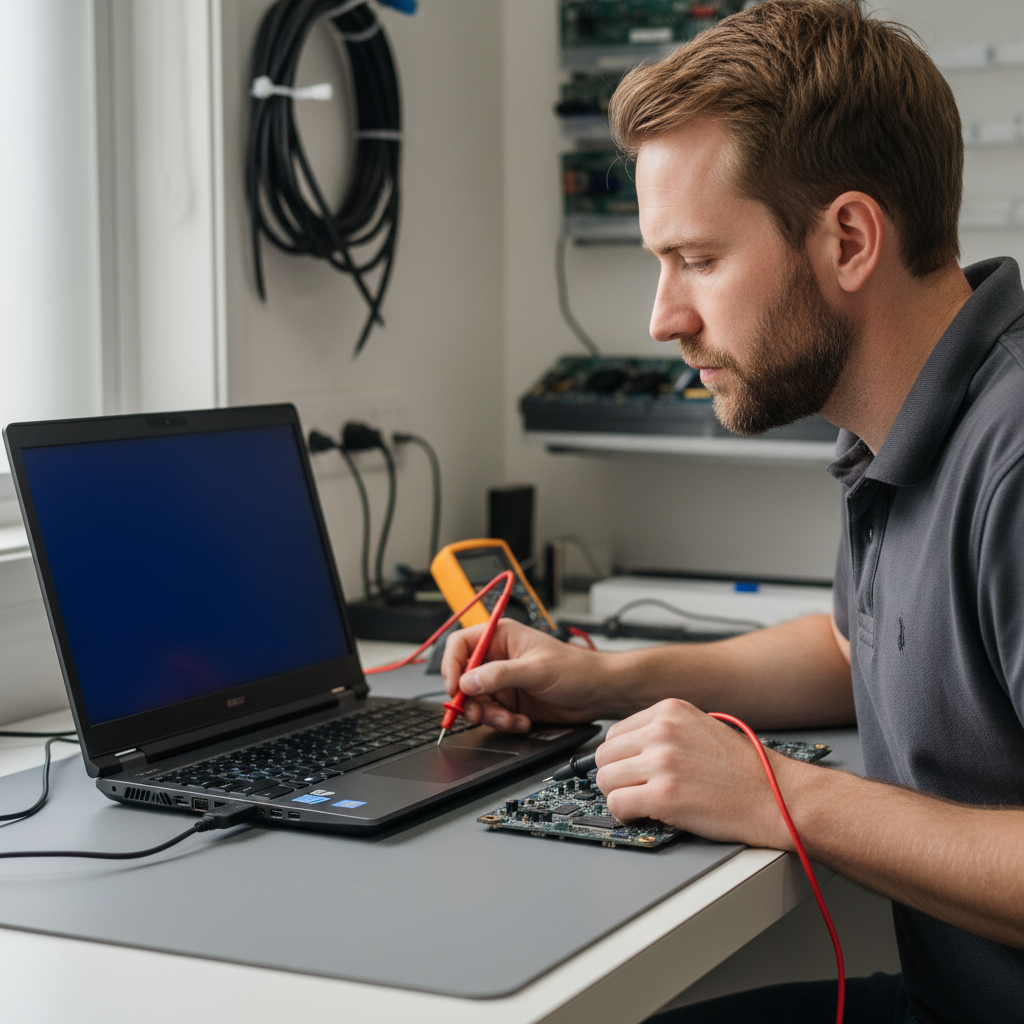
Screen & Display Issues
- 480 Hz panel signal dropout
- QHD+ panel ghosting
- Hinge cable wear on m-series
- G-Sync flicker with NVIDIA Optimus
- Dead pixel clusters on OLED x16
- Backlight bleed at corners
Overheating & Thermal Faults
- Cryo-Tech vapour chamber thermal paste pump-out
- Fan bearing failure after 18 months
- CPU 98°C on Intel 14th gen i9
- GPU MUX-switch heat
- Under-chassis vent blockage on lap use
- BIOS thermal table regressions
Keyboard, Trackpad & Input
- AlienFX per-key RGB failure
- Sticky/double-input on mechanical Cherry MX Ultra
- Macro keys not mapping
- Backlight flicker at low brightness
- Spacebar rattle
- Keycap puller cap-stem break
Battery & Power
- 450W brick not delivering full power
- Sudden shutdown at 15% under load
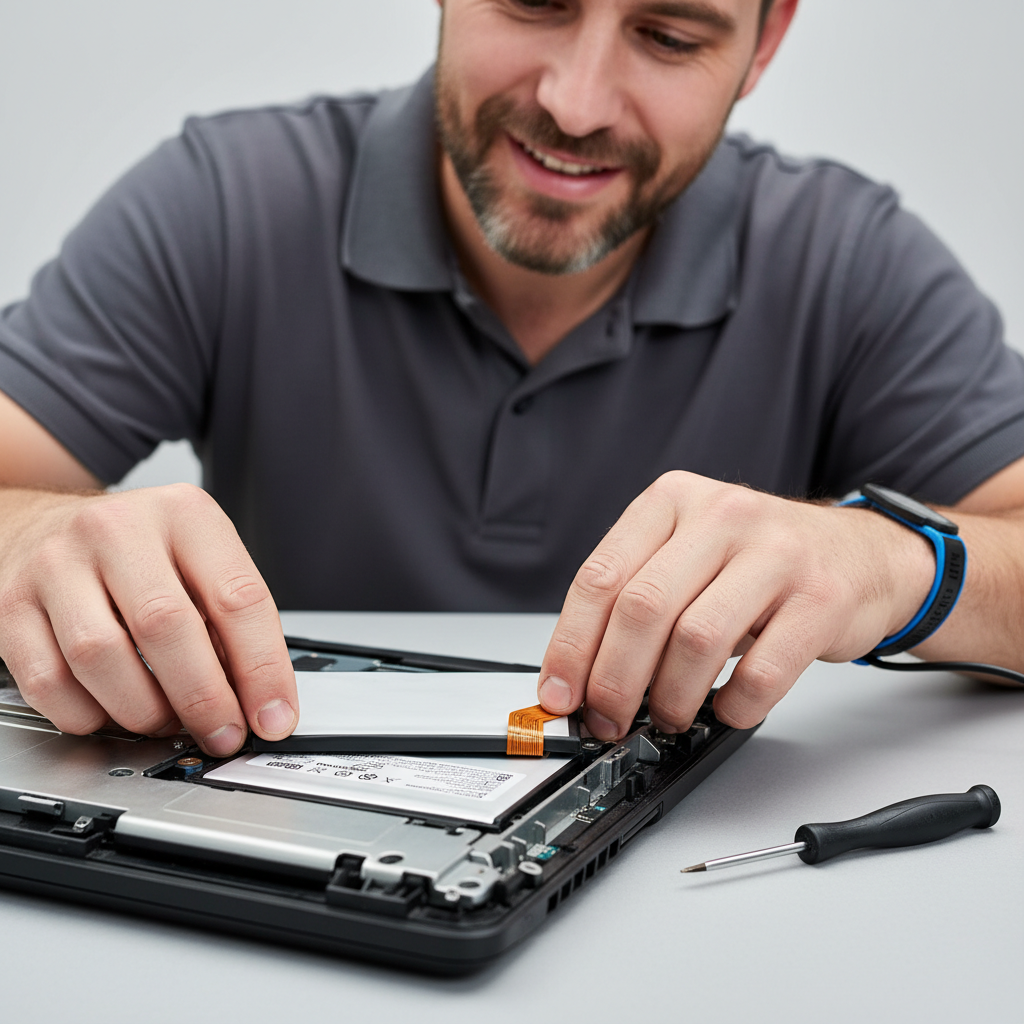
- Swollen battery on 3+ year units
- USB-C PD capped at 100W on x-series
- Fast discharge in sleep
- Battery not charging past 80%
Performance & Software
- Alienware Command Center crash after update
- Thermal throttle regressions after BIOS flash
- AWCC fan profile not persisting
- SSD thermal throttle in NVMe slot 2
- Windows Update breaking G-Sync
- Tobii eye-tracker service memory leak
Wi-Fi, Bluetooth & Ports
- Killer Wi-Fi 6E/7 TDR
- Bluetooth drop near USB-3
- Thunderbolt 4 eGPU handshake
- HDMI 2.1 4K/120 not negotiating
- RGB lighting via iCUE vs AWCC conflict
- Graphics amplifier (legacy) detection
Graphics & External Displays
- NVIDIA RTX 4090 mobile VRAM throttle
- Optimus vs dGPU-only mode flakiness
- External monitor refresh rate capped
- G-Sync module firmware bug
- Frame stutter after driver update
- Black screen on wake
Audio, Microphone & Speakers
- Dolby Atmos not initialising
- Speaker distortion at high volume
- Mic noise cancellation too aggressive
- Headphone jack intermittent
- No sound after sleep
- Bluetooth headset codec fallback
Alienware (Dell) — 11 Fun Facts You Probably Did Not Know
A bit of background on Alienware (Dell) that we promise will not appear on your invoice:
- Alienware was founded in 1996 in Miami by Nelson Gonzalez and Alex Aguila as an independent boutique PC builder.
- Dell acquired Alienware in March 2006 — and kept the brand and logo almost untouched to protect its cult following.
- The internal codename for the Alienware head mascot is "Axxel" — he's never had an official public name.
- The Alienware Area-51m (2019) was marketed as "the world's first upgradeable laptop" with a socketed desktop-class CPU.
- Alienware laptops have appeared in over 50 films and TV shows including the Matrix reboots, Mr. Robot and The Social Network.
- AlienFX launched in 2009 as the first gaming laptop RGB ecosystem with API-level game sync.
- Alienware runs a secret testing facility called "The Lab" in Austin, TX — environmental chambers simulate heat, cold, humidity, and vibration.
- The Alienware x14 (2022) was the thinnest 14-inch gaming laptop ever shipped — 14.5 mm.
- Esports tournaments have awarded more than US$500M in prizes on Alienware-branded hardware since 2010.
- Alienware was one of the first consumer laptop brands to use ocean-bound recycled plastic and bamboo packaging (2022).
- The Concept UFO (2020) was an Alienware prototype Switch-style handheld that never shipped — but directly inspired the ASUS ROG Ally.
Tech Tips: Get Years More Life From Your Alienware (Dell) Laptop
Field-tested maintenance that materially extends Alienware (Dell) laptop lifespan:
- Enable "dGPU only" mode via the BIOS when gaming for sustained GPU performance — Optimus adds stutter under load.
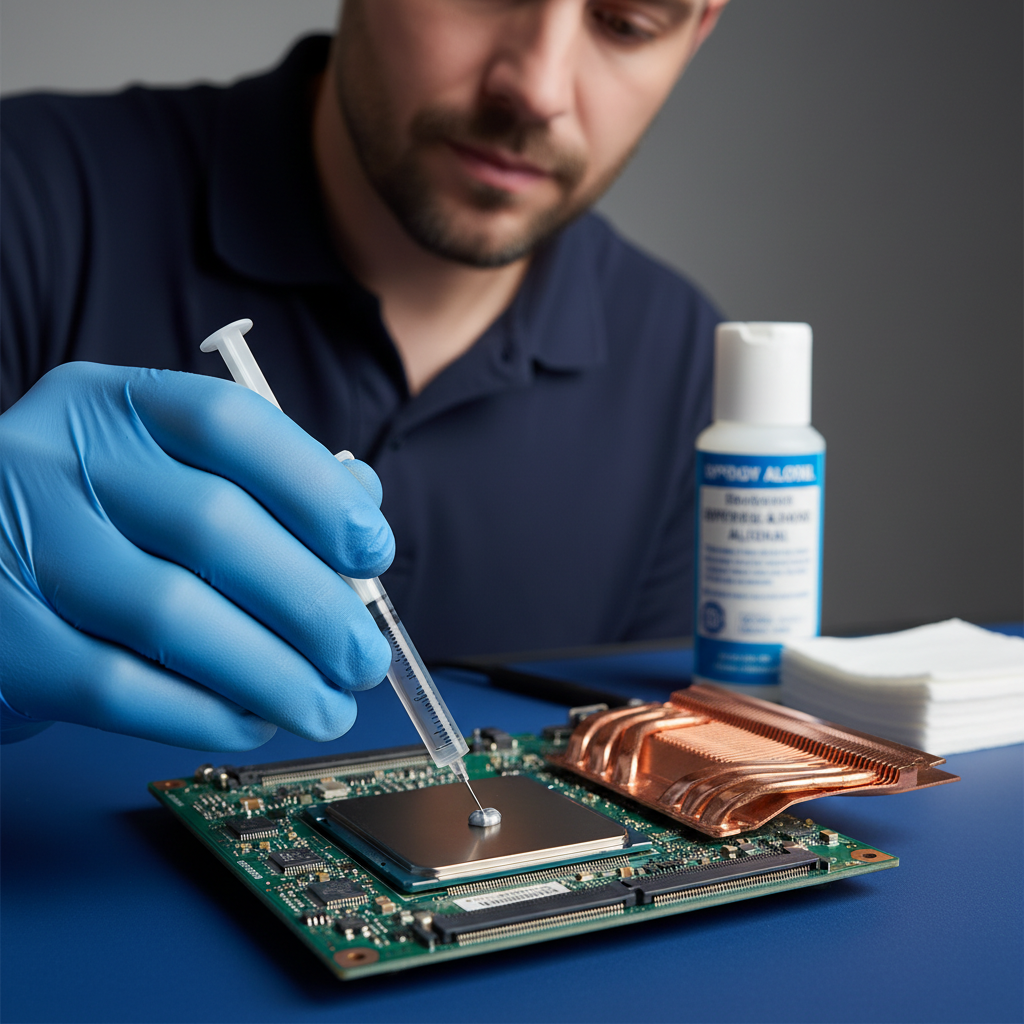
- Reapply thermal paste / pads every 12–18 months on the m-series — Cryo-Tech liquid metal pumps out faster than conventional paste.
- Keep Alienware Command Center updated via Dell Update (not Windows Update) — AWCC drivers are co-released with BIOS.
- Use the 450W power brick even for light work if you game regularly — the 240W brick will silently throttle the GPU.
- Clean the exhaust grilles monthly — dust cakes quickly on Cryo-Tech vapour chambers.
- Cap the battery at 80% via BIOS → Power Management when you game plugged-in most of the time.
- Disable Tobii Eye Tracking if you see Explorer.exe memory growth — it's a known service leak on older drivers.
How Much Does a Alienware (Dell) Repair Cost?
Indicative pricing for Alienware (Dell) laptop repairs in Australia (2026). Final quote is always written and fixed before work starts. No-fix, no-fee.
Prices include labour and standard parts. Premium OEM panels, high-capacity batteries, and same-day service may incur a surcharge — always quoted upfront.
Alienware (Dell) Repair — DIY vs Professional
We love a self-fixer. But some repairs are genuinely risky without the right tools and parts supply chain — here’s where we’ve seen DIY go wrong most often:
| Repair | DIY risk | Professional outcome |
|---|---|---|
| Cracked screen replacement | Wrong panel bought online, ribbon cable damaged during install, $200 wasted. | Correct OEM panel, anti-static workshop, tested for dead pixels before you collect. |
| Battery swelling | Punctured cells during removal are a fire risk. YouTube videos rarely show proper cell isolation. | ESD-safe removal, swollen-cell disposal via approved e-waste channel, genuine replacement. |
| Liquid-spill damage | Powering on after a spill usually fries the motherboard. Rice doesn't help. | Full tear-down + ultrasonic PCB clean within 24 h — the only reliable salvage path. |
| Overheating / slow fans | Removing the heatsink without fresh thermal paste causes immediate shutdown on reboot. | Heatsink inspected + reseated, fresh TIM applied, fan bearings lubricated or replaced. |
| Data recovery from dead drive | Running recovery software on a failing drive often writes over the data you want back. | Drive imaged to a clean device first; recovery runs on the image, not the original. |
The Alienware (Dell) Celebrity Challenge
Four quick trivia questions about Alienware (Dell) — get them all right and unlock a 10% off repair code. No peeking.
Q1. Which of these people has a publicly-documented connection to Alienware (Dell)?
DJ and EDM producer — publicly credited Alienware in studio tours.
Q2. What year was Alienware (Dell) founded?
Alienware (Dell) was founded in 1996.
Q3. Which of these laptop lineups is a flagship Alienware (Dell) series?
m-series (m16, m18) is one of Alienware (Dell)'s best-known laptop series.
Q4. And which of these has also been publicly linked to Alienware (Dell)?
Announced as Alienware Global Esports Ambassador in 2019.
Valid 72 hours from email delivery. One redemption per customer. Applies to labour on Alienware (Dell) repairs booked through this site.
Alienware (Dell) Laptop Repair — Frequently Asked Questions
The questions we get asked most often about Alienware (Dell) repairs:
How much does a Alienware (Dell) laptop repair cost?
Most Alienware (Dell) repairs fall between $189 and $399, depending on the fault. Battery replacement typically starts at $189, screen replacement from $299, and motherboard-level repairs from $399. We always provide a written, fixed quote before any work starts — and if we can’t fix it, there’s no fee.
How long will my Alienware (Dell) laptop repair take?
Most straightforward Alienware (Dell) repairs are completed within 1 to 5 business days. Screen and battery replacements are often same-day or next-day if we have the part in stock. Motherboard-level repairs, liquid damage recovery and parts-order jobs can take 5–10 business days. We’ll give you a realistic turnaround as part of the quote.
Do you repair Alienware (Dell) laptops that are out of warranty?
Yes — the vast majority of Alienware (Dell) laptops we service are out of manufacturer warranty. We’re brand-independent, so we’ll service any age of Alienware (Dell) laptop as long as parts are still available (usually 5–8 years after the model launched).
Can you recover data from a dead or damaged Alienware (Dell) laptop?
In most cases, yes. Data recovery on Alienware (Dell) laptops ranges from simple drive-transplant jobs (from $249) up to advanced clean-room recovery on physically failed drives. We image the drive first and run recovery on the image — never directly on the original — so your data is never at risk of further damage during the process.
Do you come to me, or do I bring the Alienware (Dell) laptop in?
Both options are available. We offer in-workshop drop-off (cheapest), onsite service in most capital cities, and mail-in repair Australia-wide with insured shipping. Call us on 1300 723 628 and we’ll recommend the most efficient option for your specific issue.
Do you use genuine Alienware (Dell) parts?
Where possible, yes. We source genuine Alienware (Dell) LCD panels, batteries and keyboards directly from authorised parts distributors. For older or discontinued models we also use certified aftermarket parts — always disclosed up-front on the quote — which usually cost less and carry the same 90-day repair warranty.
What warranty do you offer on Alienware (Dell) repairs?
Every Alienware (Dell) repair comes with a 90-day warranty covering both parts and labour on the specific issue we fixed. If the same fault recurs within 90 days, we’ll make it right at no charge.
Will a third-party repair void my Alienware (Dell) warranty?
Under Australian Consumer Law, third-party repair cannot void your manufacturer warranty unless a specific repair directly caused damage to a different component. If your Alienware (Dell) is still in manufacturer warranty, we’ll always ask you first and often recommend using the manufacturer path. For out-of-warranty laptops, independent repair is almost always faster and cheaper.
Free Alienware (Dell) Resources
No-cost resources to help you make an informed decision about your Alienware (Dell) laptop — warranty, consumer rights and scam protection. Tap any panel to expand.
Check your Alienware (Dell) warranty status
Find out whether your Alienware (Dell) laptop is still in manufacturer warranty before you authorise any repair. We will always tell you if your warranty path is the better option — we only book repairs where it makes sense for you.
Know your Australian Consumer Law rights
Under Australian Consumer Law, your laptop is covered by automatic consumer guarantees that go beyond the manufacturer warranty. This applies whether you paid $400 or $4,000. A repair shop — us included — cannot waive these rights.
Avoid phone-based “your Alienware (Dell) has a virus” scams
If you ever receive an unsolicited phone call claiming to be from Alienware (Dell), Microsoft, or any tech-support provider telling you there’s a problem with your laptop — it’s a scam. Neither the manufacturer nor us will ever cold-call you.
Not sure whether it’s worth repairing? Get a FREE Quick Quote
Before you spend anything, let us look at your Alienware (Dell) laptop and tell you exactly what it needs and what it’ll cost. The quote is free, written and fixed — no obligation, no-fix-no-fee.
Ready to Fix Your Alienware (Dell) Laptop?
We service Alienware (Dell) laptops nationally — in-workshop, onsite, or by mail-in. No-fix, no-fee diagnostics.
Australian-owned • No-fix, no-fee • In-home, in-workshop or mail-in.
Alienware (Dell) Laptop Repair faults we repair every week
m-series hinge cable wear
Symptom: screen flicker or dropout when lid opens past 90 degrees on m16/m18
How we fix it: Replace the full hinge-and-display-cable assembly with Dell OEM part; route new cable through the redesigned 2022+ hinge barrel and torque hinge screws to 2.5 Nm.
Repair or replace? repair
x16 R2 OLED panel ghosting
Symptom: persistent image retention on the 240 Hz OLED after 30 minutes of static HUD use
How we fix it: Run pixel-refresh cycle via Alienware Command Centre; if ghosting remains, replace the bonded OLED panel and recalibrate colour profile.
Repair or replace? Depends
Cryo-Tech vapour chamber paste pump-out
Symptom: CPU hitting 98 °C and thermal throttling on 14th-gen i9 after 12–18 months
How we fix it: Disassemble heatsink, clean old PTM7950 pad, apply fresh high-viscosity phase-change material and re-seat vapour chamber with even 0.6 Nm torque on all screws.
Repair or replace? repair
Area-51m GPU MUX-switch heat
Symptom: RTX 3080 down-clocking to 400 MHz after 20 minutes of load
How we fix it: Reflow or replace the MUX IC on the daughterboard, re-apply thermal pads rated 12 W/mK and update BIOS to latest MUX timing table.
Repair or replace? repair
x14 R2 fan bearing failure
Symptom: high-pitched whine from left intake fan after 18 months of daily gaming
How we fix it: Replace both 85 mm fans with Dell part 0M6X9K; clean heatsink fins and re-seat vapour chamber with new thermal interface.
Repair or replace? repair
480 Hz panel signal dropout
Symptom: intermittent black screen on m18 R2 when external monitor is connected via HDMI
How we fix it: Reseat the eDP cable at both motherboard and panel ends; if dropout persists, replace the 40-pin eDP cable and test with known-good panel.
Repair or replace? repair
Alienware (Dell) Laptop Repair price guide
| Repair | Indicative price | Typical turnaround |
|---|---|---|
| Hinge and display cable replacement (m16/m18) | $320-$480 | 2-4 business days |
| OLED panel replacement (x16 R2) | $890-$1150 | 3-5 business days |
| Cryo-Tech thermal repaste and pad refresh | $180-$260 | 1-2 business days |
| Dual fan replacement (x14/x16) | $240-$340 | 2-3 business days |
| 480 Hz eDP cable and connector service | $160-$230 | 1-2 business days |
| GPU MUX daughterboard repair | $420-$590 | 3-5 business days |
| Full diagnostic and quote | from $89 | same day |
Prices are indicative only — every job is confirmed with a free, no-obligation quote after diagnosis. No Fix, No Fee.
Alienware (Dell) Laptop Repair — your questions answered
How much does it cost to replace the screen on an Alienware m18?
Screen replacement on the m18 R2 starts from $520 and can reach $780 depending on whether you need the 480 Hz IPS or the optional QHD+ panel. We quote after a free diagnostic that confirms the exact panel part number.
Is it worth repairing an Alienware laptop out of warranty?
Most Alienware laptops remain worth repairing while the CPU and GPU are still current. A $250 thermal service or $350 hinge repair often extends usable life by two to three years at far less cost than a new unit.
How long does a typical Alienware repair take in Australia?
Once the quote is approved, most jobs finish in one to three business days. Complex board-level work such as MUX replacement can take up to five days while we source the correct daughterboard.
Do you use genuine Dell parts for Alienware repairs?
We fit genuine Dell or Dell-certified replacement parts on every Alienware job. This preserves the original warranty on any remaining components and ensures correct thermal and display calibration.
Can you repair Alienware laptops with liquid damage?
Yes, we perform ultrasonic cleaning and component-level board repair on liquid-damaged Alienware units. Success depends on how quickly the laptop was powered down and dried; we provide a written assessment before any work begins.




























