


Dell Desktop Data Recovery — OptiPlex, XPS, Inspiron, Alienware & Precision
Last Updated:
Lost data? Stop using the device and act now — early action is the biggest factor in successful recovery.
✔ Free file list before you pay · ✔ Free phone assessment · ✔ ISO-5 Class 100 clean room · ✔ 20+ years experience
Dell desktops are the most common business PC in Australia — the OptiPlex alone accounts for tens of millions of units deployed in offices, schools, healthcare facilities and government departments. The Original PC Doctor recovers data from every Dell desktop line: the workhorse OptiPlex, the consumer Inspiron and XPS, the ultra-powerful Alienware Aurora gaming tower, the Dell Precision workstation, and the small business Vostro range. Whether your Dell’s hard drive has failed, its SSD has died, or the system won’t boot after a Windows update, we recover your data.
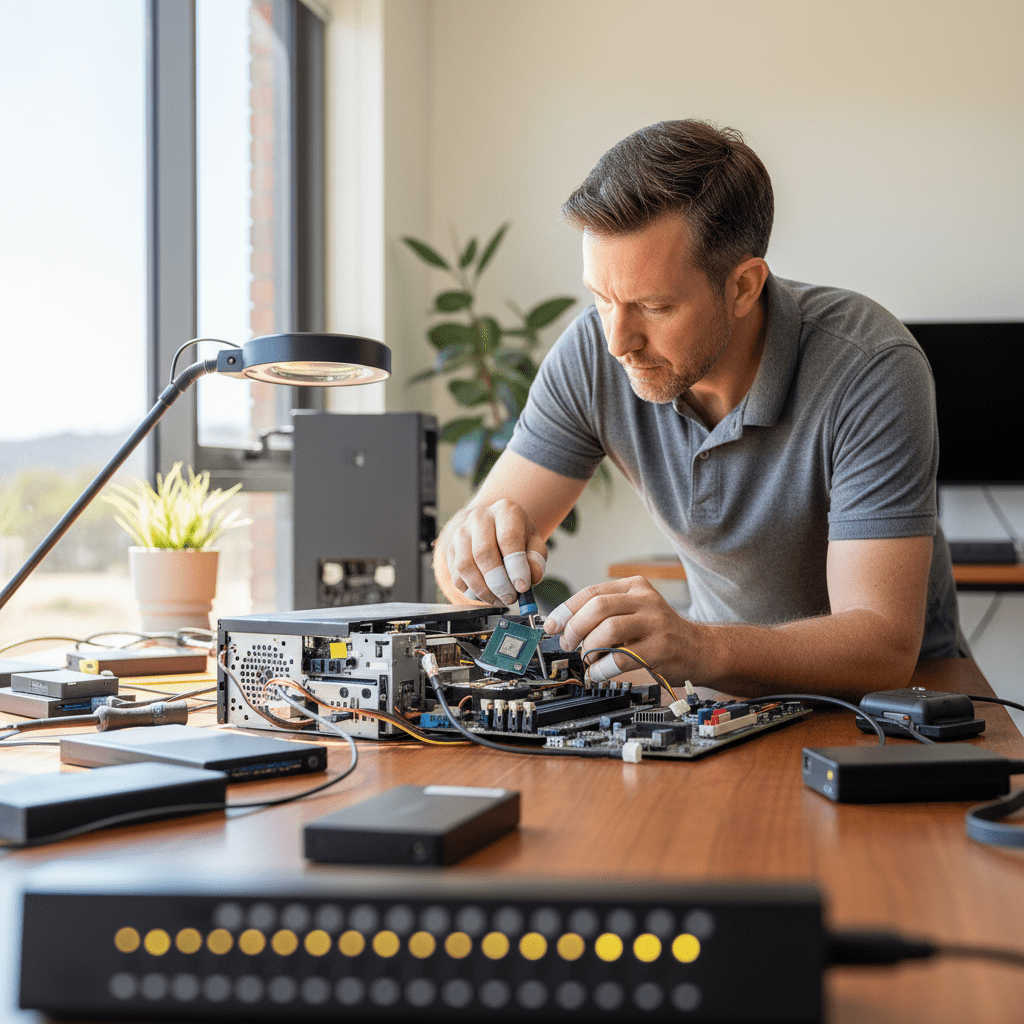
We service all Dell desktop form factors — full tower, mid-tower, small form factor (SFF), ultra-small form factor (USFF/Micro), and All-in-One — and recover from all storage types including SATA HDD, SATA SSD, NVMe M.2, PCIe SSD, and Intel Optane configurations.
Emergency: 1300 723 628 — Free phone assessment, 24/7
Dell Desktop Models We Recover From
Common Dell Desktop Data Loss Scenarios
- OptiPlex BIOS shows “No Boot Device” or “Hard Drive Not Installed” — typically a failed SATA HDD/SSD or SATA cable failure. SATA cable issues can be ruled out with a quick diagnostic — call us before buying a new drive.
- XPS Desktop NVMe SSD not detected — Dell XPS systems use PCIe NVMe (Samsung PM981, Toshiba BG4, WD SN730) that can fail with firmware bugs or NAND wear. Do not attempt a clean Windows install — this destroys recoverable data.
- Dell Alienware Aurora boot loop / “Preparing Automatic Repair” — corrupted Windows boot partition or failing NVMe. Stop the boot loop (hold power button) before it writes further. Gaming SSDs run hot in Alienware chassis and have elevated failure rates.
- Dell Precision PERC RAID degraded or offline — Dell Precision workstations with PERC H330/H730/H740 controllers can lose RAID configurations after a controller failure or NVRAM corruption. We virtually reconstruct the RAID from the member drives without touching originals.
- OptiPlex Micro / USFF SSD failure — the M.2 2230 and 2242 form factor SSDs in small-form OptiPlex units run very hot in confined chassis. Higher NAND wear rate than standard M.2 2280 drives.
- Dell laptop-style drives in AIO models — All-in-One Dells use slim 2.5″ or M.2 drives that are more susceptible to head crash from the unit being knocked or moved while running.
- Dell system crash during Windows Update (BitLocker) — modern Dell OptiPlex and Precision often have BitLocker auto-enabled. If the system crashes mid-update and BitLocker is active, a recovery key is required to access the drive. We can help you locate your recovery key from your Microsoft account.
Dell Precision PERC RAID Recovery
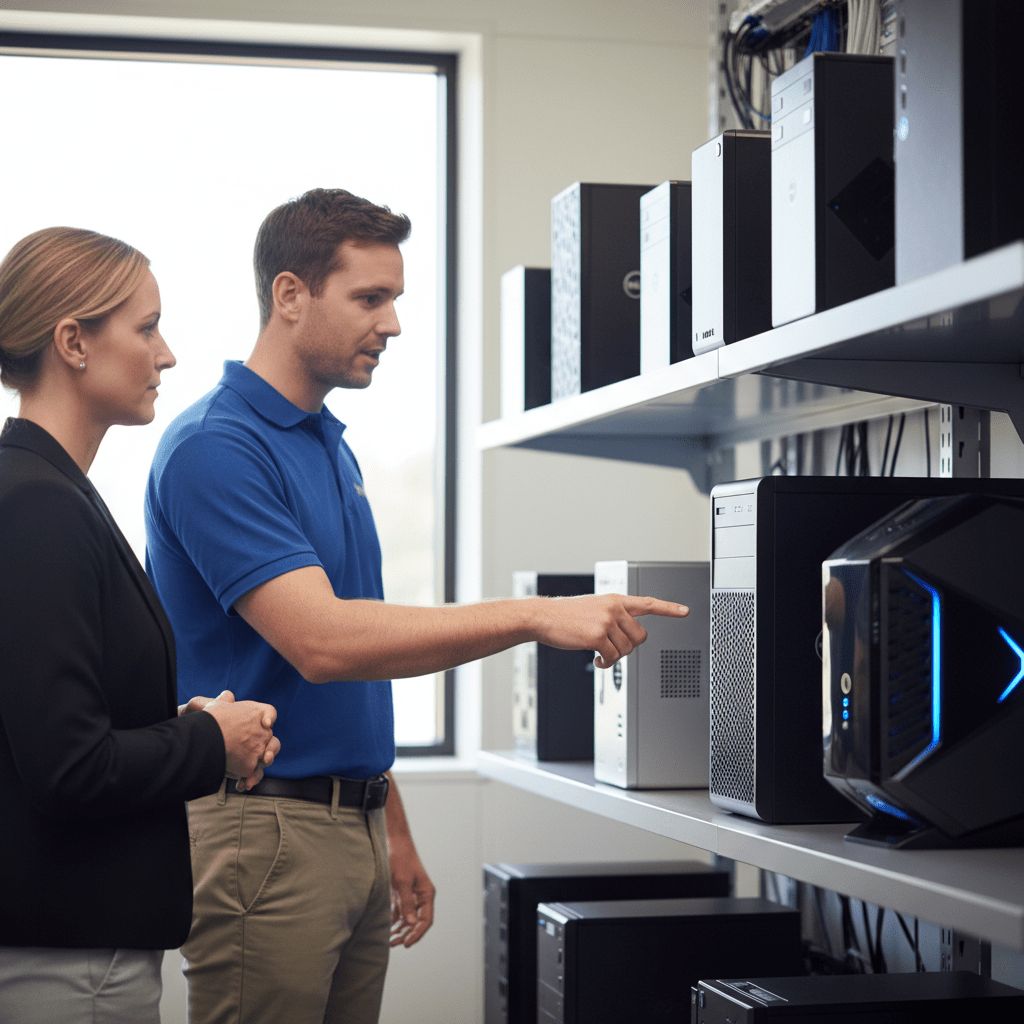
Dell Precision workstations and PowerEdge servers with PERC hardware RAID controllers are some of the most complex desktop recoveries we handle:
- PERC H330, H730, H730P, H740P, H840 — virtual disk reconstruction after controller failure
- RAID 0, RAID 1, RAID 5, RAID 6, RAID 10 configurations
- RAID metadata recovery from degraded or foreign configuration states
- Dell BOSS (Boot Optimised Storage Solution) M.2 RAID-1 mirror failure
Our Recovery Process
- Free phone assessment — call 1300 723 628 with your Dell model and symptom.
- Device intake — Ringwood VIC drop-off, free courier pickup Australia-wide, or onsite collection in any capital city.
- File list and fixed quote — complete recoverable file list before you pay anything.
- Secure delivery — data returned on new encrypted media, courier, or cloud transfer.
Free Resources
Independent, non-commercial references:
Get your data back — free file list, free phone assessment. Talk to a specialist today.
✔ Free file list before you pay · ✔ Free phone assessment · ✔ ISO-5 Class 100 clean room · ✔ 20+ years experience
FAQs — Dell Desktop Recovery
Can you recover data from a Dell OptiPlex that won’t boot?
Yes. “No boot device” or “Operating System not found” on a Dell OptiPlex usually means a failed drive or corrupted system partition — not data loss. We recover the drive separately from the PC. Your OptiPlex doesn’t need to be bootable for us to recover your files.

My Dell XPS NVMe SSD failed — can the data be recovered?
Yes. NVMe SSD recovery requires controller bypass, NAND chip imaging, and XOR/ECC descrambling. Do not attempt a Windows reinstall — this overwrites recoverable data. The sooner you power down and contact us, the higher the recovery success rate.
Can you recover from a Dell Precision PERC RAID array?
Yes. We recover from all PERC controller generations (H330/H730/H740/H840) and RAID 0/1/5/6/10 configurations. We virtually reconstruct the RAID array from imaged drives without writing to your originals. Do not clear foreign configurations or attempt a rebuild before calling us.
How much does Dell desktop data recovery cost?
Logical recovery (Windows won’t boot, deleted files, corruption): $300–$800. SSD/NVMe physical recovery: $800–$2,500. PERC RAID reconstruction: $800–$3,500 depending on RAID level and number of drives. Free assessment and fixed quote.
My Dell Alienware Aurora is stuck in a boot loop — what should I do?
Hold the power button to force power off immediately. Boot loops cause repeated writes that can overwrite recoverable data. Do not let it cycle more than twice. Call us for a free assessment — most Alienware boot loop cases are recoverable if caught early.
📞 Call 1300 723 628 for a free desktop PC recovery assessment — or book online now.
← Back to Desktop & PC Data Recovery




























