


Dell Laptop Data Recovery — Inspiron, XPS, Latitude, Vostro, Precision & Alienware
Last Updated:
Lost data? Stop using the device and act now — early action is the biggest factor in successful recovery.
✔ Free file list before you pay · ✔ Free phone assessment · ✔ ISO-5 Class 100 clean room · ✔ 20+ years experience
Dell laptops are among the most common devices we recover data from at The Original PC Doctor. Whether your Dell Inspiron has a failed hard drive, your XPS SSD is undetectable, or your Latitude won’t boot after a Windows update, our data recovery engineers have deep experience with the full range of Dell laptop storage configurations — SATA HDDs, M.2 NVMe SSDs, PCIe 4.0 drives, RAID configurations in Precision workstations, and soldered eMMC storage in entry-level models.
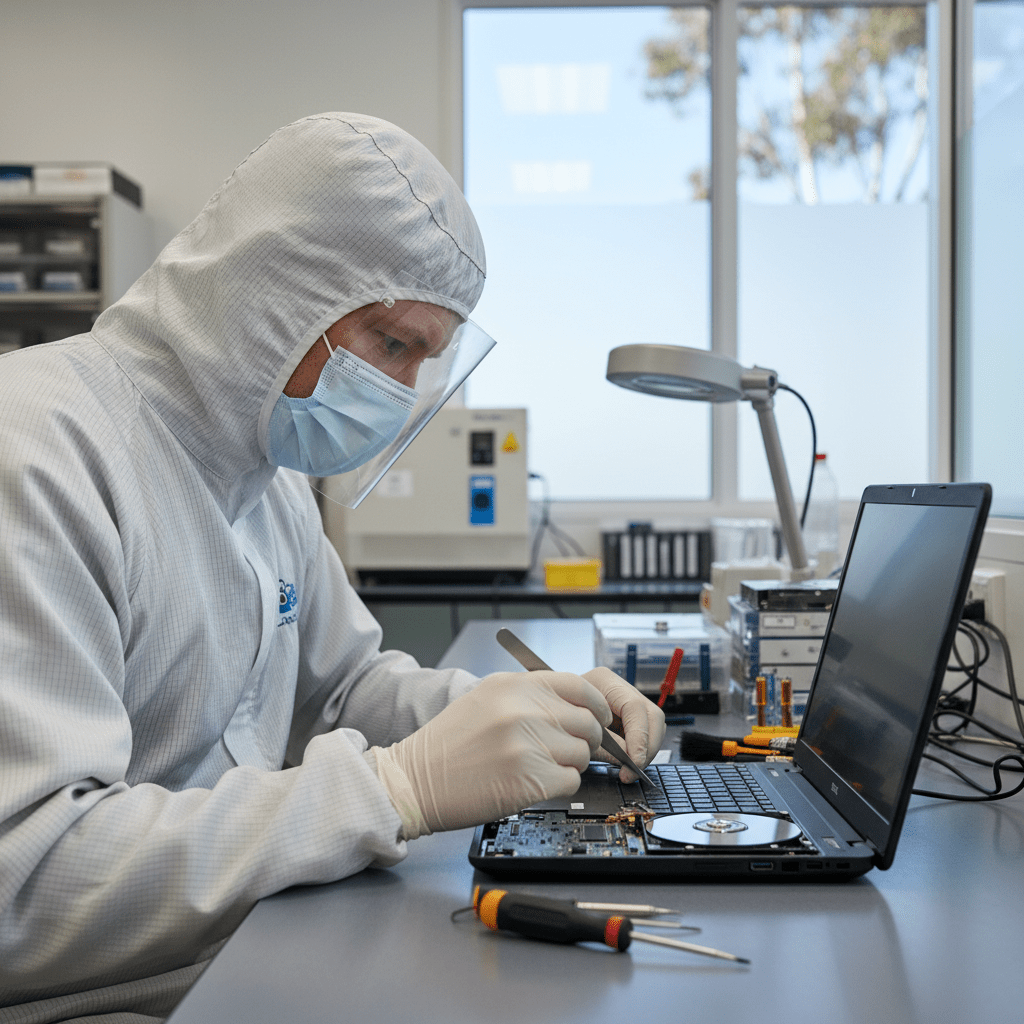
Operating since 2001 and partnering with Kroll Ontrack for complex recoveries, The Original PC Doctor maintains a certified cleanroom environment for Dell hard drive platters and physically damaged SSDs. We’ve recovered data from crushed Alienware gaming laptops, water-damaged Latitudes, and Dell Precision workstations with failed RAID arrays — all with a 95%+ success rate across thousands of Dell recovery cases.
Dell Laptop Models We Recover From
Inspiron 14, 15, 16, 17 (3000, 5000, 7000 series) — SATA HDD & NVMe SSD, including 2-in-1 convertible models
XPS 13, 13 Plus, 15, 17 — PCIe NVMe M.2 SSDs, soldered storage on XPS 13 Plus; all generations 2016–2024
Latitude 3000–9000, 5000, 7000, 7490, 7400 2-in-1 — business-grade with BitLocker and OPAL self-encrypting drives
Vostro 14, 15, 16 (3000, 5000, 7000 series) — SMB-focused models with SATA & NVMe configurations
Precision 3000–7000 series (3561, 5570, 7680) — Intel Xeon & Core i9, NVMe RAID, ECC options
Alienware m15, m16, m17, m18, x14, x15, x17, Area-51m — high-end NVMe, dual-drive RAID 0 configurations

G3, G5, G7, G15, G16 — gaming laptops with dual storage (SSD + HDD) or PCIe NVMe SSD
Dell Chromebook 3000/5000, Inspiron Chromebook — eMMC & NVMe storage on ChromeOS platforms
Common Dell Laptop Failure Scenarios
- NVMe SSD not detected: Dell XPS and Latitude PCIe 4.0 SSDs can fail silently — the drive disappears from BIOS entirely after a firmware or power event
- Hard drive clicking/grinding: Inspiron and Vostro HDDs suffer head crashes after drops — clicking on power-on indicates head stack damage requiring cleanroom recovery
- Won’t boot post-Windows update: Latitude and Vostro models commonly fail to boot after Windows 11 feature updates due to driver conflicts with Dell’s StoreMI/Intel RST RAID configurations
- Water damage: Keyboard spillage corrodes the SATA bridge board on Inspiron 15 models — the drive itself is often recoverable even when the laptop is dead
- Corrupted SSD / SMART errors: Dell OEM Samsung and SK Hynix SSDs in XPS and Latitude models can develop bad block tables — partial recovery is possible in most cases
- BitLocker-encrypted drive failure: Latitude and Precision models commonly use BitLocker — we require your recovery key before attempting decryption of encrypted drives
- Alienware RAID 0 failure: Dual-NVMe RAID 0 in Alienware m17/m18 loses all data if either drive fails — immediate shutdown is critical to maximise recovery chances
- Accidental format / factory reset: Dell SupportAssist factory reset wipes the drive — recovery success depends on how much has been written after the reset
- Laptop crushed or physically destroyed: We recover from bent frames, shattered chassis, dropped units — the PCB and NAND chips are often intact even in severe physical damage
Dell Precision & Alienware RAID Recovery
Dell Precision mobile workstations (3570, 5570, 7680) and Alienware m-series support Intel RST RAID 0/1 using dual M.2 NVMe drives. When RAID 0 fails (one drive fails out of the stripe set), all data becomes inaccessible. Our engineers use RAID reconstruction tools to rebuild the stripe map and recover data even when the RAID metadata is corrupt or the Intel RST controller has reset.
For Precision users with hardware RAID (PERC controllers in Precision Tower docks), we perform full RAID controller bypass and reconstruct the array independently of the original controller card.
Dell-Specific Warnings
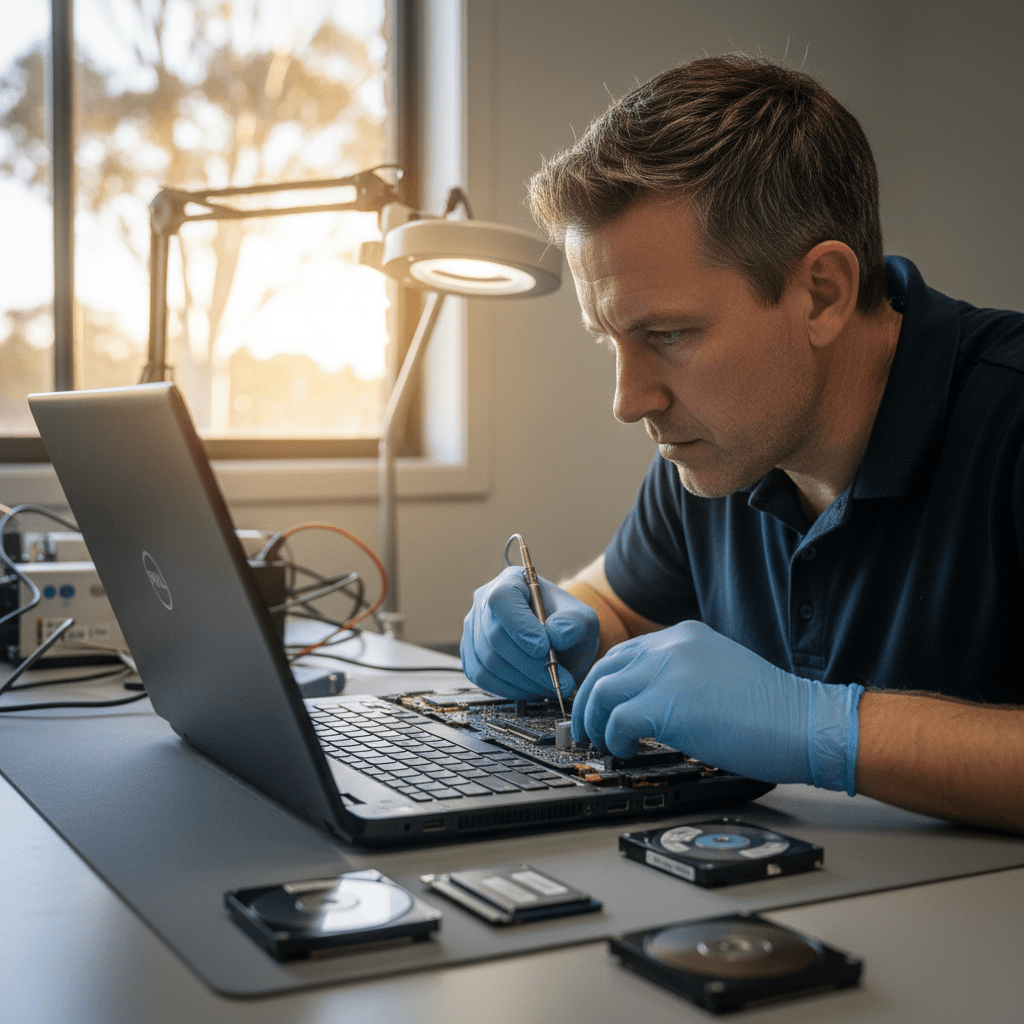
Our Dell Recovery Process
Free Resources
Independent, non-commercial references:
Get your data back — free file list, free phone assessment. Talk to a specialist today.
✔ Free file list before you pay · ✔ Free phone assessment · ✔ ISO-5 Class 100 clean room · ✔ 20+ years experience
Frequently Asked Questions — Dell Laptop Data Recovery
My Dell XPS won’t turn on and the SSD isn’t detected in another PC — can you still recover data?
Yes, in most cases. A Dell XPS SSD that’s undetectable in both the original laptop and an external enclosure has likely suffered controller failure or firmware corruption. Our engineers use proprietary PCIe NVMe imaging tools that bypass the drive controller and read NAND chips directly — we recover data from XPS drives that appear completely dead to standard recovery tools.
My Dell Latitude has BitLocker enabled and the drive failed — what do I need to provide?
We need your BitLocker recovery key before we can attempt data recovery on an encrypted Latitude. Your recovery key is stored in your Microsoft account (account.microsoft.com/devices/recoverykey), your organisation’s Active Directory, or a printed/saved backup. Without the 48-digit recovery key, data recovery from a BitLocker-encrypted drive is not possible regardless of the recovery method used.
Is there an assessment fee for Dell laptop data recovery?
A non-refundable assessment fee applies to all data recovery work, including Dell laptops. This covers the diagnostic process, cleanroom evaluation, and written quote. The assessment fee is credited towards your recovery cost if you proceed. We’ll always tell you the recovery probability and cost before any work begins.
My Alienware RAID 0 failed — how much data can you recover?
Recovery success from Alienware RAID 0 failure depends on which drive failed and how much was written after the failure. If you powered off immediately when symptoms appeared, full recovery is often achievable. If Windows was allowed to run or attempted repairs, partial recovery is likely. Call us immediately on 1300 723 628 — every boot attempt risks overwriting recoverable RAID stripe data.
Can you recover from a Dell laptop that was run over / physically destroyed?
Yes — we regularly recover data from severely physically damaged Dell laptops. Even when the chassis is bent, the screen is shattered, or the board is cracked, the NAND flash chips on M.2 SSDs and the platters inside HDDs are often intact and recoverable. We assess physical damage cases on a case-by-case basis in our cleanroom.
Free assessment · No-obligation quote · 24/7 emergency line · Australia-wide service




























