


Dell OptiPlex 3060 Repair Specialists
Last Updated:
The Original PC Doctor is Australia’s trusted Dell OptiPlex 3060 repair specialist. From power and display faults to overheating, storage failure and Windows issues, we diagnose and fix every Dell OptiPlex 3060 — onsite, remote or workshop — backed by a 90-day warranty.
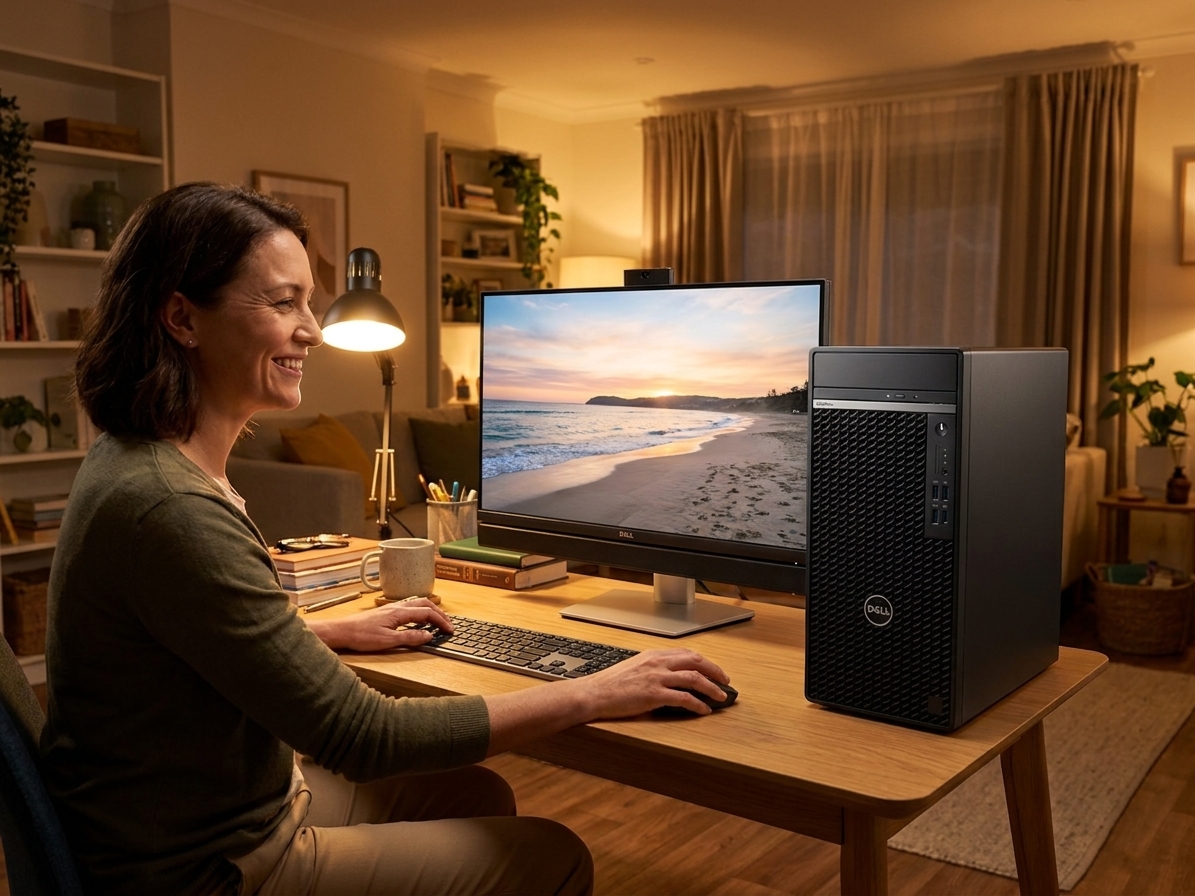
Fast, professional Dell OptiPlex 3060 repair — no fix, no fee.
✔ No fix, no fee · ✔ 90-day warranty · ✔ Onsite, remote & workshop · ✔ Since 2001
Common Dell OptiPlex 3060 Faults We Repair
- Won’t turn on / amber or blinking power light
- Won’t boot, won’t boot from USB or won’t wake up
- No display / no signal on boot
- No POST or Dell/HP beep- or blink-code errors
- Won’t connect to Wi-Fi or the internet
- Overheating, shutting down or freezing
- Hard drive / SSD failure (with data recovery)
- RAM faults / no display after a RAM change
- BIOS / UEFI corruption or boot-loop
- Won’t shut down / restarts on its own
About the Dell OptiPlex 3060
The Dell OptiPlex 3060 is a small-form-factor desktop used in homes and offices across Australia. We repair and upgrade every Dell OptiPlex 3060 — power and motherboard faults, graphics, storage (with data recovery), memory, cooling and Windows problems — and can fit a larger SSD or more RAM to extend its life. Independent service, out-of-warranty welcome.
Our Repair Process
1. Free phone or Quick Quote triage. 2. Diagnostic — we pinpoint the exact fault. 3. Upfront fixed quote — no fix, no fee. 4. Repair with quality parts and a 90-day warranty. Onsite, remote or in our workshop, Australia-wide.
Why The Original PC Doctor
- Since 2001 — 24+ years repairing Australian computers
- No fix, no fee diagnostics — you only pay if we solve it
- 90-day warranty on parts and labour
- Onsite, remote & workshop options to suit you
- Genuine / OEM-spec parts
- 1,300+ verified customer reviews
Get your Dell OptiPlex 3060 repaired — talk to a technician now.
✔ No fix, no fee · ✔ 90-day warranty · ✔ Onsite, remote & workshop · ✔ Since 2001
Dell OptiPlex 3060 Repair FAQs
How much does Dell OptiPlex 3060 repair cost?
Every Dell OptiPlex 3060 repair begins with a free, no-obligation Quick Quote. You get an upfront fixed price before any work starts, and our no-fix-no-fee promise means you only pay if we solve it. All repairs carry a 90-day warranty.
Can you recover data from a Dell OptiPlex 3060?
Yes. We can recover documents, photos and files from your Dell OptiPlex 3060’s SSD, NVMe or hard drive — even if it won’t boot or power on. Ask us to image the drive before any repair so your data is protected.
Do you repair the Dell OptiPlex 3060 out of warranty?
Absolutely. We’re an independent repairer, so we fix Dell OptiPlex 3060 units that are out of warranty or no longer supported by the manufacturer — usually faster and for less.
Where can you repair my Dell OptiPlex 3060?
Australia-wide. We offer onsite visits, secure remote support, and workshop repair with nationwide pickup — whichever is fastest for you. Call 1300 723 628 to arrange.
Why won’t my Dell OptiPlex 3060 turn on?
A Dell OptiPlex 3060 that won’t power on is most often a failed power supply or adapter, a power-button or front-panel fault, or a motherboard issue. We diagnose it for free, give you a fixed-price quote, and most no-power faults are repairable — no fix, no fee.
My Dell OptiPlex 3060 won’t boot or won’t connect to Wi-Fi — can you fix it?
Yes. Whether your Dell OptiPlex 3060 won’t boot, won’t boot from USB, can’t enter the BIOS, or won’t connect to Wi-Fi or the internet, we repair boot, BIOS, storage and network faults — onsite, remotely or in our workshop.
Related: Dell Desktop Repair · Dell Optiplex Micro Repair · Dell OptiPlex 7010 Repair · Dell OptiPlex 9020 Repair
Free Resources
Independent, non-commercial references:
Dell OptiPlex 3060 Repair faults we repair every week
Power supply unit failure
Symptom: Amber blinking power LED, no POST, fans spin briefly then stop
How we fix it: Replace the 180 W internal PSU with a matched Dell unit after confirming 12 V rail voltages are absent.
Repair or replace? repair
Motherboard capacitor degradation
Symptom: Random shutdowns after 20-40 minutes, no overheat warnings in BIOS
How we fix it: Inspect and replace bulging or leaking electrolytic capacitors near the VRM; retest under sustained load.
Repair or replace? repair
M.2 SSD failure on the 2230 slot
Symptom: Boot device not found, SMART errors on the 256 GB NVMe drive
How we fix it: Clone data to a new 2230 or 2280 SSD using an external enclosure, then fit and re-image Windows.
Repair or replace? replace
CMOS battery drain causing boot loops
Symptom: Date resets, repeated BIOS splash then restart, F2 prompt every boot
How we fix it: Replace the CR2032 coin cell and clear NVRAM via the jumper; reload BIOS settings.
Repair or replace? repair
4-pin CPU fan header fault
Symptom: Overheating shutdowns, fan spins at full speed then stops
How we fix it: Test fan on known-good header; replace header circuitry or fit a 4-pin PWM splitter with external power.
Repair or replace? Depends
Integrated Intel UHD 630 graphics failure
Symptom: No display on HDMI or DisplayPort, VGA shows POST but blanks at Windows logo
How we fix it: Confirm by testing with a known-good PCIe x16 card; replace motherboard if onboard GPU is confirmed dead.
Repair or replace? replace
Dell OptiPlex 3060 Repair price guide
| Repair | Indicative price | Typical turnaround |
|---|---|---|
| Power supply replacement | $180-$260+ | Same or next business day |
| Motherboard capacitor repair | $220-$340+ | 2-3 business days |
| M.2 NVMe SSD replacement with data clone | $195-$295+ | Same day |
| CMOS battery and BIOS reset | from $149 | Same day |
| CPU cooling fan header repair | $160-$240+ | 1-2 business days |
| Motherboard replacement (i5-8500) | $380-$520+ | 2-4 business days |
| RAM diagnostic and reseat or upgrade | from $149 | 2-5 business days |
Prices are indicative only — every job is confirmed with a free, no-obligation quote after diagnosis. No Fix, No Fee.
Dell OptiPlex 3060 Repair — your questions answered
How much does it cost to repair a Dell OptiPlex 3060 that won't turn on?
Power issues on the 3060 are usually the 180 W internal PSU. We test the 12 V rail first; if absent we fit a genuine replacement unit. Expect $180-$260 including labour and a 90-day warranty. Onsite or workshop options are available across Australia.
Can you recover data from a failed SSD in my OptiPlex 3060?
Yes. We image the drive in our clean-room enclosure before fitting a new 2230 or 2280 NVMe SSD. Data recovery starts from $195 and is quoted after we confirm the drive is still readable. Most jobs are completed same day.
Is the Dell OptiPlex 3060 worth repairing in 2025?
The 3060 still runs Windows 11 after a BIOS update and can accept up to 64 GB RAM plus an NVMe SSD. If the motherboard and PSU are healthy, a $200-$300 repair often extends its life another three to five years for office use.
Why does my OptiPlex 3060 shut down after 30 minutes?
Overheating or failing capacitors near the VRM are common. We log temperatures, inspect the board, and either clean the heatsink or replace the capacitors. Most units are back in service within two business days.
Do you repair OptiPlex 3060 units onsite or only in your workshop?
We offer onsite, remote diagnostics and workshop repair for the 3060 across Australia. Onsite visits are booked after the free phone triage; if parts are required we complete the job in our workshop and return the unit.




























