


Dell OptiPlex 3070 Repair — Onsite, Remote & Workshop
Last Updated:
Need Dell OptiPlex 3070 repair? The Original PC Doctor fixes the Dell OptiPlex 3070 for every common fault — won’t power on, no display, overheating, storage failure, BIOS and Windows problems — onsite, remotely, or in our workshop, anywhere in Australia. No fix, no fee, with a 90-day warranty.
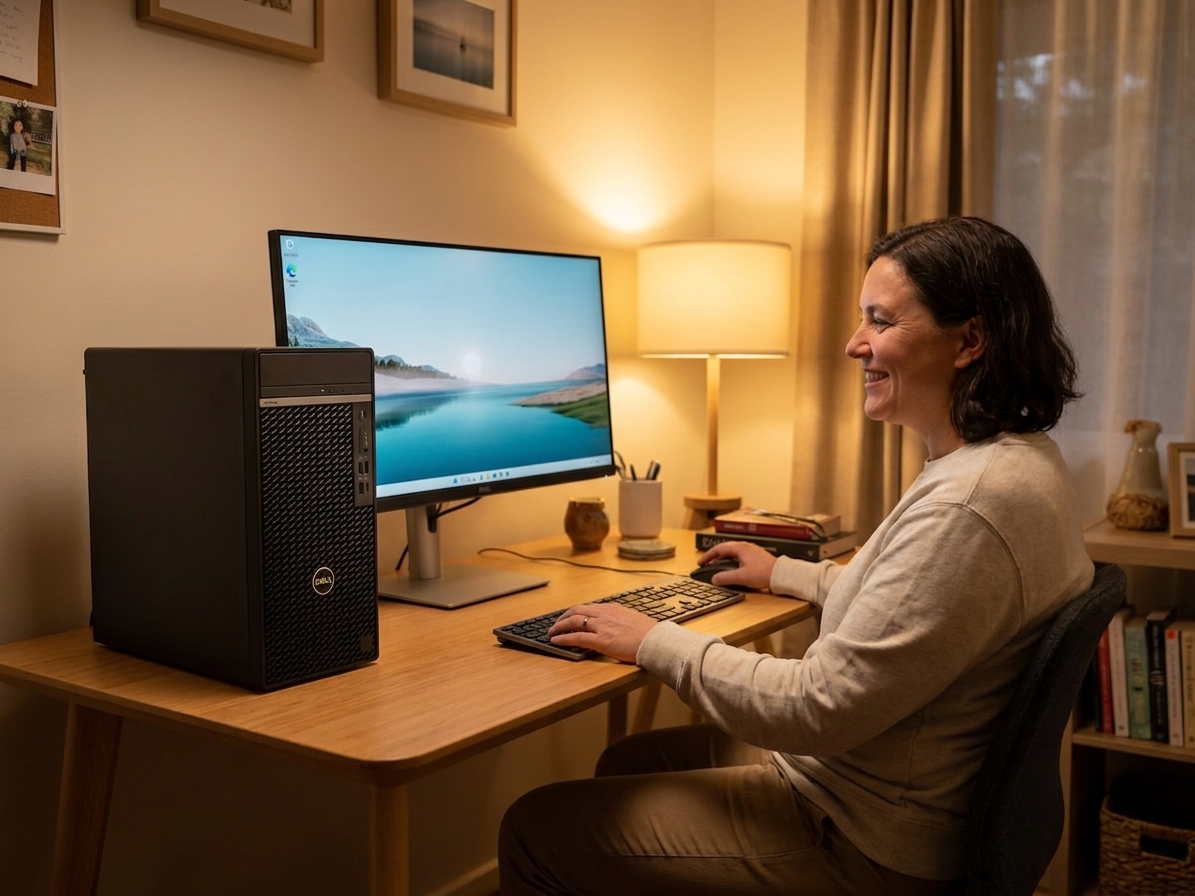
Fast, professional Dell OptiPlex 3070 repair — no fix, no fee.
✔ No fix, no fee · ✔ 90-day warranty · ✔ Onsite, remote & workshop · ✔ Since 2001
Common Dell OptiPlex 3070 Faults We Repair
- Won’t turn on / amber or blinking power light
- Won’t boot, won’t boot from USB or won’t wake up
- No display / no signal on boot
- No POST or Dell/HP beep- or blink-code errors
- Won’t connect to Wi-Fi or the internet
- Overheating, shutting down or freezing
- Hard drive / SSD failure (with data recovery)
- RAM faults / no display after a RAM change
- BIOS / UEFI corruption or boot-loop
- Won’t shut down / restarts on its own
About the Dell OptiPlex 3070
The Dell OptiPlex 3070 is a small-form-factor desktop used in homes and offices across Australia. We repair and upgrade every Dell OptiPlex 3070 — power and motherboard faults, graphics, storage (with data recovery), memory, cooling and Windows problems — and can fit a larger SSD or more RAM to extend its life. Independent service, out-of-warranty welcome.
Our Repair Process
1. Free phone or Quick Quote triage. 2. Diagnostic — we pinpoint the exact fault. 3. Upfront fixed quote — no fix, no fee. 4. Repair with quality parts and a 90-day warranty. Onsite, remote or in our workshop, Australia-wide.
Why The Original PC Doctor
- Since 2001 — 24+ years repairing Australian computers
- No fix, no fee diagnostics — you only pay if we solve it
- 90-day warranty on parts and labour
- Onsite, remote & workshop options to suit you
- Genuine / OEM-spec parts
- 1,300+ verified customer reviews
Get your Dell OptiPlex 3070 repaired — talk to a technician now.
✔ No fix, no fee · ✔ 90-day warranty · ✔ Onsite, remote & workshop · ✔ Since 2001
Dell OptiPlex 3070 Repair FAQs
How much does Dell OptiPlex 3070 repair cost?
Every Dell OptiPlex 3070 repair begins with a free, no-obligation Quick Quote. You get an upfront fixed price before any work starts, and our no-fix-no-fee promise means you only pay if we solve it. All repairs carry a 90-day warranty.
Can you recover data from a Dell OptiPlex 3070?
Yes. We can recover documents, photos and files from your Dell OptiPlex 3070’s SSD, NVMe or hard drive — even if it won’t boot or power on. Ask us to image the drive before any repair so your data is protected.
Do you repair the Dell OptiPlex 3070 out of warranty?
Absolutely. We’re an independent repairer, so we fix Dell OptiPlex 3070 units that are out of warranty or no longer supported by the manufacturer — usually faster and for less.
Where can you repair my Dell OptiPlex 3070?
Australia-wide. We offer onsite visits, secure remote support, and workshop repair with nationwide pickup — whichever is fastest for you. Call 1300 723 628 to arrange.
Why won’t my Dell OptiPlex 3070 turn on?
A Dell OptiPlex 3070 that won’t power on is most often a failed power supply or adapter, a power-button or front-panel fault, or a motherboard issue. We diagnose it for free, give you a fixed-price quote, and most no-power faults are repairable — no fix, no fee.
My Dell OptiPlex 3070 won’t boot or won’t connect to Wi-Fi — can you fix it?
Yes. Whether your Dell OptiPlex 3070 won’t boot, won’t boot from USB, can’t enter the BIOS, or won’t connect to Wi-Fi or the internet, we repair boot, BIOS, storage and network faults — onsite, remotely or in our workshop.
Related: Dell Desktop Repair · Dell Optiplex Micro Repair · Dell OptiPlex 7010 Repair · Dell OptiPlex 9020 Repair
Free Resources
Independent, non-commercial references:
Dell OptiPlex 3070 Repair faults we repair every week
Power supply unit failure
Symptom: Amber or blinking power light, no POST, no fans
How we fix it: Technician disconnects mains, swaps the internal 180 W or 240 W Dell PSU with a known-good unit and tests POST; if motherboard rail voltages remain absent the board is replaced.
Repair or replace? repair|replace|Depends
Motherboard capacitor or VRM degradation
Symptom: Random shutdowns, no boot after warm restart, 2-1-4 beep code
How we fix it: Board is removed, visual inspection for bulging capacitors, then replaced with a tested Dell OptiPlex 3070 motherboard using the original CPU, heatsink and I/O shield.
Repair or replace? repair|replace|Depends
M.2 NVMe SSD failure
Symptom: Boot device not found, SMART errors, slow or clicking noise absent
How we fix it: Drive is cloned via SATA-to-USB adaptor or hardware imager to a new 500 GB or 1 TB NVMe SSD, then fitted and Windows is reactivated with the Dell service tag.
Repair or replace? repair|replace|Depends
Integrated graphics output fault
Symptom: No display on HDMI or DisplayPort, VGA works intermittently
Repair or replace? repair|replace|Depends
DDR4 RAM slot or module failure
Symptom: Three amber blinks, no POST after RAM upgrade, BSOD 0x0000007E
How we fix it: Each DIMM is tested individually in known-good slots using MemTest86; faulty module or corroded slot contact is replaced and BIOS is updated.
Repair or replace? repair|replace|Depends
Wi-Fi card or antenna connection issue
Symptom: No wireless networks detected, frequent drops, code 10 in Device Manager
How we fix it: Mini-PCIe or M.2 2230 wireless card is reseated, antenna leads checked for correct routing, or card swapped for an Intel AX200 equivalent.
Repair or replace? repair|replace|Depends
Dell OptiPlex 3070 Repair price guide
| Repair | Indicative price | Typical turnaround |
|---|---|---|
| Power supply replacement | from $145 | Same day onsite or next-day workshop |
| Motherboard replacement | $320-$480+ | 2-4 business days |
| M.2 NVMe SSD replacement with data recovery | $195-$295+ | Same or next business day |
| DDR4 RAM testing and replacement | from $149 | Same day |
| Wi-Fi card or antenna repair | from $115 | Same day onsite |
| BIOS recovery and CMOS reset | from $95 | 1-2 hours |
| Full system diagnostic and quote | from $149 | 2-5 business days |
Prices are indicative only — every job is confirmed with a free, no-obligation quote after diagnosis. No Fix, No Fee.
Dell OptiPlex 3070 Repair — your questions answered
How much does it cost to repair a Dell OptiPlex 3070 that won't turn on?
Power-related faults on the 3070 usually trace to the internal 180 W or 240 W PSU or motherboard. A technician can swap the PSU first for around $145; if the board has failed, replacement runs $320-$480. We only charge if the unit is fixed and include a 90-day warranty.
Can you recover data from a failed SSD in an OptiPlex 3070?
Yes. When the M.2 NVMe drive fails we clone the drive in our workshop using hardware imagers before fitting a new SSD. Data recovery is included in the $195-$295 SSD replacement price when the drive is still electronically readable.
Is it worth repairing an eight-year-old OptiPlex 3070 or should I buy new?
If the fault is limited to PSU, RAM or storage, repair costs stay under $300 and the machine remains useful for office work. A new small-form-factor PC with current CPU and warranty starts around $900-$1100, so many owners choose targeted repair first.
Do you come to my office or home for Dell OptiPlex 3070 repairs in Australia?
We offer onsite visits across capital cities and many regional areas, remote diagnostics via secure screen-sharing, or you can ship the tower to our workshop. All options carry the same no-fix, no-fee guarantee and 90-day warranty.
Why does my OptiPlex 3070 show an amber blinking power light?
The 3070 uses Dell's diagnostic blink codes; a steady amber or 2-1 blink pattern usually indicates PSU or motherboard rail failure. A technician tests voltages on the 24-pin and 8-pin connectors to confirm which component needs replacement.




























