


Dell OptiPlex 7080 Repair — Onsite, Remote & Workshop
Last Updated:
Got a Dell OptiPlex 7080 that’s slowing down or won’t start? We service the Dell OptiPlex 7080 — dead power, no POST, ageing drives, failing power supplies, overheating — and upgrade it to feel new again, onsite, remote or in our workshop since 2001.
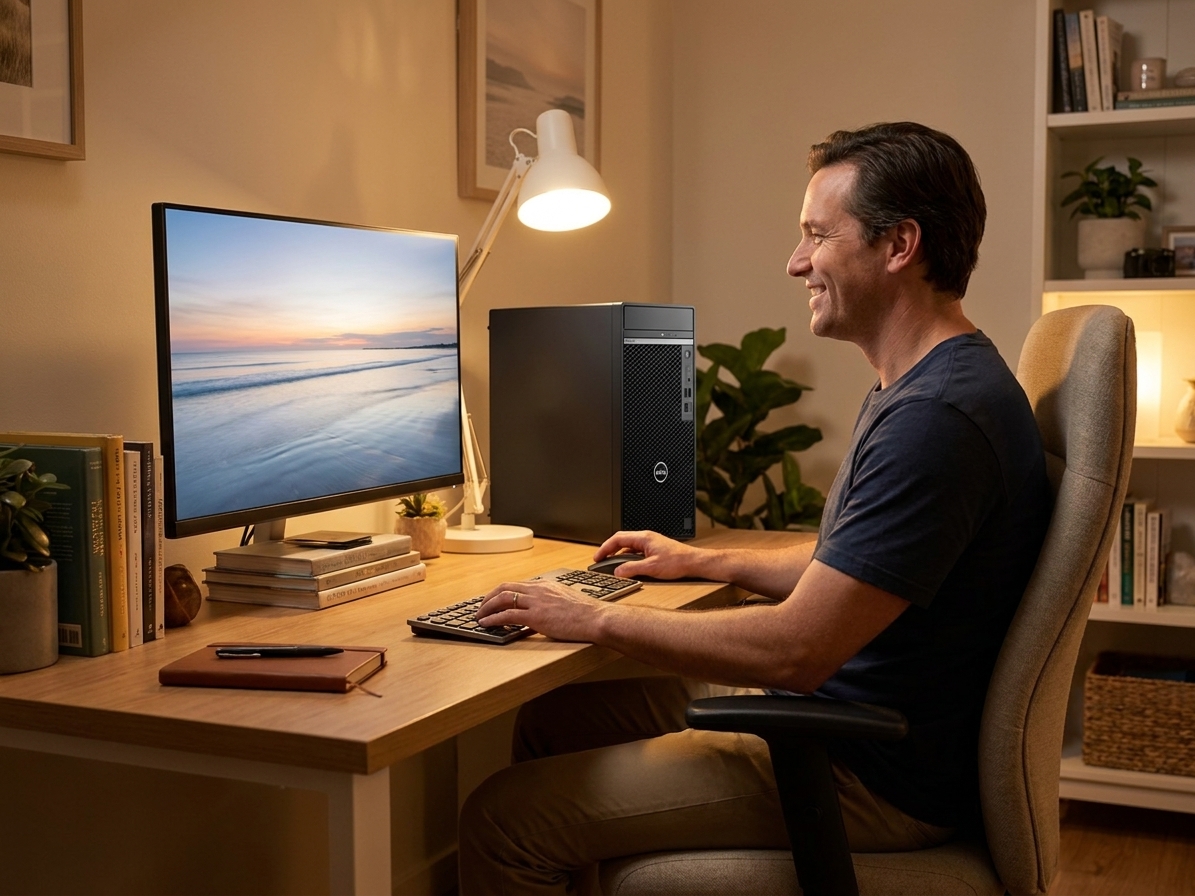
Fast, honest Dell OptiPlex 7080 repair & upgrades — no fix, no fee.
✔ No fix, no fee · ✔ 90-day warranty · ✔ Onsite, remote & workshop · ✔ Since 2001
Common Dell OptiPlex 7080 Faults We Repair
- Won’t turn on / amber or blinking power light
- Won’t boot, no POST or beep-code errors
- No display / no signal on boot
- Hard drive / SSD failure or bad sectors (with data recovery)
- Slow performance — SSD & RAM upgrade to extend its life
- Overheating, dust-clogged or noisy fans
- Failing power supply or swollen capacitors
- Won’t connect to Wi-Fi or the internet
- BIOS / CMOS battery & boot issues
- Windows won’t boot, or upgrade to Windows 10/11
About the Dell OptiPlex 7080
We repair and upgrade every Dell OptiPlex 7080 — power, motherboard and PSU faults, swollen capacitors, ageing hard drives (with full data recovery), memory and cooling. A quality SSD, a RAM bump and a clean Windows 10 or 11 install can make it feel new for a fraction of replacement cost. Genuine, OEM-spec and quality refurbished parts; out-of-warranty and end-of-life fleet units welcome.
Our Repair Process
1. Free phone or Quick Quote triage. 2. Diagnostic — we pinpoint the exact fault. 3. Upfront fixed quote — no fix, no fee. 4. Repair or upgrade with quality parts and a 90-day warranty. Onsite, remote or in our workshop, Australia-wide.
Why The Original PC Doctor
- Since 2001 — 24+ years repairing Australian computers
- No fix, no fee diagnostics
- 90-day warranty on parts and labour
- Onsite, remote & workshop options
- Genuine, OEM-spec & quality refurbished parts
- 1,300+ verified customer reviews
Get your Dell OptiPlex 7080 repaired or upgraded — talk to a technician now.
✔ No fix, no fee · ✔ 90-day warranty · ✔ Onsite, remote & workshop · ✔ Since 2001
Dell OptiPlex 7080 Repair FAQs
How much does a Dell OptiPlex 7080 repair or upgrade cost?
Every job starts with a free, no-obligation Quick Quote and an upfront fixed price. No fix, no fee, with a 90-day warranty — and we’ll tell you honestly whether a repair or an SSD/RAM upgrade is better value.
Can you recover data from a Dell OptiPlex 7080?
Yes — we recover documents, photos and files from a Dell OptiPlex 7080 even if it won’t boot, and can move them to a new SSD or PC.
Why won’t my Dell OptiPlex 7080 turn on?
Usually a failing power supply, swollen motherboard capacitors, a flat CMOS battery or a power-button fault — all commonly repairable. We diagnose it free and quote upfront.
Is it worth repairing or upgrading my Dell OptiPlex 7080?
Often yes — an SSD, a RAM bump and a clean Windows install can make it feel new for a fraction of a replacement; we give honest advice if it isn’t.
Do you repair the Dell OptiPlex 7080 out of warranty?
Absolutely — out-of-warranty and end-of-life machines are our specialty; we’re independent.
Where can you repair my Dell OptiPlex 7080?
Australia-wide — onsite, remote, and workshop with nationwide pickup. Call 1300 723 628 or use the Quick Quote.
Related: Dell Desktop Repair · Desktop PC Repair · Data Recovery
Free Resources
Independent, non-commercial references:
Dell OptiPlex 7080 Repair faults we repair every week
Power supply unit failure
Symptom: Amber or blinking power LED, no fan spin, no POST
How we fix it: Disconnect mains, remove side panel, unplug 24-pin and 8-pin connectors, swap with known-good 360 W 80+ Bronze Dell PSU, test boot sequence.
Repair or replace? repair
Swollen electrolytic capacitors on motherboard
Symptom: Random shutdowns after 20–40 minutes, bulging caps visible near VRM
How we fix it: Identify affected 1000 µF 6.3 V and 470 µF 16 V capacitors, desolder with hot air station, install low-ESR replacements, reflow nearby solder joints.
Repair or replace? repair
2.5-inch SATA HDD failure
Symptom: Clicking noises, SMART errors, slow boot or BSOD
How we fix it: Clone existing drive to new 500 GB or 1 TB SSD using SATA-to-USB dock and Macrium Reflect, install SSD in same bay with existing SATA cable.
Repair or replace? repair
Overheating CPU with dust-clogged heatsink
Symptom: Thermal throttling, fan at 100 % RPM, high core temps in HWMonitor
How we fix it: Remove heatsink, clean fins and copper base with isopropyl and lint-free cloth, re-paste with 1 g of high-grade thermal compound, reassemble with correct torque.
Repair or replace? repair
CMOS battery failure
Symptom: BIOS time resets daily, boot loop or F1 prompt on every start
How we fix it: Open case, locate CR2032 battery holder near PCIe slots, replace with fresh 3 V lithium cell, enter BIOS and load optimised defaults.
Repair or replace? repair
Failing onboard Intel I219-LM NIC
Symptom: No network in Device Manager, yellow exclamation or 0.0.0.0 IP
How we fix it: Confirm driver corruption, install latest Intel LAN driver from Dell support site, or fit PCIe Intel I225-V card if hardware fault confirmed.
Repair or replace? Depends
Dell OptiPlex 7080 Repair price guide
| Repair | Indicative price | Typical turnaround |
|---|---|---|
| Power supply replacement | $140-$195+ | Same or next business day |
| Motherboard capacitor repair | $220-$310+ | 2-3 business days |
| SSD upgrade with data transfer | $165-$240+ | Same day |
| CPU heatsink clean and repaste | $95-$130+ | Same day |
| CMOS battery replacement | from $65 | Same day |
| Network card installation | $110-$165+ | Same or next business day |
| Full diagnostic and quote | from $149 | 2-5 business days |
Prices are indicative only — every job is confirmed with a free, no-obligation quote after diagnosis. No Fix, No Fee.
Dell OptiPlex 7080 Repair — your questions answered
How much does it cost to repair a Dell OptiPlex 7080 that won’t turn on?
Most no-power issues on the 7080 are caused by the 360 W internal PSU. A replacement unit with labour typically ranges from $140 to $195 and is usually completed same or next business day. We test the board first so you only pay if the repair proceeds.
Can you upgrade my OptiPlex 7080 to Windows 11?
Yes. The 10th-gen Intel CPU in the 7080 meets Microsoft’s requirements. We install a clean Windows 11 image, migrate your data, and update firmware and drivers for $165-$240 depending on SSD size.
Is it worth replacing the hard drive in an OptiPlex 7080?
Replacing the original 2.5-inch mechanical drive with a 500 GB or 1 TB SSD removes the main bottleneck and typically costs $165-$240 including cloning and Windows reinstall. The machine then feels significantly faster for everyday tasks.
Do you offer onsite repair for Dell OptiPlex 7080 desktops in regional areas?
Our technicians travel to most metro and many regional postcodes. Onsite service for power supply or SSD work is usually $40-$60 above workshop rates and booked around your schedule.
What warranty comes with OptiPlex 7080 repairs?
All parts and labour carry a 90-day warranty. If the same fault returns within that period we return at no extra charge, whether the work was done onsite, remotely or in our workshop.




























