


HP Desktop Data Recovery — ProDesk, EliteDesk, Pavilion, ENVY, Z Workstation & Omen
Last Updated:
Lost data? Stop using the device and act now — early action is the biggest factor in successful recovery.
✔ Free file list before you pay · ✔ Free phone assessment · ✔ ISO-5 Class 100 clean room · ✔ 20+ years experience
HP (Hewlett-Packard) desktop computers are everywhere in Australian businesses and homes — from the ProDesk and EliteDesk in corporate offices and government departments, to the Pavilion and ENVY in living rooms, the Z-series workstations in engineering and creative firms, and the Omen gaming towers. The Original PC Doctor recovers data from every HP desktop line, every generation, and every storage configuration. We service HP desktops across all form factors including tower, SFF, ultra-slim, All-in-One, and rack-mount workstation.

Whether your HP’s hard drive has clicked its last, your SSD is dead after a firmware update, your Z Workstation RAID array degraded, or your Omen is stuck in a boot loop — we recover your files.
Emergency: 1300 723 628 — Free phone assessment, 24/7
HP Desktop Models We Recover From
Common HP Desktop Data Loss Scenarios
- HP ProDesk / EliteDesk “Boot Device Not Found — Please Install an Operating System” — the most common HP boot error. Usually means the primary SSD or HDD has failed or the SATA connection has come loose. Do not reinstall the OS — call us first to recover your data.
- HP Sure Start BIOS loop — HP EliteDesk and ProDesk with HP Sure Start can enter a firmware self-repair loop that prevents the drive from being accessed. This is recoverable by removing the drive and imaging it externally.
- HP Pavilion drive failure after Windows 11 upgrade — Windows 11 upgrade failures on HP Pavilion systems with older SATA HDDs often produce unbootable systems with intact data. High success rate for recovery.
- HP ENVY NVMe failure — HP ENVY systems use Samsung or WD NVMe SSDs that can fail with firmware bugs. Stop using the system immediately if it becomes unresponsive — continued use accelerates NAND wear.
- HP Z Workstation Smart Array / ZTurbo failure — HP Z Workstations use HP Smart Array controllers or ZTurbo NVMe for RAID and high-speed storage. Smart Array RAID degradation or ZTurbo firmware failure requires specialist recovery tools.
- HP Omen secondary HDD failure — gaming desktops often have a large SATA HDD as secondary storage for games and media. The mechanical vibration from cooling fans in gaming cases accelerates HDD failure.
- HP All-in-One SSD failure from heat — All-in-One HP systems have poor thermal management for storage. M.2 SSDs in these units run significantly hotter than in tower systems, reducing lifespan.
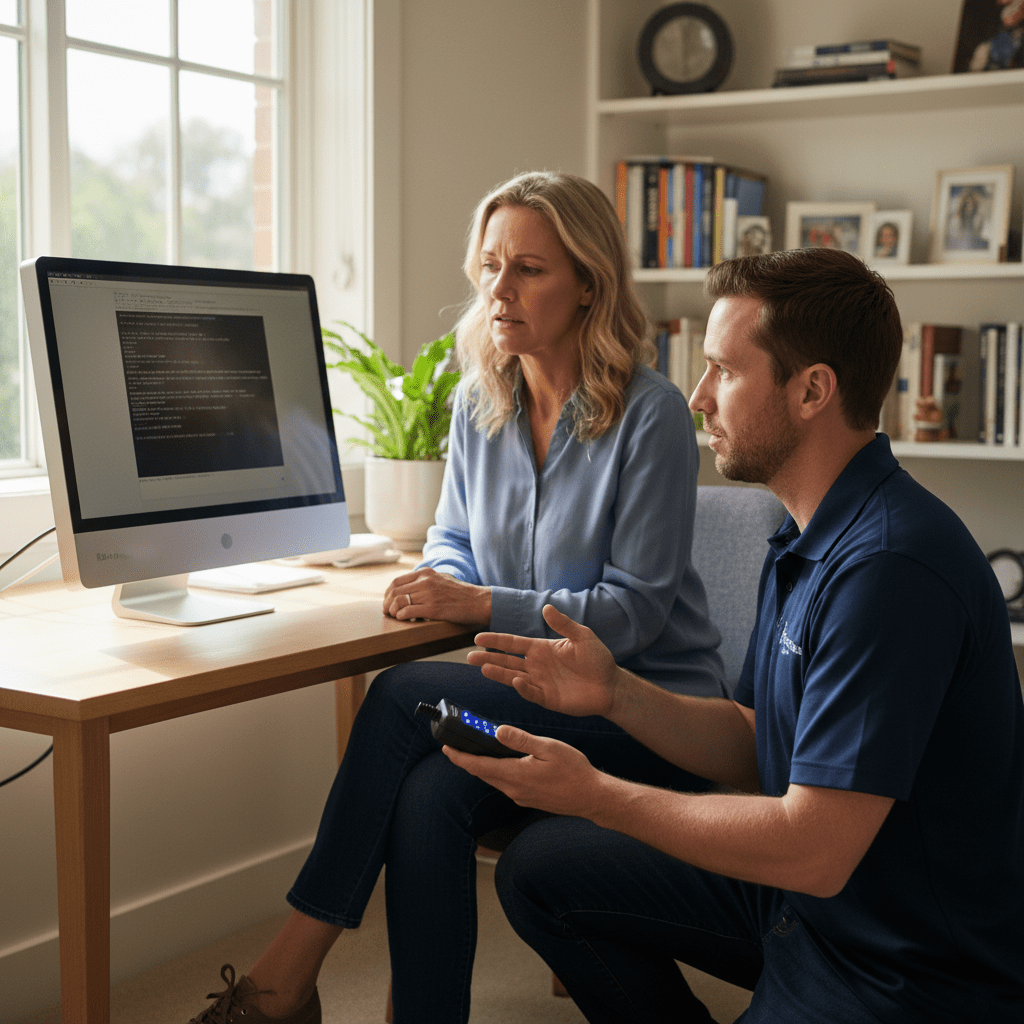
HP Z Workstation & Smart Array RAID Recovery
HP Z Workstations are used heavily in Australian architecture, engineering, video production and scientific computing. They often run HP Smart Array RAID or HP ZTurbo NVMe for primary storage:
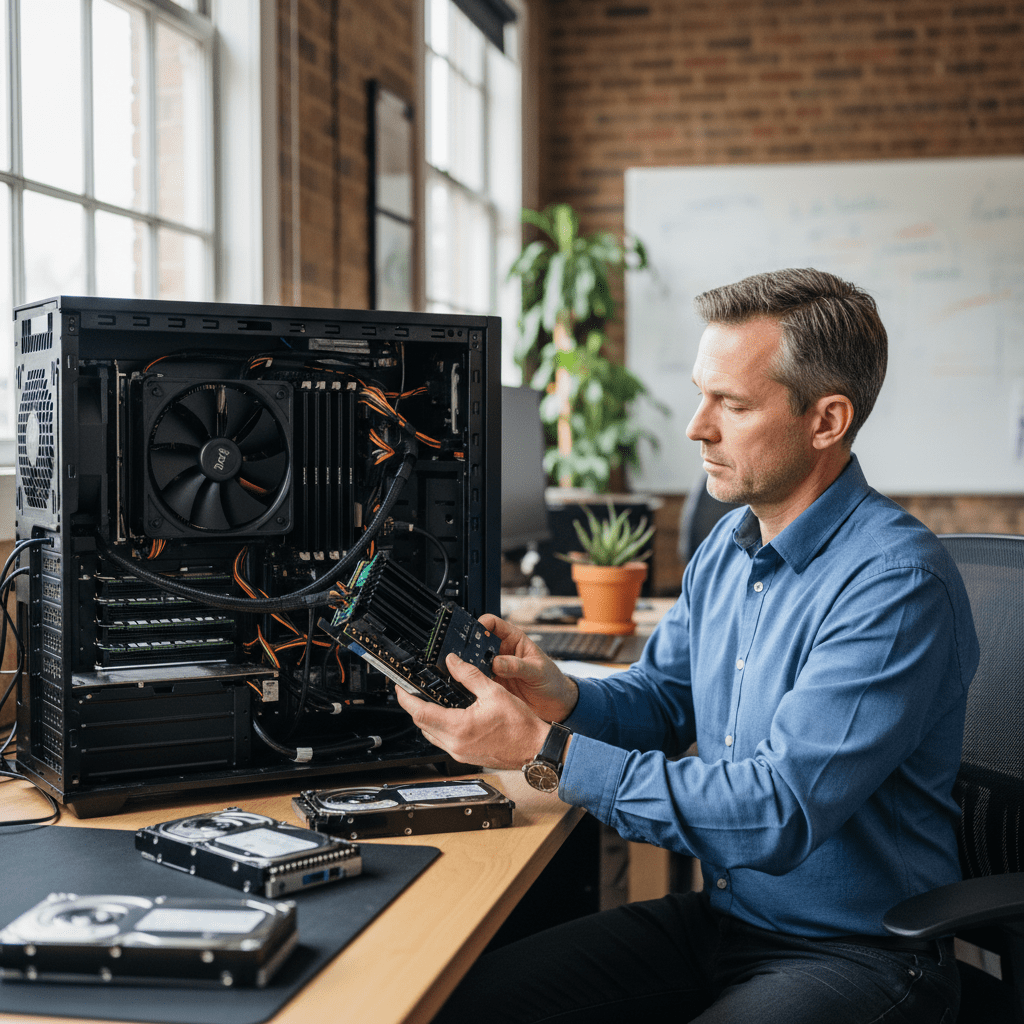
- HP Smart Array P410, P420, P440, P840 — RAID 0, 1, 5, 6, 10 virtual disk recovery
- HP ZTurbo NVMe (Z8, Z6, Z4 G4/G5) — PCIe 3.0/4.0 NVMe RAID reconstruction
- HP Z2 Mini Workstation — M.2 SSD recovery in ultra-compact chassis
Our Recovery Process
- Free phone assessment — call 1300 723 628.
- Device intake — Ringwood VIC drop-off, free Australia-wide courier, or onsite collection.
- File list and fixed quote — complete file list before you pay.
- Secure delivery — new encrypted media, courier, or secure cloud transfer.
Free Resources
Independent, non-commercial references:
Get your data back — free file list, free phone assessment. Talk to a specialist today.
✔ Free file list before you pay · ✔ Free phone assessment · ✔ ISO-5 Class 100 clean room · ✔ 20+ years experience
FAQs — HP Desktop Recovery
Can you recover data from an HP ProDesk or EliteDesk that won’t boot?
Yes. “Boot Device Not Found” on HP ProDesk and EliteDesk is almost always a recoverable situation. The data on the drive is typically intact — the issue is either a failed boot partition or a failed drive. We image the drive and recover your files regardless of whether the PC boots.
My HP Z Workstation RAID array degraded — what should I do?
Power down the system immediately and do not attempt a rebuild. Call us — a degraded HP Smart Array RAID is recoverable in most cases provided no rebuild was attempted. We virtually reconstruct the array from drive images without touching the originals.
How much does HP desktop data recovery cost?
Logical recovery: $300–$800. NVMe SSD physical recovery: $800–$2,500. HP Smart Array RAID: $800–$3,500. Free assessment and fixed quote before committing.
Can you recover from an HP All-in-One desktop?
Yes. HP All-in-One systems use standard 2.5″ SATA or M.2 NVMe drives. We remove the drive from the AIO unit and recover it externally. The AIO chassis does not need to be functional for data recovery.
Does HP Sure Start make data recovery impossible?
No. HP Sure Start protects the BIOS firmware, not the data drive. If Sure Start is in a recovery loop, we bypass it by removing the drive and imaging it externally. Your data is on the storage drive, not the firmware chip.
📞 Call 1300 723 628 for a free desktop PC recovery assessment — or book online now.
← Back to Desktop & PC Data Recovery




























