


HP Laptop Data Recovery — Pavilion, Envy, EliteBook, ProBook, Spectre & Omen
Last Updated:
Lost data? Stop using the device and act now — early action is the biggest factor in successful recovery.
✔ Free file list before you pay · ✔ Free phone assessment · ✔ ISO-5 Class 100 clean room · ✔ 20+ years experience
HP laptops are one of the most common recovery cases at The Original PC Doctor. From failed Pavilion hard drives and corrupted Spectre SSDs to water-damaged EliteBooks and Omen gaming laptops with dead NVMe drives, our engineers have recovered data from thousands of HP laptops across Australia. HP’s diverse range spans budget eMMC Chromebooks through to Envy x360 convertibles, ZBook workstations with Thunderbolt 4, and Omen gaming rigs with dual PCIe 4.0 NVMe drives — we handle them all.
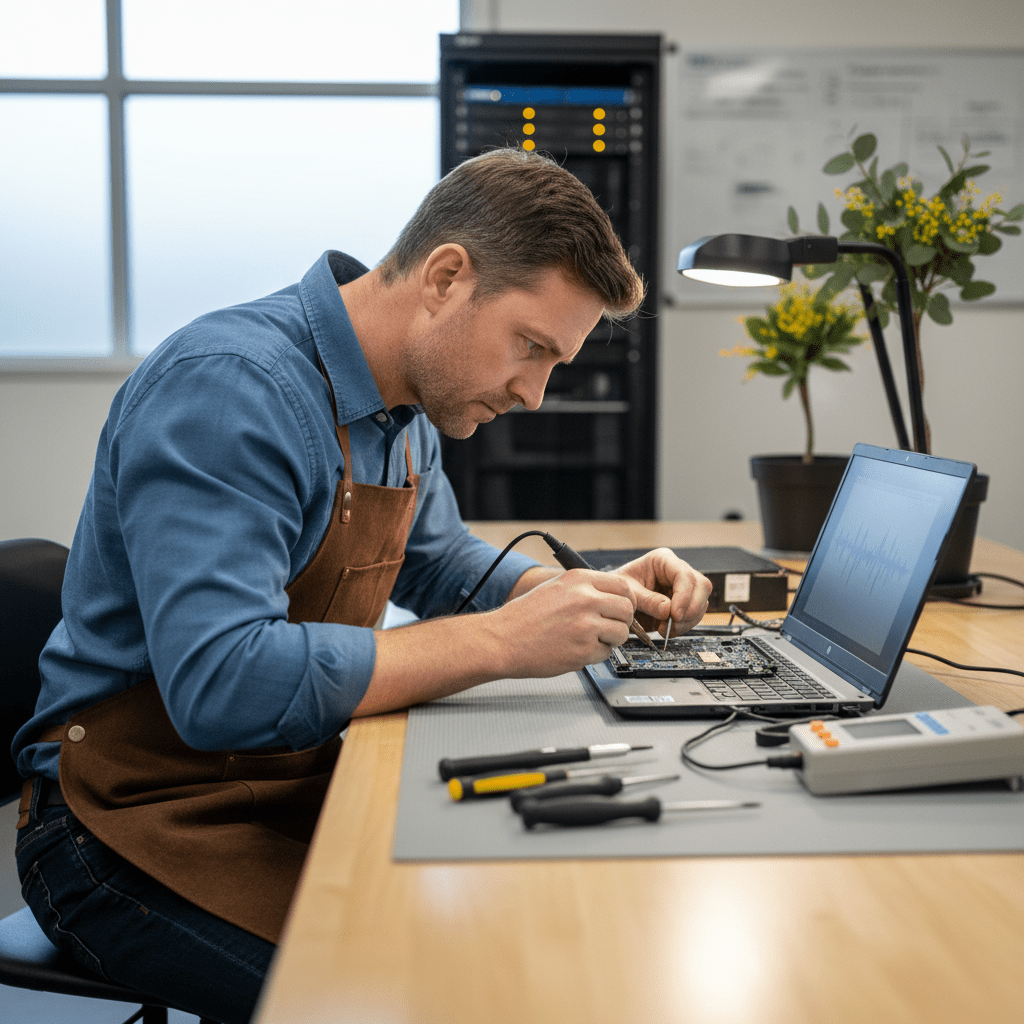
Since 2001, The Original PC Doctor has worked alongside Kroll Ontrack for complex HP recovery cases involving encrypted HP Sure View drives, HP DriveLock-protected business laptops, and physically damaged HP ZBook workstations. Our cleanroom environment handles HP hard drive platters and SSD chip-off procedures for the full range of HP laptop storage configurations.
HP Laptop Models We Recover From
Pavilion 14, 15, 17 (dv, g, x360) — SATA HDD & NVMe SSD; popular consumer range, 2010–2024 models
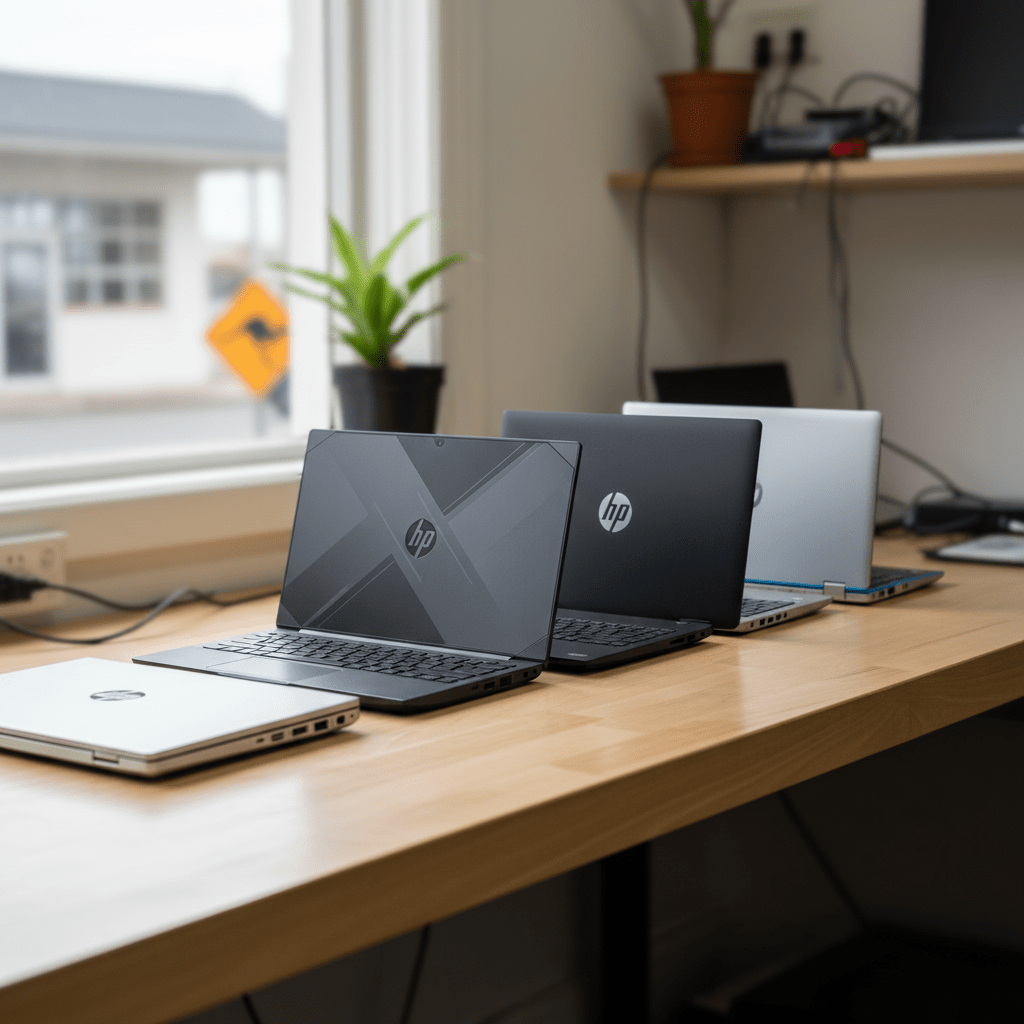
Envy 13, 14, 15, 17, x360 — PCIe NVMe SSDs; premium range with fingerprint & IR camera configurations
EliteBook 800/800 G8/G9/G10, 840, 850, 1040 — HP DriveLock, BitLocker, self-encrypting drives (SED)
ProBook 440, 445, 450, 455, 640, 645 — SMB-focused with TPM, BIOS-level passwords, NVMe/SATA
Spectre x360 13, 14, 16 — ultra-thin with soldered PCIe 4.0 NVMe; premium range 2019–2024
Omen 15, 16, 17, Omen Transcend 14/16 — dual NVMe RAID configurations, PCIe 4.0 x4, high-end gaming SSDs
ZBook Fury 15/16/17 G9/G10, ZBook Studio, ZBook Power — Intel Xeon, ECC RAM, NVMe RAID, Thunderbolt 4
HP Stream 11/14, Chromebook 11/14/15 — eMMC storage, Google account-linked, limited recovery options
Common HP Laptop Failure Scenarios
- HP “3F0 error” / “Boot Device Not Found”: One of the most common HP laptop errors — indicates the SATA HDD or NVMe SSD is no longer detected at POST. Often caused by drive failure, loose connector, or failed firmware update
- HP Pavilion HDD clicking: Pavilion 15/17 HDDs are prone to head crash after drops — the clicking on spin-up indicates physical platter damage requiring cleanroom recovery
- HP DriveLock password: EliteBook and ProBook models support HP DriveLock (ATA Security) — if the lock is set and the password is lost, data recovery requires specialist hardware to bypass the ATA security layer
- Spectre x360 NVMe failure: Soldered Samsung/WD NVMe in Spectre x360 models can fail after BIOS updates — chip-off recovery is required when the controller is dead
- HP Sure Recover wipe: HP commercial laptops with HP Sure Recover can trigger automatic OS reinstall — if this wipes user data, recovery depends on how many writes occurred post-wipe
- Water damage (Envy / Pavilion): Liquid ingress typically corrodes the SSD or HDD interface — the storage device itself is usually recoverable even when the motherboard is dead
- Omen RAID 0 failure: Dual-SSD RAID 0 in Omen gaming laptops loses all data when either drive fails — power off immediately and call us
- HP BIOS password locked: Some HP EliteBook models can lock the drive at BIOS level — we work with HP-authorised BIOS unlock procedures for recovery
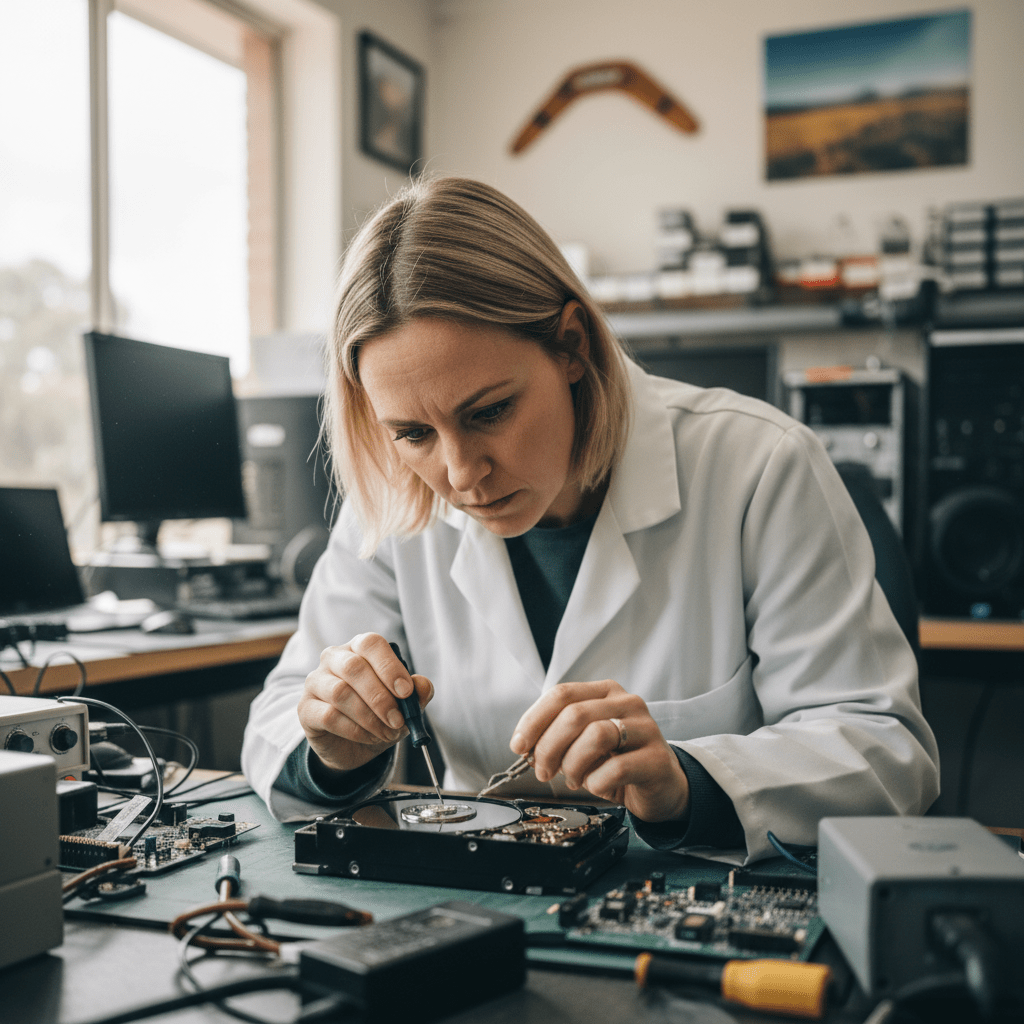
HP EliteBook, ProBook & ZBook Recovery
HP business laptops (EliteBook, ProBook, ZBook) often combine multiple security layers: BitLocker encryption, HP DriveLock (ATA Security), HP Sure Start firmware protection, and TPM-backed encryption. Our recovery process for HP business laptops involves careful identification of which security layers are active before attempting data extraction.
HP ZBook mobile workstations may use Intel RST RAID or HP-specific RAID configurations across dual M.2 NVMe drives. We reconstruct RAID arrays independently of the ZBook’s original firmware to maximise data recovery success from failed HP ZBook arrays.
HP-Specific Warnings
Our HP Recovery Process
Free Resources
Independent, non-commercial references:
Get your data back — free file list, free phone assessment. Talk to a specialist today.
✔ Free file list before you pay · ✔ Free phone assessment · ✔ ISO-5 Class 100 clean room · ✔ 20+ years experience
Frequently Asked Questions — HP Laptop Data Recovery
My HP Pavilion shows “Boot Device Not Found” — is my data gone?
Not necessarily. The “Boot Device Not Found” or “3F0 error” in HP Pavilion laptops indicates the drive isn’t being detected at startup, but in many cases the drive and its data are intact. The cause could be a loose SATA connector, failed drive firmware, bad sectors on the boot sector, or physical head failure. Our engineers will diagnose whether the drive is physically accessible and what recovery method applies. In many logical failure cases, full data recovery is possible.
My HP EliteBook has DriveLock set and I’ve forgotten the password — can you recover my data?
HP DriveLock (ATA Security) creates a hardware-level password lock on the drive. Recovery options depend on the specific HDD or SSD model, whether the master password was set separately, and the HP model’s BIOS version. In some cases we can work with HP-authorised unlock procedures — contact us to discuss your specific model before attempting any password entries, as too many wrong attempts can permanently lock the drive.
Is there an assessment fee for HP laptop data recovery?
Yes — a non-refundable assessment fee applies to all data recovery work including HP laptops. This covers the full diagnostic process and written quote. The fee is credited towards recovery costs if you proceed. We never charge for data we can’t recover — the assessment fee covers the evaluation only.
My HP Omen gaming laptop RAID 0 failed — what should I do?
Power off immediately and do not attempt to boot from the remaining drive. Call us on 1300 723 628. HP Omen RAID 0 (using Intel RST or AMD StoreMI across two NVMe drives) loses all data when either drive fails, but our RAID reconstruction tools can often recover the full dataset if the stripe map is intact and no further writes have occurred to the remaining drive.
Can you recover data from an HP laptop that suffered liquid damage?
Yes, in the majority of cases. Water damage typically affects the laptop’s motherboard and circuits — the SSD or HDD storage device is usually in a sealed enclosure and may be completely intact. We remove the drive from the damaged HP laptop, assess it independently in our lab, and recover data from it directly. Even if the drive’s interface board is corroded, we can often transfer platters or chips to clean donor components.
Free assessment · No-obligation quote · 24/7 emergency line · Australia-wide service




























