


HP ProLiant & IBM Server Data Recovery — MicroServer, DL Series & Office File Servers
Last Updated:
Lost data? Stop using the device and act now — early action is the biggest factor in successful recovery.
✔ Free file list before you pay · ✔ Free phone assessment · ✔ ISO-5 Class 100 clean room · ✔ 20+ years experience
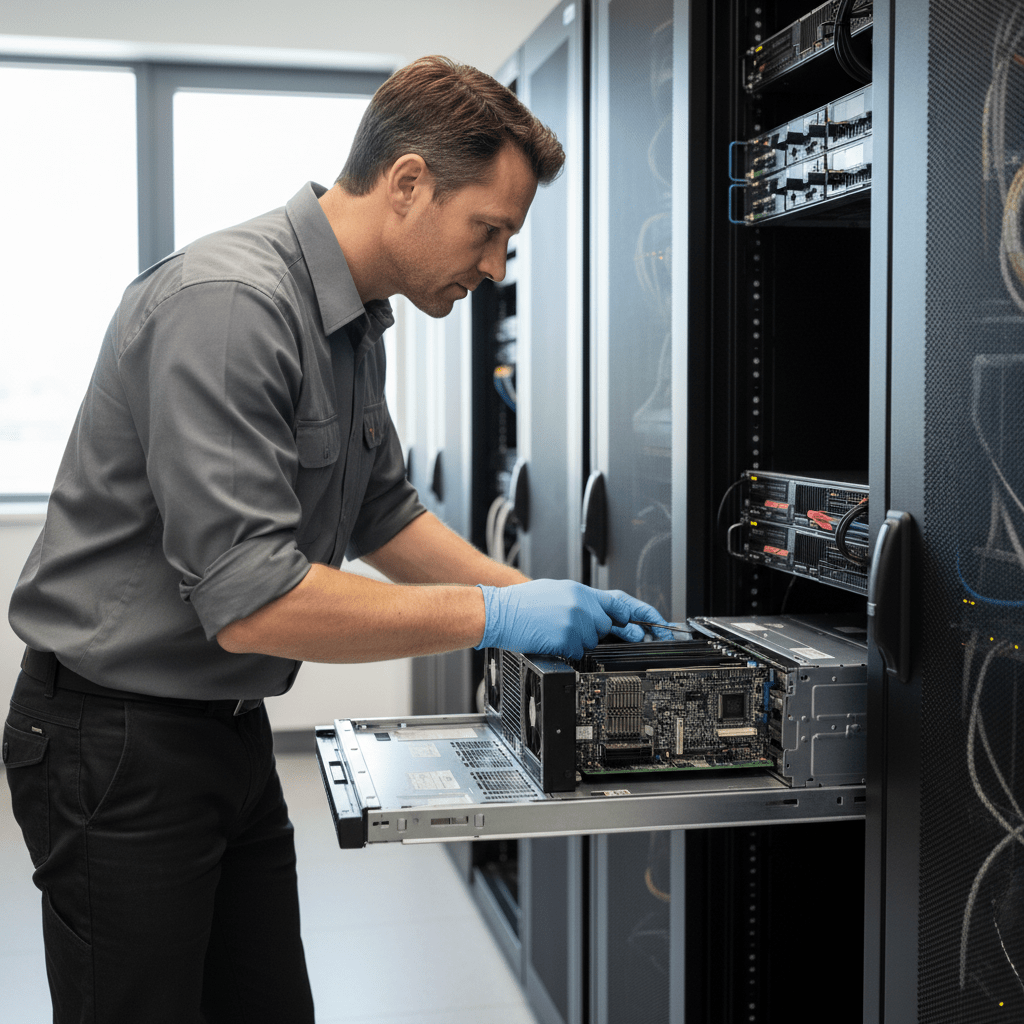
Small form factor servers — particularly HP ProLiant MicroServer and DL-series rack servers deployed as office file servers — are among the most consequential recovery scenarios we handle. These systems often hold years of business documents, accounting data, email archives, client files and shared resources with no consumer-grade backup in place. The Original PC Doctor recovers from HP ProLiant and IBM (Lenovo) server hardware of all generations, including hardware RAID controllers, iSCSI targets, and virtualised environments running on local storage.
Emergency: 1300 723 628 — Free phone assessment, 24/7
Server Models We Recover From
Common Server Data Loss Scenarios
- ProLiant MicroServer RAID 5 two-drive failure — the MicroServer B110i RAID 5 is one of the most common SMB RAID recovery cases we see. A second drive failure after an unnoticed first failure collapses the array. All four drives must be imaged before any further action.
- Server drive failure during backup (double fault) — the worst timing: a drive failure occurs simultaneously with or during the nightly backup job. The backup is incomplete and the production drive is failed. We recover from the failed production drives.
- RAID controller failure / foreign configuration — Smart Array controller NVRAM corruption causes the array to appear as “foreign” or offline on the replacement controller. We reconstruct the array parameters from the drive metadata without the original controller.
- Windows Server Storage Spaces Direct collapse — Storage Spaces Direct (S2D) in small office environments is fragile under power failure conditions. A collapsed S2D cluster requires specialist virtual disk reconstruction.
- iSCSI target drive failure — iSCSI targets serving VMware ESXi or Hyper-V VMs. VM disk files (VMDK, VHD, VHDX) are recoverable from failed iSCSI target drives — we can also optionally extract individual files from inside recovered VMs.
- Ransomware attack on file server — server-side encryption from ransomware. We work in parallel: attempted file carving for pre-encryption versions of files, plus shadow copy / VSS snapshot recovery.
- Failed OS drive in server with separate data drives — Windows Server OS drives fail independently of data drives. The data drives are almost always intact when the OS drive fails. We image the data drives and restore to a new OS.
HP Smart Array RAID Recovery
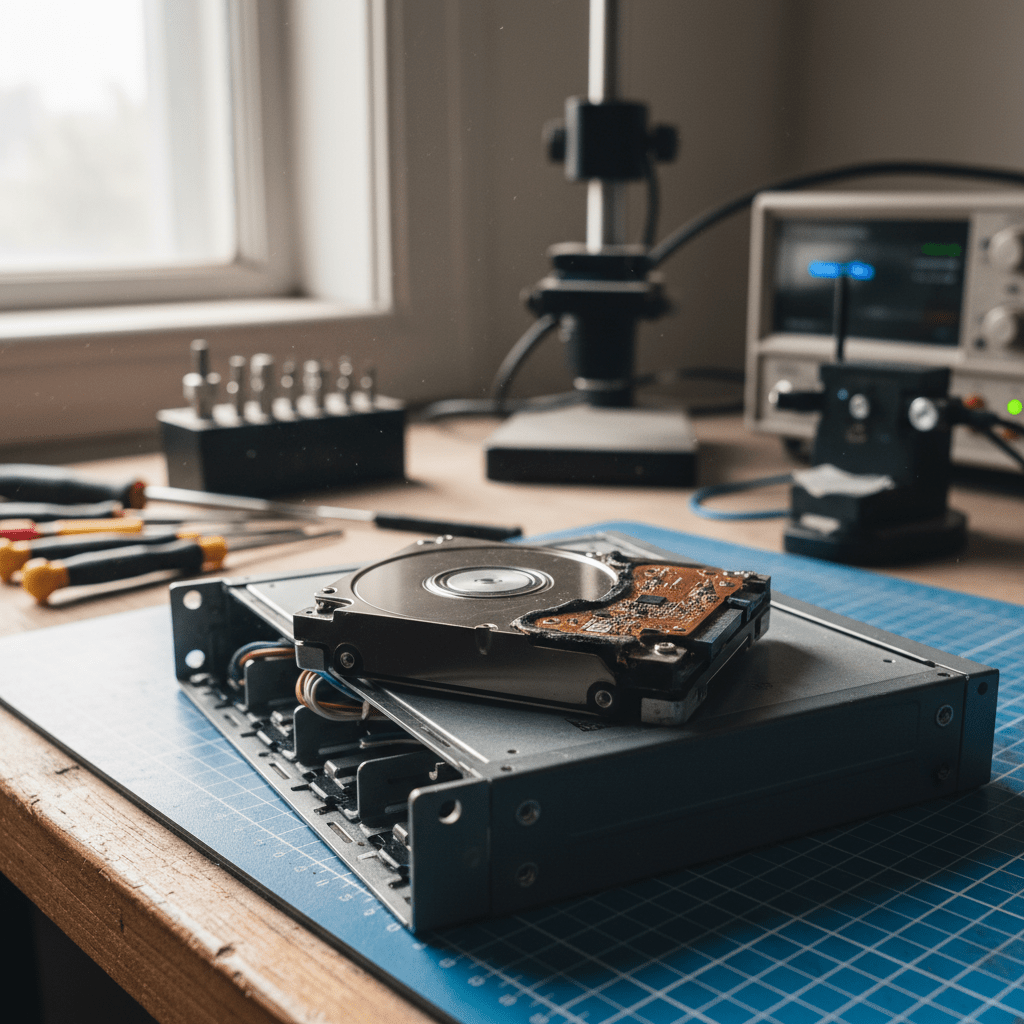
HP ProLiant servers use HP Smart Array controllers across all generations — from the embedded B110i/B120i to the full P440ar/P840ar SAS controllers. We recover from all Smart Array configurations:
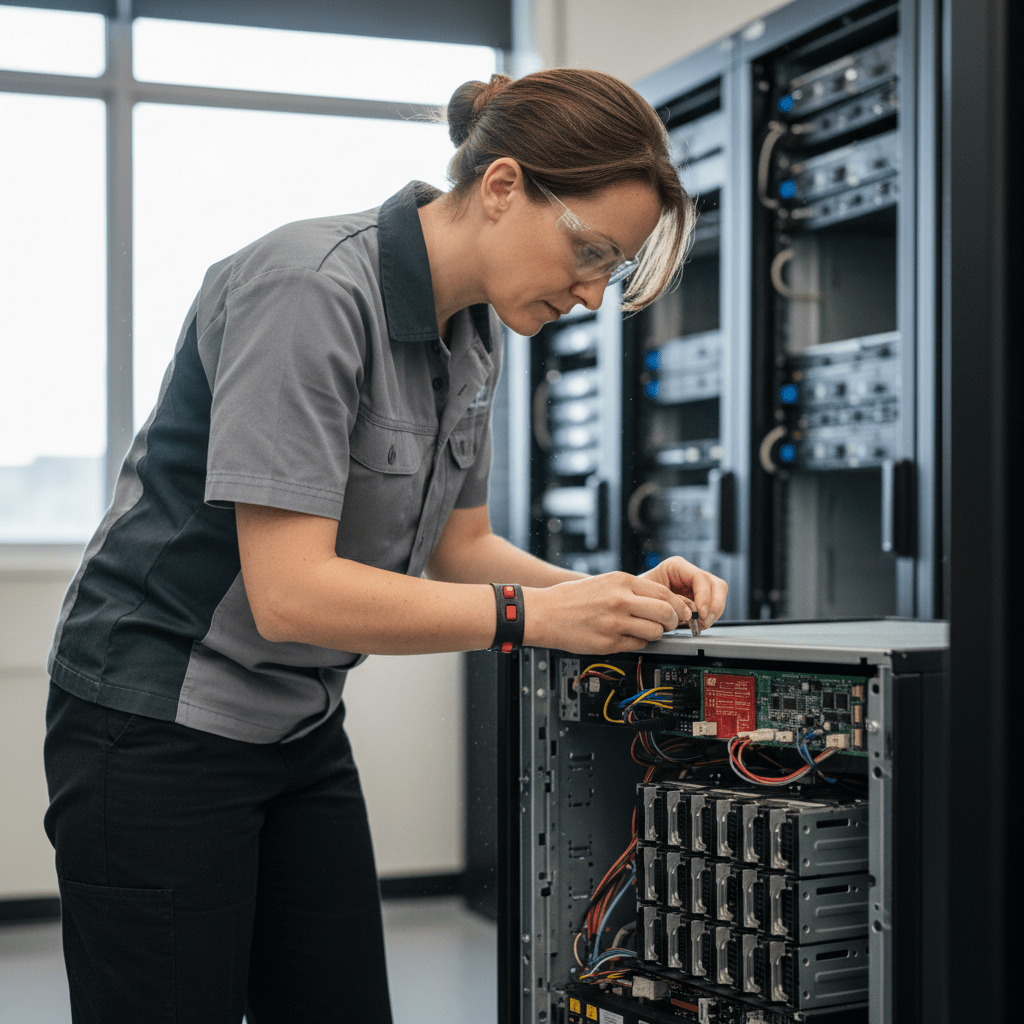
- B110i, B120i, B140i embedded RAID (RAID 0, 1, 5, 10)
- P410, P420, P430, P440, P440ar — entry to mid-range Smart Array
- P840, P840ar, P542D — high-capacity Smart Array for dense SAS configurations
- SR150, SR250, SR650 (Lenovo ThinkSystem) — Smart RAID virtual disk recovery
Our Recovery Process (Server)
- Free phone assessment — call 1300 723 628. We prioritise business-critical server recoveries and can often provide same-day or next-day response.
- Onsite or lab intake — we can come to your business premises to image drives onsite to minimise downtime, or arrange secure courier pickup of individual drives.
- File list and fixed quote — complete recoverable file list with a fixed price before any work proceeds.
- Priority delivery — server data returned on enterprise-grade encrypted media or via secure transfer to your new server.
Free Resources
Independent, non-commercial references:
Get your data back — free file list, free phone assessment. Talk to a specialist today.
✔ Free file list before you pay · ✔ Free phone assessment · ✔ ISO-5 Class 100 clean room · ✔ 20+ years experience
FAQs — Server Data Recovery
Can you recover from an HP ProLiant MicroServer with a failed RAID 5 array?
Yes. MicroServer RAID 5 recovery is one of our most common server cases. Power down immediately — do not let the array continue operating in a degraded state. We image all four drives and virtually reconstruct the array parameters. Bring all drives from the array, including the failed one.
Our server was hit by ransomware — can the encrypted files be recovered?
Possibly. We check for free decryptors at nomoreransom.org first. We then examine VSS shadow copies and file system history for pre-encryption versions. File carving can sometimes recover previous file versions depending on how the ransomware operates. Call us immediately — time is critical for shadow copy survival.
How much does server data recovery cost?
Single server drive (SATA/SAS) logical recovery: $400–$1,200. Physical recovery: $1,200–$3,000. RAID array reconstruction: $1,500–$6,000+ depending on drive count, RAID level and failure complexity. We provide a fixed quote before starting.
Can you recover data from our server without taking it offsite?
Yes. We can send a technician to your premises to image the drives onsite. This minimises downtime and keeps the hardware in your building. Call us to arrange an onsite assessment — available in Melbourne, Sydney, Brisbane, Perth, Adelaide, Canberra, Hobart and Darwin.
Our HP ProLiant shows a “foreign configuration” error after a controller replacement — what should we do?
Do NOT accept foreign configuration or clear it. Call us first. A foreign configuration means the new controller doesn’t recognise the existing RAID metadata — the data is still on the drives but needs to be reconstructed correctly. Clearing it destroys the array metadata.
📞 Call 1300 723 628 for a free desktop PC recovery assessment — or book online now.
← Back to Desktop & PC Data Recovery




























