


Lenovo ThinkCentre M730q Repair & Upgrades — Australia-Wide
Last Updated:
Still running a Lenovo ThinkCentre M730q? The Original PC Doctor keeps it going — we repair the Lenovo ThinkCentre M730q for power, boot, storage and overheating faults, and upgrade it with an SSD, more RAM and a clean Windows install for years more life. No fix, no fee, Australia-wide.
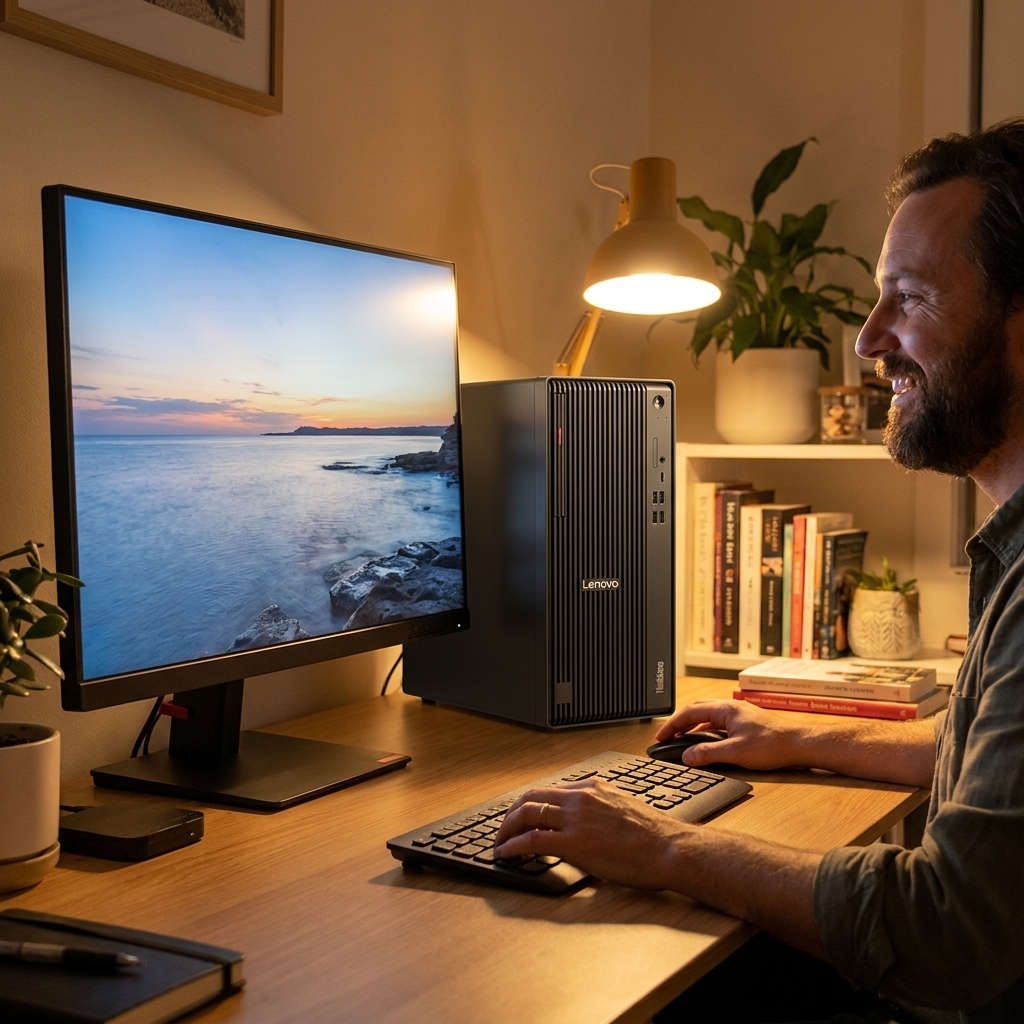
Fast, honest Lenovo ThinkCentre M730q repair & upgrades — no fix, no fee.
✔ No fix, no fee · ✔ 90-day warranty · ✔ Onsite, remote & workshop · ✔ Since 2001
Common Lenovo ThinkCentre M730q Faults We Repair
- Won’t turn on / amber or blinking power light
- Won’t boot, no POST or beep-code errors
- No display / no signal on boot
- Hard drive / SSD failure or bad sectors (with data recovery)
- Slow performance — SSD & RAM upgrade to extend its life
- Overheating, dust-clogged or noisy fans
- Failing power supply or swollen capacitors
- Won’t connect to Wi-Fi or the internet
- BIOS / CMOS battery & boot issues
- Windows won’t boot, or upgrade to Windows 10/11
About the Lenovo ThinkCentre M730q
We repair and upgrade every Lenovo ThinkCentre M730q — power, motherboard and PSU faults, swollen capacitors, ageing hard drives (with full data recovery), memory and cooling. A quality SSD, a RAM bump and a clean Windows 10 or 11 install can make it feel new for a fraction of replacement cost. Genuine, OEM-spec and quality refurbished parts; out-of-warranty and end-of-life fleet units welcome.
Our Repair Process
1. Free phone or Quick Quote triage. 2. Diagnostic — we pinpoint the exact fault. 3. Upfront fixed quote — no fix, no fee. 4. Repair or upgrade with quality parts and a 90-day warranty. Onsite, remote or in our workshop, Australia-wide.
Why The Original PC Doctor
- Since 2001 — 24+ years repairing Australian computers
- No fix, no fee diagnostics
- 90-day warranty on parts and labour
- Onsite, remote & workshop options
- Genuine, OEM-spec & quality refurbished parts
- 1,300+ verified customer reviews
Get your Lenovo ThinkCentre M730q repaired or upgraded — talk to a technician now.
✔ No fix, no fee · ✔ 90-day warranty · ✔ Onsite, remote & workshop · ✔ Since 2001
Lenovo ThinkCentre M730q Repair FAQs
How much does a Lenovo ThinkCentre M730q repair or upgrade cost?
Every job starts with a free, no-obligation Quick Quote and an upfront fixed price. No fix, no fee, with a 90-day warranty — and we’ll tell you honestly whether a repair or an SSD/RAM upgrade is better value.
Can you recover data from a Lenovo ThinkCentre M730q?
Yes — we recover documents, photos and files from a Lenovo ThinkCentre M730q even if it won’t boot, and can move them to a new SSD or PC.
Why won’t my Lenovo ThinkCentre M730q turn on?
Usually a failing power supply, swollen motherboard capacitors, a flat CMOS battery or a power-button fault — all commonly repairable. We diagnose it free and quote upfront.
Is it worth repairing or upgrading my Lenovo ThinkCentre M730q?
Often yes — an SSD, a RAM bump and a clean Windows install can make it feel new for a fraction of a replacement; we give honest advice if it isn’t.
Do you repair the Lenovo ThinkCentre M730q out of warranty?
Absolutely — out-of-warranty and end-of-life machines are our specialty; we’re independent.
Where can you repair my Lenovo ThinkCentre M730q?
Australia-wide — onsite, remote, and workshop with nationwide pickup. Call 1300 723 628 or use the Quick Quote.
Related: Lenovo Desktop Repair · Desktop PC Repair · Data Recovery
Free Resources
Independent, non-commercial references:
Lenovo ThinkCentre M730q Repair faults we repair every week
PSU failure
Symptom: Amber or blinking power LED, no POST, fans may spin briefly then stop
How we fix it: Remove the 180W external brick, test with a known-good 19.5V Lenovo brick, replace the internal 180W unit if voltages are absent or unstable.
Repair or replace? repair
Swollen capacitors on motherboard
Symptom: Random shutdowns, boot loops or failure to POST after several years of 24/7 use
How we fix it: Open the chassis, visually inspect and desolder the bulging Nichicon 220µF and 470µF caps near the VRM, fit low-ESR replacements rated 105°C.
Repair or replace? repair
2.5-inch HDD failure
Symptom: Clicking noises, SMART errors, Windows fails to boot or shows 'no bootable device'
How we fix it: Clone the drive to a new SATA SSD using a hardware duplicator, replace the drive and reinstall Windows 10/11 with Lenovo drivers.
Repair or replace? repair
Overheating from dust-clogged heatsink
Symptom: Thermal throttling, loud fan, shutdown after 10-15 minutes under load
How we fix it: Remove the side cover and blower assembly, clean the copper fins and exhaust vent with compressed air and isopropyl, reapply high-quality thermal paste.
CMOS battery failure
Symptom: BIOS resets to default, date/time errors, boot device selection lost on every power cycle
How we fix it: Open the chassis, replace the CR2032 coin cell on the motherboard and reconfigure boot order and any custom settings.
Repair or replace? repair
Wi-Fi card dropout
Symptom: Intermittent or no wireless connection despite working Ethernet
How we fix it: Replace the Intel 8265NGW M.2 card and pair of internal antennas if signal strength remains below -70 dBm after driver reinstall.
Repair or replace? repair
Lenovo ThinkCentre M730q Repair price guide
| Repair | Indicative price | Typical turnaround |
|---|---|---|
| Power supply replacement (180W external brick) | from $145 | same day |
| Motherboard capacitor replacement | $220-$320+ | 2-3 days |
| 2.5-inch HDD to SSD upgrade with data clone | $180-$260+ | same day |
| Full thermal clean and repaste | from $149 | same day |
| CMOS battery replacement | from $65 | same day |
| Intel 8265NGW Wi-Fi card replacement | $110-$165+ | same day |
| Windows 11 clean install with Lenovo drivers | from $125 | same day |
| Full diagnostic and quote | from $149 | 2-5 business days |
Prices are indicative only — every job is confirmed with a free, no-obligation quote after diagnosis. No Fix, No Fee.
Lenovo ThinkCentre M730q Repair — your questions answered
How much does it cost to repair a Lenovo ThinkCentre M730q that won't turn on?
Most power-related faults on the M730q are traced to the 180W external brick or the internal PSU board. A replacement brick starts at $145 and is usually swapped the same day. If the fault is on the motherboard, capacitor work is quoted between $220 and $320. We test the brick first before any parts are ordered.
Can you upgrade a Lenovo ThinkCentre M730q to Windows 11?
Yes. The M730q meets Windows 11 requirements once it has a TPM-enabled BIOS and a supported CPU. We perform a clean install, update the Lenovo firmware, install current drivers and activate Windows 11 for $125. Existing data can be migrated from the old drive during the same visit.
Is it worth replacing the hard drive in an older ThinkCentre M730q?
Replacing the ageing 2.5-inch HDD with a 500 GB or 1 TB SATA SSD typically costs $180-$260 including cloning. The machine boots in under 15 seconds and runs noticeably cooler and quieter. Most owners report the upgrade extends usable life by several years at a fraction of a new PC cost.
Why does my Lenovo ThinkCentre M730q keep overheating?
Dust builds up quickly in the small blower and copper heatsink of the M730q, especially in office environments. A full clean and fresh thermal paste restores normal temperatures in under an hour and costs from $89. We also check fan bearings and replace them if noise persists after cleaning.
Do you offer onsite repair for the Lenovo ThinkCentre M730q in regional areas?
Our technicians travel to most capital cities and larger regional centres for onsite work. Remote diagnostics are available Australia-wide for simpler faults. Travel fees apply outside metro areas but are confirmed in the free quote before any visit is booked.




























