


Mac Pro Data Recovery — M2 Ultra, Intel Xeon Tower & “Trash Can” Cylinder
Last Updated:
Lost data? Stop using the device and act now — early action is the biggest factor in successful recovery.
✔ Free file list before you pay · ✔ Free phone assessment · ✔ ISO-5 Class 100 clean room · ✔ 20+ years experience
The Mac Pro is the workstation people build their entire business around — film studios, music studios, scientific computing, 3D rendering farms, broadcast operations. When a Mac Pro fails, it’s rarely a single user’s photo library at stake; it’s typically a multi-terabyte project archive, a render farm node, or years of irreplaceable client work. Whether you have the latest 2023 M2 Ultra Mac Pro, the cheese-grater 2019 Intel Xeon tower, the cylindrical 2013 “Trash Can”, or one of the older 2006–2012 silver towers, we recover from every Mac Pro.
Get your free no-obligation Quick Quote — fill in the Free Quick Quote form on this page and an Australian Mac Pro specialist will respond with the next step.
On this page:
- › M2 Ultra Mac Pro (2023)
- › 2019 Intel Xeon Tower / Rack
- › 2013 Cylinder “Trash Can” Mac Pro
- › 2006–2012 Silver Tower Mac Pro
- › RAID & Multi-Drive Recovery
- › Won’t Boot / Dead Workstation
- › How the Recovery Process Works
- › Pricing & Free Quick Quote
- › Australia-Wide Service Coverage
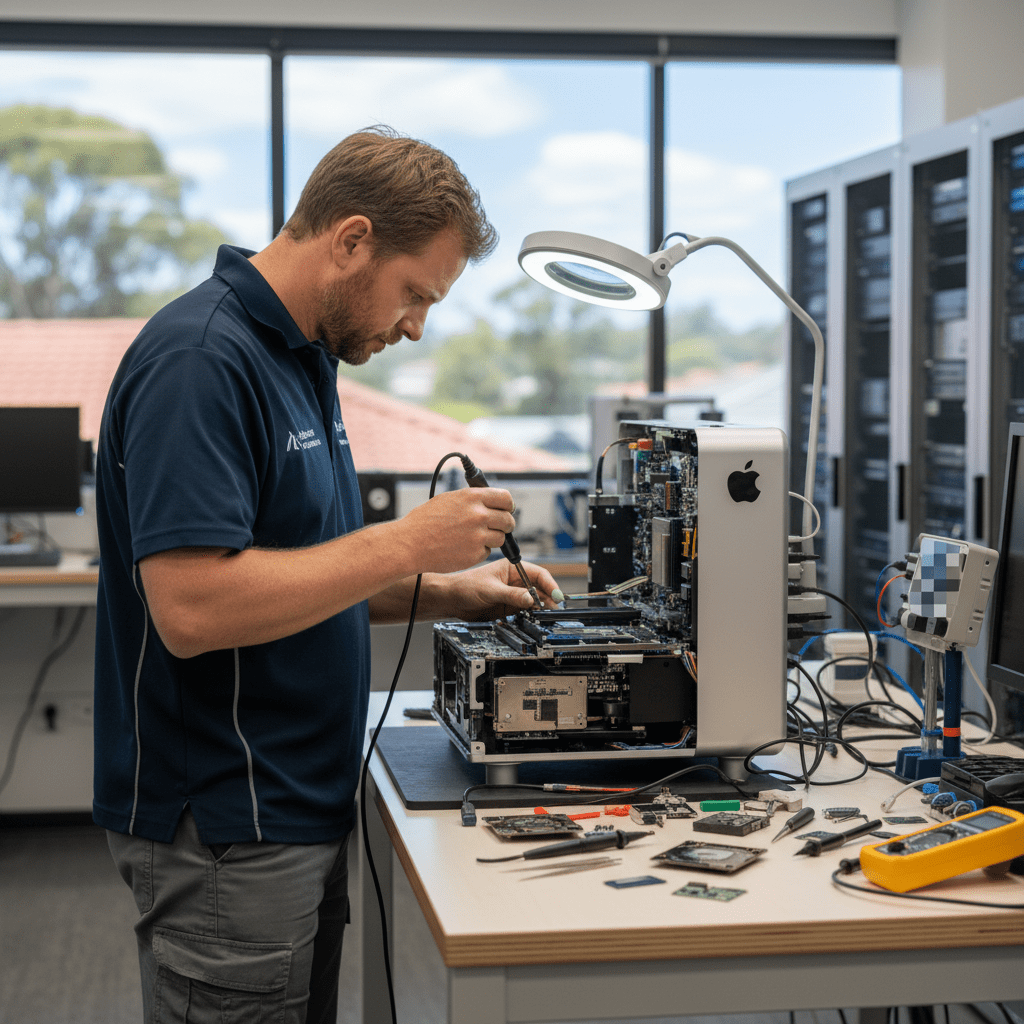
M2 Ultra Mac Pro (2023)
The 2023 Apple Silicon Mac Pro uses the M2 Ultra SoC and the same storage architecture as the Mac Studio — SSD modules are physically removable but the encryption keys live in the SoC, not on the modules. Recovery on a working-but-unbootable M2 Ultra Mac Pro uses DFU mode and Apple Configurator imaging via a second Mac. Dead boards require board-level repair to bring the original SoC back online so it can decrypt the modules.
2019 Intel Xeon Mac Pro Tower / Rack
The 2019 Intel Mac Pro (Xeon W, in tower or rack form) has a T2 chip and Apple-proprietary SSD modules. Storage is hardware-encrypted by the T2 even with FileVault off. Module-swap recovery doesn’t work — the original T2 holds the keys. We use board-level micro-soldering to revive a dead board long enough to image the modules in their decrypted state.
The 2019 Mac Pro is also the most common workstation we see for RAID array recoveries, with multiple internal SSDs or a third-party PCIe RAID card hosting project storage. See the RAID section below.
2013 Cylindrical Mac Pro — the “Trash Can”
The 2013 cylinder is now over a decade old and we still see them weekly. Common failures: GPU 1 or GPU 2 failure (causing boot loops or no display), failed thermal paste leading to throttling and shutdowns, dying internal SSD. The internal PCIe SSD blade is removable and we have the adapters — FileVault is off by default on most of these in service, so a clone-and-pull is usually straightforward.
2006–2012 Silver Tower Mac Pro
The classic silver-and-aluminium Mac Pro towers (2006, 2008, Early 2009, Mid 2010, Mid 2012) have up to four removable SATA hard-drive bays plus optional PCIe SSDs. Recovery is straightforward: pull the drives and clone in a controlled environment. We see a lot of these for: drive aged out, RAID rebuild failure, accidental volume erase, or moving between machines after the original Mac Pro died of old age.
RAID & Multi-Drive Recovery
Mac Pros are the workstation most likely to be running an internal or attached RAID — Apple Software RAID, SoftRAID, or a hardware RAID card (Areca, ATTO, Highpoint, Sonnet, etc.). When a RAID degrades and then fails, recovery requires:
- Imaging every member drive in a controlled environment first (never running rebuild on the originals).
- Rebuilding the array virtually from the images with the correct stripe size, parity rotation, and member order.
- Mounting the resulting volume read-only and extracting the data.
We’ve recovered Apple RAID, SoftRAID 5/6, hardware RAID 5/6/10, and Promise Pegasus arrays. Tell us your setup in the Quick Quote form and we’ll be specific about the path forward.
Won’t Boot / Dead Workstation
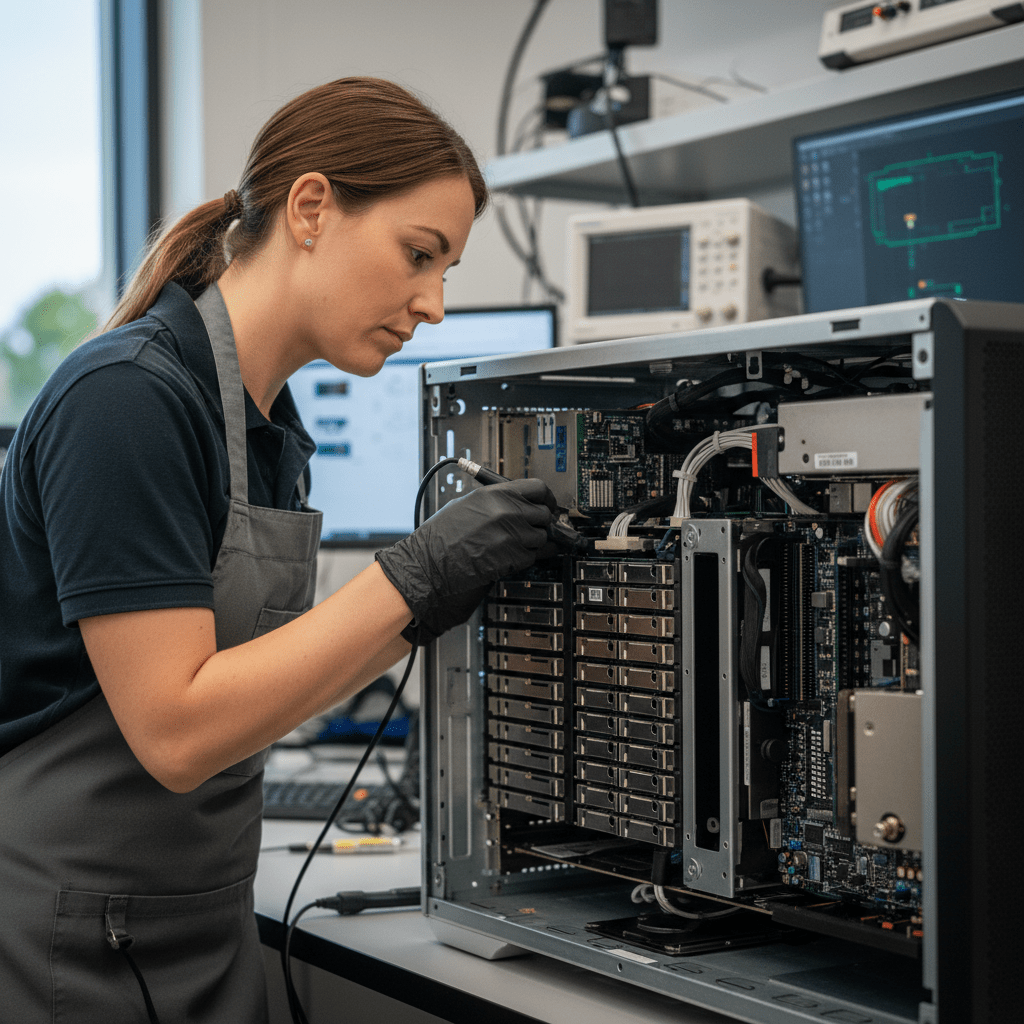
Whether the symptom is a fan-only spin, a single beep, no power at all, or a boot-loop, the data is almost always still recoverable. The internal storage is the last thing to fail in most Mac Pro deaths — the failure is usually power supply, GPU, RAM riser, or a single component on the logic board. We diagnose to component level and image the storage cleanly.
How the Recovery Process Works
- Submit the Free Quick Quote form on this page. Tell us the model, year, RAID configuration if any, and what data matters most.
- We respond with next steps and a diagnostic booking. A diagnostic fee applies for the assessment.
- You receive a fixed-price written quote before any recovery work begins. RAID jobs are quoted as a complete reconstruction, not per-drive.
- Once approved, we recover the data and return it on encrypted external media or a secure transfer. Large recoveries can be returned on a dedicated drive you supply or one we provide.
Pricing & Free Quick Quote
Single-drive Mac Pro logical recoveries are at the lower end. Multi-drive RAID rebuilds, T2 / Apple Silicon imaging, and board-level repairs sit at the higher end because of the time and specialised equipment involved. Every job starts with a Free Quick Quote — fill in the form on this page — followed by a paid diagnostic and a fixed-price written quote you approve before any recovery work begins.
Australia-Wide Service Coverage
We recover Mac Pro data Australia-wide — Sydney, Melbourne, Brisbane, Perth, Adelaide, Canberra, Hobart, Darwin, Gold Coast, Newcastle, Wollongong, Sunshine Coast, Geelong, Townsville, Cairns, regional NSW, regional Victoria, regional Queensland, and remote sites by specialist freight. Mac Pro towers are heavy — we arrange appropriate freight and insurance for them.
Ready to Recover Your Mac Pro Data?
Fill in the Free Quick Quote form on this page now. Tell us the model, the symptoms, the RAID configuration if any, and what data matters most — we’ll respond with next steps. For RAID failures, please don’t try to rebuild the array yourself — that’s how a recoverable degraded RAID becomes an unrecoverable one.
Free Resources
Independent, non-commercial references:
Get your data back — free file list, free phone assessment. Talk to a specialist today.
✔ Free file list before you pay · ✔ Free phone assessment · ✔ ISO-5 Class 100 clean room · ✔ 20+ years experience




























