


MacBook Air Data Recovery — M1, M2, M3 & Intel, Every Generation
Last Updated:
Lost data? Stop using the device and act now — early action is the biggest factor in successful recovery.
✔ Free file list before you pay · ✔ Free phone assessment · ✔ ISO-5 Class 100 clean room · ✔ 20+ years experience
The MacBook Air is the laptop people actually live with — thousands of photos, years of email, that one client folder you swear was backed up. When it stops booting, takes a spill, or simply will not turn on, the soldered SSD inside means the data path forward is very different from a traditional laptop. Whether you have a brand-new M3 13″ or 15″, an M2 Air, the original M1 wedge, or any of the older Intel models going back to 2010, we recover from every generation of MacBook Air sold in Australia.

Get your free no-obligation Quick Quote — fill in the Free Quick Quote form on this page and an Australian MacBook Air specialist will respond with the next step.
Apple Silicon MacBook Air — M1, M2 & M3
The M-series Air (M1 late 2020, M2 13″ 2022, M2 15″ 2023, M3 13″ & 15″ 2024) uses an SSD that is soldered to the logic board, with the storage controller embedded inside the SoC and encryption keys held in the Secure Enclave. There is no removable drive to pull, and no third-party tool can read the NAND chips on their own — the data only exists in decrypted form when the original SoC is alive and unlocked.
This means recovery on a working-but-unbootable Air usually goes through DFU mode and Apple Configurator imaging. If the logic board is dead, recovery becomes a board-level repair problem — reviving the original board long enough to image the SSD with FileVault unlocked.
Intel MacBook Air — 2010 to 2020
Intel-era Airs split into two camps. The 2010–2017 models use a proprietary blade SSD that is removable but uses Apple-specific connectors — we have the adapters. FileVault is off by default on these, so a clone-and-pull is usually straightforward. The 2018–2020 T2 models are different: the SSD is soldered, encryption is forced by the T2 chip, and recovery requires either DFU imaging on a working board or board-level repair on a dead one.
Liquid & Spill Damage
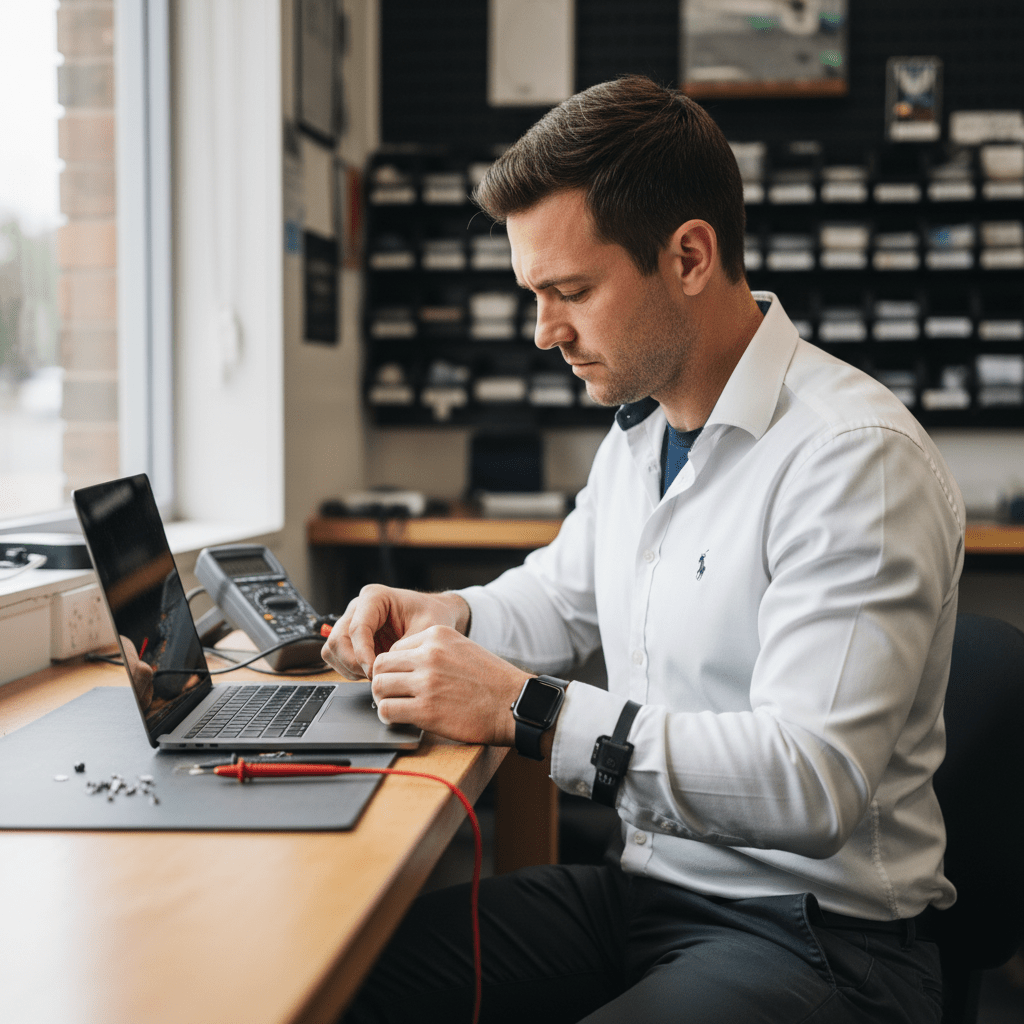
The Air’s thin chassis means liquid reaches the logic board fast. Coffee, water, juice, wine — the liquid itself rarely kills the machine instantly, but corrosion over the next 24–72 hours often does. Do not turn it back on to test it. Unplug, drain screen-down, and get it to us as soon as possible. Ultrasonic cleaning of the board within the first few days dramatically improves the recovery odds.
Won’t Boot / Folder With Question Mark
A flashing folder with a question mark means the Air can’t find a bootable macOS volume — the SSD itself may be fine, just the OS is corrupted, or the SSD has begun to fail. We image the drive in a controlled environment before any repair attempt, so even a marginal SSD gets one clean pass at extraction.
Dead Logic Board / No Power
If the Air shows no signs of life — no chime, no screen, no charging light — the fix is rarely “replace the laptop”. It’s usually a single failed component on the power delivery line: a blown fuse, a dead PMIC, or a failed SMC. Our board-level team replaces the failed component to bring the original board back to life long enough to image the soldered SSD.
FileVault & Apple ID Lock
If FileVault is on, you’ll need your macOS login password or FileVault recovery key at the end of the recovery to decrypt the recovered image. Activation Lock (Apple ID) on M-series Airs also matters — we can recover the data, but you’ll need your Apple ID credentials to use the machine again afterwards.
How the Recovery Process Works
- Submit the Free Quick Quote form on this page. Tell us the model year, what happened, and what data matters most.
- We respond with next steps and a diagnostic booking. A diagnostic fee applies for the assessment — flat, disclosed up front.
- You receive a fixed-price written quote before any recovery work begins.
- Once approved, we recover the data and return it on encrypted external media or a secure transfer.
Pricing & Free Quick Quote
Logical recoveries (deleted files, corrupted volume, failed macOS update) are at the lower end. Physical recoveries (liquid damage, dead board, T2 / Apple Silicon imaging, board-level work) sit at the higher end. Every job starts with a Free Quick Quote — fill in the form on this page — followed by a paid diagnostic and a fixed-price written quote you approve before any recovery work begins.
Australia-Wide Service Coverage
We recover MacBook Air data Australia-wide — Sydney, Melbourne, Brisbane, Perth, Adelaide, Canberra, Hobart, Darwin, Gold Coast, Newcastle, Wollongong, Sunshine Coast, Geelong, Townsville, Cairns, regional NSW, regional Victoria, regional Queensland, and remote sites by secure courier.
Ready to Recover Your MacBook Air Data?
Fill in the Free Quick Quote form on this page now. The faster we see the machine, the better the recovery odds — especially for liquid-damaged Airs.
Free Resources
Independent, non-commercial references:
Get your data back — free file list, free phone assessment. Talk to a specialist today.
✔ Free file list before you pay · ✔ Free phone assessment · ✔ ISO-5 Class 100 clean room · ✔ 20+ years experience




























