


MacBook Pro Data Recovery — Intel, T2 & Apple Silicon, Every Generation
Last Updated:
Lost data? Stop using the device and act now — early action is the biggest factor in successful recovery.
✔ Free file list before you pay · ✔ Free phone assessment · ✔ ISO-5 Class 100 clean room · ✔ 20+ years experience
Your MacBook Pro stopped responding, refuses to boot, took a coffee splash, or the screen is on but macOS won’t load — and the work, photos, client files, or family memories trapped on that internal SSD feel impossibly far away. Whether you’re holding a brand-new M4 Max 16-inch, a T2-era 2019 Intel, or a beloved 2015 Retina, the recovery path is very different for each generation, and getting it right the first time is what separates a successful recovery from a permanent loss.
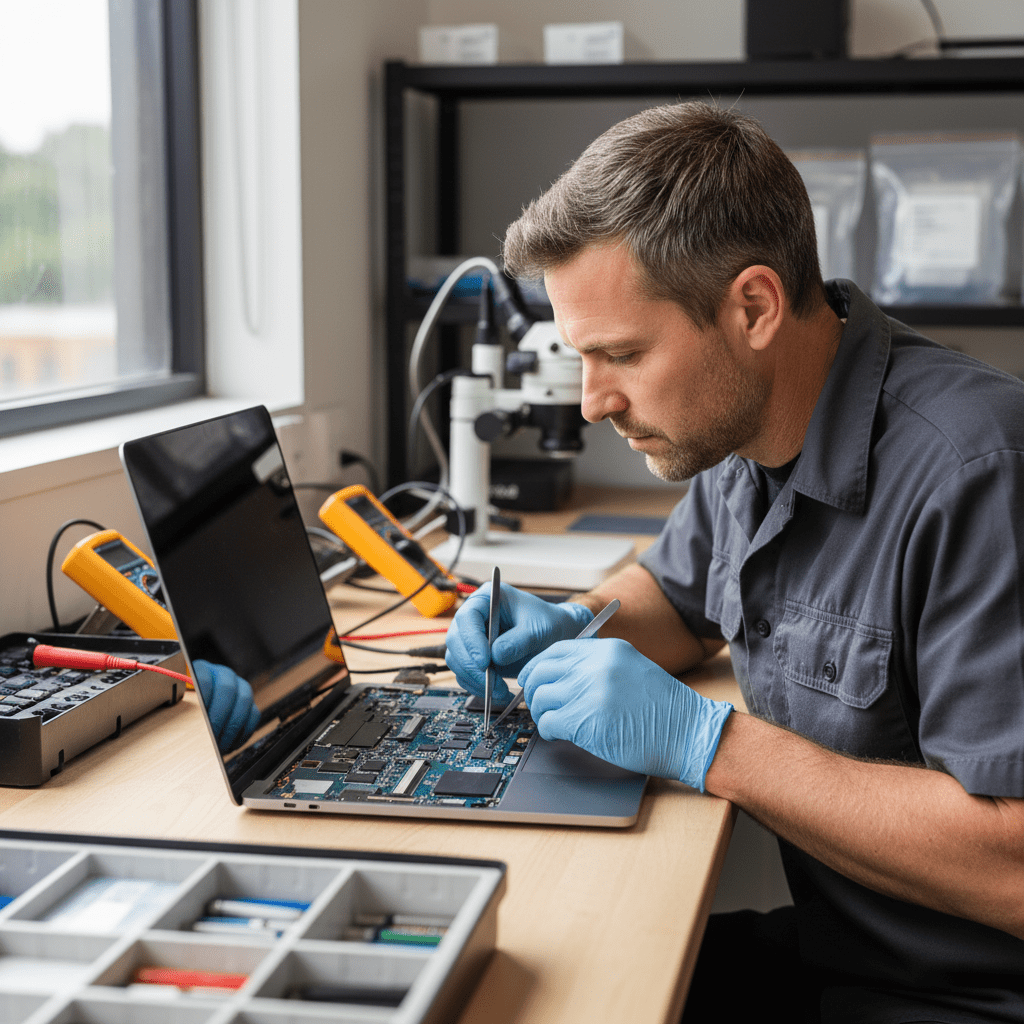
Get your free no-obligation Quick Quote — fill in the Free Quick Quote form on this page and an Australian MacBook Pro data recovery specialist will respond with the next step.
Apple Silicon MacBook Pro — M1, M2, M3 & M4 (2020 onwards)
Every Apple Silicon MacBook Pro — from the original 13-inch M1 in late 2020 through the latest M4, M4 Pro and M4 Max 14- and 16-inch models — uses an SSD that is soldered directly to the logic board with the storage controller built into the SoC itself. There is no removable drive. The Secure Enclave inside the chip holds the encryption keys, and FileVault is on by default.
What this means in plain English: if your MacBook Pro turns on but won’t boot, recovery is often possible through DFU mode, Apple Configurator imaging, or specialised target-disk-style techniques that work with the SoC. If the logic board itself has failed, recovery becomes a board-level repair problem — bringing the board back to life just long enough to image the SSD — not a chip-off problem, because the storage cannot be read independently of the chip that owns its keys.
Models we recover from: MacBook Pro 13″ M1 (2020), 14″ & 16″ M1 Pro / M1 Max (2021), 13″ M2 (2022), 14″ & 16″ M2 Pro / M2 Max (2023), 14″ & 16″ M3 / M3 Pro / M3 Max (2023), and 14″ & 16″ M4 / M4 Pro / M4 Max (2024 onwards).
T2 Intel MacBook Pro — 2018, 2019 & 2020 Models
The T2 security chip generation is the trickiest era for data recovery. These Intel MacBook Pros (Touch Bar 13-inch and 15-inch from 2018–2019, plus the 13-inch and 16-inch 2020 models) have an Apple-controlled SSD with the encryption keys held inside the T2 chip — even if you never turned FileVault on, your data is still hardware-encrypted and tied to that exact T2.
If the SSD chips are healthy but the logic board is dead, the data is still locked to the original T2. We use board-level micro-soldering to revive the original board long enough to extract a decrypted image. Removing the NAND chips and reading them on a third-party tool returns only encrypted ciphertext — useless without the T2 keys.
T2 models we recover from: MacBook Pro 13″ Touch Bar (2018, 2019, 2020), MacBook Pro 15″ Touch Bar (2018, 2019), and MacBook Pro 16″ (2019, 2020).
Pre-T2 Intel MacBook Pro — 2012 to 2017
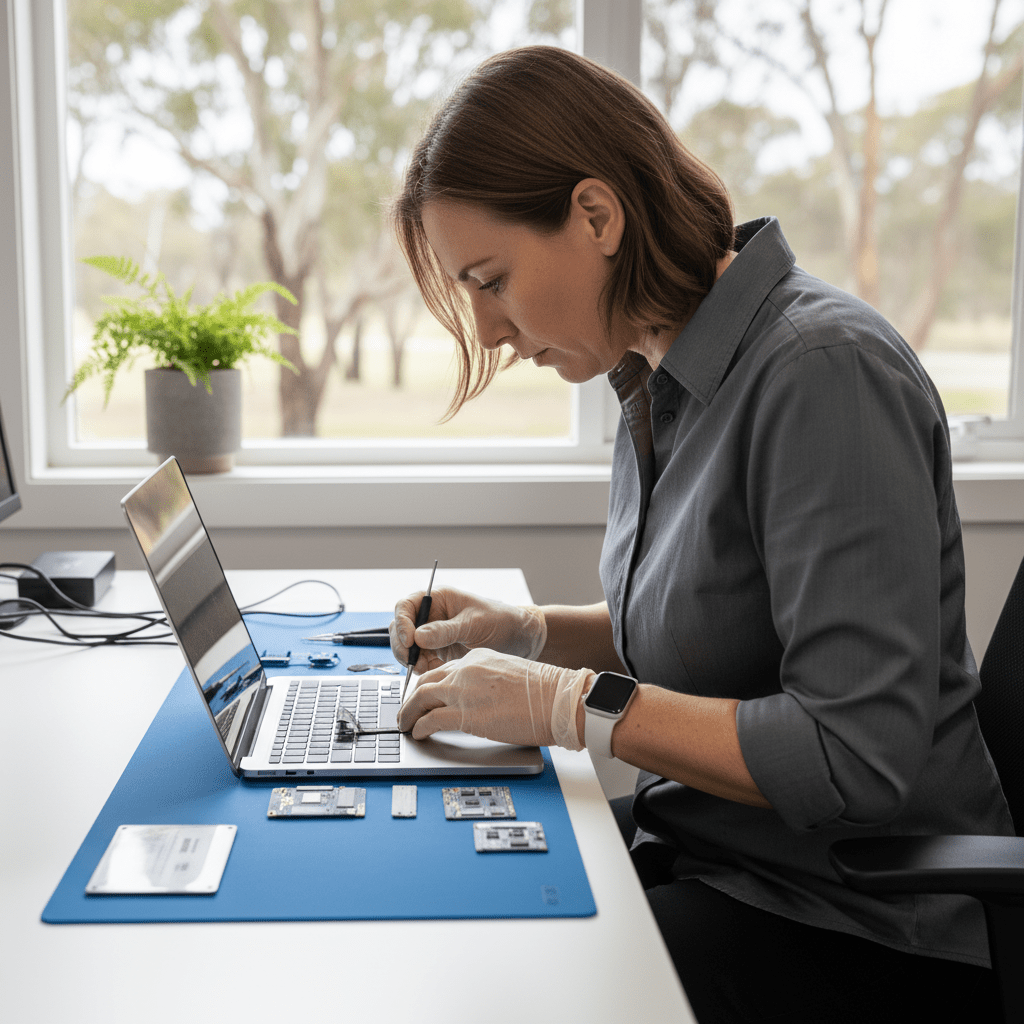
Older Intel MacBook Pros — from the last unibody 13″ 2012 through the 2015 Retina and 2016–2017 Touch Bar models — are far more recoverable because the SSD (or in 2012, the 2.5″ SATA drive / SuperDrive bay) is removable and unencrypted by default. If FileVault is off, we can usually clone the drive directly and pull data without ever booting macOS.
This generation is also where we see the most “won’t power on” cases simply because they’re now 8–13 years old. Failing flexgate display cables, swollen batteries pressing on the trackpad, GPU failures on the 2011–2013 15-inch — all repairable for long enough to image the drive.
Liquid & Coffee Damage
Liquid damage is the single most common reason a MacBook Pro lands on our bench. Coffee, wine, water, juice — the liquid itself is rarely the killer. The killer is corrosion that forms over the next hours and days as the residue eats into the logic board traces, often in tiny areas around the SMC and power delivery circuits.
If your MacBook Pro got wet:
- Do not turn it on to “see if it still works” — that’s how a recoverable board becomes unrecoverable.
- Do not put it in rice. Rice does almost nothing and the powder gets into the keyboard.
- Unplug it, hold it screen-down to drain, and get it to us as quickly as possible. The faster we ultrasonically clean the board, the more of the original circuitry survives.
Won’t Power On / Dead Logic Board
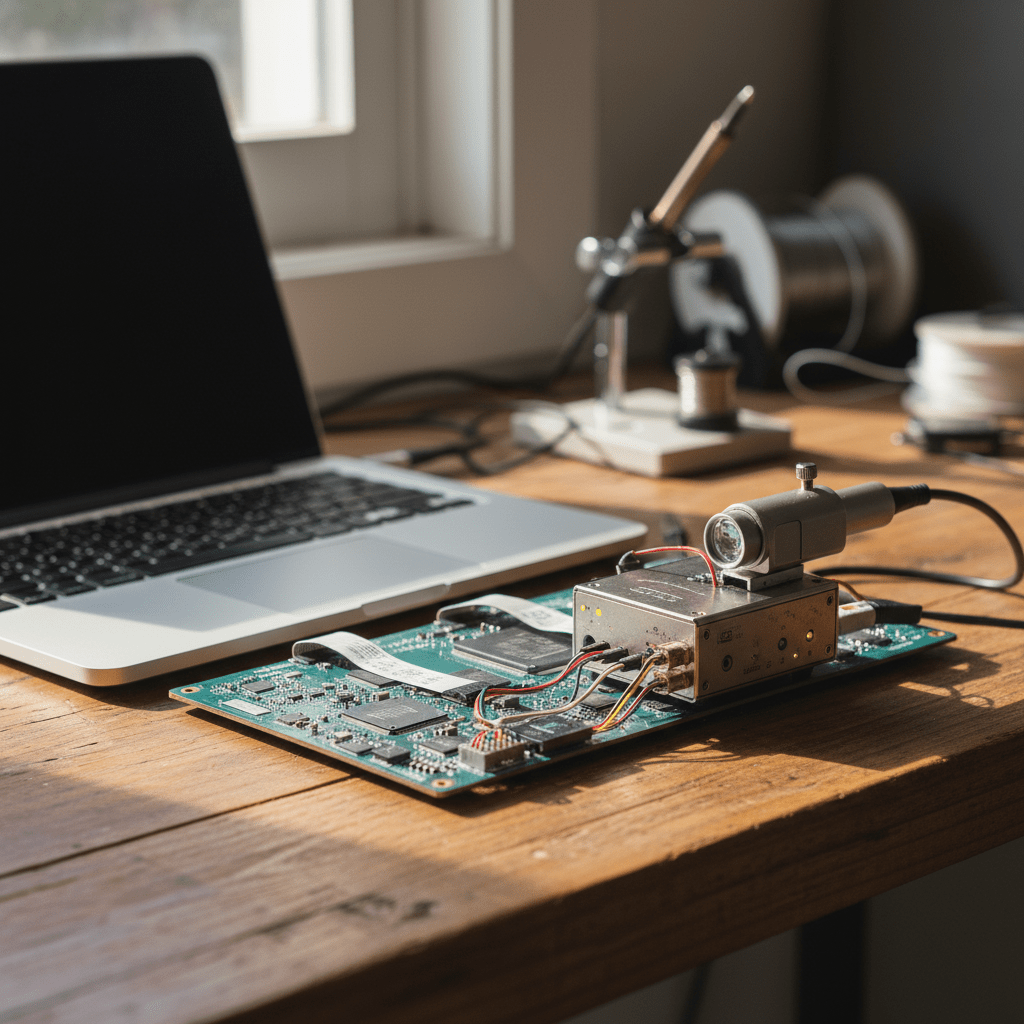
“It just won’t turn on” covers a wide range of failures: dead battery, blown fuse on the charging line, failed SMC, dead PMIC, GPU/CPU failure, or full board failure after a power surge. Our board-level repair team diagnoses each one to component level — often the fix is a single $5 component, sometimes it’s a board swap with chip transfer to preserve the SSD pairing on T2 and Apple Silicon machines.
FileVault & Encryption Realities
If FileVault is on (it’s default on Apple Silicon and T2), we will need your macOS login password or your FileVault recovery key at the end of the recovery to actually decrypt the recovered image. We can image the encrypted volume without the key, but the readable files only appear once the key is supplied. Please dig out your password before you send the machine in — we can recover the data, but only you can unlock it.
How the Recovery Process Works
- Submit the Free Quick Quote form on this page. Tell us the model, year, what happened, and what data matters most.
- We respond with next steps and a diagnostic booking. A diagnostic fee applies for the assessment — flat, disclosed up front, never a surprise.
- You receive a fixed-price written quote before any recovery work begins. If the data isn’t recoverable, we tell you and you decide whether to proceed.
- Once approved, we recover the data and return it on encrypted external media or a secure transfer.
Pricing & Free Quick Quote
MacBook Pro recovery pricing depends on the failure mode and generation. Logical recoveries (deleted files, corrupted volumes, accidental erase, failed macOS update) are at the lower end. Physical recoveries (liquid damage, dead board, board-level repair, T2/Apple Silicon imaging) sit at the higher end because of the specialised equipment and parts involved.
Every job starts with a Free Quick Quote — fill in the form on this page — followed by a paid diagnostic and then a fixed-price written quote you approve before any recovery work begins.
Australia-Wide Service Coverage
We recover MacBook Pro data for clients across all of Australia — Sydney, Melbourne, Brisbane, Perth, Adelaide, Canberra, Hobart, Darwin, Gold Coast, Newcastle, Wollongong, Sunshine Coast, Geelong, Townsville, Cairns, regional NSW, regional Victoria, regional Queensland, and remote sites by secure courier. Mainland metro turnaround is typically 3–7 business days for logical jobs and 5–14 business days for board-level work.
Ready to Recover Your MacBook Pro Data?
Fill in the Free Quick Quote form on this page now. The sooner we see the machine, the better the chance of a clean recovery — especially with liquid damage, where every hour of corrosion makes the job harder.
Free Resources
Independent, non-commercial references:
Get your data back — free file list, free phone assessment. Talk to a specialist today.
✔ Free file list before you pay · ✔ Free phone assessment · ✔ ISO-5 Class 100 clean room · ✔ 20+ years experience




























