
Maxtor, Fujitsu & IBM Hard Drive Data Recovery — Vintage & Legacy Drives
Last Updated:
Lost data? Stop using the device and act now — early action is the biggest factor in successful recovery.
✔ Free file list before you pay · ✔ Free phone assessment · ✔ ISO-5 Class 100 clean room · ✔ 20+ years experience
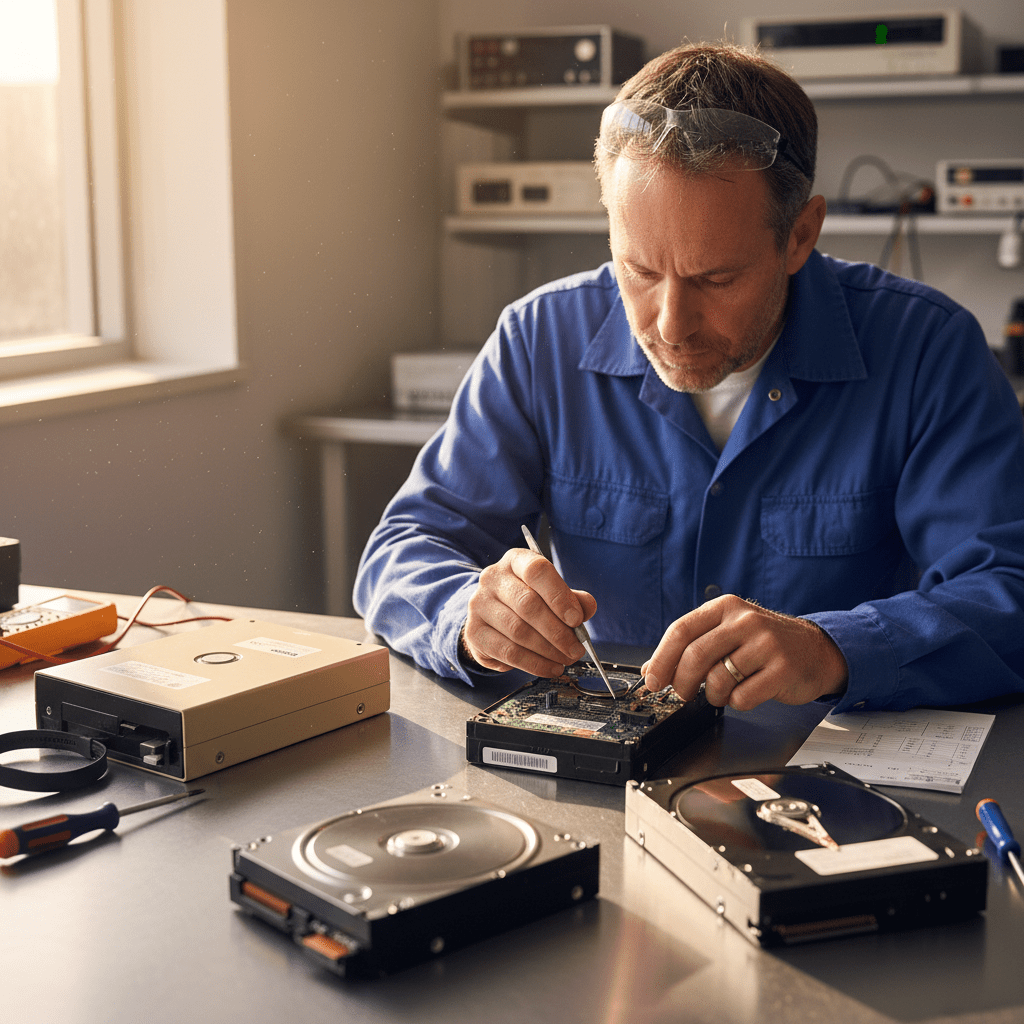
The Original PC Doctor recovers data from legacy and discontinued hard drive brands — Maxtor, Fujitsu and IBM (including IBM Deskstar, TravelStar and DeathStar) — that other data recovery services often decline or lack the donor inventory to handle. These drives are found in older business systems, archival PCs, surveillance systems and NAS units still in production use, as well as in stored drives containing irreplaceable data from the 1990s and 2000s. We maintain a dedicated inventory of vintage donor drives and have the specialist tools to address firmware and service area faults on these legacy platforms.
Emergency: 1300 723 628 — Free phone assessment, 24/7
Maxtor Hard Drive Models
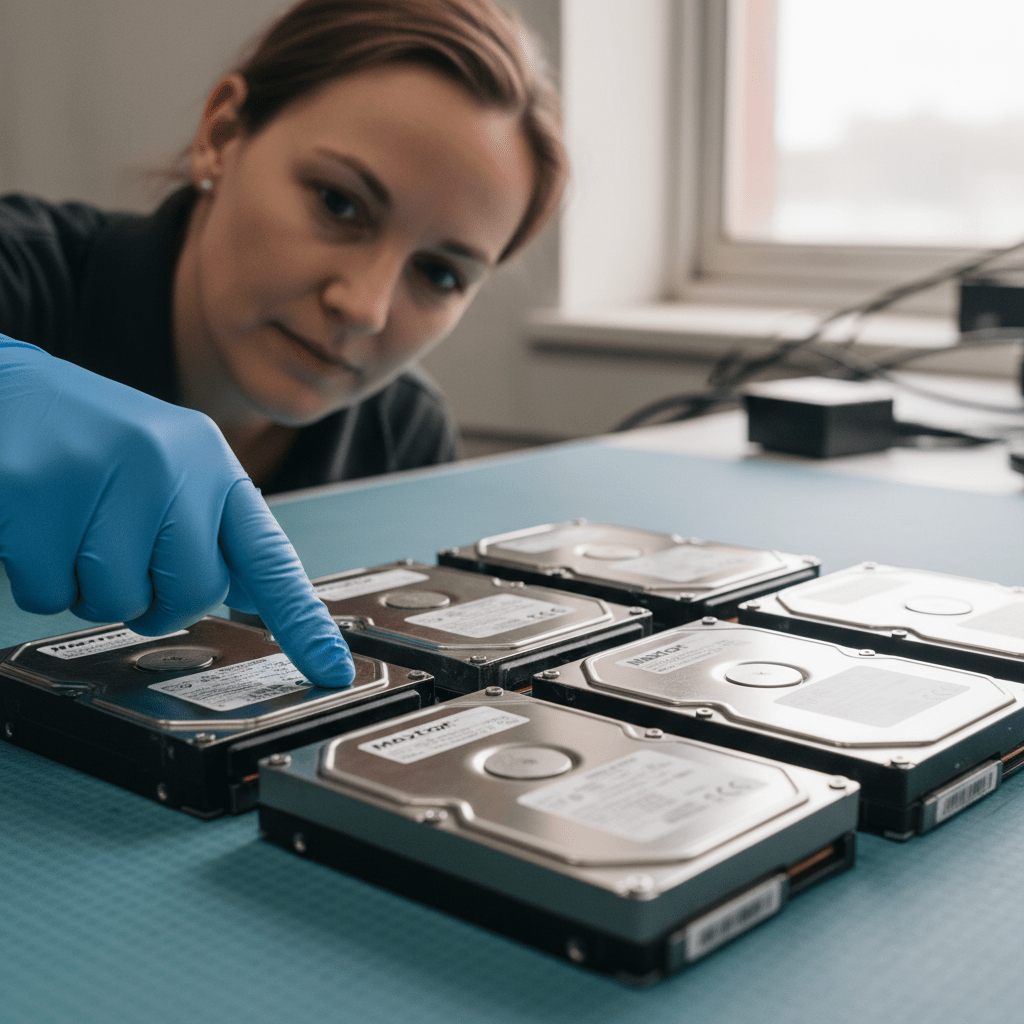
Maxtor was acquired by Seagate in 2006. Maxtor-branded drives were discontinued shortly after, but many are still in service in older systems or stored for archival purposes. We recover from all Maxtor families:
Fujitsu Hard Drive Models
Fujitsu’s HDD division was sold to Toshiba in 2009. Fujitsu-branded drives are still found in older enterprise servers, workstations and legacy embedded systems:
IBM Hard Drive Models
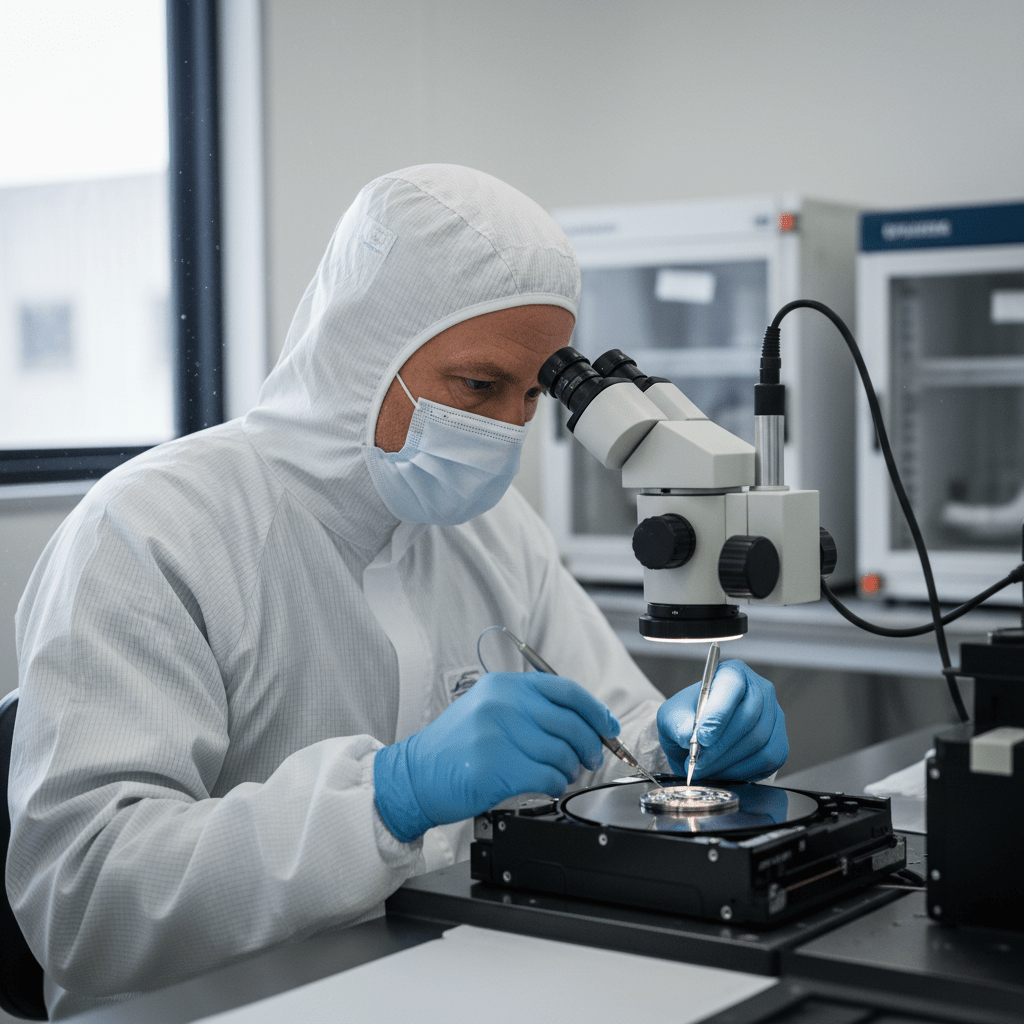
IBM exited the consumer hard drive market in 2002 when it sold its HDD division to Hitachi (which became HGST). IBM-branded drives — including the infamous “DeathStar” — are still found in older servers and archived storage. We recover from all IBM HDD families:
Common Failure Modes for Legacy Drives
- Lubricant degradation (all brands) — older drives stored for many years can develop stiction where the lubricant on the head actuator has degraded, causing heads to stick. Cleanroom treatment and platter assessment required.
- PATA/IDE interface issues — legacy IDE drives can develop interface board faults that mimic physical failure. Controller board replacement with matching firmware required.
- Service area (SA) / firmware corruption — all these brands’ drives store firmware in a hidden zone on the platter. Years of operation and power cycles can corrupt SA modules — specialist firmware tools required to repair.
- Maxtor DiamondMax PCB failure — common in older desktop Maxtor drives, particularly after power surges. PCB swap with ROM transfer (where applicable) required.
- Fujitsu laptop head crash — Fujitsu MHV/MHW/MHZ drives are vulnerable to head crashes from laptop drops. Very common recovery for older Fujitsu LifeBook laptops.
- IBM 75GXP lubricant failure — the Deskstar 75GXP’s notorious failure was caused by head lube degradation causing stiction and head crashes. Even surviving units stored for decades can still fail this way. Cleanroom recovery is the only option.
Our Recovery Process
- Free phone assessment — call 1300 723 628. Tell us the brand, model number and age and we’ll advise on the best approach.
- Drive intake — Ringwood VIC drop-off, Australia-wide courier, or onsite collection.
- File list and fixed quote — complete recoverable file list with fixed price before you commit.
- Secure delivery — data returned on modern encrypted media. Original drive returned on request.
Free Resources
Independent, non-commercial references:
Get your data back — free file list, free phone assessment. Talk to a specialist today.
✔ Free file list before you pay · ✔ Free phone assessment · ✔ ISO-5 Class 100 clean room · ✔ 20+ years experience
FAQs — Legacy Drive Recovery
Can you recover data from a Maxtor DiamondMax from the early 2000s?
Yes. We carry donor inventory for Maxtor DiamondMax and MaXLine drives spanning the full production run. Age alone does not prevent recovery — platters from well-stored drives can yield data decades after manufacture. The main risk factors are physical platter damage and lubricant degradation, which we assess on intake.
Can you recover the IBM Deskstar 75GXP (“DeathStar”)?
Yes. The 75GXP is one of the most requested vintage recoveries we handle. The failure mechanism is lube degradation causing stiction and eventual head crash. We have donor 75GXP units for head and motor transplant in our cleanroom. Call for a free assessment.
How much does legacy drive recovery cost?
Logical legacy recovery: $300–$800. Physical recovery (cleanroom, head transplant, platter transplant): $800–$2,500 — potentially higher for rare donor parts. We provide a fixed quote after assessment. SCSI/SAS enterprise drives: from $1,200.
Can you recover from Fujitsu SCSI and SAS enterprise drives?
Yes. We recover from Fujitsu MPG, MBA, MAS and MAT series SCSI and SAS enterprise drives. Specialist SCSI and SAS tooling is required — consumer recovery software cannot address these interfaces. We have the hardware and experience.
My old hard drive has been in a box for 10 years — should I just plug it in?
Be cautious. Drives stored for long periods can develop lubricant stiction — where the motor bearings dry out and the platters cannot spin up freely on first power-on. Forcing power to a stuck drive risks scoring the platters on spin-up. Call us first for advice specific to your drive model and storage conditions before applying power.
📞 Call 1300 723 628 for a free legacy drive recovery assessment — or book online now.
← Back to Hard Drive Data Recovery