


Microsoft Surface Studio Repair — Australia-Wide
Last Updated:
Need Microsoft Surface Studio repair? The Original PC Doctor fixes the Microsoft Surface Studio for every common fault — won’t power on, no display, overheating, storage failure, BIOS and Windows problems — onsite, remotely, or in our workshop, anywhere in Australia. No fix, no fee, with a 90-day warranty.
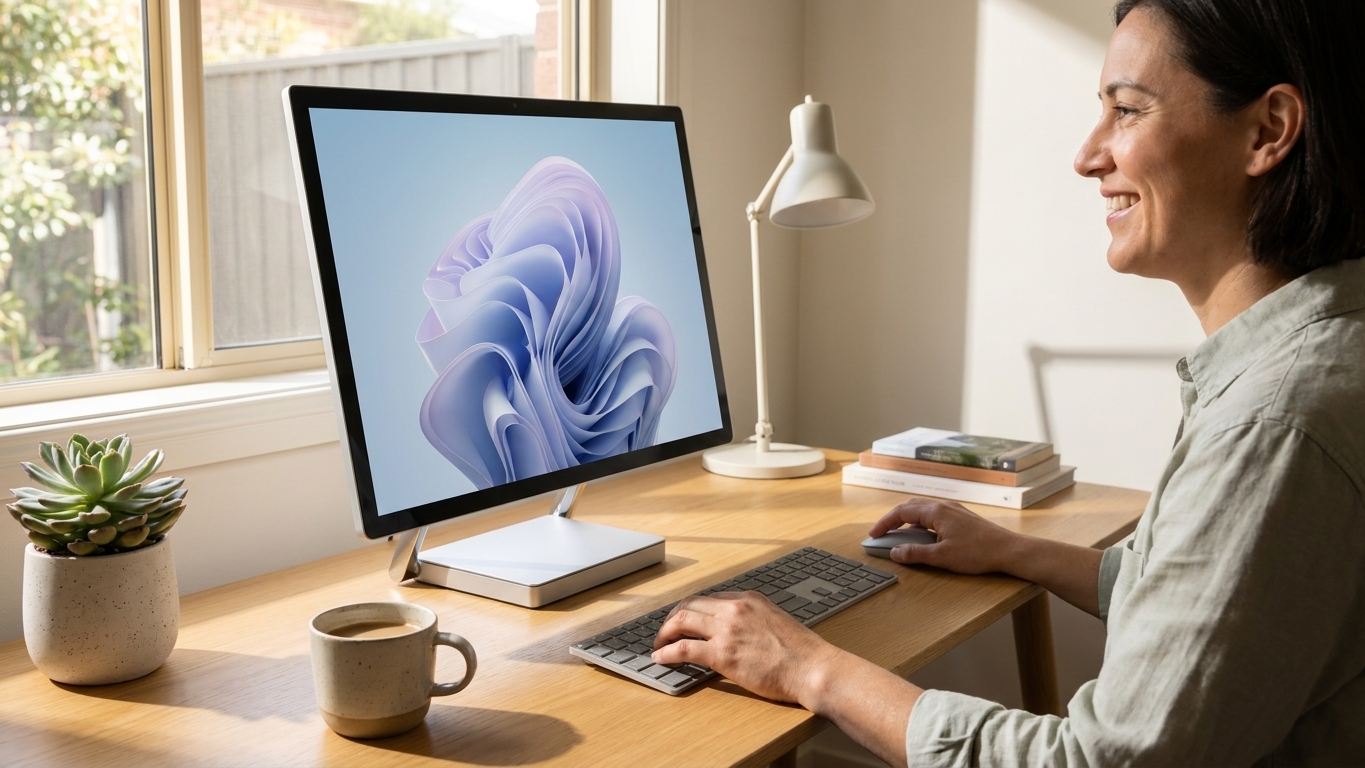
Fast, professional Microsoft Surface Studio repair — no fix, no fee.
✔ No fix, no fee · ✔ 90-day warranty · ✔ Onsite, remote & workshop · ✔ Since 2001
Common Microsoft Surface Studio Faults We Repair
- Won’t turn on / no power
- Won’t boot / black screen on boot
- Screen, backlight or display faults
- Won’t connect to Wi-Fi or the internet
- Overheating or loud fan
- Hard drive / SSD failure (with data recovery)
- RAM faults / won’t POST
- Won’t wake from sleep
About the Microsoft Surface Studio
The Microsoft Surface Studio is an all-in-one PC where the computer and screen are integrated, so display, power and storage repairs need care. We service every Microsoft Surface Studio — screen and backlight faults, power, storage (with data recovery), memory and Windows issues — and can upgrade the SSD or RAM where possible. Out-of-warranty welcome.
Our Repair Process
1. Free phone or Quick Quote triage. 2. Diagnostic — we pinpoint the exact fault. 3. Upfront fixed quote — no fix, no fee. 4. Repair with quality parts and a 90-day warranty. Onsite, remote or in our workshop, Australia-wide.
Why The Original PC Doctor
- Since 2001 — 24+ years repairing Australian computers
- No fix, no fee diagnostics — you only pay if we solve it
- 90-day warranty on parts and labour
- Onsite, remote & workshop options to suit you
- Genuine / OEM-spec parts
- 1,300+ verified customer reviews
Get your Microsoft Surface Studio repaired — talk to a technician now.
✔ No fix, no fee · ✔ 90-day warranty · ✔ Onsite, remote & workshop · ✔ Since 2001
Microsoft Surface Studio Repair FAQs
How much does Microsoft Surface Studio repair cost?
Every Microsoft Surface Studio repair begins with a free, no-obligation Quick Quote. You get an upfront fixed price before any work starts, and our no-fix-no-fee promise means you only pay if we solve it. All repairs carry a 90-day warranty.
Can you recover data from a Microsoft Surface Studio?
Yes. We can recover documents, photos and files from your Microsoft Surface Studio’s SSD, NVMe or hard drive — even if it won’t boot or power on. Ask us to image the drive before any repair so your data is protected.
Do you repair the Microsoft Surface Studio out of warranty?
Absolutely. We’re an independent repairer, so we fix Microsoft Surface Studio units that are out of warranty or no longer supported by the manufacturer — usually faster and for less.
Where can you repair my Microsoft Surface Studio?
Australia-wide. We offer onsite visits, secure remote support, and workshop repair with nationwide pickup — whichever is fastest for you. Call 1300 723 628 to arrange.
Why won’t my Microsoft Surface Studio turn on?
A Microsoft Surface Studio that won’t power on is most often a failed power supply or adapter, a power-button or front-panel fault, or a motherboard issue. We diagnose it for free, give you a fixed-price quote, and most no-power faults are repairable — no fix, no fee.
My Microsoft Surface Studio screen is black, dim or cracked — can you fix it?
Yes — on an all-in-one the screen is built in, so display, backlight and panel faults need careful repair. We diagnose whether it’s the panel, the backlight, the graphics or a cable, then repair or replace it.
Related: All In One Pc Repair · Desktop Pc Repair · Microsoft Surface Studio 2 Repair · Microsoft Surface Studio 2 Plus Repair
Free Resources
Independent, non-commercial references:
Microsoft Surface Studio Repair faults we repair every week
Surface Studio power supply board failure
Symptom: Device shows no power or intermittent shutdowns despite known-good power cable
How we fix it: Technician opens the base, tests the internal 330 W power supply board for failed capacitors or MOSFETs, replaces the board with an OEM-spec unit and reassembles.
Repair or replace? repair
28-inch PixelSense display cable fault
Symptom: Screen flickers, shows lines or goes black after warming up
How we fix it: Remove rear cover and hinge assembly, inspect and replace the LVDS/eDP display cable routed through the hinge, test with known-good panel.
Repair or replace? repair
NVMe SSD failure on Surface Studio
Symptom: Boot failure, BSOD with storage errors, or extremely slow performance
How we fix it: Clone data from failing drive to new M.2 NVMe SSD using external enclosure, install new drive and restore Windows image.
Repair or replace? repair
Overheating from clogged base fans
Symptom: Loud fan noise and thermal throttling during light use
How we fix it: Disassemble base, clean dust from dual 120 mm fans and heatsinks, reapply thermal paste to CPU and GPU dies.
Repair or replace? repair
16 GB soldered RAM fault
Symptom: Failure to POST or repeated memory-related BSODs
Repair or replace? Depends
Hinge mechanism binding
Symptom: Screen will not stay at desired angle or feels loose when adjusted
How we fix it: Replace worn hinge assembly with new OEM unit and re-route display and power cables through the hinge channel.
Repair or replace? repair
Microsoft Surface Studio Repair price guide
| Repair | Indicative price | Typical turnaround |
|---|---|---|
| Power supply board replacement | $380-$520+ | 2-4 business days |
| Display cable replacement | $290-$410+ | 2-3 business days |
| SSD replacement with data recovery | $260-$380+ | 1-3 business days |
| Fan cleaning and thermal paste | $160-$230+ | same day |
| Hinge assembly replacement | $340-$460+ | 2-4 business days |
| Full diagnostic and quote | from $149 | 2-5 business days |
| Windows reinstall and driver update | $140-$190+ | same day |
| RAM fault assessment | from $149 | same day |
Prices are indicative only — every job is confirmed with a free, no-obligation quote after diagnosis. No Fix, No Fee.
Microsoft Surface Studio Repair — your questions answered
How much does Microsoft Surface Studio repair cost in Australia?
Prices vary by fault. A power supply board replacement typically ranges from $380 to $520, display cable work from $290 to $410, and SSD replacement with data recovery from $260 to $380. Every job begins with a free diagnostic so you receive an exact fixed quote before any work starts.
Can you repair my Surface Studio onsite or do I need to send it away?
We offer onsite visits in most capital cities, remote support for software faults, and workshop repair for hardware jobs. The technician will advise the best option after the initial triage call so you can choose what suits your schedule.
Will my data be safe during a Surface Studio SSD replacement?
We always attempt to clone your existing drive to the new SSD before installation. If the drive is failing we use specialised recovery tools in our clean-room environment and provide a written report of what was recovered.
Is the Surface Studio still worth repairing in 2025?
The 28-inch PixelSense display and Intel sixth-generation processors remain capable for many creative tasks. When the cost of repair stays below roughly half the price of a comparable new all-in-one, most owners choose repair rather than replacement.
Do you use genuine Microsoft parts for Surface Studio repairs?
We source OEM-spec power boards, display cables and hinge assemblies from authorised channels. All parts carry our 90-day warranty on both parts and labour so you have peace of mind after the repair.




























