


Synology NAS Data Recovery — DS, RS, FS Series — All Models & RAID Configurations
Last Updated:
Lost data? Stop using the device and act now — early action is the biggest factor in successful recovery.
✔ Free file list before you pay · ✔ Free phone assessment · ✔ ISO-5 Class 100 clean room · ✔ 20+ years experience
Synology is the most popular NAS brand in Australian homes and small businesses, and the most common NAS recovery case we see at The Original PC Doctor. From the entry-level DS223 two-bay unit running SHR through to the RS1221+ rack-mount running RAID 6, our engineers have recovered data from hundreds of Synology DiskStation and RackStation configurations. Synology’s Btrfs and ext4 volume configurations, SHR (Synology Hybrid RAID), and DSM software layer all require specialist knowledge that goes beyond standard RAID recovery tools.
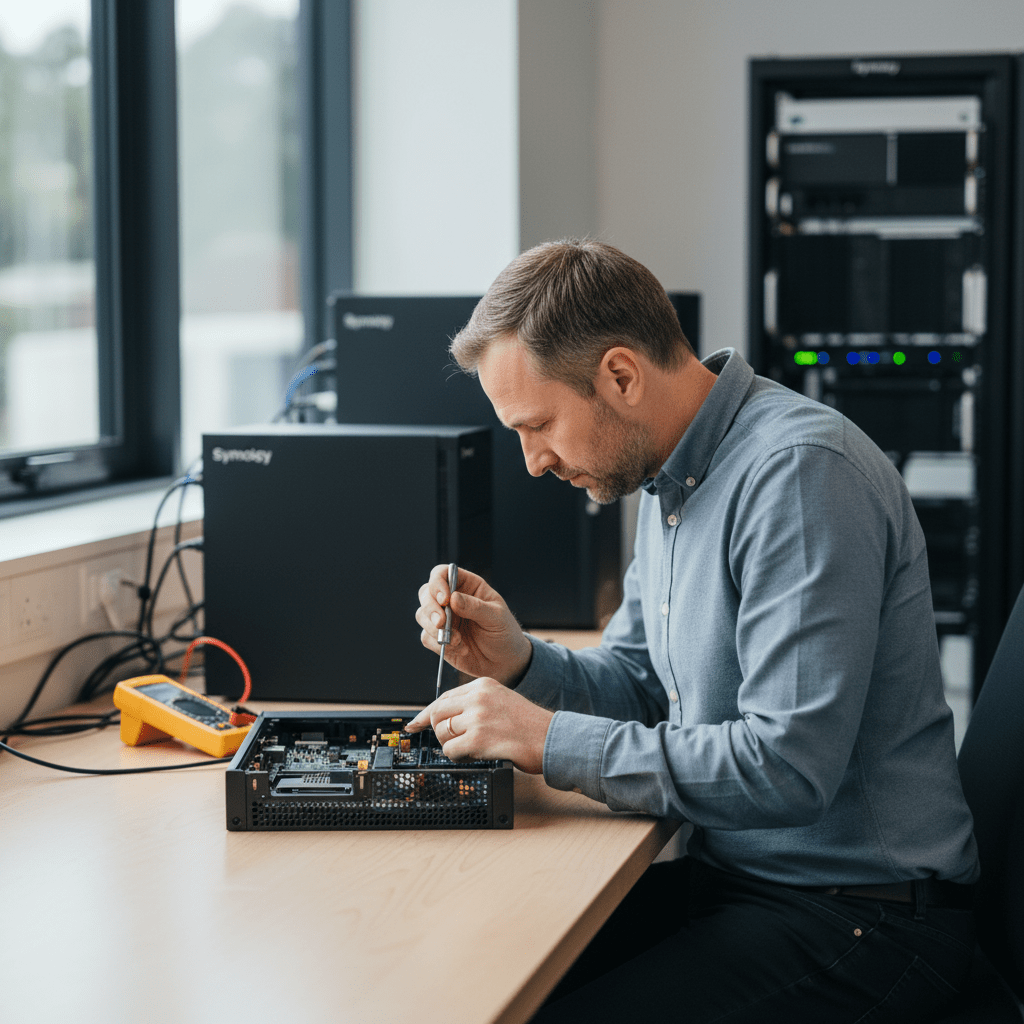
Since 2001, The Original PC Doctor has worked alongside Kroll Ontrack on complex Synology recoveries. We understand Synology’s proprietary volume structures, the Synology Hybrid RAID (SHR/SHR-2) parity calculation, LUN configurations, Btrfs subvolume layouts, and encrypted shared folders (Synology eCryptfs and LUKS). Our engineers do NOT reinitialise or attempt NAS rebuilds on customer hardware — all data is recovered from drives imaged offline.
Synology NAS Models We Recover From
DS224+, DS223, DS220+, DS218+, DS216+II — home and SOHO; SHR, RAID 0/1; ext4 and Btrfs
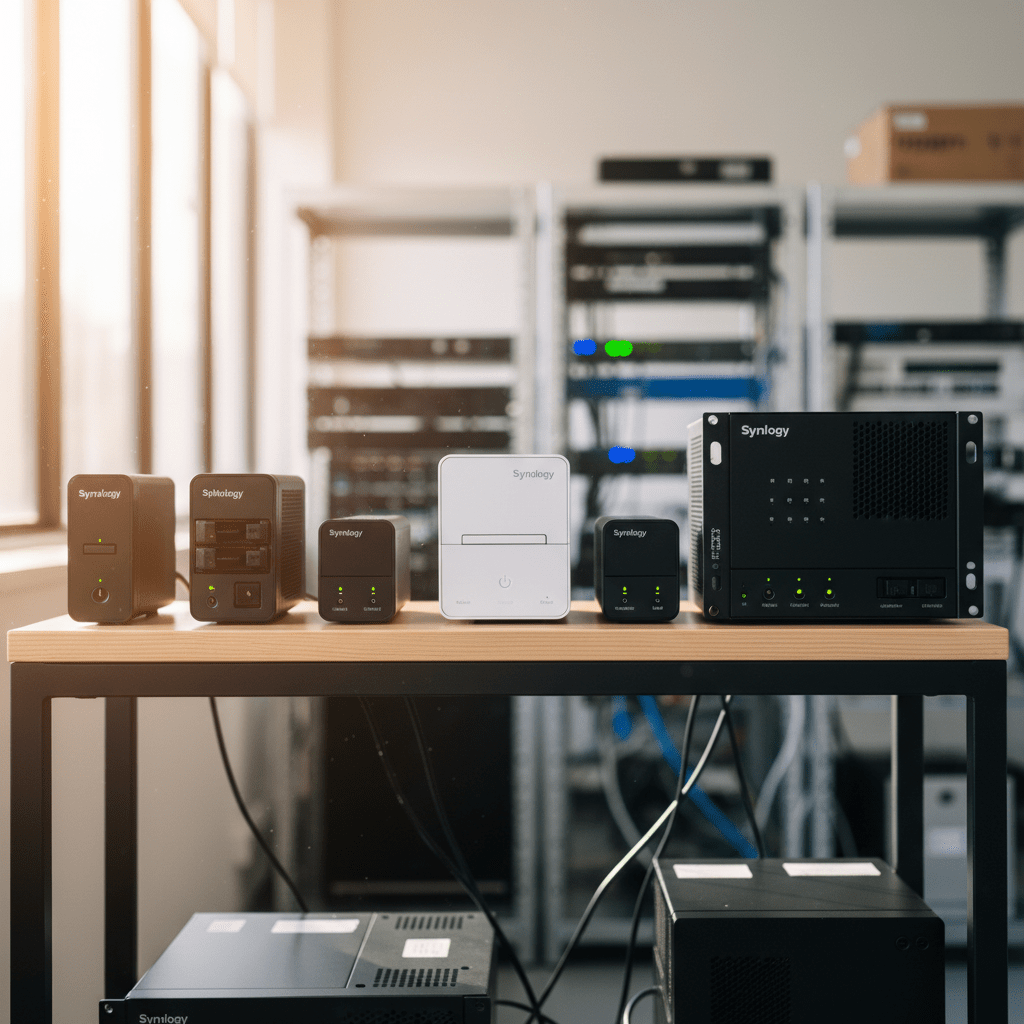
DS923+, DS920+, DS918+, DS916+, DS415+ — prosumer; SHR-2, RAID 5/6/10; M.2 NVMe cache
DS1522+, DS1621+, DS1819+, DS1815+ — enterprise SOHO; large RAID 5/6 arrays
RS1221+, RS820+, RS2416+, RS3617xs — rack-mount; up to 12-bay; enterprise RAID 6 and RAID F1
FS6400, FS3600, FS3017 — all-flash SSD NAS; high-performance enterprise
DX517, DX213, RX1217 — expansion shelves attached to main DiskStation; part of volume group
Common Synology NAS Failure Scenarios
- DSM won’t boot / system partition failure: Synology stores DSM on a small system partition on each disk — if the DSM partition is corrupted, the NAS fails to boot but all user data remains on the data volume
- Volume degraded / one drive failed: SHR and RAID 5/6 show as “degraded” when one drive fails — data is still accessible in degraded state but a second failure will cause complete data loss; do NOT hot-swap without understanding the RAID state
- Multiple simultaneous drive failures: Power surges, head crashes from physical shock, or simultaneous WD Red NAS drive batch failures can cause two or more drives in a RAID to fail at once — SHR-2 and RAID 6 tolerate 2 failures; RAID 5 and SHR do not
- Encrypted shared folder password lost: Synology encrypted shared folders use eCryptfs (older DSM) or LUKS (newer DSM) — without the encryption key or passphrase, data in encrypted folders is not recoverable
- Accidental volume deletion / format: DSM Storage Manager “Format” or “Delete Volume” is irreversible — recovery depends on whether new data has been written post-deletion
- NAS controller (mainboard) failure: If the Synology mainboard fails but drives are intact, drives can be moved to an identical Synology model for recovery — our engineers do this safely in our lab
- DSM 7 upgrade failure: Synology DSM 7 major version upgrades have occasionally left NAS units unbootable — data volumes are typically intact even when DSM partition is corrupted
Synology SHR & RAID Volume Recovery
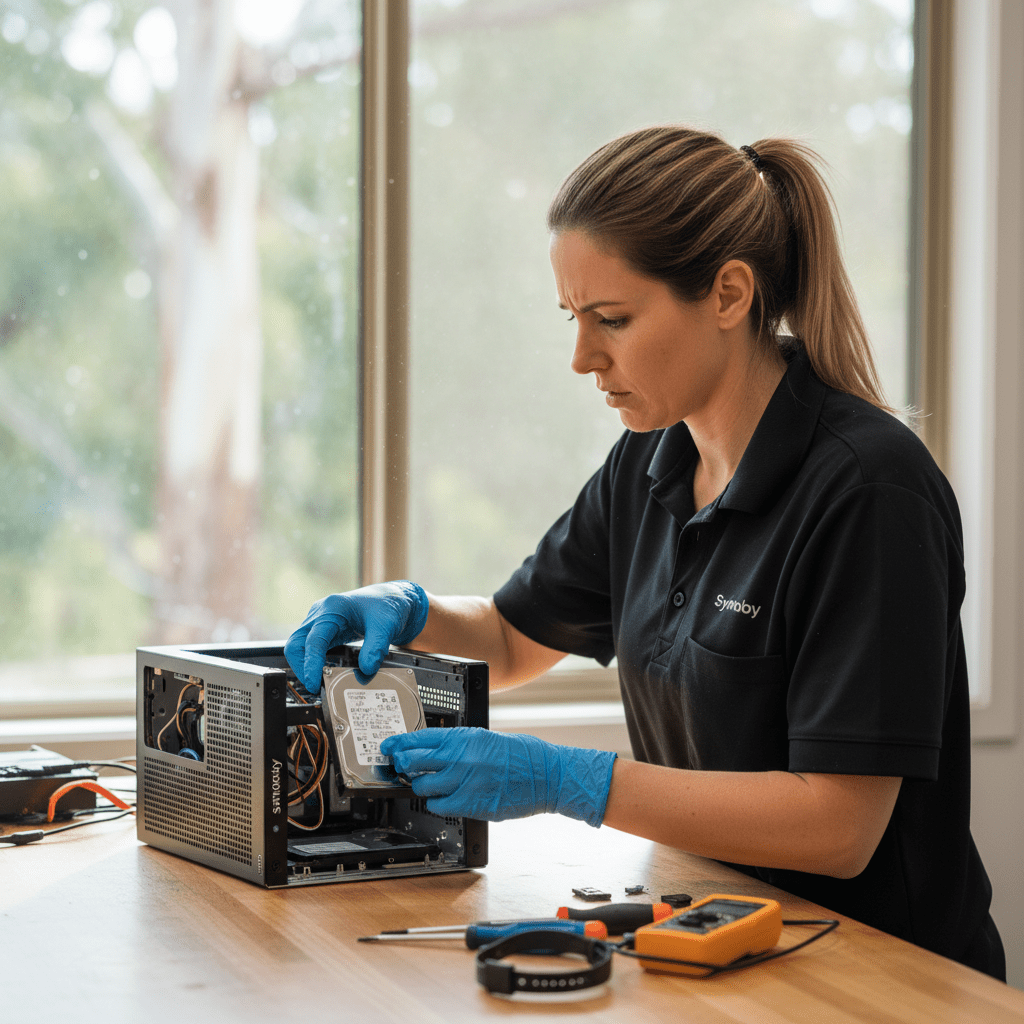
Synology Hybrid RAID (SHR) is Synology’s proprietary RAID management system built on top of Linux md RAID. SHR uses a combination of RAID 1 and RAID 5 logic depending on drive sizes and count. SHR-2 provides 2-drive fault tolerance. Our recovery process for SHR volumes works independently of the Synology NAS hardware:
- Image each drive offline using write-blocked forensic tools — drives are never modified
- Analyse the Linux md RAID superblocks to reconstruct the RAID topology
- Reconstruct the SHR/md RAID array from the drive images
- Mount the ext4 or Btrfs data volume and extract files
- Decrypt eCryptfs or LUKS encrypted folders if credentials are provided
Critical Synology Warnings
Free Resources
Independent, non-commercial references:
Get your data back — free file list, free phone assessment. Talk to a specialist today.
✔ Free file list before you pay · ✔ Free phone assessment · ✔ ISO-5 Class 100 clean room · ✔ 20+ years experience
Frequently Asked Questions — Synology NAS Recovery
My Synology NAS shows “Volume Degraded” — should I run the repair function in DSM?
No — do not click Repair without contacting us first. A degraded volume means one drive has failed but data is still intact on the remaining drives. The DSM Repair function rebuilds the RAID by writing parity data across drives — if any remaining drive has silent bad sectors, this rebuild can propagate corruption across the entire array. Power off the NAS, remove all drives in the correct order, label them, and contact us on 1300 723 628 for a safe recovery path.
My Synology NAS lost 2 drives simultaneously — is the data completely gone?
Not necessarily. If your Synology uses SHR-2 or RAID 6 (both of which tolerate 2 simultaneous failures), all data may still be intact on the remaining drives. If you have standard SHR or RAID 5, two drive failures means the volume is offline — but our engineers can often reconstruct partial data from the remaining drives and from the failed drives depending on the failure mode. Power off immediately and call us — do not attempt any further NAS operations.
Is there an assessment fee for Synology NAS data recovery?
A non-refundable assessment fee applies to all data recovery including Synology NAS. The assessment includes RAID topology identification, drive imaging, volume health check, and written quote with recovery probability. For multi-drive NAS arrays, the assessment is more involved than single-drive recovery — we’ll advise on timeline upfront.
My Synology NAS uses encrypted shared folders and I’ve lost the key — what can be done?
Without the eCryptfs encryption key file or LUKS passphrase, data in encrypted shared folders is not recoverable regardless of the recovery method. The encryption is hardware-agnostic — it doesn’t matter if the drives are physically accessible or the RAID is fully intact. We strongly recommend backing up your Synology encryption key file to a secure offsite location. Unencrypted data on the same NAS (in non-encrypted shared folders) can still be recovered normally.
Can I move my Synology drives to a different Synology model to recover data?
In many cases yes — Synology drives from one model can be read by another compatible Synology model. However, the target NAS must be running a compatible version of DSM and the volume must be in a healthy state. We strongly recommend doing this in our lab rather than at home — if the target NAS attempts to modify the volume during import, data can be permanently lost. Our engineers perform this procedure safely with drive images as backup.
Free assessment · No-obligation quote · 24/7 emergency line · Australia-wide service




























