
Online Banking Virus & Scam Removal — Protect Your Banking (Australia)
Last Updated:
If you are worried malware or a scam has reached your online banking, act fast. The Original PC Doctor removes banking trojans, info-stealers, fake-banking pop-ups and remote-access scam software from computers and devices across Australia — then secures the accounts that may have been exposed.
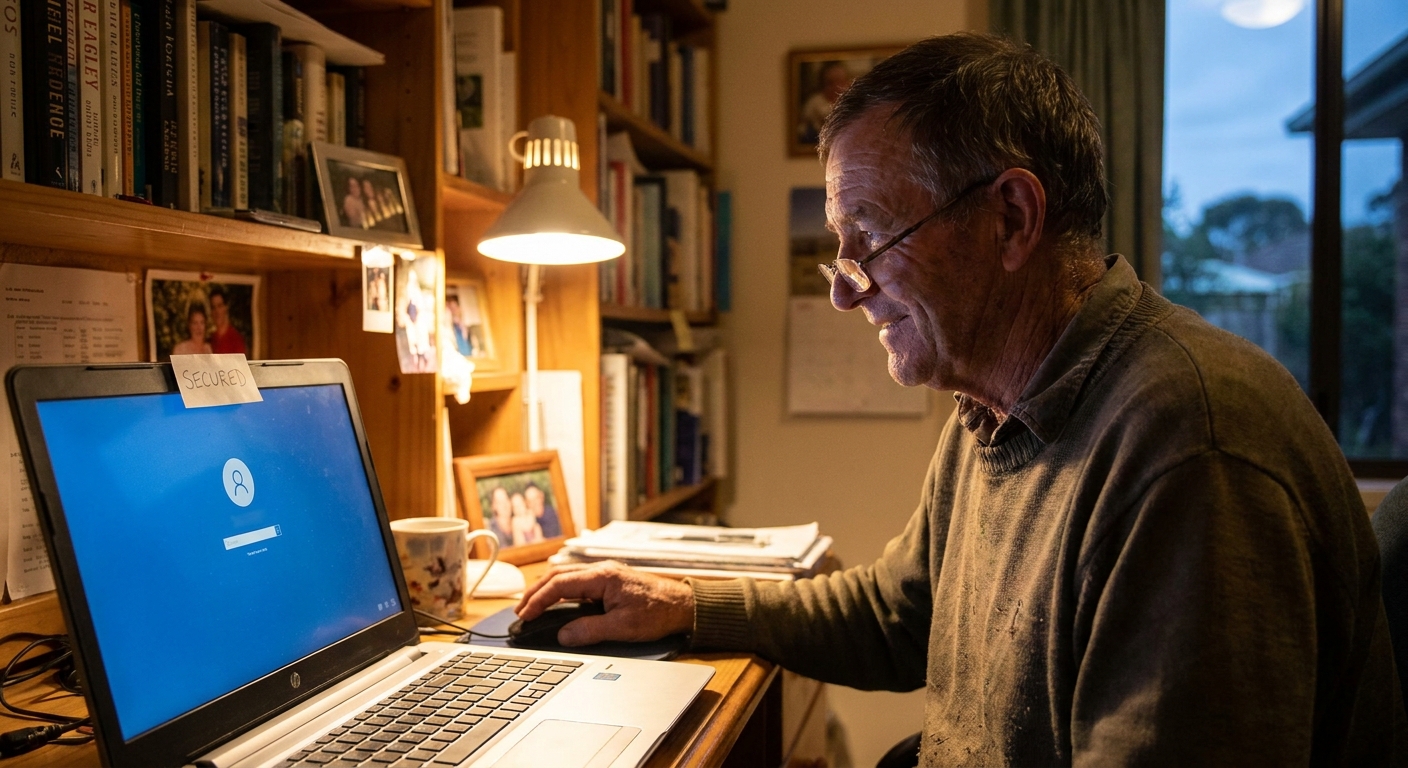
Money already moved? Call your bank now on the number on your card, and report it to Scamwatch (scamwatch.gov.au). Then get your device checked so it cannot happen again.
Banking at risk? Get a Free Quick Quote
Fast, no-fix-no-fee malware removal & account lock-down — since 2001.
How Online Banking Gets Compromised
Malware that watches for banking logins and steals credentials.
Overlays that mimic your bank to capture passwords or codes.
A “bank” or “tech support” caller talks you into AnyDesk/TeamViewer.
Malware that harvests saved passwords from your browser.
What We Do
We confirm exactly what is on the machine, remove the banking malware and any remote-access tools, and check for hidden persistence. Then we secure your accounts — reset banking and email passwords (email first, because it controls resets), switch on two-factor authentication, and review what the attacker could have reached. We verify the device is genuinely clean before you bank on it again.
If You’ve Been Scammed Through Remote Access
If someone had remote control of your computer while “helping” with your bank, treat every saved password as exposed. We remove the remote-access software, harden the machine, and help you lock down banking, email and key accounts — and point you to the right reporting channels.
Secure your banking today
Fixed-price diagnostic, onsite or remote — Australia-wide.
Related Security Help
Frequently Asked Questions
How do I know if my online banking is compromised?
Warning signs include unexpected pop-ups over your banking site, being asked to “verify” details by phone or remote software, transactions you did not make, logins from new locations, or your bank flagging activity. If money has moved, contact your bank immediately.
What should I do first if I think my banking is at risk?
Call your bank straight away from the number on your card (not one from a pop-up), stop using the device for banking, and do not allow anyone remote access. Then get the device professionally checked and your accounts secured.
What causes online-banking malware?
Banking trojans and info-stealers (often from dodgy downloads or phishing links), fake banking pop-ups, and remote-access scams where someone talks you into installing AnyDesk or TeamViewer. We remove the malware and close the way it got in.
Can you guarantee my money is safe?
We secure the device and your accounts, but money recovery is handled by your bank. We help you act fast: clean the machine, reset credentials with two-factor authentication, and document what happened for your bank and for Scamwatch / IDCARE.
Do I need to change my passwords?
Yes — once the device is clean, change your banking and email passwords (email first, since it controls password resets) and turn on two-factor authentication. We walk you through it so it is done correctly.
Help Australia-wide — onsite in the capitals and secure remote everywhere else. Back to Virus & Malware Removal →