
Other Laptop Data Recovery — MSI, Samsung, Toshiba, Sony VAIO, Razer, Panasonic Toughbook & More
Last Updated:
Lost data? Stop using the device and act now — early action is the biggest factor in successful recovery.
✔ Free file list before you pay · ✔ Free phone assessment · ✔ ISO-5 Class 100 clean room · ✔ 20+ years experience
The Original PC Doctor recovers data from every laptop brand and model — not just the major manufacturers. Since 2001, we’ve handled data recovery for MSI gaming laptops with dual-NVMe RAID, Samsung Galaxy Book ultra-thin models, Toshiba Satellite and Portégé business laptops, Sony VAIO with proprietary PCIe storage, Razer Blade gaming laptops with high-performance NVMe, Panasonic Toughbook rugged laptops, Gigabyte Aorus gaming laptops, and many other brands. If your laptop brand isn’t listed elsewhere on our site, you’re in the right place.

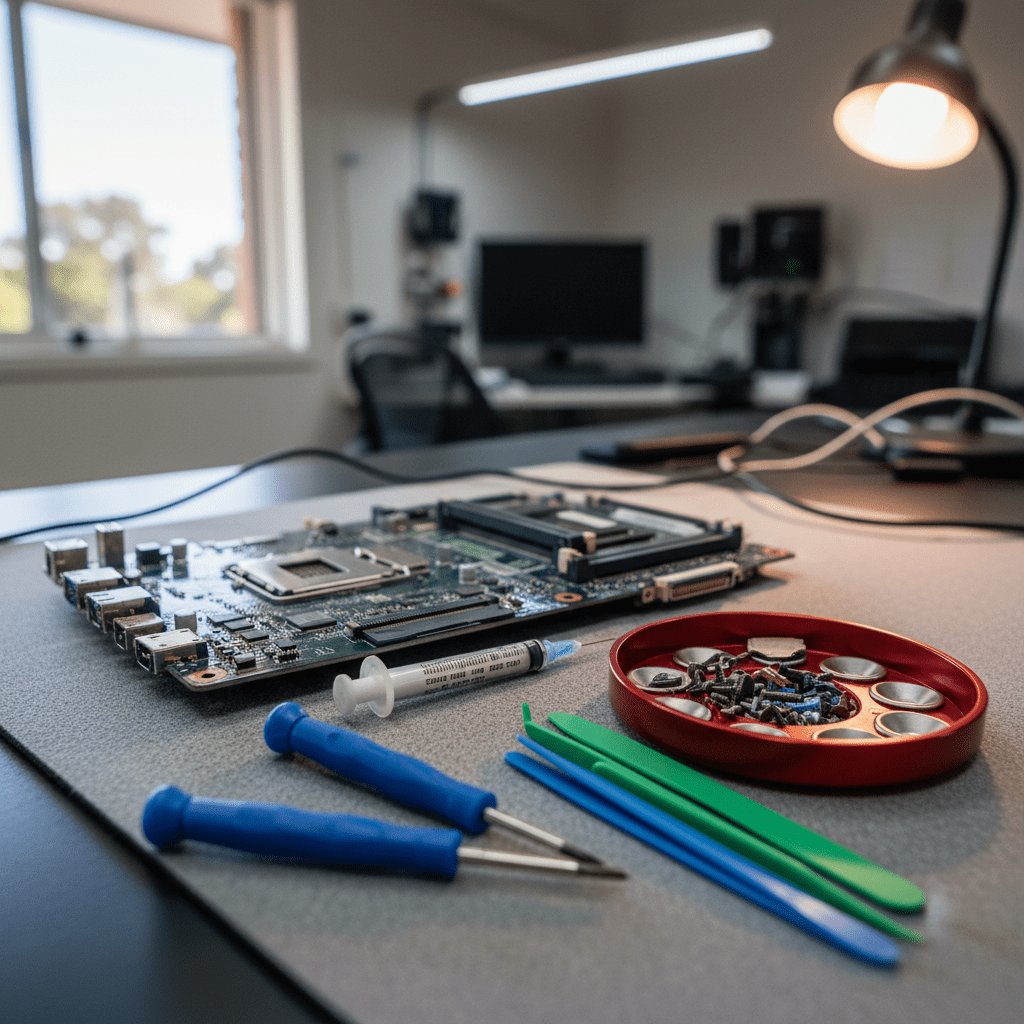
Our cleanroom and lab facilities are brand-agnostic — we work with all HDD platter types, all NVMe and SATA SSD configurations, and all eMMC storage regardless of manufacturer. Our engineers have decades of experience with obscure laptop storage formats, proprietary SSD connectors, and brand-specific firmware environments that other recovery services don’t encounter.
Other Laptop Brands We Recover From
MSI GS65, GS66, GE66, GT76, Titan GT77, Stealth 14/15/16, Creator series — dual NVMe RAID, PCIe 4.0
Galaxy Book2, Book2 Pro, Book2 360 — ultra-thin Samsung NVMe SSDs; some soldered storage configurations
Satellite, Portégé, Tecra, Satellite Pro — SATA HDD & NVMe; rebranded as Dynabook in recent years
VAIO F, S, Z series — proprietary PCIe SSD on VAIO Z; standard SATA on older models; Japanese market legacy models
Razer Blade 14, 15, 16, 18, Blade Stealth — PCIe 4.0 NVMe, dual-drive configurations on larger models
Toughbook 31, 33, 40, 55, CF-33, FZ-55 — rugged military-spec; SATA SSD, NVMe SSD, dual-drive configs, MIL-STD-810
Aorus 15, 17, Master — PCIe 4.0 NVMe, dual-drive RAID 0 configurations on high-performance models
LG Gram 14/16/17, Huawei MateBook X/D/Pro, Xiaomi Book Pro — ultra-thin NVMe; some with soldered storage
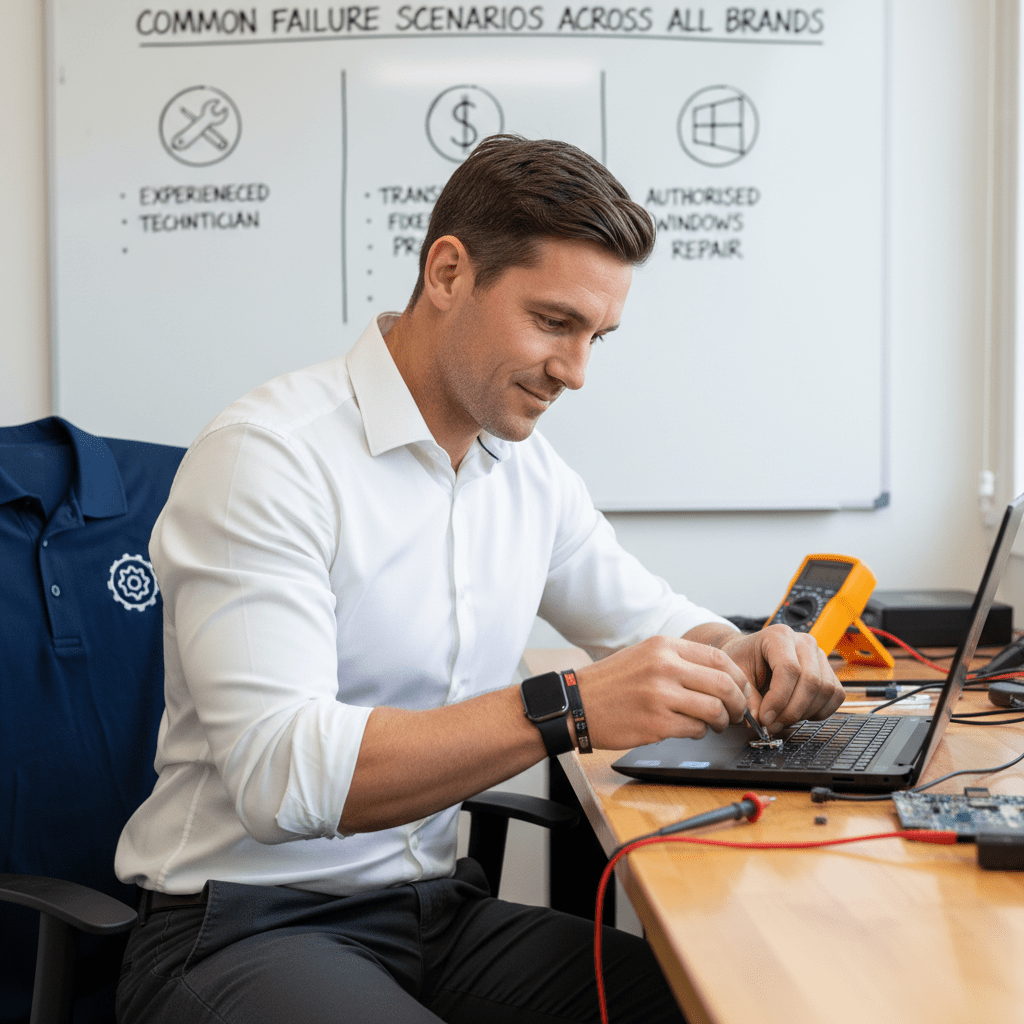
Common Failure Scenarios Across All Brands
- NVMe SSD controller failure: Affects all brands equally — Samsung 970 EVO, WD SN850, SK Hynix P41, Seagate Barracuda PCIe can all fail; we handle all NVMe brands in our lab
- SATA HDD mechanical failure: Clicking, grinding, or not spinning are universal signs of HDD failure — our cleanroom handles all platter sizes and configurations
- eMMC degradation: Budget models across all brands use eMMC that degrades under heavy use — chip-off NAND recovery is our standard approach
- Accidental format / reset: Windows Reset, Linux format, macOS Erase — file recovery success depends on post-format writes across all brands
- Water / liquid damage: The storage device inside is almost always intact even when the motherboard is destroyed — we recover data from the drive directly
- Ransomware encryption: Ransomware affects all brands equally — we recover unencrypted data from shadow copies and unaffected sectors where possible
- Firmware corruption: NVMe firmware bugs affect specific drive models regardless of laptop brand — our lab tools include firmware-level recovery capabilities
- BitLocker / full disk encryption: Encryption is increasingly common across all laptop brands — we need the decryption key before recovery of encrypted drives
Gaming Laptop RAID Recovery — MSI, Razer, Gigabyte Aorus
MSI, Razer Blade, and Gigabyte Aorus gaming laptops frequently support dual M.2 NVMe configurations with RAID 0 (striping) for maximum storage performance. Like all RAID 0 configurations, a single drive failure means all data becomes inaccessible. Our RAID reconstruction process is hardware-agnostic — we rebuild RAID 0/1 arrays from raw drive images regardless of the RAID controller brand or laptop manufacturer.
Panasonic Toughbook models (used in police, military, and field operations) often feature dual-drive configurations with RAID 1 (mirroring) or RAID 0, and sometimes include SATA SSDs in removable drive bays — these hot-swap bay drives are particularly straightforward to recover from if the laptop hardware fails.
Important Warnings for All Laptop Brands
Our Recovery Process
Free Resources
Independent, non-commercial references:
Get your data back — free file list, free phone assessment. Talk to a specialist today.
✔ Free file list before you pay · ✔ Free phone assessment · ✔ ISO-5 Class 100 clean room · ✔ 20+ years experience
Frequently Asked Questions — Other Laptop Brands
My MSI gaming laptop has RAID 0 and one SSD failed — can you recover from an MSI?
Yes — our RAID reconstruction process works independently of the MSI RAID controller (Intel RST or AMD StoreMI). We image each drive separately, reconstruct the stripe map, and extract files from the rebuilt logical volume. Power off immediately, do not reboot, and call us on 1300 723 628 — the sooner you act, the better the recovery prospects.
My old Toshiba Satellite HDD is clicking — is it worth recovering?
Absolutely — clicking Toshiba Satellite HDDs are one of our most common recovery cases. Even very old Toshiba Satellite drives (MK3265GSX, MQ01ABD series) can be recovered if the platters are undamaged. Power off immediately, do not attempt to boot again, and bring the drive to us. Our cleanroom engineers regularly recover data from Toshiba HDDs that have been clicking for years.
Is there an assessment fee for data recovery from less common laptop brands?
A non-refundable assessment fee applies to all data recovery regardless of laptop brand. The assessment covers drive identification, failure analysis, and a written recovery quote. For unusual or proprietary storage configurations (VAIO Z PCIe SSD, Toughbook hot-swap bays), the assessment may take additional time — we’ll advise on this upfront.
My Razer Blade laptop was in a fire / house flood — can anything be recovered?
In many cases, yes. SSDs are highly resilient to heat and water — NVMe NAND flash chips can withstand temperatures up to 125°C in storage and water exposure if the chips are intact. We assess fire and flood-damaged laptops in our cleanroom, clean contamination from boards and drive components, and attempt chip-level NAND recovery. We’ve had successful recoveries from laptops that appeared completely destroyed.
Can you recover from a laptop brand that isn’t listed on your website?
Yes — our recovery capability is based on the storage hardware inside the laptop, not the brand name on the lid. If your laptop uses SATA HDD, NVMe SSD, eMMC, or any standard or proprietary SSD format, we can assess it. Call 1300 723 628 and describe your laptop model and the symptoms — our engineers will advise on the best recovery approach.
Free assessment · No-obligation quote · 24/7 emergency line · Australia-wide service