


SSD Data Recovery — SK Hynix, Micron, Toshiba/Kioxia, ADATA, Transcend & Other Brands
Last Updated:
Lost data? Stop using the device and act now — early action is the biggest factor in successful recovery.
✔ Free file list before you pay · ✔ Free phone assessment · ✔ ISO-5 Class 100 clean room · ✔ 20+ years experience
The Original PC Doctor recovers data from every SSD brand and model — including drives you may not immediately recognise. SK Hynix Platinum P41, Micron 2400/3400, Toshiba/Kioxia XG7/XG8, ADATA XPG Gammix, Transcend, Team Group, Sabrent Rocket, Gigabyte Aorus NVMe, and countless OEM SSDs are all drives we recover from regularly. Many laptops and pre-built PCs ship with OEM SSDs from SK Hynix, Micron, or Kioxia that aren’t branded with a consumer name.
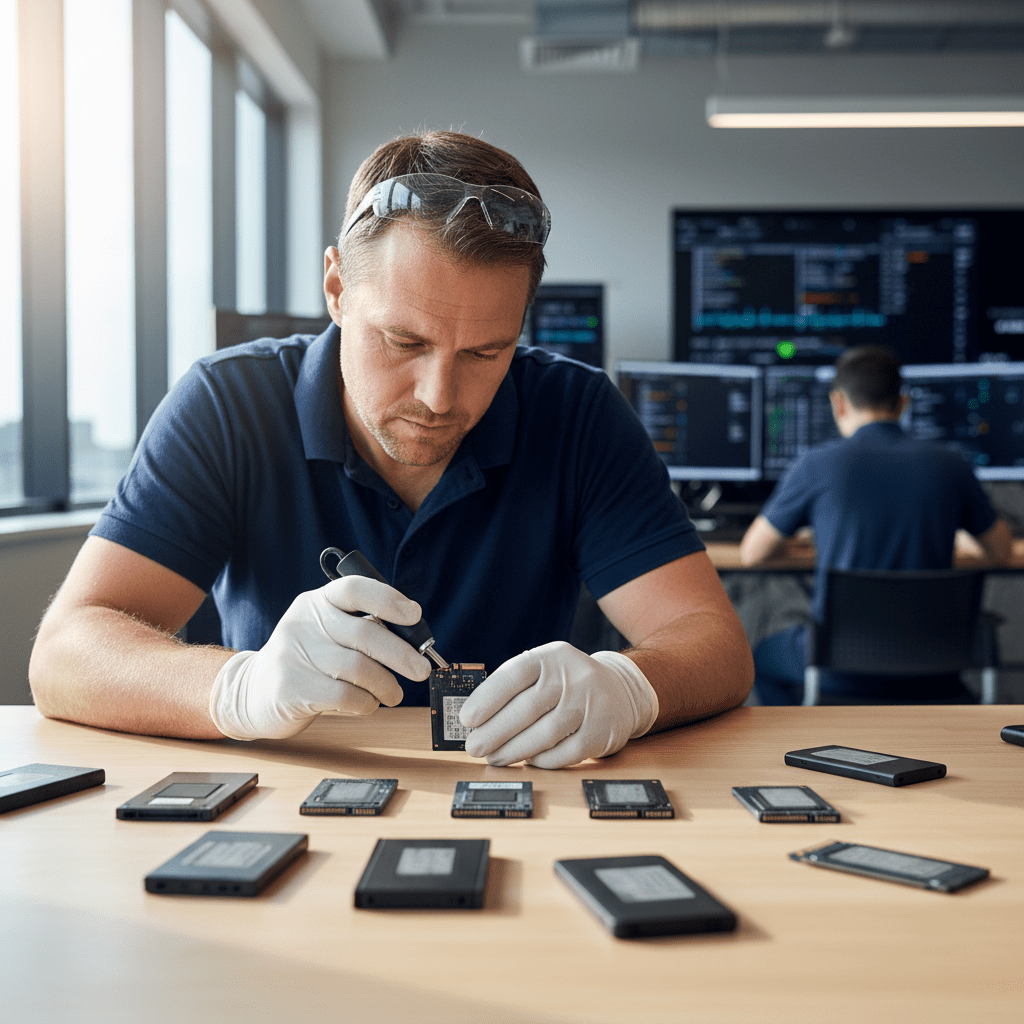
Since 2001, our engineers have built up an extensive database of SSD controller architectures, NAND configurations, and firmware structures across all major and minor manufacturers. If your SSD isn’t listed on our other brand pages, you’re in the right place — bring it to us for assessment and we’ll tell you exactly what’s possible.
Other SSD Brands We Recover From
Platinum P41 (PCIe 4.0), Gold P31 (PCIe 3.0), BC711/BC901 OEM NVMe — often installed in Lenovo, HP, Asus laptops
2400 NVMe, 3400 NVMe, 1300 SATA — Micron consumer and OEM SSDs (distinct from Crucial brand)
XG7, XG8 (OEM NVMe), Exceria Pro, Exceria Plus — Kioxia is Toshiba’s spin-off NAND/SSD brand
XPG Gammix S70 Blade, S50 Lite, Legend 960, ADATA Ultimate SU800, SE800 Portable — consumer NVMe and SATA
Rocket 4 Plus, Rocket Q4, Rocket Nano — Phison-based NVMe; popular in DIY builds
Transcend MTE310S, MTE712I (industrial); Team Group T-Force Cardea, MP33 — NVMe for consumer and industrial
Gigabyte Aorus Gen4 7000s, PNY CS3040, CS1030 — Phison E18/E12 controller NVMe
CFast, mSATA, M.2 SATA industrial SSDs (Transcend, Innodisk, ATP) — used in POS systems, medical, embedded computing
OEM & Laptop SSDs
Many laptops and pre-built desktops ship with OEM SSDs that are not sold to consumers under a recognisable brand name. Common OEM SSD manufacturers include SK Hynix (BC501, BC511, BC711, HFS512), Micron (MTFDHBA, MTFDKBA), Kioxia (KBG40ZNS, KBG50ZNS), and Lite-On/SSSTC. These drives appear in Dell, HP, Lenovo, ASUS, Acer, and Surface devices as their primary storage.
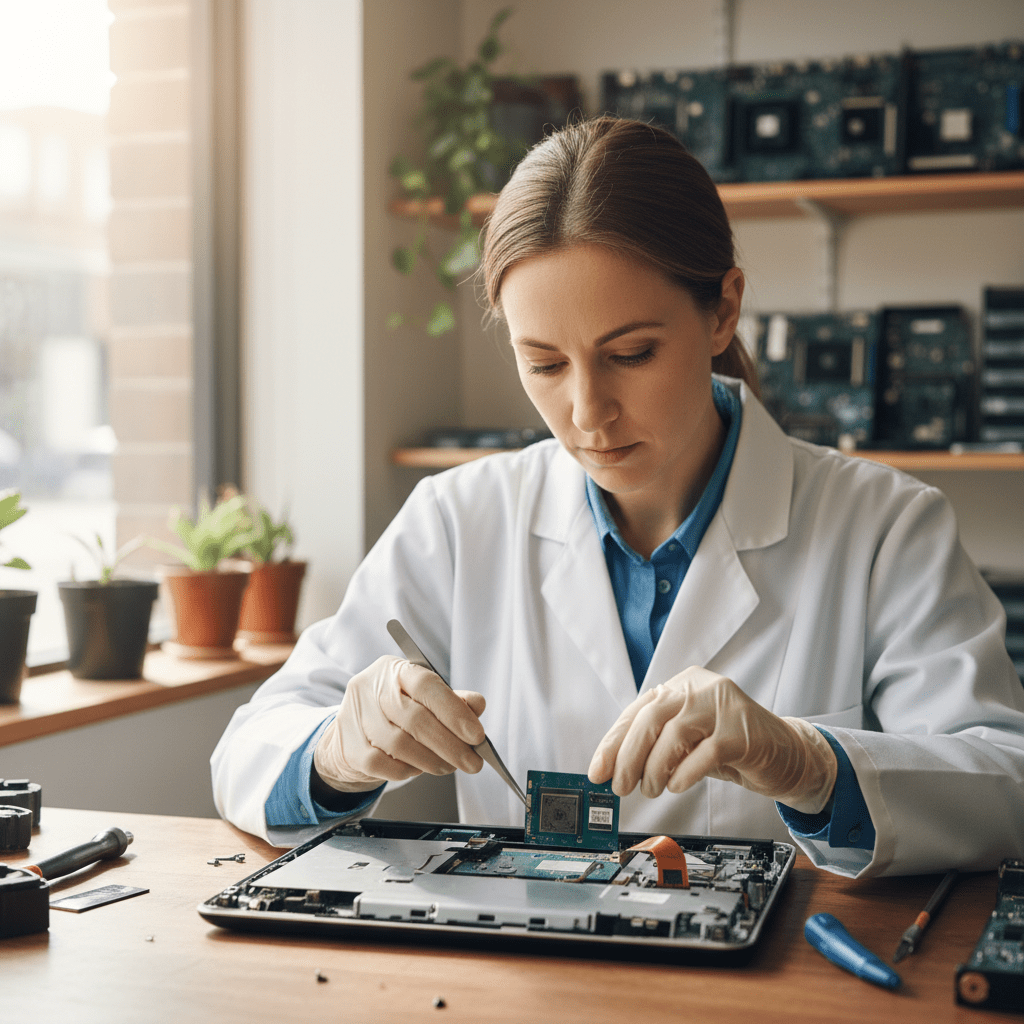
OEM NVMe recovery requires knowing the actual controller and NAND configuration from the drive’s physical chip markings rather than the product label — our engineers perform this identification as part of the standard assessment. OEM SSDs are generally not available for purchase separately, which is another reason professional recovery is the only path to data access when they fail.
Common Failure Modes Across All SSD Brands
- Controller failure: Every SSD brand uses one of a small number of controller vendors (Phison, Silicon Motion, Innogrit, WD in-house, Samsung in-house) — controller failures follow manufacturer-specific patterns regardless of the brand on the label
- NAND degradation (QLC drives): Budget NVMe drives using QLC NAND (4 bits per cell) exhaust their write endurance faster than TLC or MLC drives — all brands’ QLC drives are susceptible
- Firmware corruption from power loss: Any SSD without full power-loss protection (most consumer NVMe drives) can suffer firmware corruption from sudden power interruption
- PCIe generation mismatch: PCIe 5.0 SSDs in PCIe 3.0 slots can cause unexpected instability — the drive appears fine but data corruption can occur from bus protocol mismatches
Tips for Any SSD Brand
Free Resources
Independent, non-commercial references:
Get your data back — free file list, free phone assessment. Talk to a specialist today.
✔ Free file list before you pay · ✔ Free phone assessment · ✔ ISO-5 Class 100 clean room · ✔ 20+ years experience
Frequently Asked Questions
My SSD brand isn’t listed on your website — can you still help?
Absolutely. Our SSD recovery capability is based on the controller and NAND manufacturer inside the drive — not the brand name on the label. Every SSD uses components from one of a small number of NAND and controller manufacturers (Samsung, Micron, Kioxia, SK Hynix, Phison, Silicon Motion, etc.) and our engineers have recovery tools and procedures for all of these. Call us on 1300 723 628 and describe your drive and the symptoms — we’ll advise on the best approach.
My laptop has an OEM NVMe SSD with no brand name — can you identify it?
Yes. Our engineers physically inspect the chip markings on the NVMe module using our microscope to identify the controller manufacturer, NAND supplier, and configuration. This physical identification is standard procedure for all OEM SSD recoveries and takes approximately 30 minutes in our assessment process.
Is there an assessment fee for less common or OEM SSD brands?
A non-refundable assessment fee applies to all data recovery regardless of SSD brand. For unusual or industrial SSDs, the assessment may take additional time for chip identification — we’ll advise on this upfront. The fee is credited towards recovery costs if you proceed.
My SK Hynix Platinum P41 failed — is this recoverable?
Yes. The SK Hynix Platinum P41 uses the SK Hynix Prism+ controller and SK Hynix 128-layer TLC NAND. Controller failures on the P41 are assessable — if the controller is recoverable via firmware tools, data is accessible without chip-off. If the controller is permanently failed, SK Hynix TLC NAND chip-off extraction is possible. Call us for assessment.
My ADATA XPG Gammix S70 Blade is not detected — what happened?
The ADATA XPG Gammix S70 Blade uses the Innogrit IG5236 controller (PCIe 4.0). Innogrit controllers can fail from power events or thermal stress. Our engineers have Innogrit controller assessment and bypass tools. If the IG5236 is failed but the NAND is intact, chip-off extraction is possible. The S70 Blade uses high-density TLC NAND which our tools support.
Free assessment · No-obligation quote · 24/7 emergency line · Australia-wide service




























