


Samsung SSD Data Recovery — 870 EVO, 980 PRO, 990 PRO, T7, T9 & All Series
Last Updated:
Lost data? Stop using the device and act now — early action is the biggest factor in successful recovery.
✔ Free file list before you pay · ✔ Free phone assessment · ✔ ISO-5 Class 100 clean room · ✔ 20+ years experience
Samsung is the world’s largest NAND flash producer and the most common SSD brand we recover from at The Original PC Doctor. From the entry-level 870 QVO to the flagship 990 PRO PCIe 5.0, and from the T5 portable through to the T9 external — our engineers have deep experience with every Samsung SSD generation, form factor, and failure mode. Samsung’s proprietary Elpis, Pablo, and Phoenix controllers each have unique firmware architectures that require specialist knowledge for recovery.
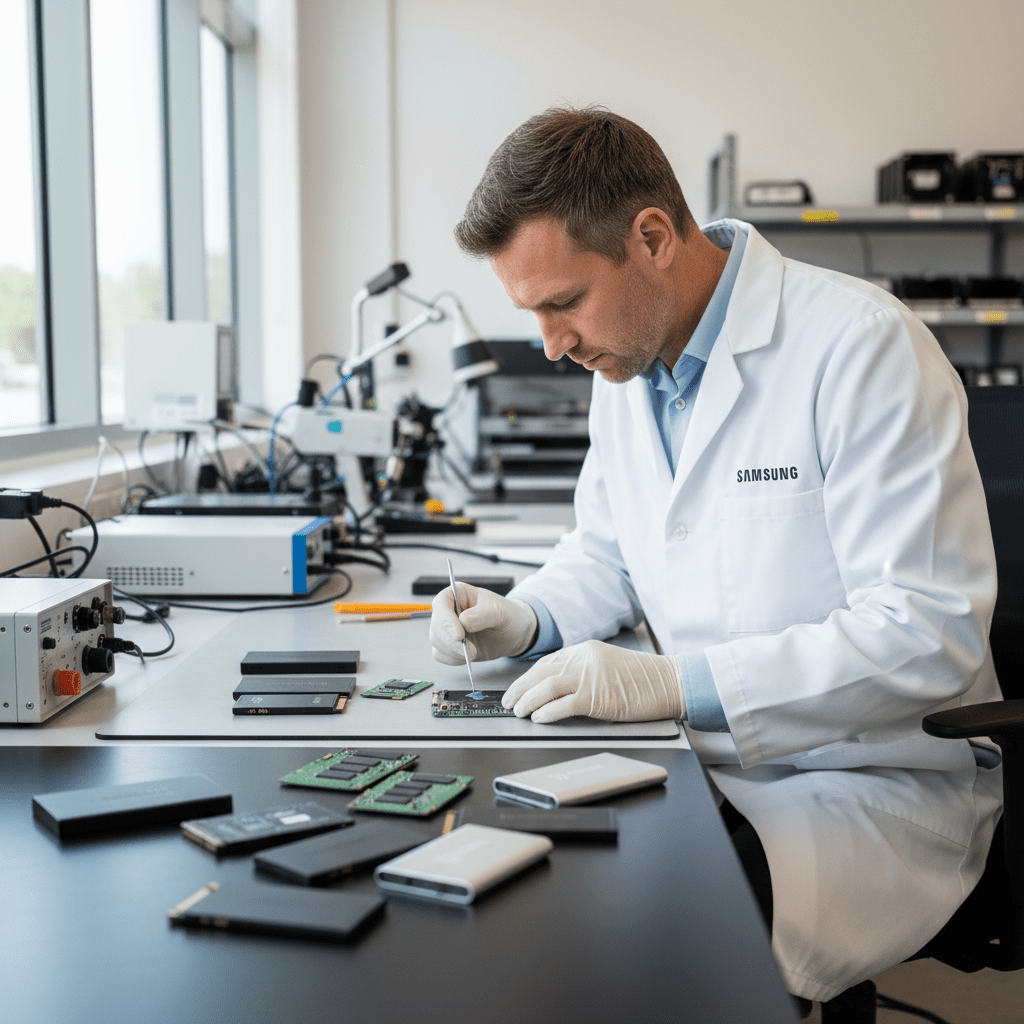
Since 2001 and working alongside Kroll Ontrack, The Original PC Doctor maintains specialist Samsung SSD recovery tools including Samsung MagicROM firmware bypass utilities, V-NAND chip-off reading equipment for TLC and QLC configurations, and NAND-level reconstruction tools for Samsung’s multi-layer cell storage formats. We recover from Samsung SSDs that appear completely dead, show read-only errors, drop to 0 bytes, or have failed firmware updates.
Samsung SSD Models We Recover From
870 EVO, 870 QVO, 860 EVO, 860 PRO, 860 QVO, 850 EVO, 850 PRO — 2.5″ SATA; most common consumer SSDs
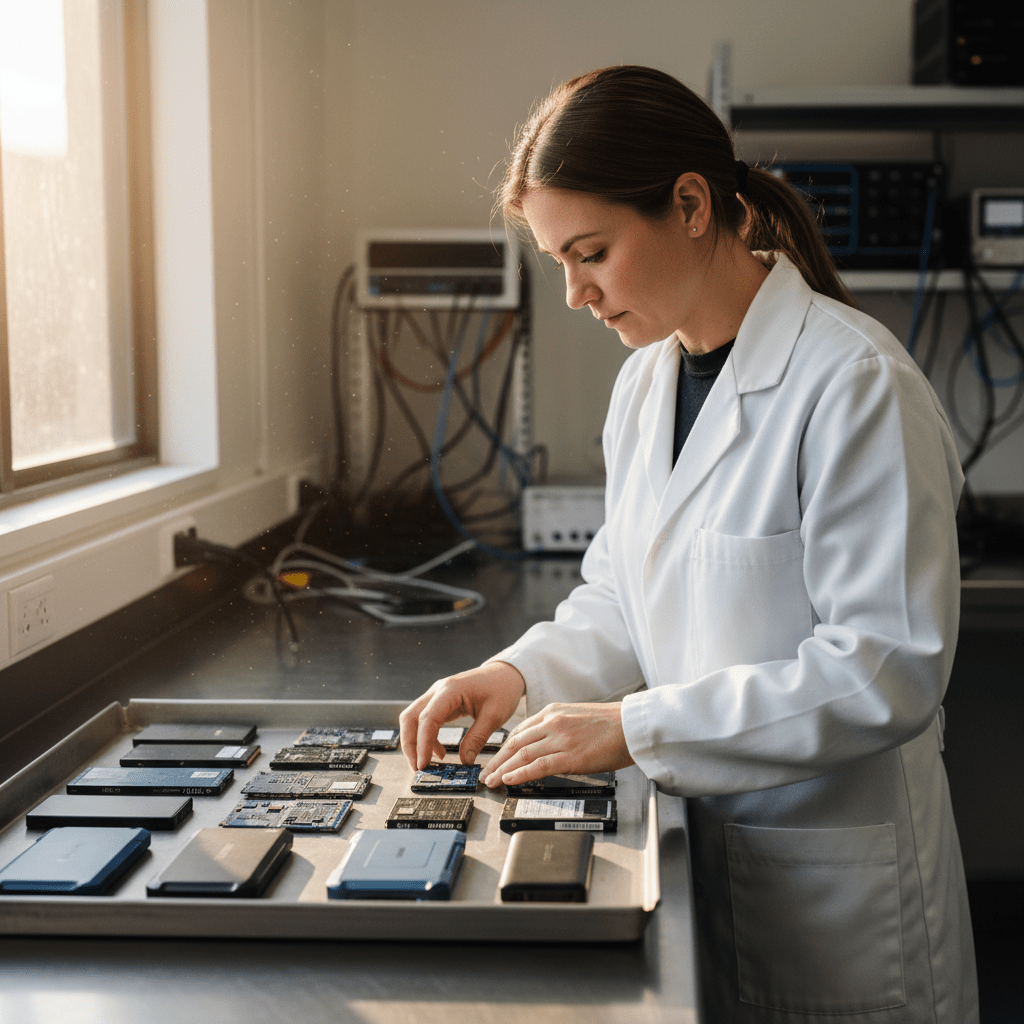
990 PRO, 990 EVO, 980 PRO, 980, 980 EVO — M.2 NVMe; current flagship and mainstream PCIe 4.0
970 EVO Plus, 970 EVO, 970 PRO, 960 EVO, 960 PRO — extremely common M.2 NVMe; firmware bugs well-documented
T9 (USB 3.2 Gen 2×2), T7 Shield, T7 Touch (fingerprint), T7, T5 — bus-powered USB-C portable SSDs
840 EVO (notorious firmware bug), 840 PRO, 830 — older Samsung SATA SSDs; 840 EVO has known read-performance degradation issue
PM9A3, PM9A1, PM893, PM883, PM1733, 983 DCT, 983 ZET — enterprise NVMe and SATA; U.2 and E1.S form factors
Samsung X5 (Thunderbolt 3, NVMe) — premium external SSD; requires Thunderbolt dock or Mac/PC with TB port
PM981, PM991, PM9B1, MZALQ — Samsung OEM SSDs factory-installed in Dell XPS, HP Spectre, Lenovo ThinkPad, and many others
Common Samsung SSD Failure Modes
- Samsung 970 EVO “0-byte” bug: The Samsung 970 EVO and 970 EVO Plus have a documented firmware defect where the drive suddenly drops to 0 bytes capacity after a firmware update — our engineers have a specific recovery procedure for this failure mode
- Samsung 840 EVO read-speed degradation: The 840 EVO has a known TLC charge-leakage bug causing old data to become unreadable over time — Samsung patches addressed part of this but some data may require specialist recovery
- Samsung 980 PRO overheating failure: The 980 PRO PCIe 4.0 is known for aggressive thermal throttling — overheated drives can develop bad block tables and controller failure
- T7 / T5 portable encryption lock: Samsung T7 Touch and T7 use AES 256-bit hardware encryption — if the password is forgotten, data is not recoverable; if the firmware fails while unlocked, recovery is possible
- Samsung firmware update failure (Magician): Samsung Magician firmware updates have occasionally bricked 870 EVO and 980 PRO drives — the drive disappears from BIOS entirely
- V-NAND controller failure: Samsung’s Elpis (990 PRO), Pablo (980 PRO), Phoenix (970 EVO Plus) controllers can fail independently of the NAND — chip-off recovery reads NAND directly
- Accidental Secure Erase via Magician: Samsung Magician’s “Secure Erase” sends an ATA Secure Erase command — data is permanently destroyed and cannot be recovered
- SATA to NVMe form-factor confusion: Samsung 870 EVO (2.5″ SATA) in M.2 adapter, or PM981 OEM NVMe misidentified — ensure correct interface type before connecting to any external reader
Samsung NVMe PCIe 4.0/5.0 Recovery
Samsung’s 980 PRO (PCIe 4.0) and 990 PRO (PCIe 4.0) use the Elpis controller with V-NAND TLC and QLC respectively. These drives achieve 7,000+ MB/s sequential reads but have specific failure modes: the Elpis controller is susceptible to overheating failure in poorly ventilated systems (common in MacBook Pro and compact ITX builds), and the 990 PRO had a firmware bug (reported late 2023) causing excessive SSD wear indicator readings.
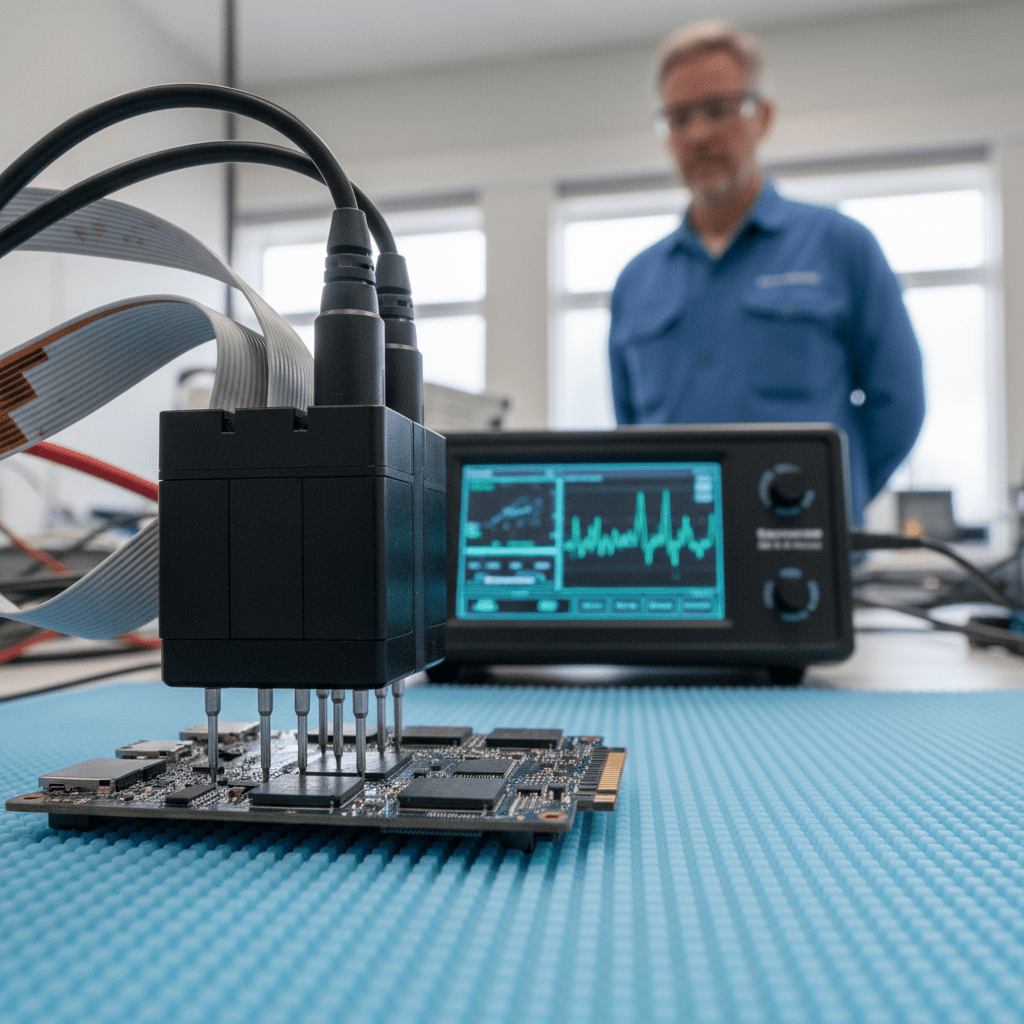
For failed Samsung NVMe drives, our engineers use PCIe NVMe imaging tools with proprietary Samsung controller unlock sequences. When the controller is dead but the V-NAND packages are intact, we perform chip-off extraction — removing the NAND BGA packages under our microscope and reading them directly using Samsung-specific NAND dump tools.
Samsung T-Series Portable SSD Recovery
Samsung T7, T7 Touch, T7 Shield, T5, and T9 portable SSDs are extremely common recovery cases. These drives use USB-C connectivity with hardware AES 256-bit encryption (enabled by default on T7 Touch and optionally on T7/T5). Key recovery considerations:
- Password-protected T7/T5: If the drive password is set and the firmware fails, data is not accessible — the encryption key is tied to the password
- T7 without password: If the T7 is used without a password (unencrypted mode), controller failure recovery is possible via chip-off
- Physical damage (T7 Shield dropped): The T7 Shield’s rugged casing protects the NVMe module inside — even severe drops often leave the NAND intact
- USB connector failure: The T7’s USB-C port can fail from physical stress — the internal NVMe SSD is typically fully intact and recoverable
Samsung-Specific Warnings
Free Resources
Independent, non-commercial references:
Get your data back — free file list, free phone assessment. Talk to a specialist today.
✔ Free file list before you pay · ✔ Free phone assessment · ✔ ISO-5 Class 100 clean room · ✔ 20+ years experience
Frequently Asked Questions — Samsung SSD Recovery
My Samsung 970 EVO Plus is showing as 0 bytes after a firmware update — is it recoverable?
Yes, in many cases. The Samsung 970 EVO “0-byte” issue after firmware update is a known failure mode. Our engineers have a specific recovery procedure that bypasses the Samsung controller firmware and reads the V-NAND NAND packages directly. Power off the drive immediately and do not attempt any additional firmware updates or disk utilities — call us on 1300 723 628 for a free assessment.
My Samsung T7 portable SSD was password-protected and it’s now not recognised — can you recover the data?
If your Samsung T7 was set up with a password and the hardware encryption is active, data recovery depends on whether the firmware or the NAND has failed. If the NAND is intact but the controller has failed, the data remains encrypted and unreadable without the password. If the drive is failing due to a USB controller issue (not the NVMe controller), recovery may be possible. Please contact us with the exact failure symptoms for a proper assessment.
Is there an assessment fee for Samsung SSD data recovery?
A non-refundable assessment fee applies to all data recovery including Samsung SSDs. This covers the full diagnostic process — identifying the failure mode (firmware, controller, NAND, encryption), assessing recoverability, and providing a written quote. The fee is credited towards recovery costs if you proceed.
My Samsung 980 PRO is not detected in my PC after overheating — what are the recovery options?
Samsung 980 PRO controller failures after overheating are unfortunately common in systems without M.2 heatsinks. Our engineers assess whether the Elpis controller is the failed component or whether the V-NAND packages are also affected. If the NAND is intact (which it usually is in thermal failures), chip-off extraction can recover your data. The 980 PRO uses Samsung V-NAND TLC BGA packages that our lab tools can read directly.
Can you recover data from a Samsung SSD that was accidentally Secure Erased?
Unfortunately, no. Samsung Magician’s Secure Erase function sends an ATA Secure Erase command that instructs the SSD controller to crypto-erase all user data — this is a hardware-level operation that destroys the encryption keys, making all stored data permanently inaccessible. Unlike HDDs where secure erase can sometimes be incomplete, NVMe Secure Erase on Samsung SSDs is considered irreversible.
Free assessment · No-obligation quote · 24/7 emergency line · Australia-wide service




























