


Seagate Hard Drive Data Recovery — All Models & Failure Types
Last Updated:
Lost data? Stop using the device and act now — early action is the biggest factor in successful recovery.
✔ Free file list before you pay · ✔ Free phone assessment · ✔ ISO-5 Class 100 clean room · ✔ 20+ years experience
Seagate is Australia’s most commonly recovered hard drive brand. The Original PC Doctor has been recovering data from Seagate hard drives since 2001 — from the iconic Barracuda desktop drives to IronWolf NAS arrays, SkyHawk surveillance drives, enterprise Exos HDDs, and every generation of Seagate portable and desktop external drives. We carry an extensive donor inventory of Seagate drives spanning two decades, operate ISO-5 Class 100 cleanroom facilities, and partner with Kroll Ontrack for the most complex Seagate recoveries.
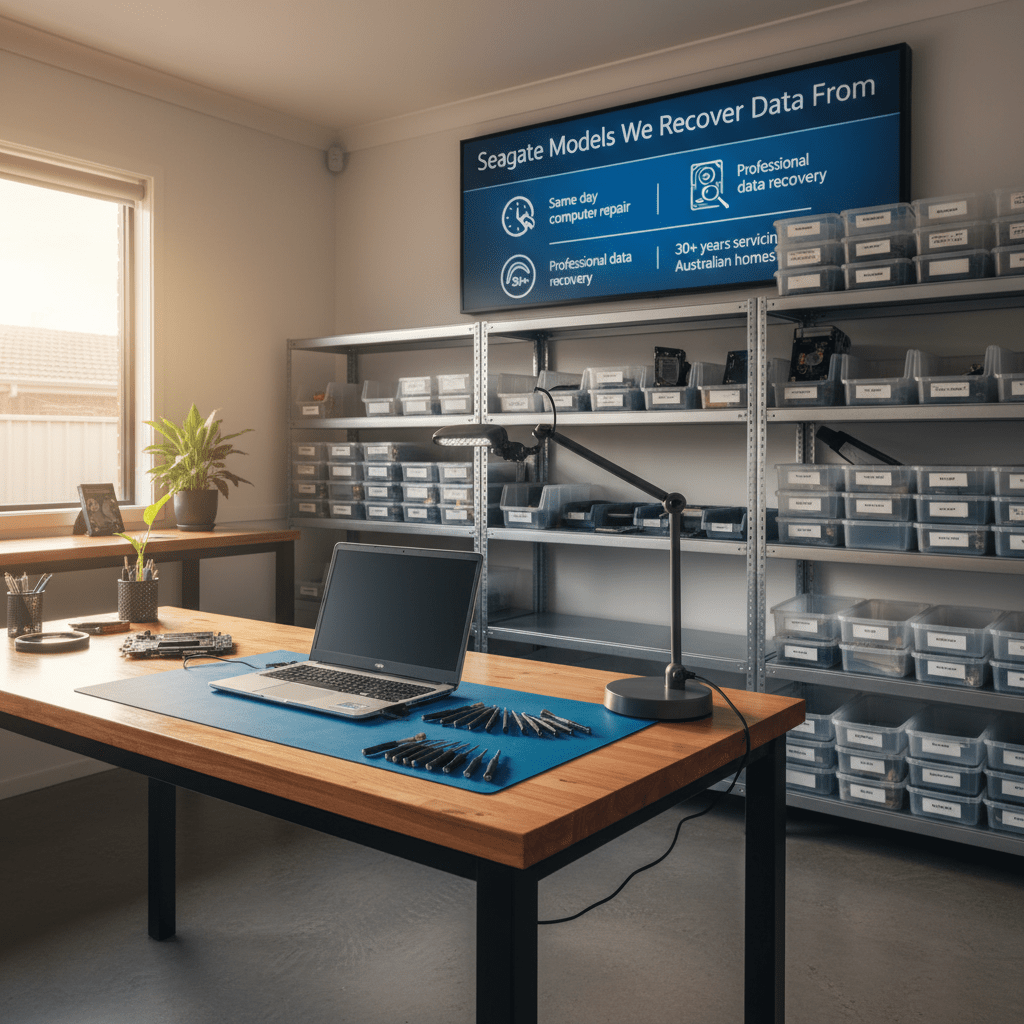
Whether your Barracuda is clicking, your IronWolf NAS array has degraded, your Backup Plus Slim stopped being recognised after a drop, or your Exos server drive threw a firmware error — we recover it.
Emergency: 1300 723 628 — Free phone assessment, 24/7
Seagate Models We Recover Data From
Every Seagate drive family and generation — desktop, laptop, enterprise, surveillance and external:
Common Seagate Hard Drive Failures
Seagate drives have well-documented failure modes that our technicians see weekly. Recognising the symptom helps us diagnose the fault and set accurate recovery expectations:
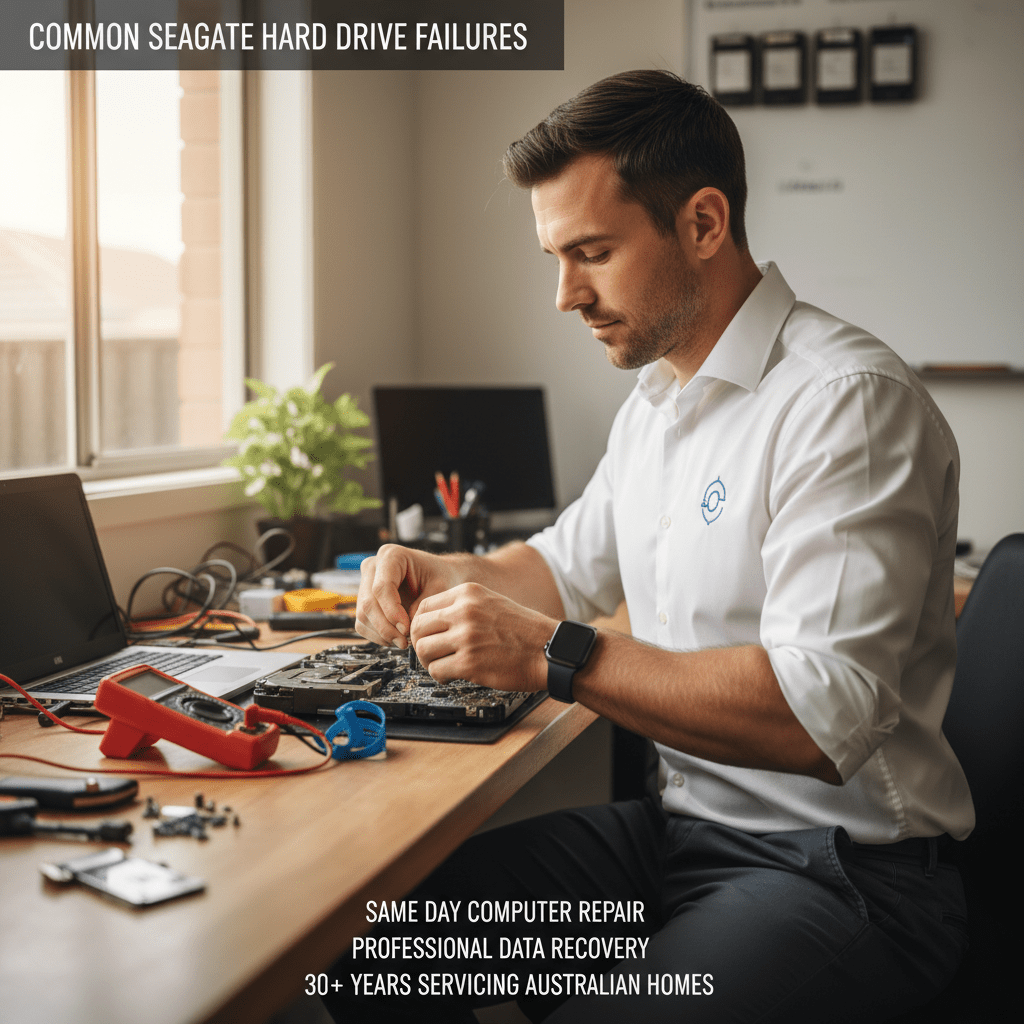
- Clicking or ticking sound (BSY/LBA0 firmware bug) — Seagate 7200.11 and some 7200.10 drives have a notorious firmware bug where drives become “bricked” at LBA0, presenting as not detected or clicking. Requires specialist firmware tools to unlock the service area — do not attempt PCB swaps.
- Seagate drive detected as 0 bytes / wrong capacity — corrupted firmware module in the service area, or failed SMART self-test that locked the drive. Specialist service area repair required.
- Click of death on Barracuda and Momentus — head crash or actuator ramp failure. Heads park incorrectly and scrape against the platters on power-up. Stop using immediately.
- Backup Plus / Expansion not detected after drop — head crash inside the portable enclosure. The USB bridge adaptor and case are irrelevant — the internal 2.5″ drive needs cleanroom recovery.
- Seagate ST3000DM001 / ST2000DM001 high failure rate — these 3TB and 2TB Barracuda models have historically elevated failure rates due to PCB and firmware issues. Very common recovery request.
- IronWolf NAS array degraded after single drive failure — Seagate IronWolf drives should trigger NAS-native warnings before failure. If a second drive fails during rebuild, bring all array member disks to us immediately.
- SkyHawk DVR drive stops recording / fails playback — surveillance drives run 24/7 and accumulate bad sectors over time. DVR systems often don’t surface SMART warnings — first symptom is recording failure.
- FireCuda SSHD not detected / firmware loop — the NAND cache on hybrid drives can fail separately from the platter storage, causing firmware issues. Data on the platters is usually fully intact.
- Burnt PCB / no power after surge — Seagate PCBs use TVS diodes for surge protection. Post-surge, the PCB appears dead but platters/heads are usually fine. PCB swap requires ROM chip transfer — board-only replacement will not work.
Seagate External Drive Recovery
Seagate’s external drive range — Backup Plus, Expansion, One Touch — accounts for a large proportion of our recovery work. The vast majority of external drive recoveries we perform are from drives that were the sole backup of irreplaceable data. Common scenarios specific to Seagate externals:
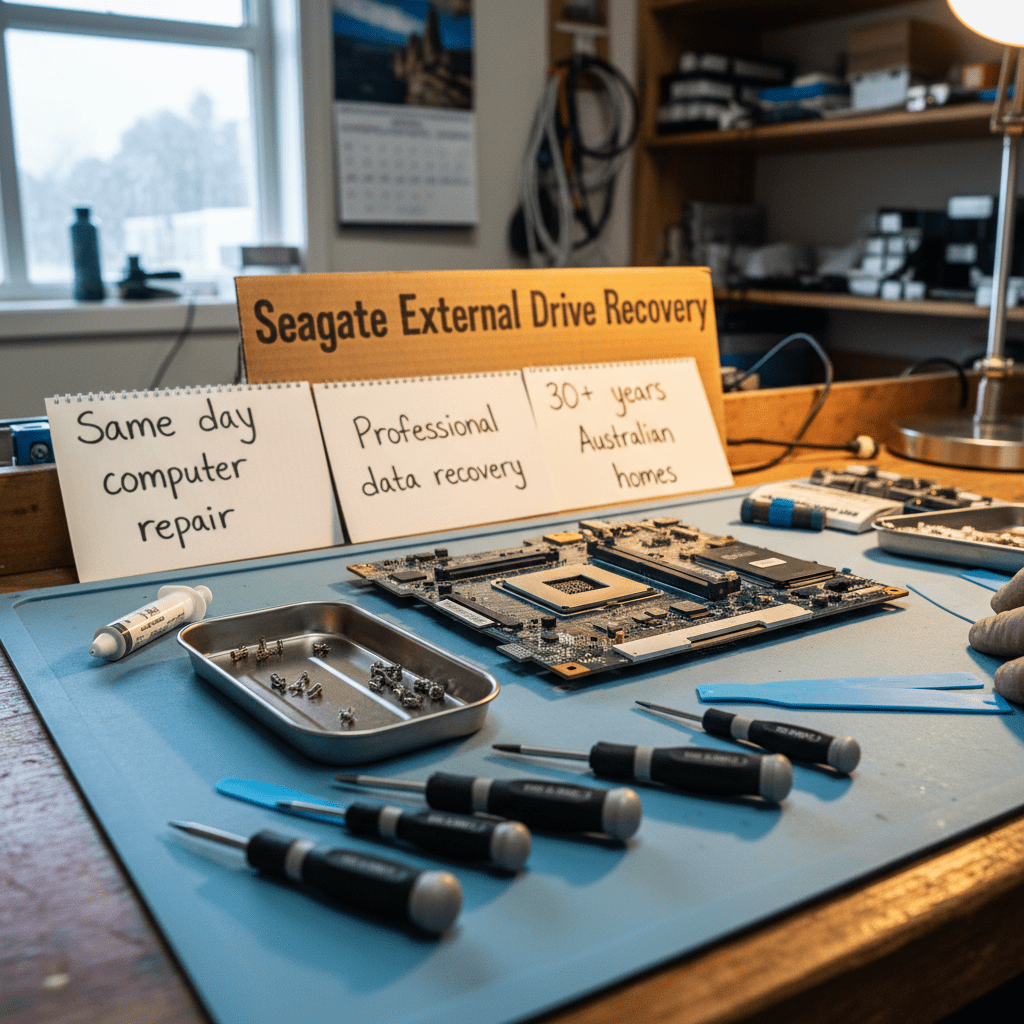
- Backup Plus Slim drops and stops being recognised — the slim form factor offers almost no internal shock protection. A 1-metre drop onto hard floor almost always causes a head crash. The recovery is on the internal 2.5″ drive, not the enclosure.
- “Seagate not detected” after Windows 10/11 update — driver conflicts or Windows fast startup causing USB issues. We can often resolve this without recovery — call for a free assessment before assuming the worst.
- Expansion Desktop clicking after power issue — desktop externals draw more power; a failing power adaptor can cause park/unpark cycles that accelerate head wear. Check your power adaptor first — if the drive clicks regardless, stop and call us.
- One Touch with password — forgot password — Seagate One Touch drives with password protection use AES-256 hardware encryption tied to the USB bridge. If the password is lost, sector-level data is recoverable but decryption without the correct credentials is not possible.
IronWolf NAS & RAID Recovery
Seagate IronWolf and IronWolf Pro drives are designed for always-on NAS environments, but multi-drive failures still occur — particularly when a degraded array continues operating until a second drive fails. We recover from all common NAS platforms running IronWolf drives:
- Synology DiskStation and RackStation (DSM) — RAID 0, 1, 5, 6, 10, SHR, SHR-2
- QNAP TS and TVS series (QTS / QuTS hero) — including ZFS volumes
- WD My Cloud EX2 / EX4 / PR4100 with IronWolf drives installed
- Netgear ReadyNAS running IronWolf or IronWolf Pro
- Buffalo TeraStation with IronWolf array
Our Recovery Process
- Free phone assessment — call 1300 723 628. Describe your Seagate model and symptoms and we’ll give you a diagnosis and price range immediately.
- Drive intake — drop off at Ringwood VIC, free courier pickup Australia-wide, or onsite technician collection in any capital city.
- File list and fixed quote — we image the drive, perform logical or physical recovery as required, and send you a complete recoverable file list with a fixed price before you commit.
- Recovery delivery — data returned on new encrypted media, via insured courier, or secure cloud transfer. Original Seagate drive returned on request.
Free Resources
Independent, non-commercial references:
Get your data back — free file list, free phone assessment. Talk to a specialist today.
✔ Free file list before you pay · ✔ Free phone assessment · ✔ ISO-5 Class 100 clean room · ✔ 20+ years experience
FAQs — Seagate Data Recovery
Can you recover data from a Seagate drive that makes a clicking noise?
Yes. Clicking on Seagate drives usually means head or actuator failure. Our ISO-5 cleanroom allows safe head stack replacement using Seagate donor drives. Stop using the drive immediately — each power-on cycle risks scoring the platters permanently. Success rate is 75–90% for clicking Seagate drives that haven’t been repeatedly powered on.
My Seagate drive is detected as 0 bytes or wrong capacity — is recovery possible?
Yes. This is typically a Seagate firmware/service area fault (common on 7200.11 generation drives). Specialist firmware tools can access the drive’s service area and restore the correct configuration without touching the data platters. Recovery rate is very high for this specific fault.
How much does Seagate data recovery cost?
Logical Seagate recovery (deleted files, corruption, format): $300–$800. Physical recovery (clicking, head crash, PCB failure): $800–$2,000. IronWolf NAS/RAID recovery: from $500 for logical, up to $3,000+ for multi-disk physical failure. Free assessment and fixed quote before any work begins.
Can you recover from a Seagate Backup Plus that was dropped?
Yes — this is one of the most common recoveries we perform. The internal 2.5″ drive almost always suffers a head crash. Do not try to power it on again. The USB enclosure is not relevant to the recovery — we extract the internal drive and perform cleanroom recovery on the drive itself.
Do you recover from all Seagate NAS and enterprise drives?
Yes. We recover from IronWolf, IronWolf Pro, Exos X and Exos E series drives — including SAS variants (12Gb/s SAS, 512e, 4Kn sector sizes). Enterprise SAS drives require specialist tooling that consumer recovery software cannot handle. We also recover from Exos drives in server RAID environments (PERC, Smart Array).
My Seagate Backup Plus asks for a password I don’t remember — can you still recover my files?
Seagate One Touch drives with passwords use AES-256 hardware encryption on the USB bridge. Without the password, the sectors are recoverable but the decryption key is tied to the bridge chip. If you genuinely cannot remember the password, call us — we can advise on your specific options based on the drive model and firmware version.
📞 Call 1300 723 628 for a free Seagate recovery assessment — or book online now.
← Back to Hard Drive Data Recovery




























