


Toshiba (legacy) Laptop Repair — Common Issues & Reliable Fixes
Last Updated:
Toshiba Satellite, Portégé & Tecra legacy laptop repairs
About Toshiba (legacy): Founded in 1875. Headquartered in Tokyo, Japan (laptop business now Dynabook).
After two decades of repairing laptops across Australia, our technicians can spot a Toshiba (legacy) fault from across the workbench. Here is what you actually need to know in 2026.

Australian-owned • No-fix, no-fee • In-home, in-workshop or mail-in.
The Toshiba (legacy) Range We See Most Often
Popular Toshiba (legacy) series we repair: Satellite (consumer), Portégé (business), Tecra (business), Qosmio (legacy multimedia), Libretto (legacy), Kira (legacy).
Flagship models we work on regularly
- Toshiba Satellite P50
- Toshiba Portégé X30
- Toshiba Tecra Z40
- Toshiba Qosmio X870
- Toshiba Kirabook
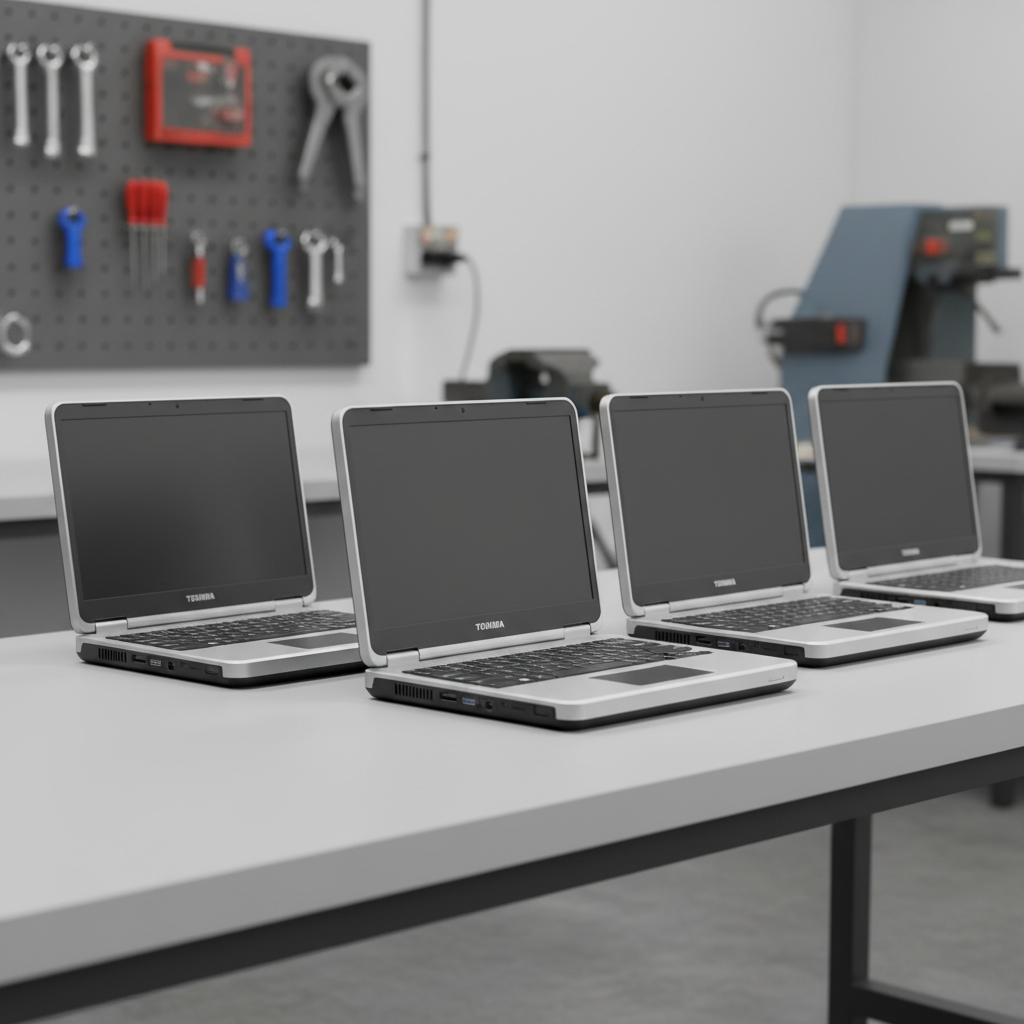
What to Expect From Your Toshiba (legacy) Repair
We keep the process transparent so you always know what’s happening to your laptop:
1FREE Quick Quote
Call us, drop in, or book online — we give you a written, fixed quote on your Toshiba (legacy) laptop at no cost. No-fix, no-fee.
2Pro repair
Qualified technicians, genuine or certified parts, ESD-safe workshop. Typically 1–5 business days once the quote is approved.
390-day warranty
Every Toshiba (legacy) repair we do is covered for 90 days. Something not right? We fix it free.
Common Toshiba (legacy) Problems We Diagnose & Repair
After years of working on Toshiba (legacy) laptops across Australia, the same fault patterns surface again and again. Here is the field guide our technicians actually use, broken down by subsystem:
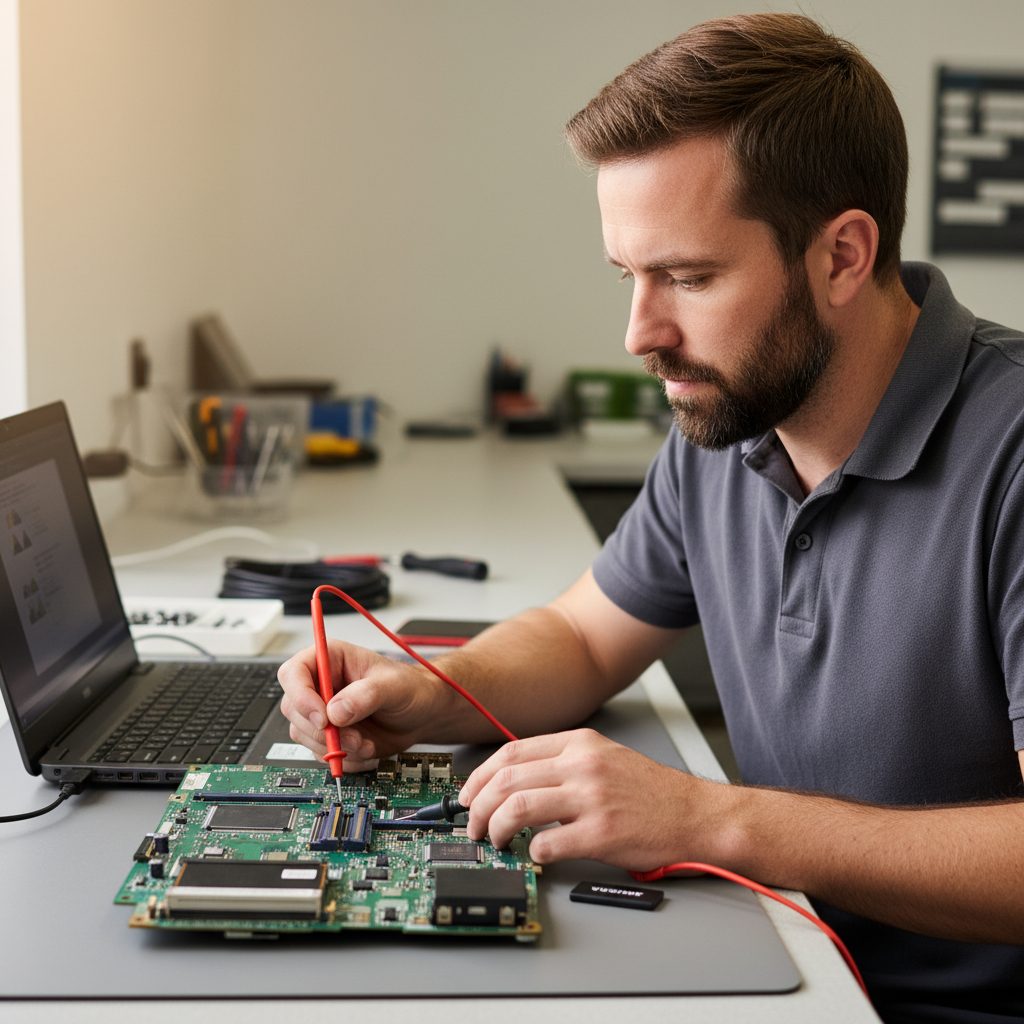
Screen & Display Issues
- Hinge cable wear
- Backlight failure on legacy units
- Stuck pixels
- Coating scratch
- Ghosting
- CCFL→LED conversion requirement
Overheating & Thermal Faults
- Fan bearing seize
- Thermal paste dry-out
- CPU throttle under sustained load
- Dust build-up
- Vent blockage
- BIOS thermal regressions
Keyboard, Trackpad & Input
- Sticky keys after spill
- Backlight dead zones
- Spacebar rattle
- Trackpoint drift
- Keycap wear
- Double-input after BIOS update
Battery & Power
- Legacy battery no longer available
- Sudden shutdown at 20%
- USB-C PD handshake fail (late-era only)
- Swollen battery
- Fast discharge in sleep
- Firmware-locked cells
Performance & Software
- Toshiba Service Station crash
- NVMe thermal throttle
- Windows Update breaking legacy drivers
- Slow boot on HDD-era Satellite
- Bloat from preinstalls
- Driver conflict after Windows 11 upgrade
Wi-Fi, Bluetooth & Ports
- Wi-Fi legacy driver absence
- Bluetooth dropout
- Thunderbolt on late-era Portégé
- HDMI 1.4 handshake
- Ethernet 1G handshake
- eSATA slot (legacy)
Graphics & External Displays
- NVIDIA Optimus switching bug
- Intel iGPU driver EOL
- External monitor refresh cap
- Frame stutter after update
- Black screen on wake
- Legacy AMD discrete GPU failure
Audio, Microphone & Speakers
- SRS Premium Sound profile reset
- Speaker crackle
- Mic noise-cancel aggression
- Headphone jack intermittent
- No sound after sleep
- Bluetooth codec drop
Toshiba (legacy) — 11 Fun Facts You Probably Did Not Know
A bit of background on Toshiba (legacy) that we promise will not appear on your invoice:
- Toshiba was founded in 1875 — nearly a century before the first laptop was invented.
- Toshiba's T1100 (1985) is regarded as the first mass-market laptop — it ran MS-DOS, had a 3.5" floppy drive, and sold by the millions.
- Toshiba was the world's top laptop brand by unit shipments from 1986 to 2000.
- The Toshiba Libretto (1996) was the world's first sub-notebook PC — some models smaller than a VHS tape.
- Toshiba's Qosmio line (2004–2015) was one of the first "desktop replacement" gaming laptops with a 17" panel and desktop CPU.
- Toshiba Portégé has been continuously produced since 1993 — one of the longest-running laptop lines in history.
- The Toshiba T3100 (1986) was the first laptop with a plasma display — briefly the state-of-the-art.
- Toshiba spun off its PC division in 2018 — the business was rebranded to Dynabook under Sharp ownership.
- Toshiba's last fully-owned laptop was the Portégé X30T-E — shipped in 2018.
- Legacy Toshibas are a parts nightmare — most OEM support ended around 2018.
- In Australia, Toshiba-branded laptops remain under warranty only through Dynabook's service chain — original Toshiba Australia shut down in 2019.
Tech Tips: Get Years More Life From Your Toshiba (legacy) Laptop
Field-tested maintenance that materially extends Toshiba (legacy) laptop lifespan:
- For legacy Toshibas (pre-2018), source batteries from reputable rebuild shops — original cells are no longer produced at scale.
- Convert CCFL-backlit screens on older Satellite P- and Qosmio-era machines to LED — drastically improves brightness and power draw.
- Legacy Toshibas often require a manual BIOS re-flash to boot Windows 10/11 — check Dynabook's legacy support archive.
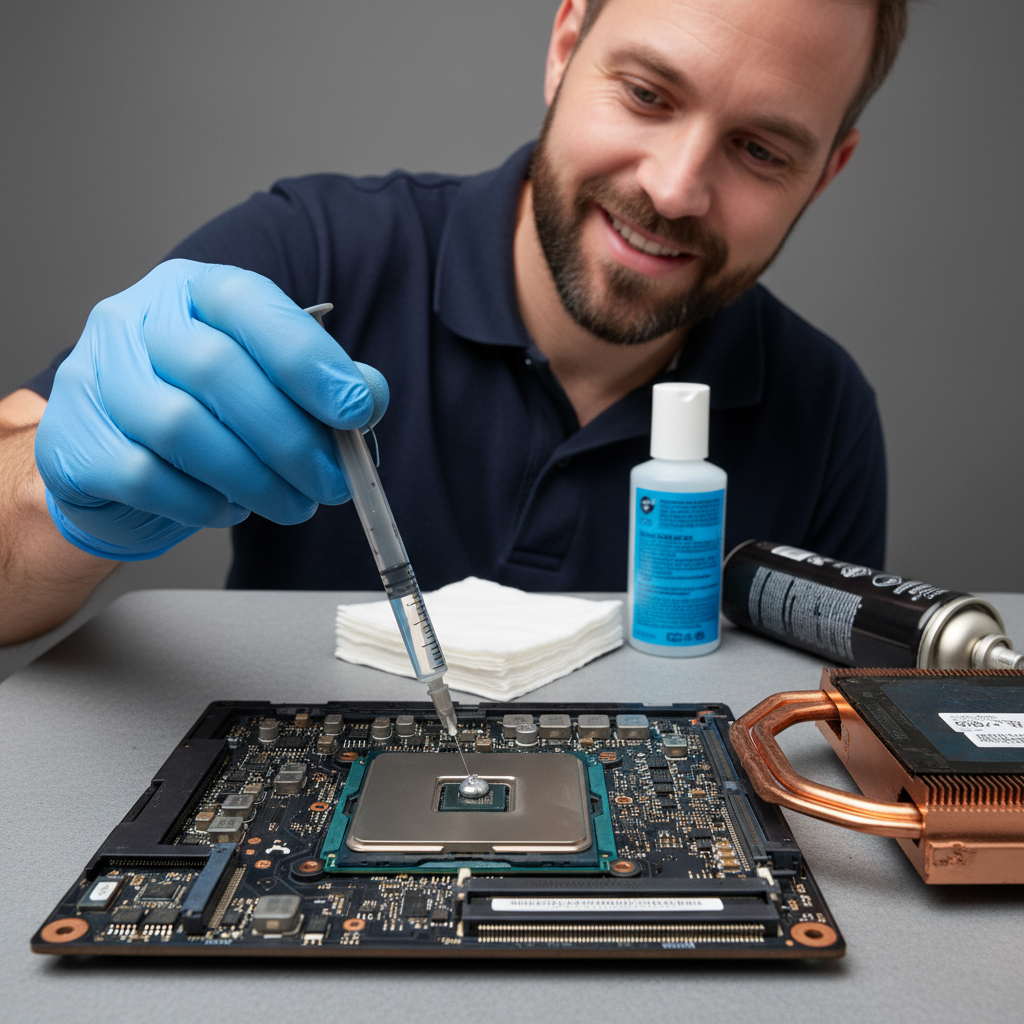
- Replace the thermal paste on legacy Toshibas every 18 months if you still daily-drive one.
- Qosmio users: the dedicated Toshiba subwoofer module often needs recapping — bulging electrolytic capacitors are common.
- For Portégé fleet admins: Dynabook's legacy BIOS rollout tools still work on late-Toshiba-era hardware — handy for schools and councils.
- Run Windows's `powercfg /batteryreport` to check cell age before investing in any legacy Toshiba repair.

How Much Does a Toshiba (legacy) Repair Cost?
Indicative pricing for Toshiba (legacy) laptop repairs in Australia (2026). Final quote is always written and fixed before work starts. No-fix, no-fee.
Prices include labour and standard parts. Premium OEM panels, high-capacity batteries, and same-day service may incur a surcharge — always quoted upfront.
Toshiba (legacy) Repair — DIY vs Professional
We love a self-fixer. But some repairs are genuinely risky without the right tools and parts supply chain — here’s where we’ve seen DIY go wrong most often:
| Repair | DIY risk | Professional outcome |
|---|---|---|
| Cracked screen replacement | Wrong panel bought online, ribbon cable damaged during install, $200 wasted. | Correct OEM panel, anti-static workshop, tested for dead pixels before you collect. |
| Battery swelling | Punctured cells during removal are a fire risk. YouTube videos rarely show proper cell isolation. | ESD-safe removal, swollen-cell disposal via approved e-waste channel, genuine replacement. |
| Liquid-spill damage | Powering on after a spill usually fries the motherboard. Rice doesn't help. | Full tear-down + ultrasonic PCB clean within 24 h — the only reliable salvage path. |
| Overheating / slow fans | Removing the heatsink without fresh thermal paste causes immediate shutdown on reboot. | Heatsink inspected + reseated, fresh TIM applied, fan bearings lubricated or replaced. |
| Data recovery from dead drive | Running recovery software on a failing drive often writes over the data you want back. | Drive imaged to a clean device first; recovery runs on the image, not the original. |
The Toshiba (legacy) Celebrity Challenge
Four quick trivia questions about Toshiba (legacy) — get them all right and unlock a 10% off repair code. No peeking.
The rules: 4 questions, 60 seconds total. No Googling — the timer runs whether you’re looking things up or not. Get them all right and you’ll unlock the top prize code.
Q1. …
Q2. …
Q3. …
Q4. …
Valid 72 hours from email delivery. One redemption per customer. Applies to labour on Toshiba (legacy) repairs booked through this site.
Toshiba (legacy) Laptop Repair — Frequently Asked Questions
The questions we get asked most often about Toshiba (legacy) repairs:
How much does a Toshiba (legacy) laptop repair cost?
Most Toshiba (legacy) repairs fall between $189 and $399, depending on the fault. Battery replacement typically starts at $189, screen replacement from $299, and motherboard-level repairs from $399. We always provide a written, fixed quote before any work starts — and if we can’t fix it, there’s no fee.
How long will my Toshiba (legacy) laptop repair take?
Most straightforward Toshiba (legacy) repairs are completed within 1 to 5 business days. Screen and battery replacements are often same-day or next-day if we have the part in stock. Motherboard-level repairs, liquid damage recovery and parts-order jobs can take 5–10 business days. We’ll give you a realistic turnaround as part of the quote.
Do you repair Toshiba (legacy) laptops that are out of warranty?
Yes — the vast majority of Toshiba (legacy) laptops we service are out of manufacturer warranty. We’re brand-independent, so we’ll service any age of Toshiba (legacy) laptop as long as parts are still available (usually 5–8 years after the model launched).
Can you recover data from a dead or damaged Toshiba (legacy) laptop?
In most cases, yes. Data recovery on Toshiba (legacy) laptops ranges from simple drive-transplant jobs (from $249) up to advanced clean-room recovery on physically failed drives. We image the drive first and run recovery on the image — never directly on the original — so your data is never at risk of further damage during the process.
Do you come to me, or do I bring the Toshiba (legacy) laptop in?
Both options are available. We offer in-workshop drop-off (cheapest), onsite service in most capital cities, and mail-in repair Australia-wide with insured shipping. Call us on 1300 723 628 and we’ll recommend the most efficient option for your specific issue.
Do you use genuine Toshiba (legacy) parts?
Where possible, yes. We source genuine Toshiba (legacy) LCD panels, batteries and keyboards directly from authorised parts distributors. For older or discontinued models we also use certified aftermarket parts — always disclosed up-front on the quote — which usually cost less and carry the same 90-day repair warranty.
What warranty do you offer on Toshiba (legacy) repairs?
Every Toshiba (legacy) repair comes with a 90-day warranty covering both parts and labour on the specific issue we fixed. If the same fault recurs within 90 days, we’ll make it right at no charge.
Will a third-party repair void my Toshiba (legacy) warranty?
Under Australian Consumer Law, third-party repair cannot void your manufacturer warranty unless a specific repair directly caused damage to a different component. If your Toshiba (legacy) is still in manufacturer warranty, we’ll always ask you first and often recommend using the manufacturer path. For out-of-warranty laptops, independent repair is almost always faster and cheaper.
Free Toshiba (legacy) Resources
No-cost resources to help you make an informed decision about your Toshiba (legacy) laptop — warranty, consumer rights and scam protection. Tap any panel to expand.
Check your Toshiba (legacy) warranty status
Find out whether your Toshiba (legacy) laptop is still in manufacturer warranty before you authorise any repair. We will always tell you if your warranty path is the better option — we only book repairs where it makes sense for you.
Know your Australian Consumer Law rights
Under Australian Consumer Law, your laptop is covered by automatic consumer guarantees that go beyond the manufacturer warranty. This applies whether you paid $400 or $4,000. A repair shop — us included — cannot waive these rights.
Avoid phone-based “your Toshiba (legacy) has a virus” scams
If you ever receive an unsolicited phone call claiming to be from Toshiba (legacy), Microsoft, or any tech-support provider telling you there’s a problem with your laptop — it’s a scam. Neither the manufacturer nor us will ever cold-call you.
Not sure whether it’s worth repairing? Get a FREE Quick Quote
Before you spend anything, let us look at your Toshiba (legacy) laptop and tell you exactly what it needs and what it’ll cost. The quote is free, written and fixed — no obligation, no-fix-no-fee.
Ready to Fix Your Toshiba (legacy) Laptop?
We service Toshiba (legacy) laptops nationally — in-workshop, onsite, or by mail-in. No-fix, no-fee diagnostics.
Australian-owned • No-fix, no-fee • In-home, in-workshop or mail-in.
Toshiba (legacy) Laptop Repair faults we repair every week
Satellite hinge cable wear
Symptom: Screen flicker or no display when lid is moved past 90 degrees on P50 and X870 models
How we fix it: Technician removes the display bezel and hinge covers, replaces the damaged LVDS or eDP cable with a new OEM-style harness, then re-routes it through the hinge to prevent repeat damage.
Repair or replace? repair
Portégé X30 battery bloat
Symptom: Trackpad lift and reduced runtime on 2016-2018 X30 series units due to swollen 3-cell pack
How we fix it: Technician disconnects the battery connector, removes the swollen pack, installs a genuine replacement and resets the embedded controller to clear the charge-cycle flag.
Repair or replace? replace
Tecra Z40 fan bearing seize
Symptom: Loud whining or intermittent shutdown under load on Z40-A and Z40-C models
How we fix it: Technician opens the bottom cover, removes the heatsink assembly, replaces the seized 5 V fan with an identical Toshiba part, then reapplies fresh thermal paste to the CPU and GPU dies.
Repair or replace? repair
Qosmio X870 GPU VRAM failure
Symptom: Artefacts, driver crashes and black screens during gaming or video export on X870 series
How we fix it: Technician reflows or re-balls the MXM module under controlled heat, replaces any failed GDDR5 chips where possible, or fits a tested second-hand MXM card.
Repair or replace? Depends
Satellite P50 keyboard spill damage
Symptom: Multiple stuck or dead keys plus backlight failure after liquid ingress
How we fix it: Technician removes the top case, cleans the membrane with isopropyl, replaces the damaged keyboard assembly and tests the backlight inverter or LED driver board.
Repair or replace? repair
Legacy CCFL backlight failure
Symptom: Dim or uneven screen on older Satellite and Qosmio panels still using cold-cathode tubes
How we fix it: Technician replaces the CCFL tube or performs a full LED conversion kit installation including new inverter removal and wiring harness update.
Repair or replace? repair
Toshiba (legacy) Laptop Repair price guide
| Repair | Indicative price | Typical turnaround |
|---|---|---|
| Hinge cable replacement (Satellite/Portégé) | $180-$320+ | 2-4 business days |
| Battery replacement (X30, Z40 series) | from $129 | same day |
| Cooling fan and thermal paste service | $145-$195+ | 1-3 business days |
| Keyboard and spill clean (P50, Qosmio) | $160-$240+ | 2-4 business days |
| CCFL to LED screen conversion | $280-$420+ | 3-5 business days |
| MXM GPU repair or reflow (X870) | $320-$480+ | 4-7 business days |
| Full diagnostic and quote | from $149 | 2-5 business days |
Prices are indicative only — every job is confirmed with a free, no-obligation quote after diagnosis. No Fix, No Fee.
Toshiba (legacy) Laptop Repair — your questions answered
How much does it cost to replace the battery in a Toshiba Portégé X30?
A genuine 3-cell replacement battery for the X30 typically falls in the $129-$169 range including fitting. Our technicians remove the old swollen pack, reset the embedded controller and test charge cycles before returning the unit.
Can you still get parts for a 2012 Toshiba Satellite P50?
Yes, we maintain stock of hinge cables, keyboards and LCD panels for the P50 series. Most common parts are available within 48 hours, allowing repairs to be completed in 2-4 business days once the quote is approved.
Why does my Toshiba Qosmio X870 keep shutting down during games?
The X870 often develops seized cooling fans or dried thermal paste after six to eight years. A full fan replacement and repaste usually restores stable operation under sustained GPU load.
Is it worth repairing the screen on an older Toshiba Tecra Z40?
If the panel itself is intact, hinge cable replacement or CCFL-to-LED conversion costs $180-$320 and gives another two to three years of reliable use. Full panel replacement is only recommended when physical damage is present.
Do you offer mail-in repairs for regional Toshiba owners?
We provide a prepaid mail-in service Australia-wide. You receive a fixed quote within 24 hours of arrival, and the 90-day warranty covers the repair regardless of whether the unit is returned by post or collected in person.




























