


Western Digital & SanDisk SSD Data Recovery — WD Black, Blue, Red, SanDisk Extreme & Ultra
Last Updated:
Lost data? Stop using the device and act now — early action is the biggest factor in successful recovery.
✔ Free file list before you pay · ✔ Free phone assessment · ✔ ISO-5 Class 100 clean room · ✔ 20+ years experience
Western Digital and its SanDisk brand together form the second-largest SSD manufacturer globally, and WD/SanDisk SSDs are among the most frequently recovered drives in our lab. The WD Black SN850X is the benchmark PCIe 4.0 gaming NVMe; the WD Blue SN580 dominates the mainstream market; SanDisk Extreme and Ultra Portable SSDs are ubiquitous in creative and professional workflows. The Original PC Doctor has recovered data from all WD and SanDisk SSD families since 2001.

WD and SanDisk SSDs share common NAND technology (WD’s own BiCS NAND flash) and in many cases share controller architectures — the WD Black SN850X and SanDisk Extreme Pro both use the WD in-house NVMe controller. Our engineers understand WD/SanDisk’s proprietary firmware structures, the SanDisk encryption architecture on Extreme/Ultra portable drives, and the failure modes specific to BiCS4 and BiCS5 NAND generations.
WD & SanDisk SSD Models We Recover From
SN850X, SN850, SN770, SN750, SN750 SE — gaming-grade M.2 NVMe; most common in gaming PC builds
SN580, SN570, SN550, SN500 (Blue); WD Green NVMe — mainstream and budget M.2 NVMe
WD Blue 3D NAND SATA, WD Green SATA, WD Red SA500 (NAS-optimised) — 500GB to 4TB
Extreme V2, Extreme Pro V2, Extreme Pro (USB-C NVMe) — rugged IP55 portable; AES encryption
Ultra, Ultra Dual Drive, Ultra Fit (USB-A NVMe), Ultra 3D (SATA) — compact portable SSDs
My Passport SSD (USB-C, bus-powered) — all capacities; hardware encryption via password
P50 Game Drive (USB 3.2 Gen 2×2), P40 Game Drive RGB — gaming external SSDs, NVMe inside
Pro-G40 SSD (Thunderbolt 3, IP67), G-DRIVE SSD — professional external SSDs for creative workflows
Common WD & SanDisk SSD Failure Modes
- WD SN850X/SN850 controller failure: The WD in-house NVMe controller on Black series drives can fail from overheating in compact PC builds (NUC, mini-ITX) — the drive disappears from NVMe device list
- SanDisk Extreme V2 “suddenly stops working”: The SanDisk Extreme V2 had a widespread firmware bug causing the drive to become unreadable after extended use — WD issued a firmware fix but many pre-fix drives failed permanently
- WD SN550 “brick” after firmware update: The WD Blue SN550 had a widely-reported firmware update issue that caused the drive to become permanently undetectable — this is a known recovery case we handle regularly
- SanDisk Extreme Pro encryption failure: SanDisk Extreme Pro drives with password protection can lock out data if the USB controller fails while the encryption lock is active
- WD My Passport SSD connector damage: USB-C connectors on My Passport SSD are fragile — physical port damage leaves the internal SSD intact and recoverable
- BiCS NAND degradation: WD’s BiCS4 and BiCS5 NAND in QLC-based drives (WD Blue SN580 large capacities) can experience block exhaustion earlier than expected under heavy write workloads
- WD Red SA500 NAS SATA failure: NAS-optimised SSDs in Synology/QNAP enclosures can fail after array controller issues — the drive itself is often recoverable even when the NAS is dead
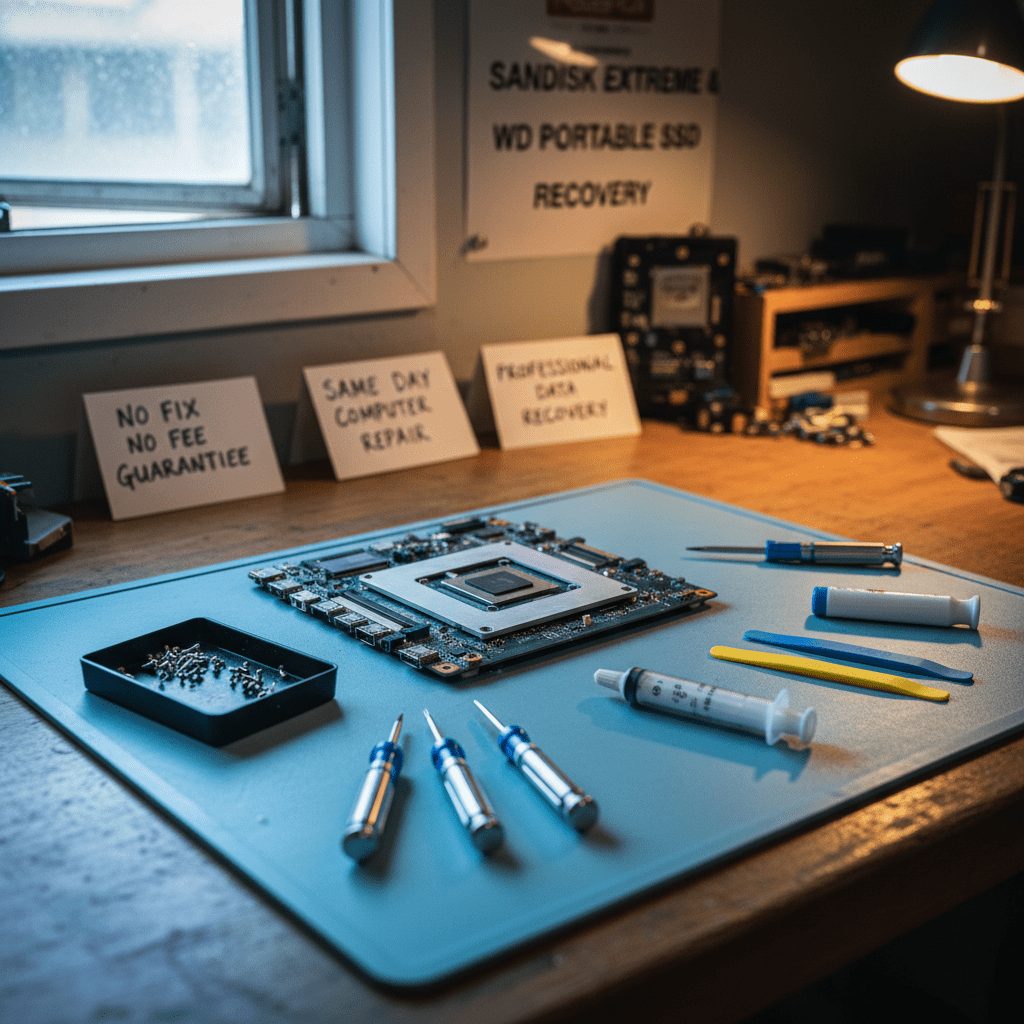
SanDisk Extreme & WD Portable SSD Recovery
SanDisk Extreme, Extreme Pro, WD My Passport SSD, and WD Black P50/P40 all use USB-C connectivity with internal NVMe or SATA SSD modules. Many portable WD/SanDisk drives use hardware AES 256-bit encryption — on password-protected drives, data access requires the password. On non-password-protected drives, a failed USB bridge controller does not prevent data recovery since we access the internal NVMe or SATA SSD directly.
WD & SanDisk-Specific Warnings
Free Resources
Independent, non-commercial references:
Get your data back — free file list, free phone assessment. Talk to a specialist today.
✔ Free file list before you pay · ✔ Free phone assessment · ✔ ISO-5 Class 100 clean room · ✔ 20+ years experience
Frequently Asked Questions — WD & SanDisk SSD Recovery
My SanDisk Extreme V2 suddenly stopped working — it’s completely unresponsive. Can you recover it?
Yes, this is one of our most common SanDisk recovery cases. The SanDisk Extreme V2 firmware bug caused widespread failures — the USB bridge controller becomes unresponsive but the internal NVMe SSD is typically intact. Our engineers open the Extreme V2 housing and recover data directly from the internal NVMe SSD module, bypassing the failed USB bridge entirely. Stop connecting the drive and call us on 1300 723 628.
My WD Blue SN550 became undetectable after a firmware update — is it recoverable?
Possibly. The WD SN550 firmware update bricking issue caused the NVMe controller to lock up in a state where it won’t respond to host commands. Our engineers use proprietary NVMe controller recovery tools to attempt firmware repair. If the NAND is intact (which it usually is), chip-off extraction can recover data even when firmware repair isn’t possible. The SN550 uses WD BiCS4 TLC NAND which our tools support.
Is there an assessment fee for WD or SanDisk SSD data recovery?
A non-refundable assessment fee applies to all data recovery including WD and SanDisk SSDs. This covers failure mode diagnosis, firmware and encryption status identification, and written quote. The fee is credited towards recovery costs if you proceed.
My WD My Passport SSD has a password set and won’t connect — can you recover the data?
WD My Passport SSD uses hardware AES 256-bit encryption tied to the device password. If the USB-C port or bridge controller has failed (common), we can access the internal SSD module directly — but we still require the device password to decrypt the data. If the SSD itself has failed and was password-protected, data recovery is not possible without the password regardless of the recovery technique used.
Can you recover from a WD Black SN850X that suffered controller failure from overheating?
Yes, in most cases. WD Black SN850X controller failures from overheating typically leave the WD BiCS NAND flash intact. Our engineers perform chip-off NAND extraction — removing the BiCS5 TLC packages and reading them directly using WD NAND-specific tools. This is a specialist procedure that we’ll quote individually after assessing the specific failure mode.
Free assessment · No-obligation quote · 24/7 emergency line · Australia-wide service




























