


Alienware 18 Area-51 (2025) Repair Specialists
Last Updated:
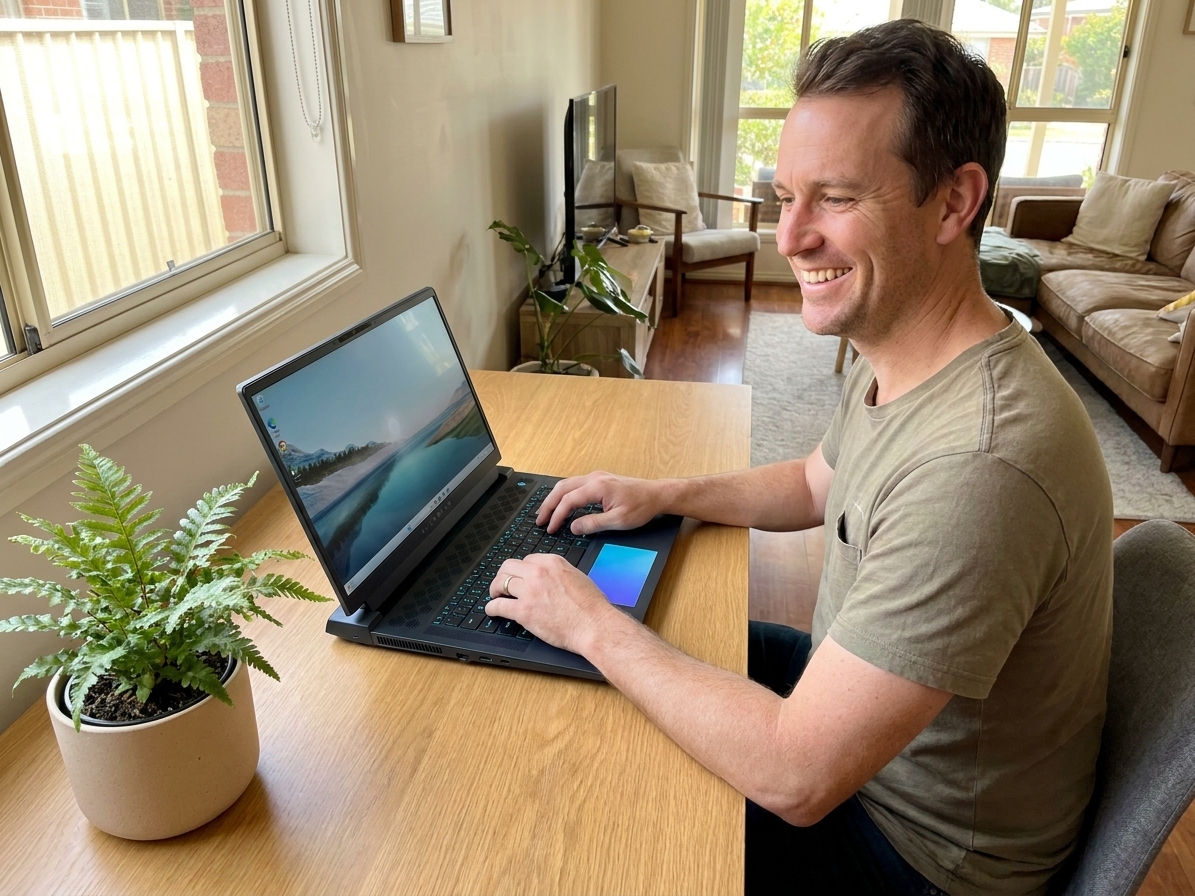
The Alienware 18 Area-51 (2025) is Dell’s current flagship gaming laptop — Intel Core Ultra 9 285HX, NVIDIA RTX 5080 or 5090 mobile, the redesigned thermal stack, Tobii eye-tracking on top-spec, and a 18″ QHD+ 240Hz panel. It’s the spiritual successor to the m18 R2, with the “Area-51” name re-applied to the flagship after years of absence.
Too new for many established fault patterns, but early service work has been factory-paste degradation (faster than expected on launch firmware), a small batch of USB-C ports shipped slightly bent, and the AlienFX rear-vent strip RGB going intermittent.
Models We Service
Every generation we currently service:
| Model | Year | Common faults | Service status |
|---|---|---|---|
| 18 Area-51 — i9 / RTX 5080 / QHD+ 240Hz | Mid-tier flagship | Paste-pre-emptive | Yes |
| 18 Area-51 — i9 / RTX 5090 / QHD+ 240Hz | Top-spec | Paste, thermal | Yes |
| 18 Area-51 + Tobii eye-tracking | Top-spec feature pack | Tobii calibration | Yes |
| 16 Area-51 (sibling — smaller chassis) | 16″ Area-51 variant | Same workflow | Yes |
Common Issues & How We Fix Them
Launch-firmware paste degradation
Early units show paste degrading inside 6 months. PTM7950 re-paste pre-emptive at 6-12 months recommended — $320 flat for the 18″ chassis (slightly more workshop time vs smaller m18).
Bent USB-C tongue (small batch)
A small batch of 2025 Area-51 units shipped with slightly off-axis USB-C ports — Dell quietly replaced affected units under warranty. If yours has “wiggle to insert” symptoms, check warranty first. Out of warranty: $350-$450.
AlienFX rear-vent strip intermittent
The rear-vent RGB strip uses a separate flex from the keyboard. Failed flex: $180-$280 fitted.
Reinforced hinge
Dell redesigned the hinge mounting on the 2025 Area-51 with a larger spanning metal bracket. Early signs are very promising for hinge reliability vs the m18 line.
RTX 5090 thermal under sustained load
The RTX 5090 mobile (175W) is the highest-TDP mobile GPU shipped to date. Even with the redesigned cooling, sustained 4K gaming sees thermal management at its limit. Pre-emptive thermal service highly recommended.
Tobii eye-tracking calibration drift
Tobii calibration drifts with use; re-calibration via Tobii Hub software, free.
Our Repair Process
- Free quote + warranty check (most 2025 Area-51 are still in Dell’s 12-month).
- Drop-off or courier.
- Workshop turnaround — same-day for re-paste, 1-3 days for typical, 5-10 for special-order parts.
- 90-day warranty.
Frequently Asked Questions
Alienware 18 Area-51 Repair faults we repair every week
Factory thermal paste degradation
Symptom: Elevated CPU and GPU temps within 6 months, thermal throttling under sustained loads
How we fix it: Remove heatsink assembly, clean factory paste from the Intel Core Ultra 9 285HX and RTX 5090 die, apply PTM7950 phase-change pad and reassemble with correct torque sequence.
Repair or replace? repair
Bent USB-C port tongue
Symptom: Wiggle or resistance when inserting cable, intermittent charging or data transfer on left-side port
How we fix it: Desolder damaged USB-C receptacle from the I/O daughterboard, install new receptacle with alignment jig, reflow and test signal integrity.
Repair or replace? repair
AlienFX rear-vent RGB flex failure
Symptom: Rear exhaust strip LEDs flicker or drop entire colour channels while keyboard lighting remains stable
How we fix it: Remove bottom cover and keyboard deck, replace dedicated RGB flex cable routed under the hinge cover, reseat controller board connector.
Repair or replace? repair
Tobii eye-tracking calibration drift
Symptom: Recalibrate Tobii sensor array in Alienware Command Center after firmware update; replace sensor module if internal flex has micro-fractures.
Repair or replace? Depends
18-inch QHD+ 240Hz panel delamination
Symptom: Corner pressure marks or colour shift appearing after 4-6 months of travel use
How we fix it: Remove damaged 18-inch 240Hz panel, transfer LVDS and touch cables to new OEM-grade replacement panel, verify 240Hz refresh and Tobii alignment.
Repair or replace? replace
Alienware 18 Area-51 Repair price guide
| Repair | Indicative price | Typical turnaround |
|---|---|---|
| PTM7950 re-paste on 18 Area-51 chassis | $320 flat | Same day |
| USB-C port replacement (out of warranty) | $350-$450+ | 1-2 days |
| AlienFX rear-vent RGB flex replacement | $180-$280+ | Same day |
| Tobii eye-tracking module replacement | $420-$550+ | 2-3 days |
| 18-inch QHD+ 240Hz panel replacement | $890-$1150+ | 2-3 days |
| No-fix-no-fee board-level diagnostic | from $149 | 2-5 business days |
| Hinge bracket reinforcement check and torque | $160-$240+ | Same day |
Prices are indicative only — every job is confirmed with a free, no-obligation quote after diagnosis. No Fix, No Fee.
Alienware 18 Area-51 Repair — your questions answered
How long does a thermal paste service take on the Alienware 18 Area-51?
We complete the PTM7950 re-paste in one session, usually within four hours including full load testing and temperature logging before return.
Is the bent USB-C issue covered under Dell warranty on 2025 models?
Dell has replaced affected units under warranty when reported early. If your machine is outside the coverage window we can replace the port for $350-$450 with a 90-day warranty on parts and labour.
Will replacing the AlienFX RGB flex affect the keyboard lighting?
No. The rear-vent strip runs on a separate flex cable from the keyboard, so we replace only the vent flex and leave the keyboard assembly untouched.
Can you repair Tobii eye-tracking on the top-spec 18 Area-51?
Yes. We first recalibrate through Alienware Command Center. If the internal flex has failed we replace the Tobii module for $420-$550 and re-align the sensor array.
Do you offer onsite service for the Alienware 18 Area-51 in regional areas?
Our technicians travel to most metro and many regional postcodes. Onsite thermal or port repairs are available for an additional travel component starting from $120.




























