


Computer Cleaning Darwin — Dust, Fans & Overheating, Onsite or At Home
Last Updated:
Darwin computers work hard, and over time they fill with dust, pet hair and grime that clogs the fans and traps heat — so the machine runs hot and loud, slows itself down, and shuts off at the worst moment. The Original PC Doctor offers professional computer cleaning in Darwin: a careful internal dust-out, a fan and cooling service, fresh thermal paste where it helps, and a software tidy-up so your computer runs cool, quiet and quick again. We come to you across Darwin, or you can arrange a drop-in.
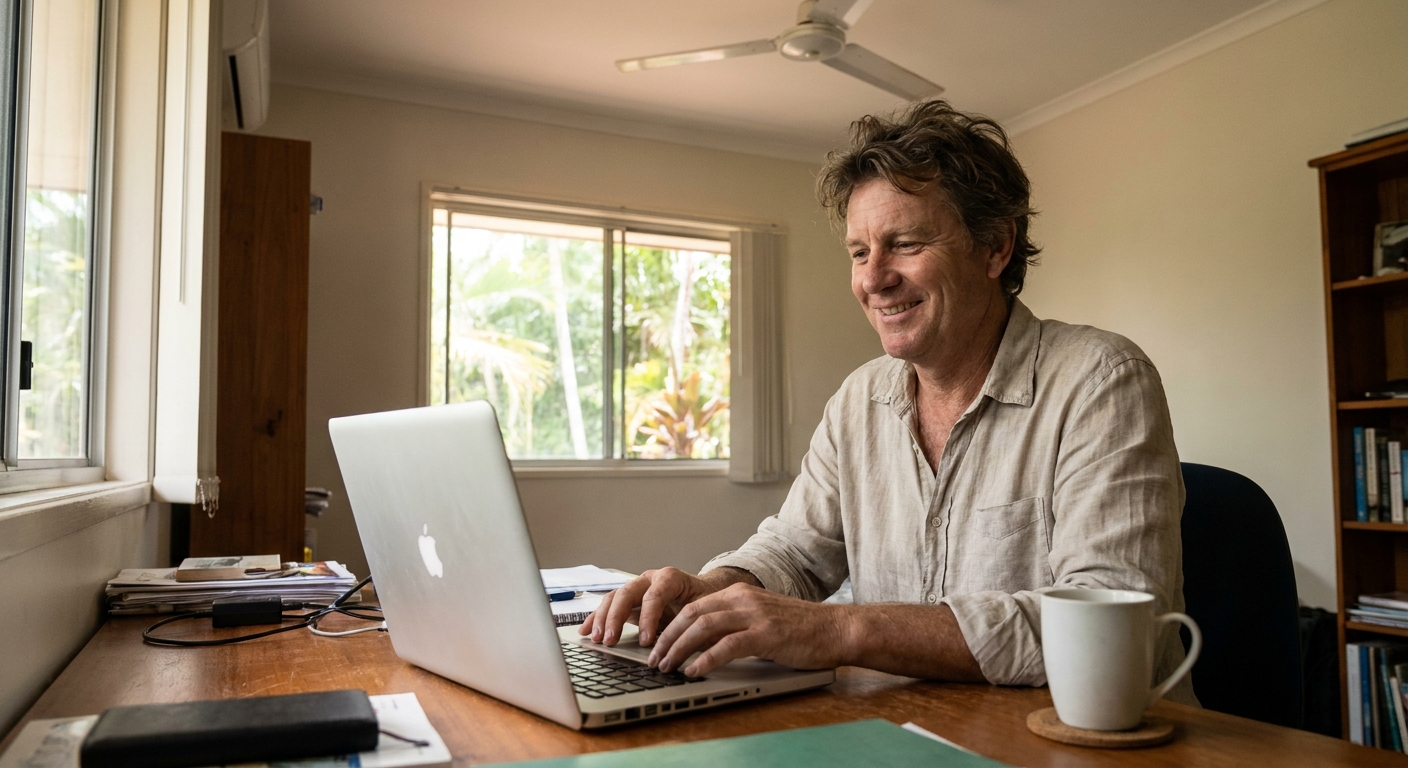
Darwin computer running hot, loud or slow?
Book a clean, grab a free quick quote, or talk to a local technician — onsite, at home, or drop-in.
What’s involved in a Darwin computer clean
A proper clean is mostly about heat. When dust blankets the fans and heat sinks, the machine cannot shed heat, so it throttles its speed, runs the fans loud, and eventually shuts down to protect itself. Our clean covers:
- Internal dust removal — we open the machine and clear dust from the fans, heat sinks and vents, rather than blowing it deeper inside.
- Fan service — blades cleaned, bearings checked for wear or rattle, and a failing fan replaced if needed.
- Fresh thermal paste — dried-out paste between the chip and cooler is a leading cause of overheating; a repaste can drop temperatures dramatically.
- Keyboard, screen and exterior — sticky keys, smudged screens and grimy cases cleaned safely.
- Static-safe and data-safe — proper anti-static handling, and your files are never touched.
For the full picture of what a professional clean involves, see our Computer Cleaning service overview.
Overheating or loud?
If the fan roars during simple tasks, the laptop is hot underneath, or it shuts off on a hot day, a clean and repaste usually fixes it. For high-performance and gaming machines that need deeper work, we have dedicated thermal services — including Acer, HP, Lenovo and ASUS fan and repaste, and Razer and Alienware overheating repairs.
Slow rather than dusty? The software side
If your computer is cluttered and slow rather than physically dirty, that is a different job — clearing junk and restoring speed is covered by our Computer Tune-Up and Slow Computer Fix, and if malware is the cause, our Virus & Malware Removal sorts it. Not sure which you need? Tell us the symptoms and we will point you to the right fix.
What’s included, and what it costs
A standard Darwin clean covers a full internal dust-out, a fan clean and check, a thermal repaste where it helps, and an exterior and keyboard clean, finished with a quick health check. Cost depends on the device and how clogged it is, so we give you a firm price up front before any work starts — no surprises.
Onsite and at-home across Darwin
Wondering where to get your laptop cleaned in Darwin without posting it away? We come to you — from the CBD and Nightcliff to Palmerston, Casuarina, Berrimah, Howard Springs and Humpty Doo. Tell us your suburb and we will book the nearest technician. Our team has looked after Australian homes and businesses since 1994.
A recent Darwin client story
Responsible recycling
If a computer or laptop is genuinely beyond saving rather than just dirty, please recycle it responsibly. Australian households and small businesses can drop off old computers, laptops, monitors and accessories free of charge under the Australian Government’s National Television and Computer Recycling Scheme, and you can find your nearest e-waste drop-off point through Planet Ark’s Recycling Near You.
Frequently asked questions
Do you come to my Darwin suburb?
Yes — we cover Darwin and surrounds, from the city and northern suburbs out to Palmerston and Howard Springs. Tell us your suburb and we will book the closest technician.
How often should I have my computer cleaned?
For most homes, once every 12 to 18 months. Sooner if you have pets, live somewhere dusty, or run a gaming or work machine hard — those can need a clean every 6 to 12 months.
Is it safe to clean a laptop fan myself?
A light external blow-out is usually fine, but the real dust sits inside on the heat sink. Opening a laptop incorrectly can crack clips or tear cables, and blowing compressed air the wrong way can over-spin and damage the fan, so an internal clean is safer done professionally.
How long does it take?
A straightforward laptop clean is often done on the same visit, frequently in under an hour. A heavily clogged machine, a full repaste, or a desktop with many components takes longer — we give a time estimate with your quote.
How much does computer cleaning cost in Darwin?
It depends on the device, how much build-up there is, and whether a thermal repaste or new fan is needed. We always quote a firm price up front before starting. Ask for a free quick quote and we will give you the figure for your machine.
Give your Darwin computer a new lease on life. Call (08) 7936 8639 or book a clean online — cooler, quieter, faster.
Computer Cleaning in Darwin
For locals near the vibrant Darwin Waterfront Precinct, The Original PC Doctor expertly cleans, de-dusts, and speeds up computers and laptops, providing essential onsite and remote tech support to keep your devices running smoothly.




























