


MacBook Pro 13" Touch Bar Repair (Intel, 2016-2022)
Last Updated:
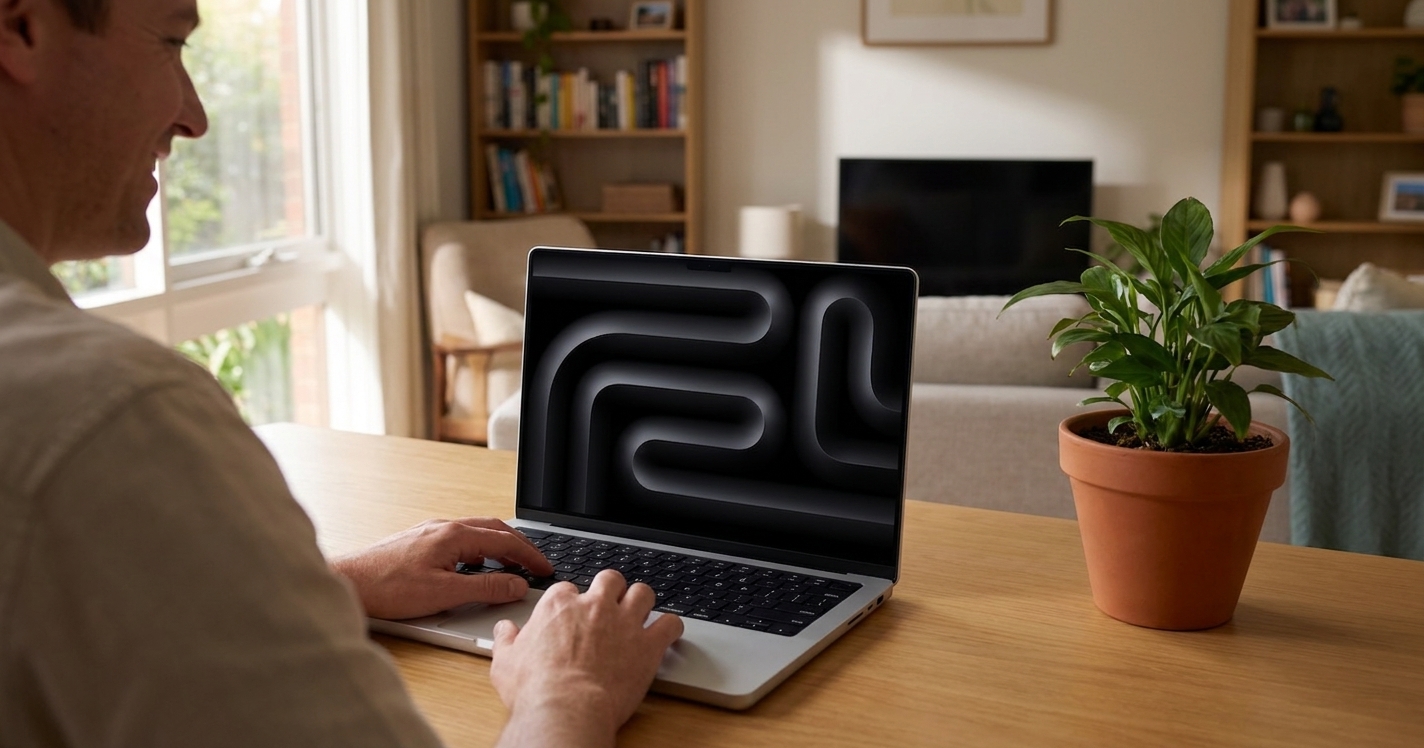
The MacBook Pro 13″ Touch Bar (2016-2022) spans Apple’s most polarising laptop era — the introduction of the Touch Bar replacing the function-key row, the butterfly keyboard disaster (2016-2019), and finally the Apple Silicon transition (M1 2020, M2 2022). The 13″ Touch Bar was discontinued in 2023 in favour of the 14″ MacBook Pro M-series. Still very much in service across Australia though.
Models We Service
Every generation we currently service:
| Model | Year | Common faults | Service status |
|---|---|---|---|
| MacBook Pro 13″ 2016 (TouchBar) | Gen 1 butterfly + Touch Bar | Keyboard recall, battery | Yes |
| MacBook Pro 13″ 2017 (TouchBar) | Gen 2 butterfly | Keyboard recall, battery | Yes |
| MacBook Pro 13″ 2018 (TouchBar) | Gen 3 butterfly with membrane | Keyboard, battery | Yes |
| MacBook Pro 13″ 2019 (TouchBar) | Last butterfly | Keyboard, battery | Yes |
| MacBook Pro 13″ 2020 Intel (TouchBar) | First scissor / Magic Keyboard | Battery, screen, port | Yes |
| MacBook Pro 13″ 2020 M1 (TouchBar) | First M-series Pro | Battery, MagSafe-less | Yes |
| MacBook Pro 13″ 2022 M2 (TouchBar) | Last 13″ Touch Bar Pro | Battery, port | Yes |
Common Issues & How We Fix Them
Butterfly keyboard (2016-2019)
Top-case replacement at $580-$880. Dedicated butterfly page.
Touch Bar dead / unresponsive
Touch Bar’s mini-OLED strip can fail independently of the keyboard. Replacement Touch Bar assembly: $380-$580 fitted.
Touch ID dead
Touch ID sensor on the power button. Replacement requires top-case swap on most 13″ Touch Bar models — bundled with keyboard service.
Battery service
$420-$580 fitted depending on generation.
Stage Light / Flexgate (2016-2017)
Backlight cable too short — uneven backlight at bottom of screen. Display assembly replacement.
Cracked screen
$750-$950 fitted.
USB-C / Thunderbolt 3 port wear
2 ports (entry) or 4 ports (top-spec). Replacement: $320-$420.
M1 vs M2 13″ Touch Bar repair workflow
Mechanically very similar — same chassis, same battery, same screen. SoC is the only major difference. Same parts mostly.
Our Repair Process
- Free quote.
- Drop-off or courier.
- Workshop turnaround 1-5 days.
- 90-day warranty.
Frequently Asked Questions
MacBook Pro 13" Touch Bar Repair (2016-2022) faults we repair every week
Butterfly keyboard failure
Symptom: Keys stop registering or repeat, common on 2016-2019 models
How we fix it: Technician removes top case assembly and fits a complete replacement top case with scissor or revised butterfly mechanism.
Repair or replace? replace
Stage Light / Flexgate backlight issue
Symptom: Uneven or flickering screen brightness near the bottom bezel on 2016-2017 units
How we fix it: Display assembly is replaced as a unit; the short flex cable cannot be lengthened or repaired in place.
Repair or replace? replace
Touch Bar OLED failure
Symptom: Touch Bar strip is blank or unresponsive while keyboard and trackpad still work
How we fix it: Technician replaces the entire Touch Bar assembly and recalibrates the system after fitting.
Repair or replace? replace
Battery swelling or reduced capacity
Symptom: Trackpad lifts, chassis bulges, or battery health drops below 80 percent
How we fix it: Battery is removed after disconnecting the logic board and a new OEM-spec cell pack is installed and calibrated.
Repair or replace? replace
USB-C / Thunderbolt 3 port wear
Symptom: Loose connection, intermittent charging or data transfer on one or more ports
How we fix it: Damaged port is desoldered from the logic board and a new port module is fitted under microscope.
Repair or replace? repair
Touch ID sensor failure
Symptom: Power button does not recognise fingerprint and may not power on reliably
How we fix it: Touch ID is integrated into the top case; replacement requires a new top case assembly with matched sensor.
Repair or replace? replace
MacBook Pro 13" Touch Bar Repair (2016-2022) price guide
| Repair | Indicative price | Typical turnaround |
|---|---|---|
| Butterfly keyboard / top case replacement | $580-$880+ | 2-4 business days |
| Touch Bar assembly replacement | $380-$580+ | 2-3 business days |
| Battery service and calibration | $420-$580+ | Same or next day |
| Display assembly replacement | $750-$950+ | 2-3 business days |
| USB-C / Thunderbolt 3 port repair | $320-$420+ | 1-2 business days |
| No-fix-no-fee board diagnostic | from $149 | 2-5 business days |
| Logic board level port replacement | $420-$620+ | 3-5 business days |
Prices are indicative only — every job is confirmed with a free, no-obligation quote after diagnosis. No Fix, No Fee.
MacBook Pro 13" Touch Bar Repair (2016-2022) — your questions answered
How much does a MacBook Pro 13 Touch Bar battery replacement cost in Australia?
Battery service on the 2016-2022 13-inch Touch Bar models ranges from $420 to $580 fitted. The price covers a new OEM-spec cell, calibration and our 90-day warranty. Onsite or workshop options are available across most capital cities.
Can you fix the butterfly keyboard on a 2018 MacBook Pro 13 Touch Bar?
We replace the entire top case assembly with a revised or scissor mechanism unit. Cost sits between $580 and $880 depending on the exact configuration. Turnaround is normally two to four business days with a 90-day warranty on parts and labour.
Is the Touch Bar covered under any Apple recall or extended service program?
Apple offered a free keyboard service program for 2016-2019 butterfly models until 2022, but most units are now outside that window. We still perform the same top-case replacement at standard rates if the original program has expired.
Will replacing the battery on my M1 MacBook Pro 13 Touch Bar affect the warranty?
Our battery service carries its own 90-day warranty. Because the M1 and M2 models are out of AppleCare, fitting a quality replacement cell does not void any remaining manufacturer coverage.
How long does a screen replacement take on a 2016-2017 MacBook Pro 13 Touch Bar?
Display assembly replacement is completed in two to three business days. The job includes the full lid, hinges and camera assembly plus recalibration of brightness sensors.




























