


SSD Upgrade Service Australia — Make Your Computer 5-10x Faster
Last Updated:
Still running on an old spinning hard drive? An SSD upgrade is the single best thing you can do for a slow computer. The Original PC Doctor installs solid-state drives in desktops, laptops, and iMacs across Australia — HP, Dell, Lenovo, ASUS, Acer, Samsung, iMacs, and custom-built PCs. We clone your existing drive so nothing changes except the speed — boot in 15 seconds instead of 3 minutes.
Combined with a RAM upgrade, it is the most cost-effective way to breathe new life into an existing computer. Not sure if you should upgrade or replace?
👇 Scroll to the bottom of this page for free resources, guides, and blog articles that will help you make the best decision for your computer — including our speed-up guide and Windows 10 end-of-life advice.
Why Upgrade to an SSD?
⚡
5-10x Faster
Boot, apps, and file transfers dramatically faster
🔇
Silent Operation
No moving parts — zero noise
🛡️
More Reliable
No mechanical failure risk — survives bumps
🔋
Better Battery
Uses less power in laptops
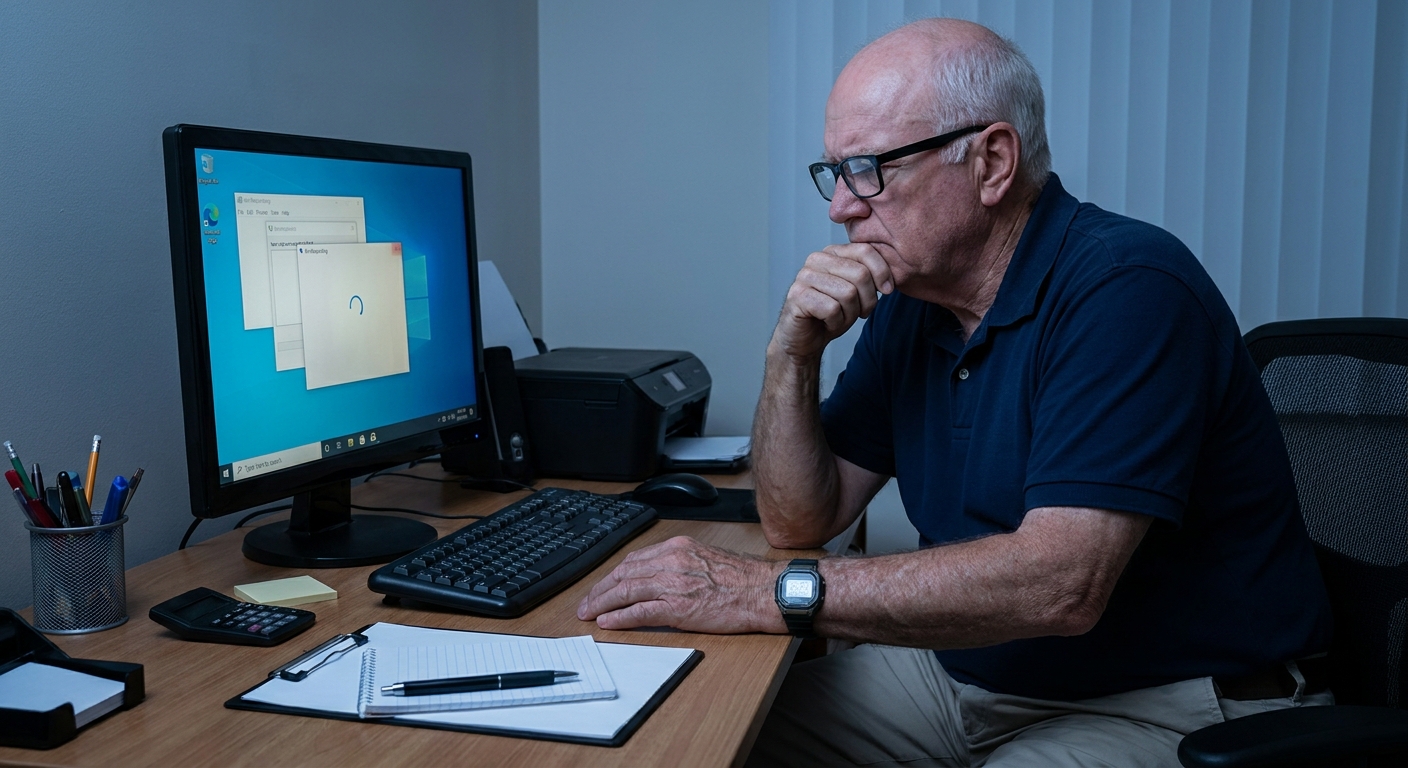
❌ Before (Hard Drive)
2-3 min
Boot time
30-60 sec
Open apps
100 MB/s
Read speed
✅ After (SSD)
15-20 sec
Boot time
1-3 sec
Open apps
550+ MB/s
Read speed
How Our SSD Upgrade Works
<div style=”background:#0073aa;color:#fff;width:44px;height:44px;border-radius:50%;ali
gn-items:center;justify-content:center;font-weight:bold;flex-shrink:0;font-size:18px”>1
We check your computer is compatible and recommend the right SSD size and type (SATA vs NVMe). No charge.
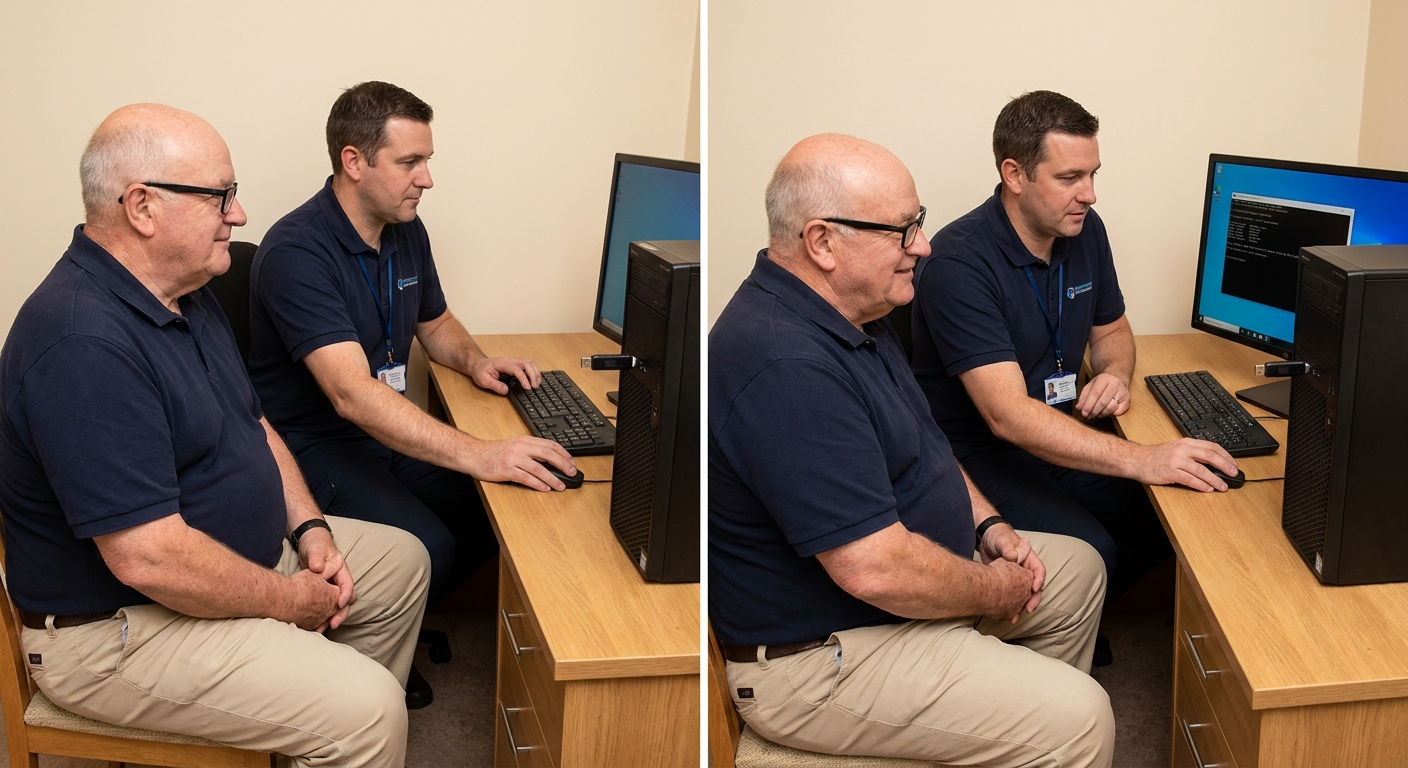
We clone your entire existing drive — Windows/macOS, all your files, programs, and settings — to the new SSD. Nothing changes except the speed.
We install the SSD, verify everything works perfectly, and run performance benchmarks to confirm the speed improvement.
We keep your old drive as a backup for 30 days in case you need anything. After that, we can securely erase it or return it to you.
Your computer boots in seconds and everything runs dramatically faster. Same files, same programs, same layout — just blazing fast.
⚡ Want to Know if Your Computer Can Be Upgraded?
Submit a free compatibility check — we tell you exactly what SSD fits and how much faster it will be.
Types of SSDs Explained — SATA vs NVMe
Compatible Devices
SSD or RAM — Which Upgrade First?
⚡ SSD Upgrade When…
- Computer takes minutes to boot
- Programs slow to open
- File transfers are sluggish
- Still running a spinning hard drive
- General sluggishness all the time
🧠 RAM Upgrade When…
- Slows with multiple apps open
- Browser crawls with many tabs
- Video editing or gaming stutters
- Task Manager shows 80%+ memory
💡 Best answer? Most computers benefit from both. Our SSD + RAM combo package saves money and delivers the maximum performance gain. RAM upgrade details → | All upgrade options →
What Can Go Wrong With SSD Upgrades? (Why Professional Matters)
SSD Upgrade or Buy a New Computer?
✅ Upgrade with SSD
- Computer is under 7 years old
- Only issue is speed / slowness
- competitive pricing vs request a quick quote online–$2,000 new
- Gives you 3-5 more years of fast use
- All your files stay exactly as they are
❌ Consider Replacing
- Over 8 years old
- Cannot run Windows 11 or latest macOS
- Multiple hardware failures
- CPU is the bottleneck (not storage)
Full repair vs replace guide → | Repair cost guide →
Need Help? Get a Free Quote
Submit the form for a free quote within 30 minutes — since 2001
Common SSD Upgrade Jobs We Do Every Week
Frequently Asked Questions
SSD Upgrade Service Areas Across Australia
We provide onsite SSD upgrades in all major Australian cities. Our technician comes to your home or office, clones your drive on the spot, and installs the new SSD — usually completed in a few hours.
Plus hundreds of regional towns. Find your nearest technician →
Related Services
Free Resources and Guides
We write regularly about computer speed, upgrades, and getting the most out of your technology. Here are our most relevant guides for SSD upgrades:
Responsible E-Waste Recycling




























