


Myrtle Bank Computer Repairs (5064) — Onsite Fixes, No Fix No Fee
Last Updated:
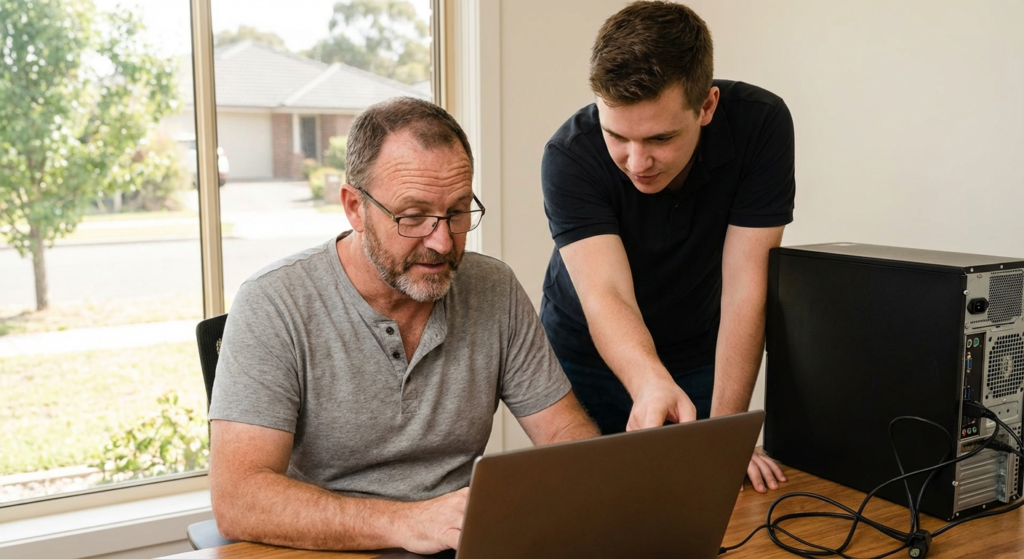
When your computer freezes mid-task in Myrtle Bank — emails stacking up, that important spreadsheet unresponsive, the morning slipping away — it’s the sort of frustration The Original PC Doctor has been sorting out for locals since 2001, arriving onsite at your home or office to handle desktops, laptops, NBN setups and virus infections with most fixes done the same day. We know the area well after two decades of calls from these streets, diagnosing the real issues on the spot without guesswork or hassle. Every repair comes backed by our No Fix No Fee promise and a 14-day workmanship guarantee, so if we can’t get you running smoothly again, you don’t pay a cent.
Need a technician in Myrtle Bank today? We come to you — Adelaide and surrounds.
Same-day bookings, No Fix No Fee, 14-day workmanship guarantee.
The Original PC Doctor · Since 2001 · Trusted by Myrtle Bank and Adelaide
Services We Fix in Myrtle Bank
Myrtle Bank sits within the Mitcham local government area on Adelaide’s eastern foothills, where leafy streets climb toward the Mount Lofty Ranges and homes line the ridges with views over the plains below. The NBN mix here is mostly FTTN on older copper lines that struggle with peak evening speeds, especially for houses further up the slopes where signal degradation kicks in, or FTTC in denser pockets sharing node capacity. We service all sorts of locals in this established suburb — families managing home offices alongside schoolwork, retirees navigating iCloud and photo backups on iPads, university students with battered laptops from campus life, small professional outfits like accountants and consultants keeping Microsoft 365 flowing, and the cafes along Belair Road dealing with POS hiccups during lunch rushes.
Why Myrtle Bank Locals Choose Us
Since 2001, The Original PC Doctor has been servicing Myrtle Bank and the surrounding Adelaide Hills pockets — tackling slow-booting laptops, dead hard drives, NBN dropouts, virus infections, printer setups, Microsoft 365 glitches and data recovery onsite, usually same-day in postcode 5064. No Fix No Fee means you pay nothing if we can’t sort it. Our 14-day workmanship guarantee covers every job. We provide plain-English explanations and upfront quotes, telling you straight if a fix isn’t viable. Whether it’s a Dell overheating in a sun-exposed study or an HP battling Wi-Fi through thick hillside walls, we handle it right there at your place. Apple has no store anywhere in SA, so they regularly refer Myrtle Bank locals to us for urgent data recovery from MacBooks, iMacs and iPads while warranty devices head interstate to Chadstone.
- ✓Over 20 years fixing computers across Adelaide’s eastern suburbs, including thousands of repairs in Myrtle Bank and Mitcham since 2001.
- ✓No Fix No Fee guarantee — if we can’t fix your issue onsite, you pay nothing at all.
- ✓14-day workmanship guarantee on every repair, so you’re covered if anything goes wrong soon after.
- ✓Onsite service coming directly to your Myrtle Bank home or office, with same-day response for most calls in postcode 5064.
- ✓All brands and platforms handled expertly — HP, Dell, Lenovo, ASUS, Acer, Microsoft Surface, Apple MacBooks and iMacs, plus custom PCs.
- ✓Plain-English explanations with no tech jargon, plus honest upfront quotes before any work starts.
- ✓Full range in one call: hardware fixes, software troubleshooting, virus removal, data recovery, NBN networking and small business IT support.
- ✓Special Apple data recovery referrals from Apple itself for SA customers, rescuing photos and files from MacBooks and iPads without interstate shipping.
Common Computer Problems in Myrtle Bank
In Myrtle Bank’s elevated position within the Mitcham area and postcode 5064, summer heat builds up in upstairs studies causing laptops to throttle and desktops to overheat from dried thermal paste, while summer storms rolling off the Mount Lofty Ranges deliver power surges that fry modems and power supplies. NBN FTTN on ageing copper lines means sluggish speeds and dropouts for homes up the ridges, where long in-home wiring adds latency, and FTTC nodes in busier streets congest during evenings. We see Wi-Fi struggles through thick brick walls or dense foliage, especially ASUS routers failing to penetrate to back rooms, plus dust buildup on fans from the dry northerlies clogging cooling vents. Holiday rentals near the foothills cop guest overloads on shared networks, leading to router crashes mid-stay.
Families here bring in the usual suspects — HP laptops crawling through boot-up after family virus downloads, Dell desktops with clicking drives full of school photos needing recovery, or cracked Lenovo screens from playground drops. Parents of students at nearby schools like Springfield Primary or Westbourne Park Primary show up with Chromebooks that won’t connect to home Wi-Fi post-term break, while we handle steady MacBook and Surface Pro fixes for university students from Flinders or Adelaide Uni commuting through the area. Retirees need patient setups for iCloud syncs on iPads or Samsung tablets, often recovering years of family albums from failing external drives. Parental controls on home networks and Microsoft 365 sharing for multiple users round out the home jobs.
Small businesses along Belair Road and in Myrtle Bank’s professional pockets — accountants, consultants, cafes and real estate offices — hit POS systems not syncing with printers, Xero login freezes after updates, or shared OneDrive folders vanishing on Windows machines. We manage MYOB headaches for local tradies, email deliverability issues post-domain tweaks, and Wi-Fi extenders failing in multi-level heritage offices. Apple referrals come our way for iMac data grabs when devices ship to Melbourne, keeping Adelaide Hills practices running without downtime. No named industrial parks here, but we support the steady stream of home-based enterprises and strip shops with monthly IT checks to prevent outages. We diagnose and fix all of this onsite in one visit where we can.
Nearby Suburbs We Also Cover
Myrtle Bank sits inside postcode 5064 alongside parts of Athelstone, Highbury, Hectorville, Kensington Gardens, Leabrook, Linden Park and Skye. We service all of these regularly, plus regular work across Beaumont, Burnside, Glenunga, Hawthorn, Kensington, Marryatville, Mount Osmond, Rose Park, Stonyfell, Tusmore and wider Adelaide eastern suburbs like Campbelltown and Paradise. In this drive radius, our techs cover home offices in hillside family homes, small professional suites along Belair Road, university student digs, retirement villages sorting iCloud setups, and cafes handling lunch-rush POS glitches. If you’re within roughly a 30-minute drive of Myrtle Bank, we can almost always get a technician to you the same day, with remote support available across the Adelaide Hills corridor.
If your computer is letting you down in Myrtle Bank, we’re a phone call away. Local technicians, fair prices, and a guarantee that you only pay if we actually fix the problem.
Top Questions About PC & Laptop Repair in Myrtle Bank
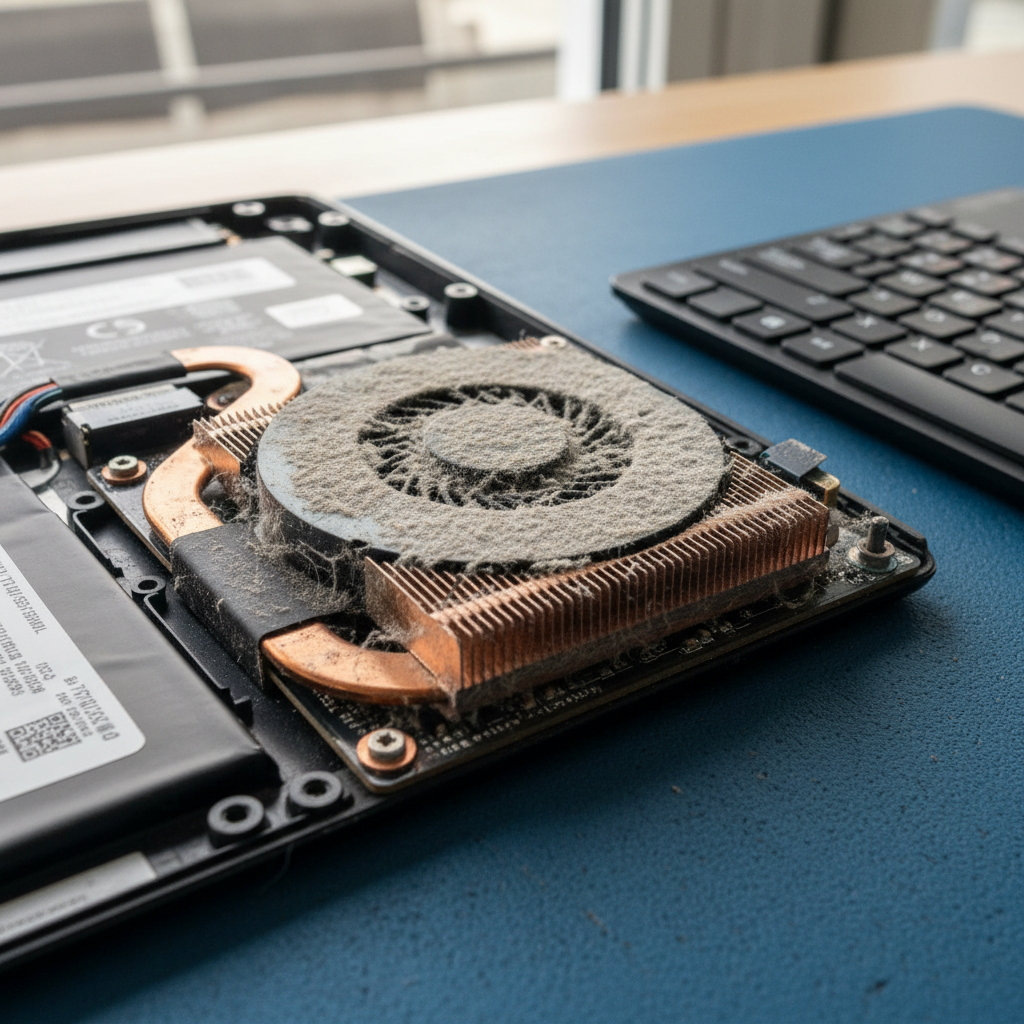

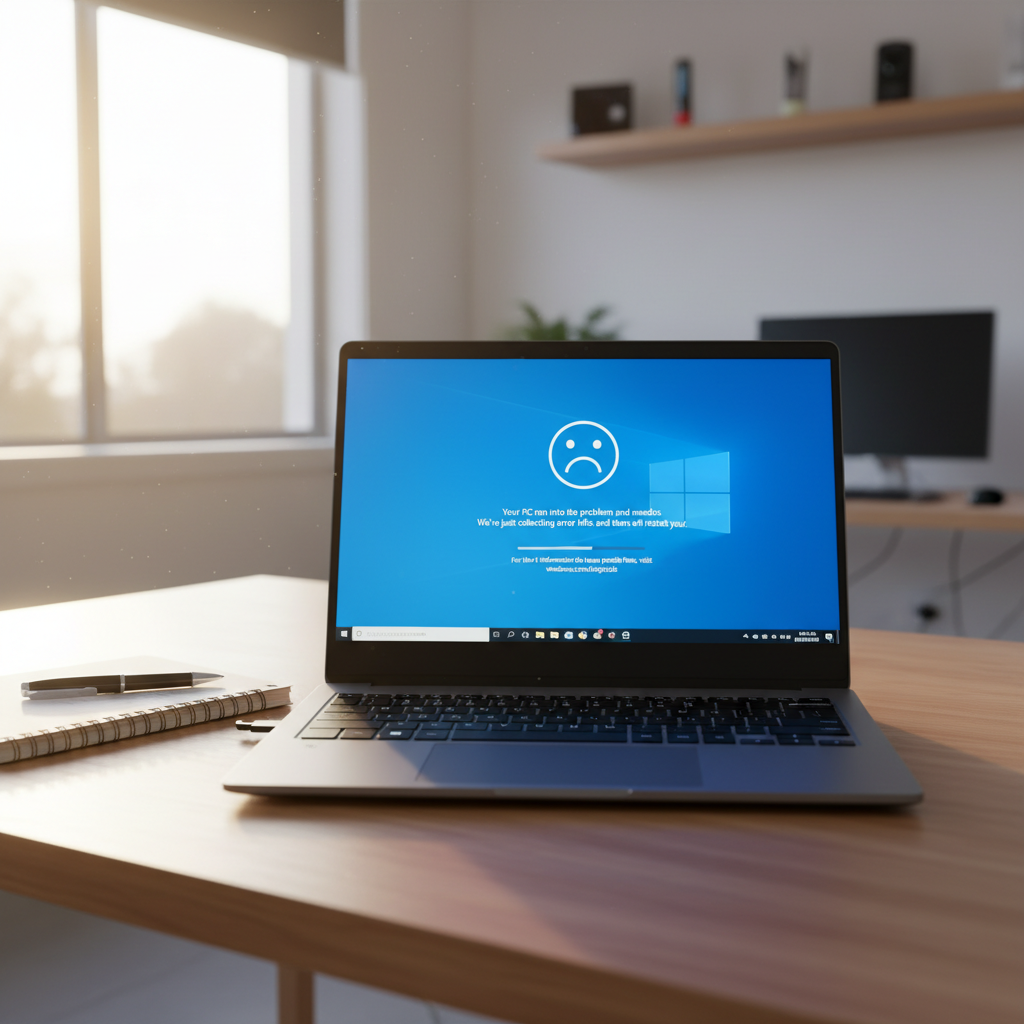
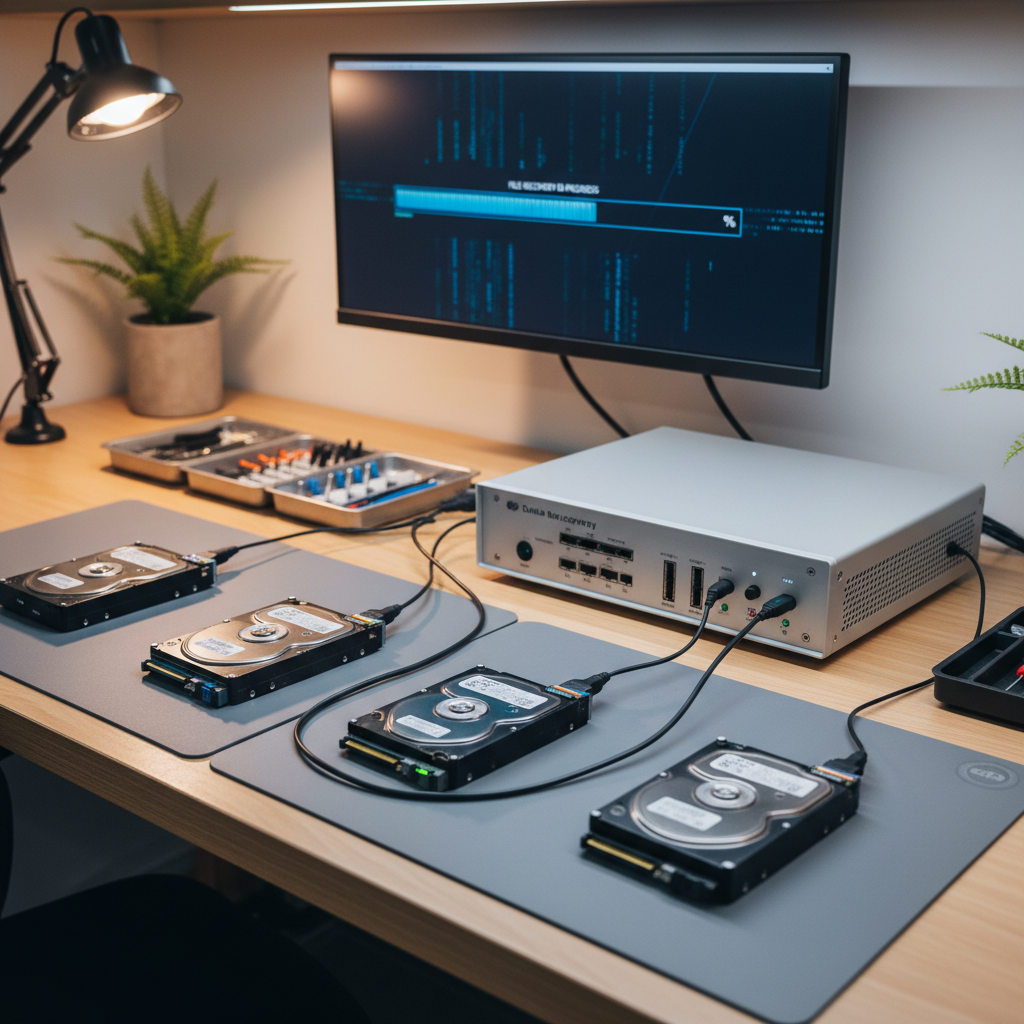
Don’t risk losing your files or making the issue worse — most problems in Myrtle Bank are fixed the same day.
Call now or book online and we’ll have a technician on your screen within the hour.
The Original PC Doctor · Since 2001 · No Fix, No Fee · 14-day workmanship guarantee · Same-day service in Myrtle Bank and Adelaide
Find Us On The Map
Free Tools & Guides
About Computer Repairs in Myrtle Bank
Myrtle Bank sits in postcode 5064 under the Mitcham local government.
Across Myrtle Bank 5064 we cover the full repair stack — laptop and desktop hardware, virus and ransomware cleanup, data recovery from failed drives, NBN and Wi-Fi troubleshooting, Mac repairs out of warranty, and ongoing IT support for home offices and small businesses.
Laptop brands we service
Every major laptop brand sold in Australia — onsite or workshop repair, per-fault pricing typically 30-50% below brand-authorised service.
Apple MacBook
Razer Blade
Dell XPS
HP
Lenovo ThinkPad
ASUS
MSI
Acer
Alienware
Metabox / Clevo
LG Gram
Samsung Galaxy Book
Toshiba / Dynabook
VAIO
Framework
Huawei MateBook




























