


Mac Data Recovery Melbourne — MacBook, iMac, Mac mini, Studio & Pro
Last Updated:
Lost data? Stop using the device and act now — early action is the biggest factor in successful recovery.
✔ Free file list before you pay · ✔ Free phone assessment · ✔ ISO-5 Class 100 clean room · ✔ 20+ years experience
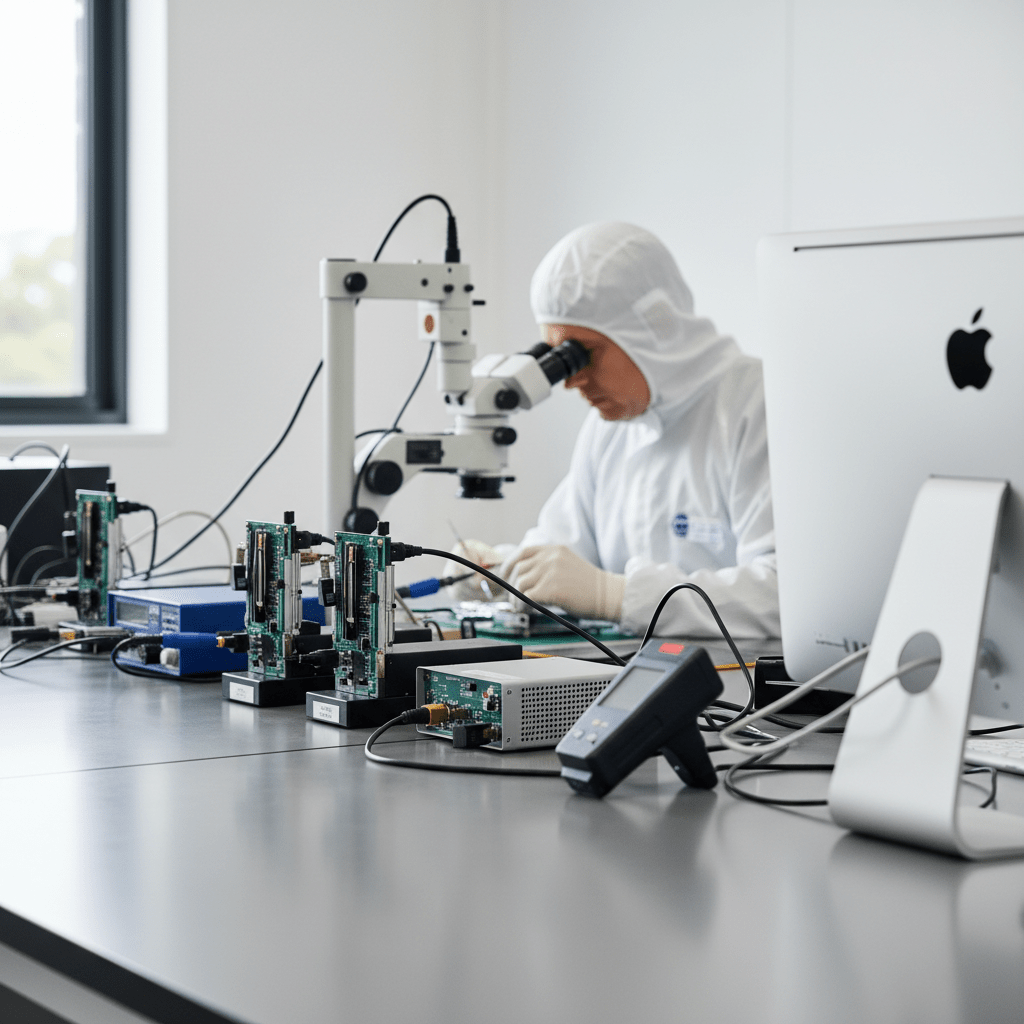
Lost data on your Mac in Melbourne? You’re in the right place. Our Melbourne-based senior recovery technicians work on all modern Apple hardware in our cleanroom-equipped lab. Mac data recovery is its own specialty — and most general-purpose recovery shops simply can’t do the job on modern Apple hardware. Soldered SSDs on MacBook Pro and Air. T2 security chips. Apple Silicon (M1/M2/M3/M4). FileVault encryption. APFS volumes that refuse to mount. We work with all of it, every day, in our cleanroom-equipped lab.
Get your Free Quick Quote — fill in the form on this page. Tell us your Mac model and what happened, and we’ll give you an honest indication of recovery options and likely cost band before you commit to anything. Australia-wide service, senior recovery technicians, no sight-unseen pricing tricks. Click your Mac model below for specifics, or use the Quick Quote form to get started.
Jump to your Mac model:
- → MacBook Pro Data Recovery — Intel, T2, Apple Silicon, all years
- → MacBook Air Data Recovery — Intel through M4
- → iMac Data Recovery — All generations including iMac Pro
- → Mac mini Data Recovery — Intel and M-series
- → Mac Studio Data Recovery — M1/M2/M3 Max & Ultra
- → Mac Pro Data Recovery — Trash-can, tower, all configurations
- → Common Mac Failures We Recover
- → How It Works & Pricing
Free Resources
Independent, non-commercial references:
Get your data back — free file list, free phone assessment. Talk to a specialist today.
✔ Free file list before you pay · ✔ Free phone assessment · ✔ ISO-5 Class 100 clean room · ✔ 20+ years experience
MacBook Pro Data Recovery
MacBook Pro data recovery is one of our most common jobs — and one of the most technically demanding. Modern MacBook Pros use soldered NVMe storage that cannot simply be moved to another machine. T2-equipped models (2018–2020) and Apple Silicon models (M1/M2/M3/M4 Pro/Max) require board-level access and specialised techniques to extract data when the logic board has failed.
We recover from liquid-damaged MacBook Pros, units that won’t power on, failed SSDs, corrupted APFS volumes, FileVault-encrypted drives (with credentials), and physically damaged storage. → MacBook Pro Data Recovery details
MacBook Air Data Recovery
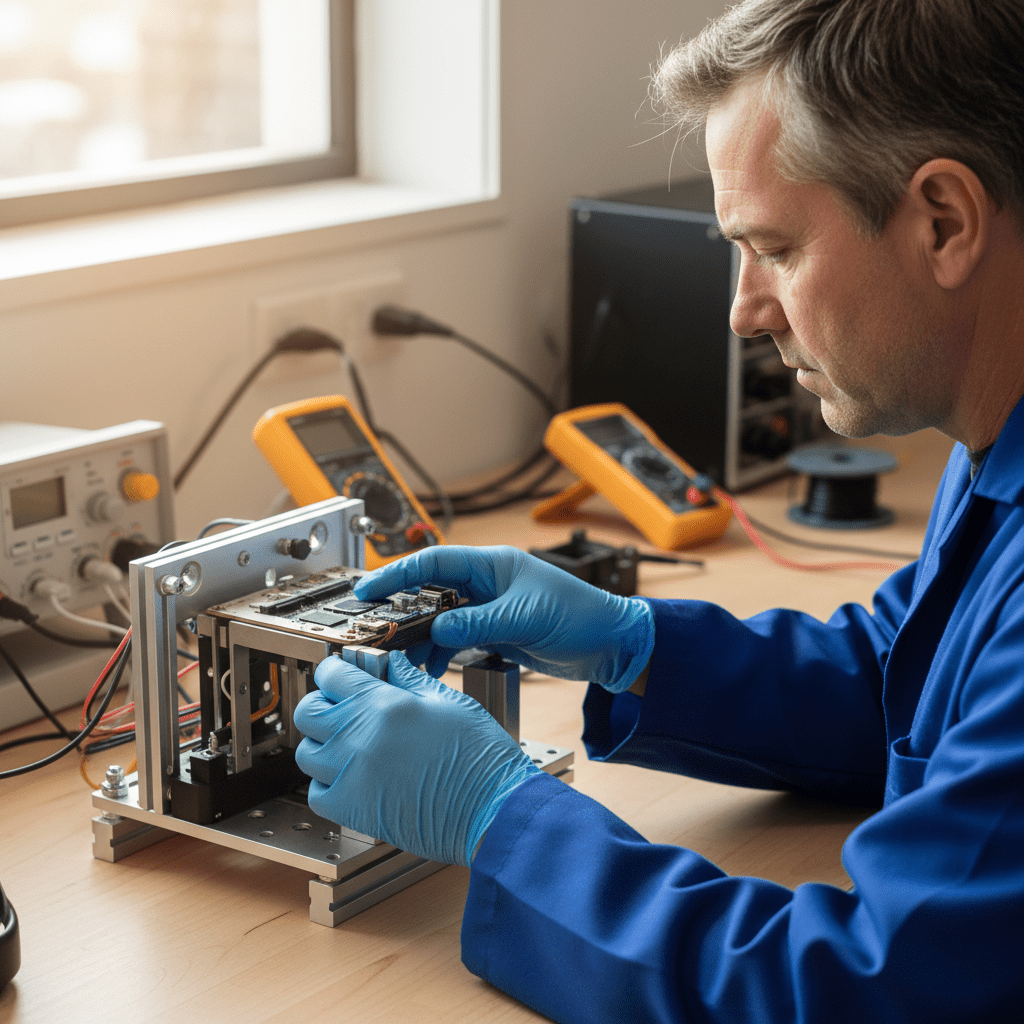
MacBook Air models from 2018 onwards use the same T2 or Apple Silicon architecture as MacBook Pro, with the same soldered storage challenges. M1, M2, M3 and M4 MacBook Airs require chip-level recovery techniques in our cleanroom for any physical damage scenario.
Common MacBook Air failures we recover: liquid damage (especially under the keyboard), dead logic boards after power surges, swollen batteries that have damaged surrounding components, and APFS volumes that won’t mount after macOS updates. → MacBook Air Data Recovery details
iMac Data Recovery
iMac data recovery covers everything from old spinning-drive iMacs to fusion-drive units to modern M-series iMacs. Fusion drive recovery is its own specialty — when the SSD or HDD half of a fusion volume fails, the entire APFS container becomes inaccessible. We rebuild fusion volumes and recover data that other shops have given up on.
iMac Pro and M-series iMacs require the same cleanroom and chip-off techniques as modern MacBooks. We also recover from dead displays (which can lock you out of an otherwise working iMac), failed power supplies, and physical drive damage. → iMac Data Recovery details
Mac mini Data Recovery
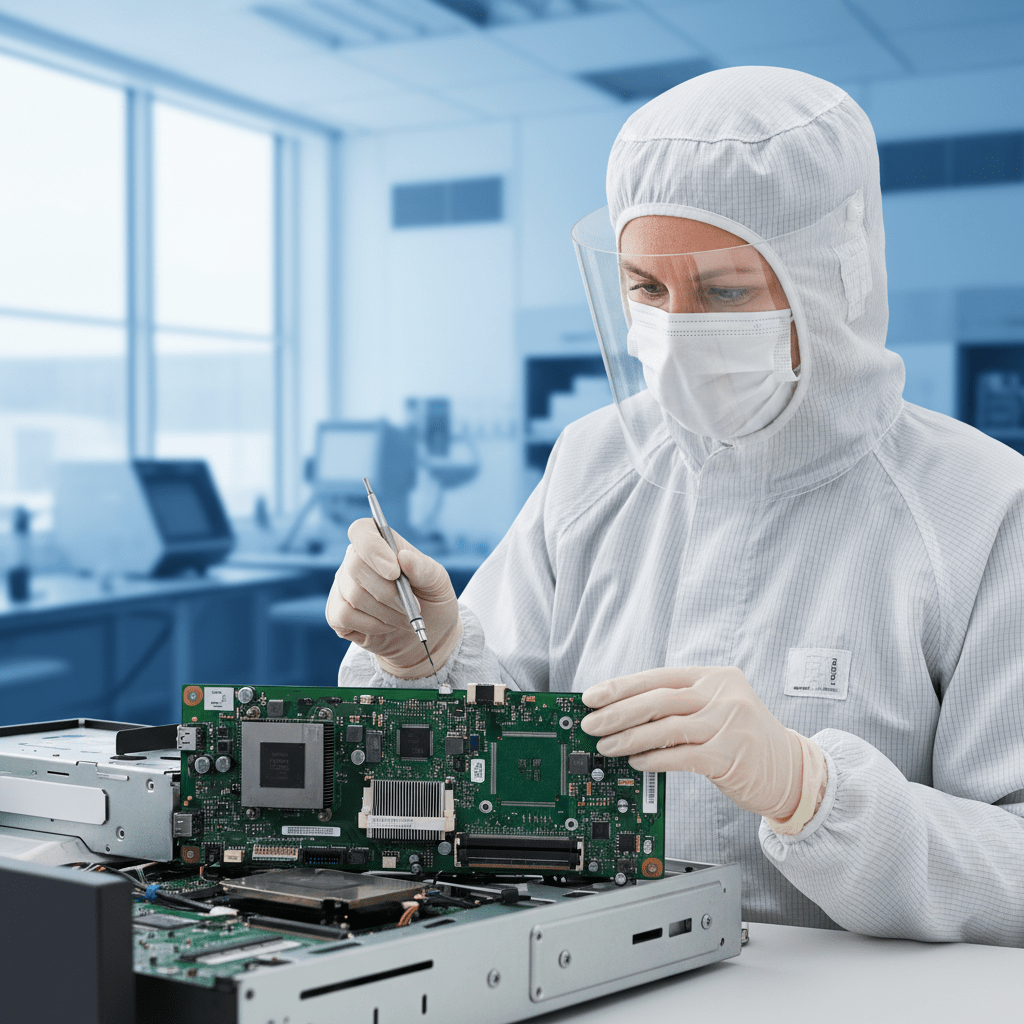
Mac mini data recovery — particularly on M1, M2 and M4 models — requires the same Apple Silicon expertise as MacBook recovery. Older Intel Mac minis with 2.5″ drives are typically more straightforward. Either way, the goal is the same: extract your data, return it on encrypted media of your choice.
Common Mac mini issues: failed SSD, dead logic board after power events, corrupted Time Machine backups stored on the mini, and APFS volume corruption. → Mac mini Data Recovery details
Mac Studio Data Recovery
Mac Studio is Apple’s pro desktop for creative professionals — and when one fails, the data loss can be catastrophic for video editors, photographers, and audio engineers with terabytes of project files. M1 Max, M1 Ultra, M2 Max, M2 Ultra, M3 Max and M3 Ultra Mac Studios all use soldered Apple Silicon storage requiring chip-level recovery for physical failures.
We handle Mac Studio data recovery for liquid damage, dead logic boards, failed internal storage, and FileVault-encrypted volumes. → Mac Studio Data Recovery details
Mac Pro Data Recovery
Mac Pro data recovery covers two very different machines: the cylindrical 2013 “trash-can” Mac Pro with proprietary SSD, and the 2019/2023 tower Mac Pro with standard storage and PCIe options. We recover from both, plus the older cheese-grater towers still in use in many Australian studios.
Mac Pro RAID array recovery is a specialty — when a drive in a RAID 0 or RAID 5 fails, recovery requires careful reconstruction of the array geometry. We do this work in-lab with full chain-of-custody. → Mac Pro Data Recovery details
Common Mac Failures We Recover
- Liquid damage — coffee, water, juice on keyboards. Recovery requires immediate power-off and professional cleaning before further damage.
- Dead logic board — power surge, component failure, capacitor leakage. Board-level repair to revive long enough for data extraction.
- Failed SSD or fusion drive — controller failure, NAND wear, firmware corruption.
- APFS volume corruption — won’t mount, “disk needs repair” loops, missing volumes after updates.
- FileVault encryption issues — recoverable with credentials; cannot be bypassed without them.
- Physical drop damage — bent enclosures, damaged storage controllers, broken connectors.
- Time Machine corruption — sparsebundle damage, failed backup drives, incomplete backups.
How It Works
- Submit the Free Quick Quote form — Tell us your Mac model and what happened. We respond within 30 minutes during business hours with an honest indication of options and likely cost band. No charge, no obligation.
- Lab diagnostic — Send the Mac in. Senior tech evaluates the failure type. Diagnostic fee applies.
- Fixed-price written quote — You approve in writing before recovery work begins.
- Recovery & delivery — Files returned on encrypted drive of your choice. Original Mac returned.
Pricing & Free Quick Quote
Mac data recovery pricing depends on the type of failure. Logical recovery — deleted files, corrupted volumes, software-level damage — is generally the most cost-effective. Physical recovery — dead logic boards, liquid damage, chip-off work on T2 or Apple Silicon — requires cleanroom facilities and senior micro-soldering expertise.
The fastest way to get realistic Mac data recovery pricing is the Free Quick Quote form on this page. We don’t quote final pricing sight-unseen — anyone offering an exact number before seeing the device is either wildly overcharging the easy jobs or about to surprise you on the hard ones.
Mac Data Recovery — Australia-Wide
The Original PC Doctor services every Australian state. Metro Mac data recovery pickup is available in Sydney, Melbourne, Brisbane, Perth, Adelaide, Hobart, Canberra and Darwin; regional and remote customers send their Mac in via secure trackable courier. Recovered data is returned on encrypted media, original Mac shipped back fully insured.
For non-Mac Apple devices, see iPhone Data Recovery and iPad Data Recovery. For Mac repairs (not data recovery), see Apple Repairs. Or return to the Apple Data Recovery hub.




























