


Monitor Repair & Diagnostic Services
Last Updated:
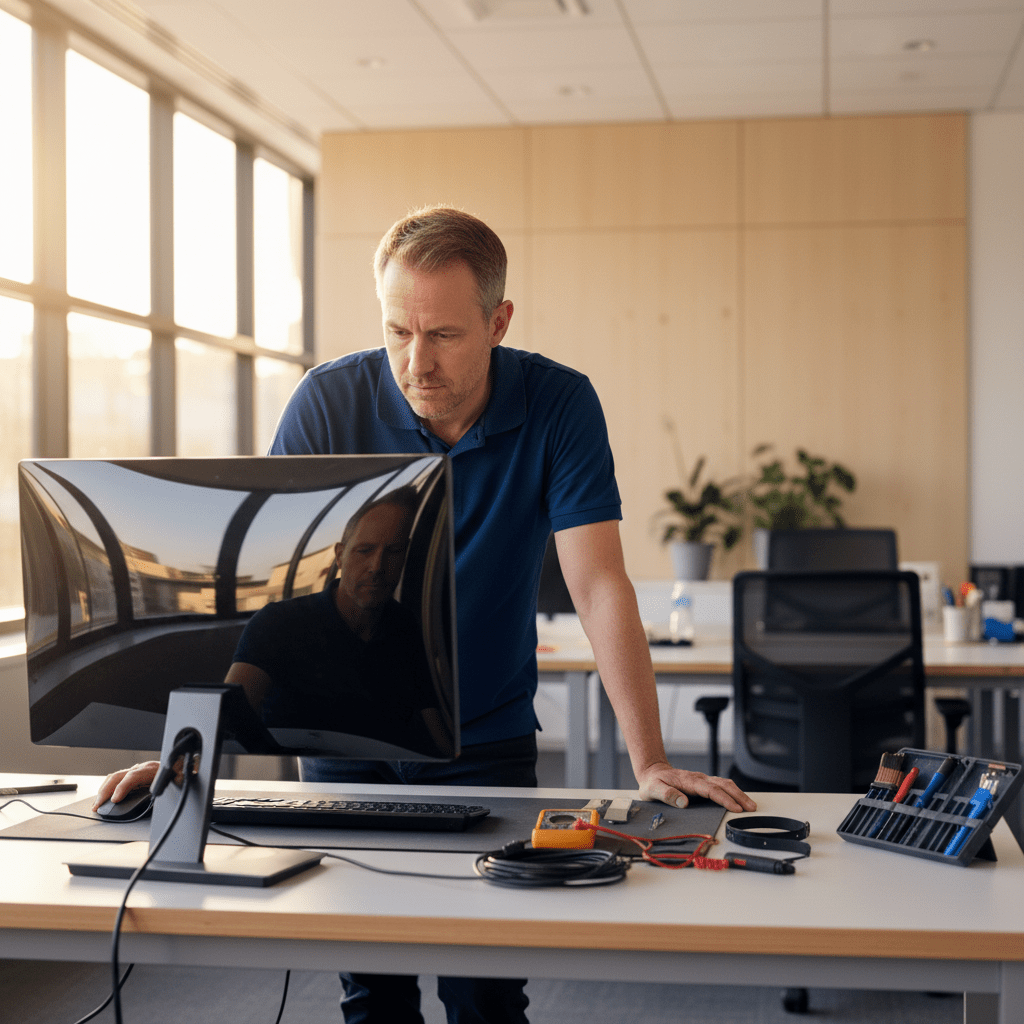
Computer monitor not turning on? Flickering, dead pixels, no-signal, backlight failure, or cracked screen? Our technicians diagnose and repair desktop monitors, all-in-one screens, and large-format displays across Australia.
Call 1300 723 628 Book a monitor repair → Get a Quick Quote →
Monitor faults we repair
We service every common brand of computer monitor — Dell, HP, LG, Samsung, BenQ, Asus, ViewSonic, Acer, AOC, Philips, Apple Studio Display, and most commercial and gaming displays. If a replacement monitor is a better call than a repair, we’ll tell you so up-front.
Power & no-signal issues
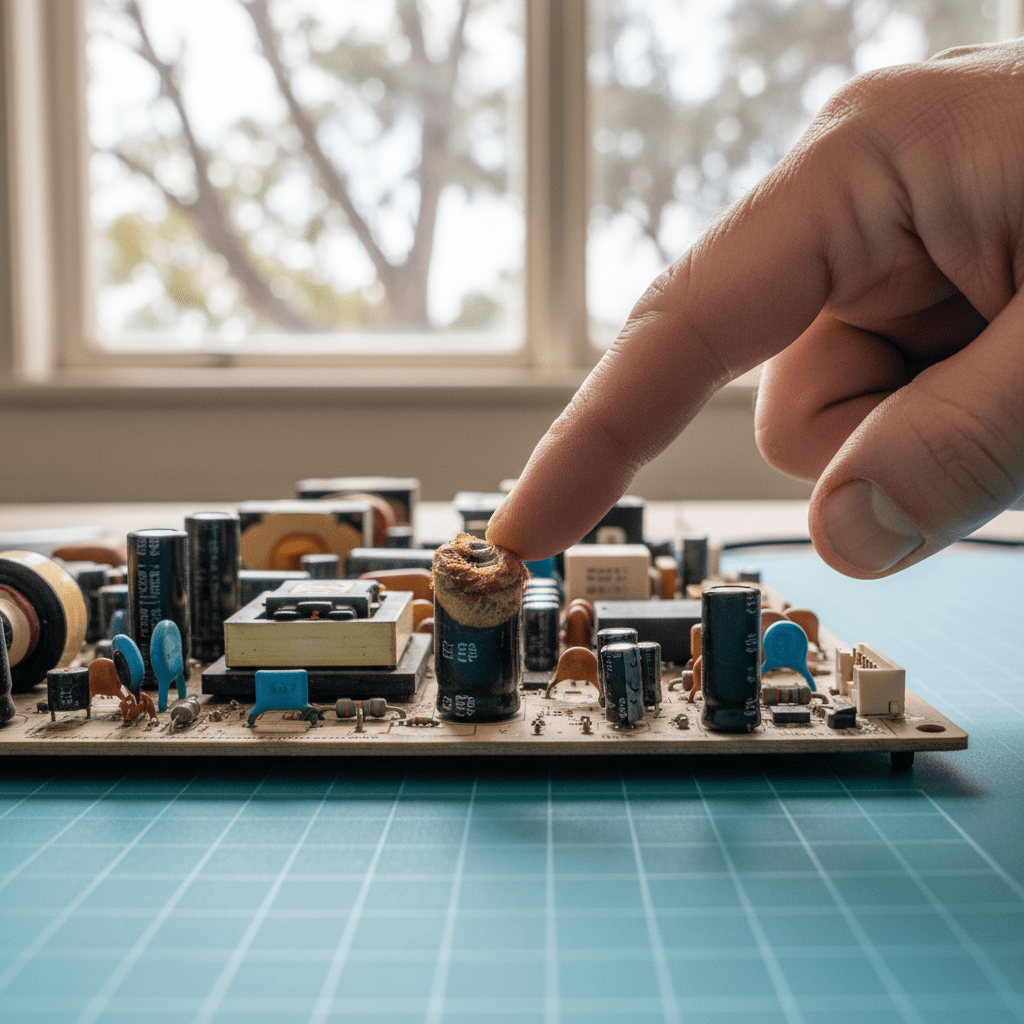
Monitor won’t turn on, power-light but no image, intermittent power, or “no signal detected” errors. Often a blown capacitor on the power board — economical to repair, not replace.
Backlight failure
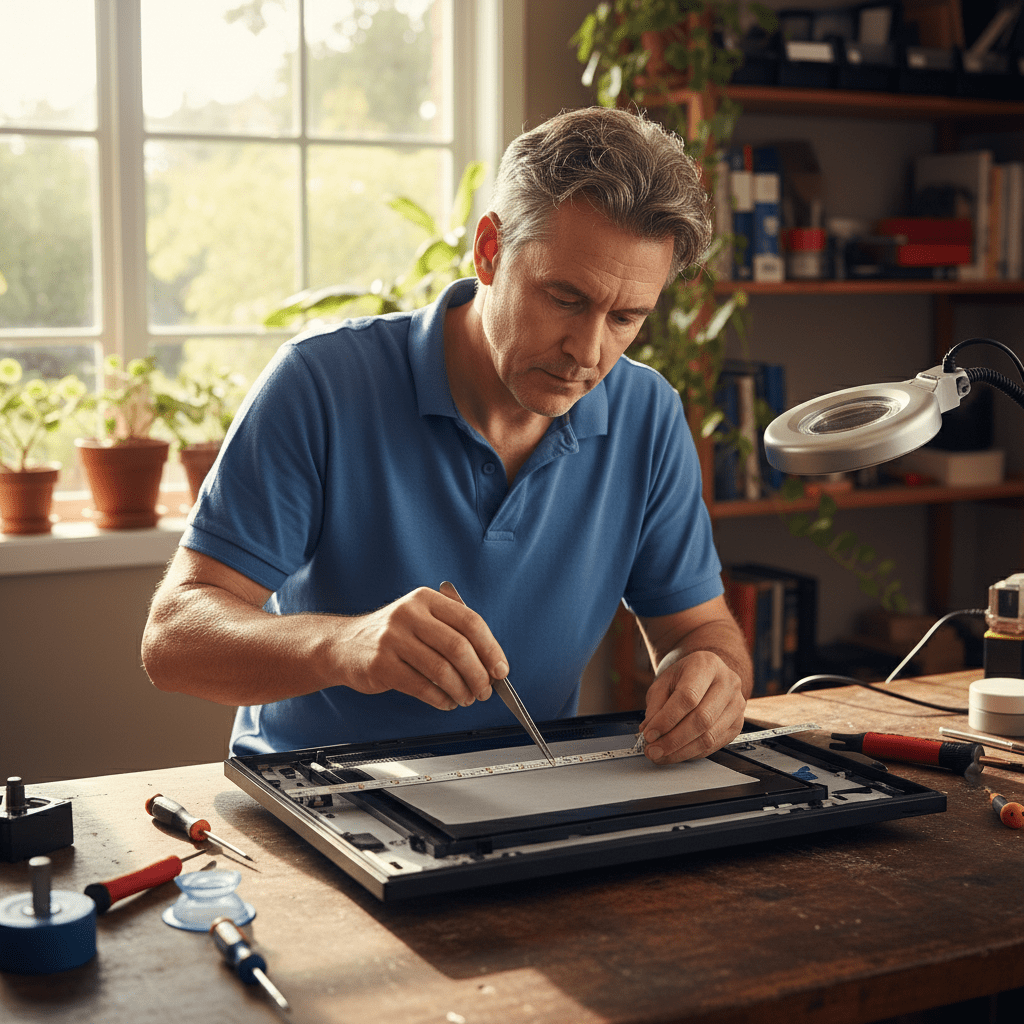
Screen appears black but you can see a faint image when you shine a light on it? That’s a failed backlight. LED-strip replacement on most modern monitors restores full brightness.
Flickering & colour issues
Screen flickers, flashes, shows bands, vertical lines, or wrong colours. Usually a cable fault, Timing Controller (in LCD monitors) (T-CON) board failure, or loose Liquid Crystal Display (LCD) ribbon — we diagnose the exact cause before quoting.
Cracked LCD panel
Physical damage to the LCD panel itself. We source matched replacement panels for most mid-to-high-end monitors — cost-effective for 27″+ premium displays, typically a replace-not-repair call for smaller screens.
Stuck / dead pixels
Sometimes recoverable with pixel-exercising software (we include a free try), sometimes requires panel replacement. We’ll tell you which category your monitor falls into.
Port & input failures
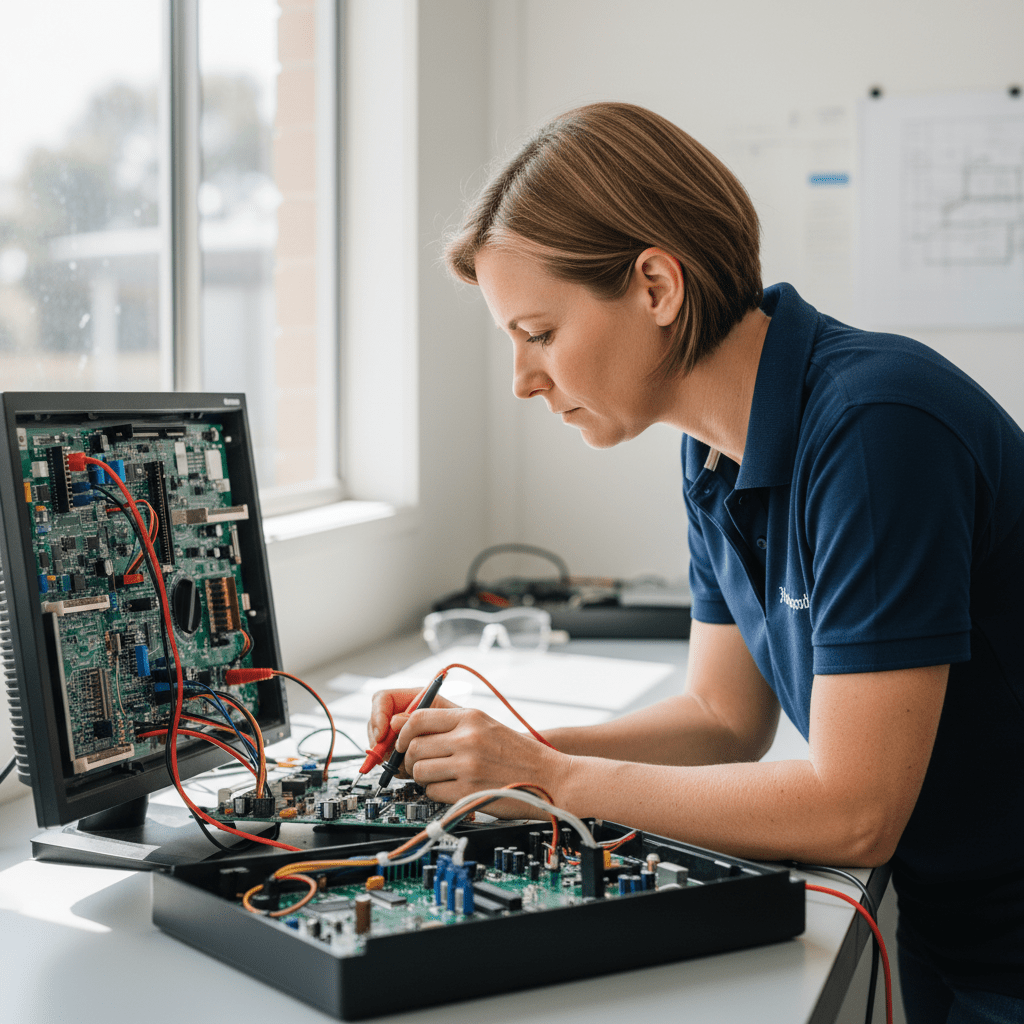
Broken High-Definition Multimedia Interface (HDMI), DisplayPort, USB-C, or VGA input on the monitor. Port replacement or input-board swap depending on the model — usually cheaper than a new monitor, especially for commercial displays.
Repair or replace? Our honest guide
Not every monitor is economical to repair. Here’s our honest framework — the one we actually use when quoting:
- Under 24″ consumer monitors: Usually cheaper to replace, with a few exceptions (capacitor replacements, cable swaps).
- 24″ – 27″ mid-range: Power-board and backlight repairs typically make sense. Panel replacements usually do not.
- 27″+ premium, 4K, ultrawide, gaming: Almost always worth repairing — replacement cost justifies a panel swap.
- Commercial & industrial displays: Repair is usually far cheaper than replacement and keeps your business running.
- Apple Studio Display / Pro Display XDR: Worth repairing in nearly all cases.
We’ll always give you a straight answer before you commit to any work. No upsells.
How our monitor repair service works
- Describe the fault. Call us or book online and tell us what’s happening. We’ll often diagnose the likely cause from the symptoms alone.
- Free inspection. Bring it in to a service centre or we’ll pick it up (metro). We diagnose the exact fault and quote the repair — free for walk-in drop-offs.
- You approve. Written quote before any repair work starts. If replacement is cheaper, we’ll tell you and happily walk you through monitor buying advice.
- Repair & test. Repaired on-site at our workshop, tested under load for at least 24 hours, and returned with a 90-day workmanship warranty.
Monitor repair pricing
- Diagnostic fee: Free for walk-in drop-offs to our service centres. $99 + GST on-site diagnostic (applied against repair cost if you proceed).
- Capacitor / power-board repairs: Typically $180 – $320 all-in.
- Backlight replacement: Typically $240 – $480 depending on screen size.
- T-CON / input-board swap: Typically $220 – $450.
- LCD panel replacement: Priced per panel — we quote after sourcing matched stock.
- Apple Studio Display repairs: From $360.
Prices are indicative. Exact quote always provided in writing before any repair work. 90-day workmanship warranty on every repair.
Monitor repair near you
Bring your monitor into any of our metro service centres, or arrange on-site pickup:
- Sydney monitor repair
- Melbourne monitor repair
- Brisbane monitor repair
- Adelaide monitor repair
- Perth monitor repair
- Canberra monitor repair
Frequently asked monitor repair questions
My monitor won’t turn on — is it dead?
Not necessarily. The most common cause of “dead” monitors is a failed capacitor on the power board — typically under $250 to repair. Before you bin it, bring it in for our free diagnostic.
The screen flickers when I move the cable — is that the monitor or the cable?
Usually the cable, but sometimes the socket. Try a different HDMI / DisplayPort cable and port on the computer first. If the issue persists, the monitor’s input socket may need replacing — not expensive.
Can you recover data from a dead monitor?
Monitors don’t store data — they just display it. If your computer is running behind the monitor, the data is on the computer, not the screen. If you need data recovery, we handle that separately.
What’s the difference between burn-in and image retention?
Image retention is temporary and usually clears overnight. Burn-in is permanent pixel damage. If you see a faint image outline after changing what’s on screen, it’s almost always just retention — try a pixel refresher first.
Do you repair gaming monitors (144Hz, 240Hz, G-Sync)?
Yes. High-refresh-rate and sync-technology monitors are common and we service them with original-spec replacement parts so you keep the full feature set.
Is a screen repair on my all-in-one the same as a monitor repair?
It’s similar but more complex — on an iMac or all-in-one the display is bonded to the computer chassis. We do repair those too; it’s priced differently because the disassembly is more involved. See our iMac repairs page for details.
Free resources
A curated list of free Australian resources we recommend to every client — no affiliate links, no referral commissions, just genuinely useful things we hand out over and over again.
♻️ Free e-waste and old computer recycling
- TechCollect — free drop-off for computers, printers, and accessories at 100+ sites nationally.
- Officeworks Bring It Back — most electronics, plus toner cartridges and batteries. In every store.
- MobileMuster — free mobile phone recycling at Australia Post, Officeworks, Optus, and Telstra.
- B-cycle — free battery recycling (household, laptop, power tool) at over 4,000 locations.
We can also arrange secure wipe + certified destruction of drives before recycling — ask for quote.
🛡️ Report a scam, fraud, or cybercrime
- Scamwatch (ACCC) — national scam reporting. Helps warn other Australians.
- ReportCyber (ACSC) — for cybercrime reports: hacking, ransomware, account compromise.
- IDCARE — free identity and cyber support (1800 595 160) for individuals and small businesses.
- Have I Been Pwned — free check if your email or password has been in a known breach.
🔐 Free password managers
- Bitwarden — free tier covers unlimited devices, open-source, trusted by security pros.
- Proton Pass — free tier from the Proton (Switzerland) team, also open-source.
- KeePass — offline, file-based, rock solid for technical users.
Need help rolling one out for your whole family or team? See our cybersecurity service →
📡 Free National Broadband Network (NBN) speed test & status
- Our NBN Speed Test & Report — free, three tests per day, generates a detailed report you can email to your provider. Our recommended starting point.
- Speedtest by Ookla — run from a computer wired to your router, peak + off-peak, 3 runs each.
- fast.com — Netflix’s tester. Great cross-check against Speedtest.
- NBN Co address check — confirm your technology type (Fibre to the Premises (FTTP), Fibre to the Node (FTTN), Fibre to the Curb (FTTC), Hybrid Fibre Coaxial (HFC), FW, Sat).
- ACCC Broadband Speeds report — independent data on which RSPs actually deliver their advertised speeds.
💾 Free backup and data tools
- Windows: Built-in File History + Windows Backup. If you have Microsoft 365 Personal or Family, OneDrive already includes 1 TB — turn it on.
- Mac: Time Machine + any external USB drive. Set and forget.
- Cloud: Backblaze ($7 USD/month unlimited), Proton Drive (5 GB free), IDrive (10 GB free).
- Disk imaging: Macrium Reflect Free (Windows). Creates a bootable full-disk image.
Small business with more than 5 users? See our managed backup service →
🧰 Free software alternatives to expensive tools
- Office: LibreOffice, OnlyOffice, or Google Docs.
- PDF editing: Smallpdf, iLovePDF (free tiers cover most tasks).
- Photo editing: GIMP, Photopea (browser-based Photoshop clone).
- Video editing: DaVinci Resolve free version rivals paid editors.
- Antivirus: Windows Security (built into Windows) is plenty for most home users. No need to pay Norton / McAfee.
📞 Australian tech support hotlines — the real ones
- NBN Co: 1800 687 626 (residential) — but call your Retail Service Provider (RSP) first, not NBN Co directly.
- myGov Help Desk: 132 307 (account and login issues).
- Australian Taxation Office (ATO) scam hotline: 1800 008 540.
- Identity & Cyber Support Service (1800 595 160) (IDCARE): 1800 595 160 — free identity theft support.
- The Original PC Doctor: 1300 723 628 — for everything else.
If someone claiming to be from Microsoft, Telstra, or the ATO calls you first, it’s a scam. Hang up and call the real number back.
Related services we handle
We cover a wide range of related requests — including monitor repair near me, computer monitor repair, lcd repair, dell monitor repair, hp monitor repair, samsung monitor repair, backlight repair, and monitor flickering fix. Whatever you searched to find this page, we can almost certainly help. Book an on-site visit or call us to check.
Book a monitor diagnostic
Don’t throw it away until we’ve looked at it. Free diagnostic for walk-in drop-offs, written quotes on every job.
1300 723 628 Book online → Get a Quick Quote →
Free diagnostic on walk-in drop-offs · 90-day warranty on every repair · Honest replace-vs-repair advice




























