


Network & Wi-Fi Installation Services
Last Updated:
Business-grade Wi-Fi design, mesh installations, Virtual Private Network (VPN) configuration, National Broadband Network (NBN) troubleshooting, and secure guest network setup — residential and commercial premises across Australia. Real site surveys, written reports, and Wi-Fi that actually reaches every corner of the building. Run our free NBN speed test → before you call to see exactly where your connection is falling short.
Call 1300 723 628 Book online → Get a Quick Quote →
🛡 25+ years in Australian IT
⚡ Same-day metro response
🤝 Real Australian technicians
✅ No-fix-no-fee diagnostic
Why most Wi-Fi problems are fixable
Wi-Fi is invisible until it’s broken, and then it’s the most important thing in the world. Dead zones, dropouts, slow speeds, guests on the wrong network, and NBN not doing what the sticker promised — all usually solvable with a proper site survey and the right hardware. We do both.
Experience
Deploying business and home networks since 2001. From 10-room guest-Wi-Fi fit-outs in heritage-listed pubs to mesh network rollouts across four-floor offices, to warehouse Wi-Fi that has to cope with forklifts and metal racking.
Expertise
Ubiquiti UniFi. TP-Link Omada. Cisco Meraki. Aruba. MikroTik. Site-survey tools (iPerf, Ekahau). Virtual Local Area Network (VLAN) segmentation, VPN (WireGuard, OpenVPN, IPsec), NBN technology types (Fibre to the Premises (FTTP), Fibre to the Node (FTTN), Fibre to the Curb (FTTC), Hybrid Fibre Coaxial (HFC), Wireless, Satellite) — we know what works where.
Authority
Long-standing referral partnerships with commercial builders, architects, and fit-out firms across Australia. Ubiquiti-trained technicians; site-survey reports in the format property managers and landlords actually accept.
Trust
Site survey before quote. Written report before any work. Honest advice on consumer vs prosumer vs enterprise hardware. 90-day workmanship warranty on installations.
Network and Wi-Fi services we provide
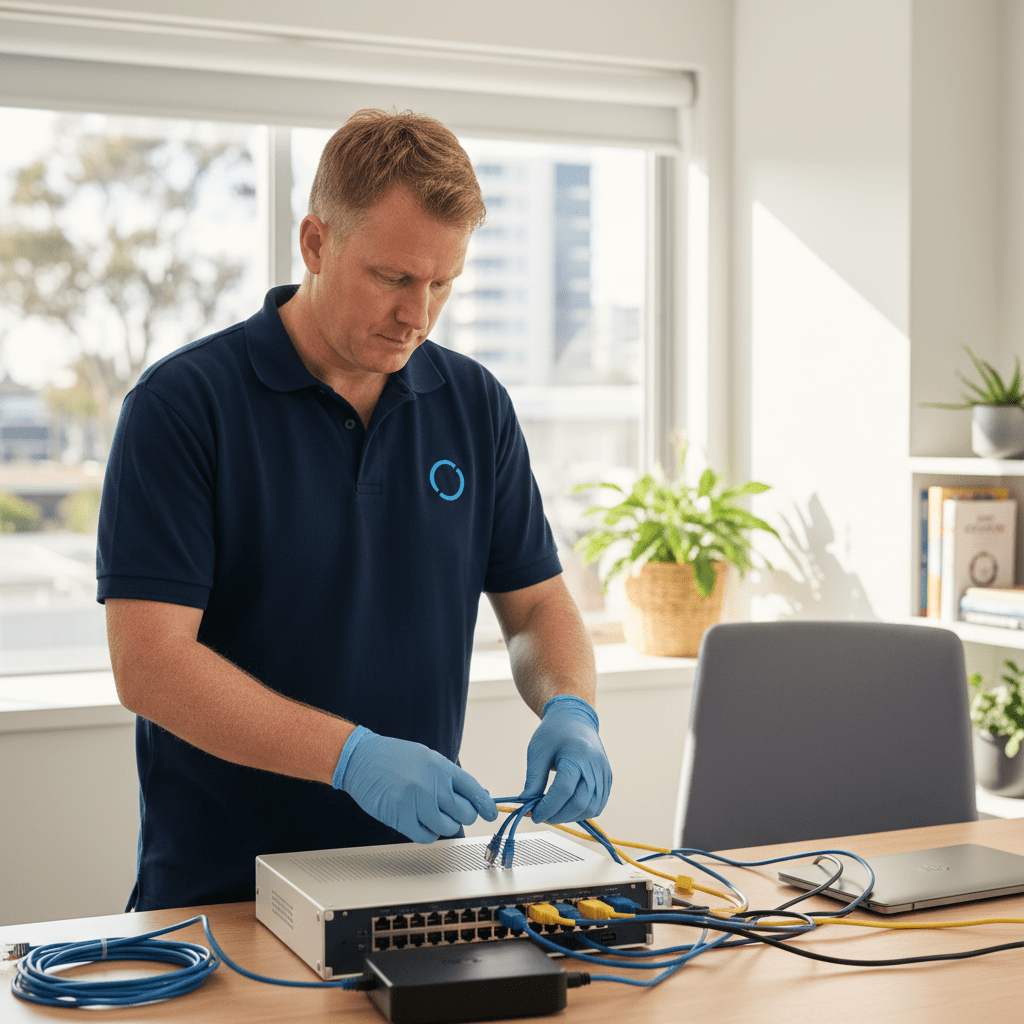
Business Wi-Fi design & install
Site survey, coverage planning, access-point placement, cabling, VLAN design, guest network separation, and roaming configuration — so devices move between APs without dropping.
Home mesh Wi-Fi
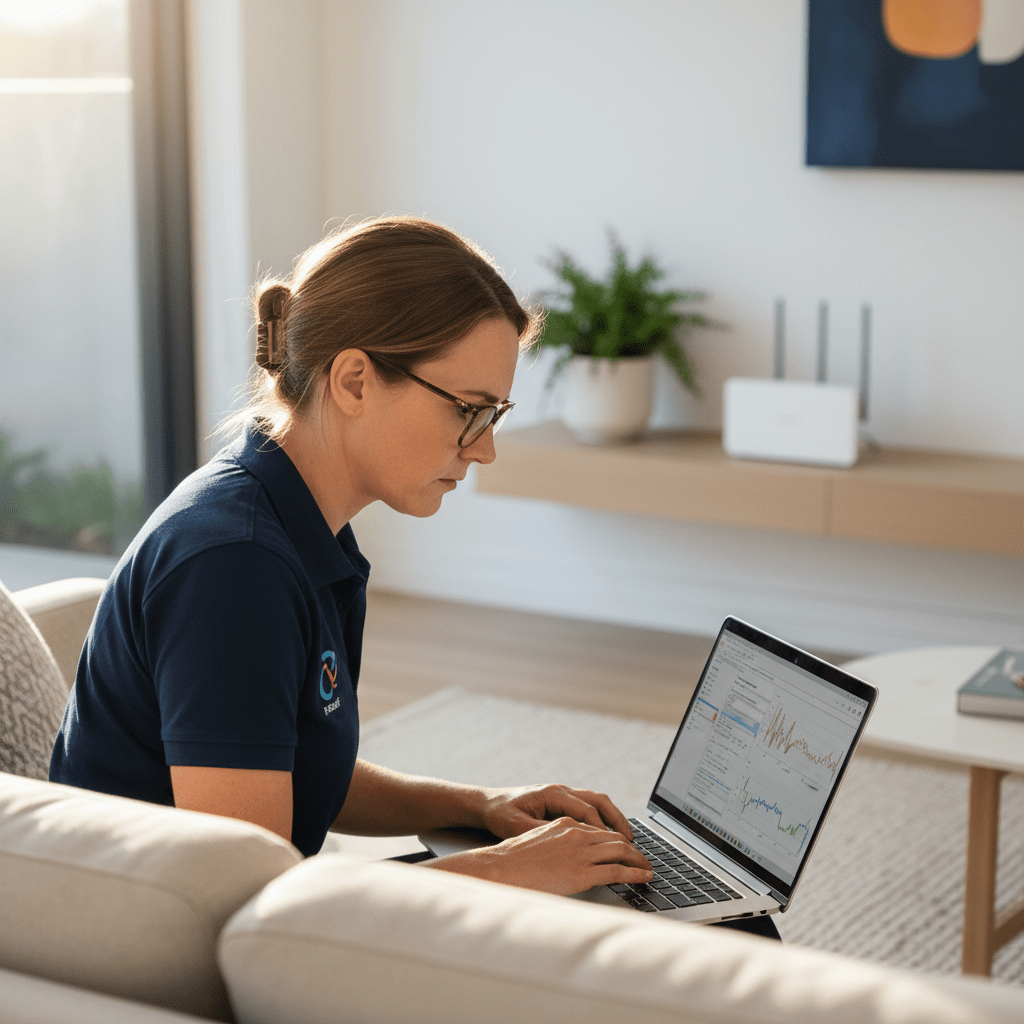
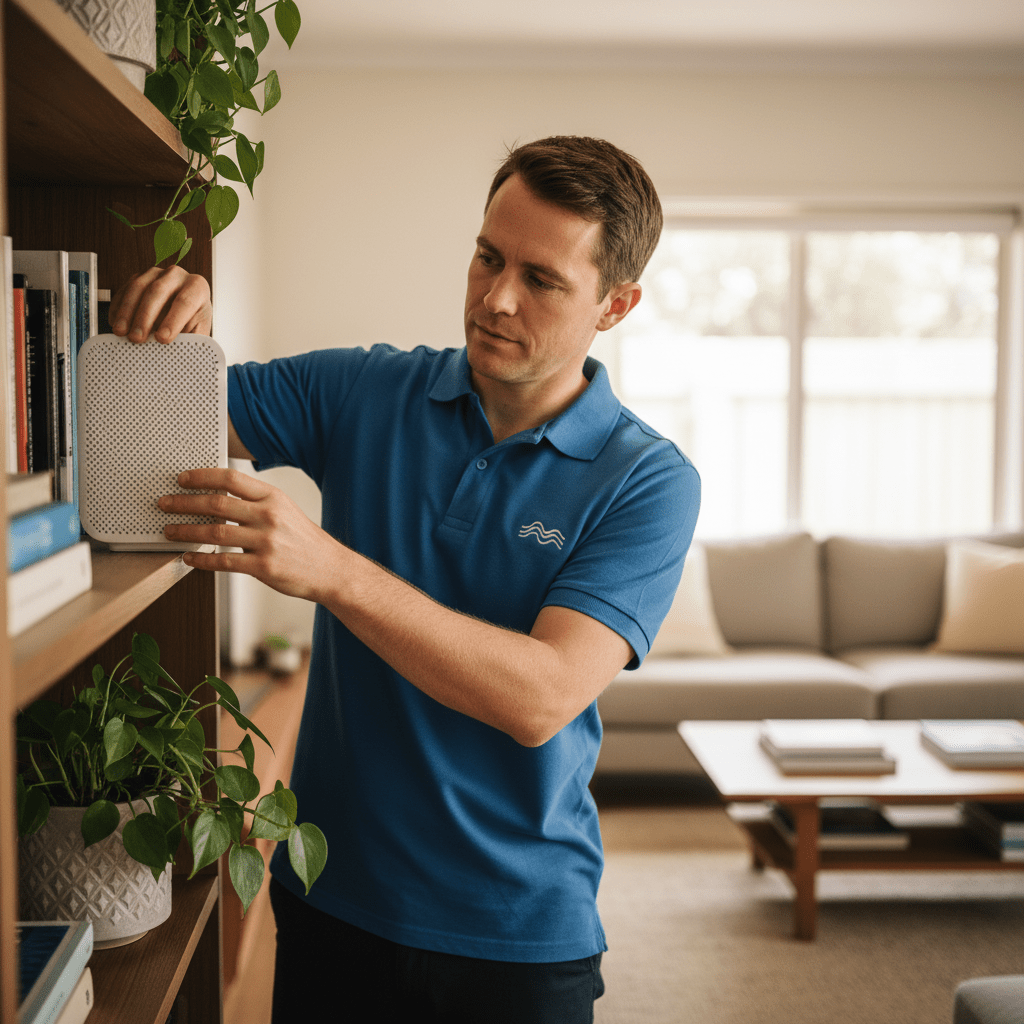
Whole-house Wi-Fi that reaches every corner — usually a 3-node mesh from Eero, Orbi, TP-Link Deco, or Ubiquiti AmpliFi depending on your layout and budget. Fixed-price installs.
VPN setup
Secure remote-access VPN for staff working from home or on the road. WireGuard, OpenVPN, or IPsec depending on your environment. Split-tunnel or full-tunnel as fits your security model.
NBN & internet troubleshooting
Slow NBN, frequent dropouts, phone line still using copper, wrong NBN technology — we audit, identify the actual cause (often provider-side, sometimes inside-wire), and resolve.
Guest Wi-Fi & captive portal
Secure guest Wi-Fi with VLAN separation, captive portal with your branding, and T&Cs screen. Keeps guests off your business Local Area Network (LAN) and gives you basic usage visibility.
Warehouse, retail, event Wi-Fi
Tough Wi-Fi environments — concrete, metal, moving vehicles, high-density crowd coverage. Hardware and design tuned for the real world, not the showroom.
Network & Wi-Fi installation pricing
Every install starts with a site survey. Quote comes afterwards, in writing.
- Site survey (residential): $180 + GST — includes written report and recommended hardware list.
- Site survey (commercial): from $440 + GST depending on floor area.
- Home mesh install (3-node): from $720 + GST including hardware, setup, and testing.
- Business Wi-Fi (up to 500 sqm, 3–4 APs): from $2,600 + GST including hardware.
- VPN setup (remote access): from $450 + GST for up to 10 users.
- NBN troubleshooting: $150/hr remote, $180/hr on-site — most issues resolved in under 2 hours.
All prices exclude GST. Written quotes provided before any work. No-fix-no-fee guarantee on diagnostic work.
How a Wi-Fi install happens
- Site survey. We visit, map the building, measure existing coverage, and identify problem areas. Written report with findings.
- Design & quote. Coverage plan, AP count and placement, cabling needs, hardware shortlist, written quote. You review and approve.
- Install. Cabling run, APs mounted, controller configured, SSIDs set up, VLANs separated, testing. Usually 1–2 days for a commercial install.
- Handover. We walk you through the admin interface (if you want), leave a written network map, and include 90-day support.

Network & Wi-Fi FAQs
My Wi-Fi is slow. Is it my router or my NBN?
Usually one of three things: NBN line issue, router choice, or Wi-Fi coverage. We diagnose which in a 30-minute on-site session. Speed tests on Wi-Fi don’t answer this question — you need someone to test each segment in turn.
Do I really need a mesh network?
If your home is under 100 sqm on one level and you’re happy with your current Wi-Fi, no. If you have dead zones, multiple levels, or bricks between you and the router, yes — mesh generally outperforms extenders by a wide margin.
Should I buy the Wi-Fi gear myself?
You can, but we often get a better price than retail via our supplier accounts — and more importantly, we’ll recommend the right hardware for your building, not whatever was featured in last weekend’s catalogue.
Can you sort out my Work-From-Home network?
Yes. Home-office network fit-out is one of our most common residential jobs — site survey, mesh or single-AP install, VPN to the office, printer, and network-aware devices. Usually done in a single visit.
Will you deal with my NBN provider for me?
Yes. We have direct technician-support contact at most Australian RSPs (Telstra, Optus, Aussie Broadband, etc.) and we’ll liaise to resolve line and service issues on your behalf. Saves you an afternoon on hold.
Do you support Ubiquiti UniFi?
Yes — it’s our most common business Wi-Fi platform. Great hardware, great ecosystem, fair licensing (no recurring AP fees). We’re Ubiquiti-trained and deploy UniFi on most new builds.
Free resources
A curated list of free Australian resources we recommend to every client — no affiliate links, no referral commissions, just genuinely useful things we hand out over and over again.
♻️ Free e-waste and old computer recycling
- TechCollect — free drop-off for computers, printers, and accessories at 100+ sites nationally.
- Officeworks Bring It Back — most electronics, plus toner cartridges and batteries. In every store.
- MobileMuster — free mobile phone recycling at Australia Post, Officeworks, Optus, and Telstra.
- B-cycle — free battery recycling (household, laptop, power tool) at over 4,000 locations.
We can also arrange secure wipe + certified destruction of drives before recycling — ask for quote.
🛡️ Report a scam, fraud, or cybercrime
- Scamwatch (ACCC) — national scam reporting. Helps warn other Australians.
- ReportCyber (ACSC) — for cybercrime reports: hacking, ransomware, account compromise.
- IDCARE — free identity and cyber support (1800 595 160) for individuals and small businesses.
- Have I Been Pwned — free check if your email or password has been in a known breach.
🔐 Free password managers
- Bitwarden — free tier covers unlimited devices, open-source, trusted by security pros.
- Proton Pass — free tier from the Proton (Switzerland) team, also open-source.
- KeePass — offline, file-based, rock solid for technical users.
Need help rolling one out for your whole family or team? See our cybersecurity service →
📡 Free NBN speed test & status
- Our NBN Speed Test & Report — free, three tests per day, generates a detailed report you can email to your provider. Our recommended starting point.
- Speedtest by Ookla — run from a computer wired to your router, peak + off-peak, 3 runs each.
- fast.com — Netflix’s tester. Great cross-check against Speedtest.
- NBN Co address check — confirm your technology type (FTTP, FTTN, FTTC, HFC, FW, Sat).
- ACCC Broadband Speeds report — independent data on which RSPs actually deliver their advertised speeds.
💾 Free backup and data tools
- Windows: Built-in File History + Windows Backup. If you have Microsoft 365 Personal or Family, OneDrive already includes 1 TB — turn it on.
- Mac: Time Machine + any external Universal Serial Bus (USB) drive. Set and forget.
- Cloud: Backblaze ($7 USD/month unlimited), Proton Drive (5 GB free), IDrive (10 GB free).
- Disk imaging: Macrium Reflect Free (Windows). Creates a bootable full-disk image.
Small business with more than 5 users? See our managed backup service →
🧰 Free software alternatives to expensive tools
- Office: LibreOffice, OnlyOffice, or Google Docs.
- PDF editing: Smallpdf, iLovePDF (free tiers cover most tasks).
- Photo editing: GIMP, Photopea (browser-based Photoshop clone).
- Video editing: DaVinci Resolve free version rivals paid editors.
- Antivirus: Windows Security (built into Windows) is plenty for most home users. No need to pay Norton / McAfee.
📞 Australian tech support hotlines — the real ones
- NBN Co: 1800 687 626 (residential) — but call your Retail Service Provider (RSP) first, not NBN Co directly.
- myGov Help Desk: 132 307 (account and login issues).
- Australian Taxation Office (ATO) scam hotline: 1800 008 540.
- Identity & Cyber Support Service (1800 595 160) (IDCARE): 1800 595 160 — free identity theft support.
- The Original PC Doctor: 1300 723 628 — for everything else.
If someone claiming to be from Microsoft, Telstra, or the ATO calls you first, it’s a scam. Hang up and call the real number back.
Related services we handle
We cover a wide range of related requests — including wifi installation, business wifi setup, mesh wifi installation, nbn troubleshooting, network installation near me, and ubiquiti unifi installer. Whatever you searched to find this page, we can almost certainly help. Book an on-site visit or call us to check.
Wi-Fi not working? Let's fix it.
Site survey today, written report tomorrow, working Wi-Fi by the end of the week.
1300 723 628 Book online → Get a Quick Quote →
25+ years · Real Australian technicians · No lock-in contracts




























